Traceability on Parts That Cannot Be Mixed Up
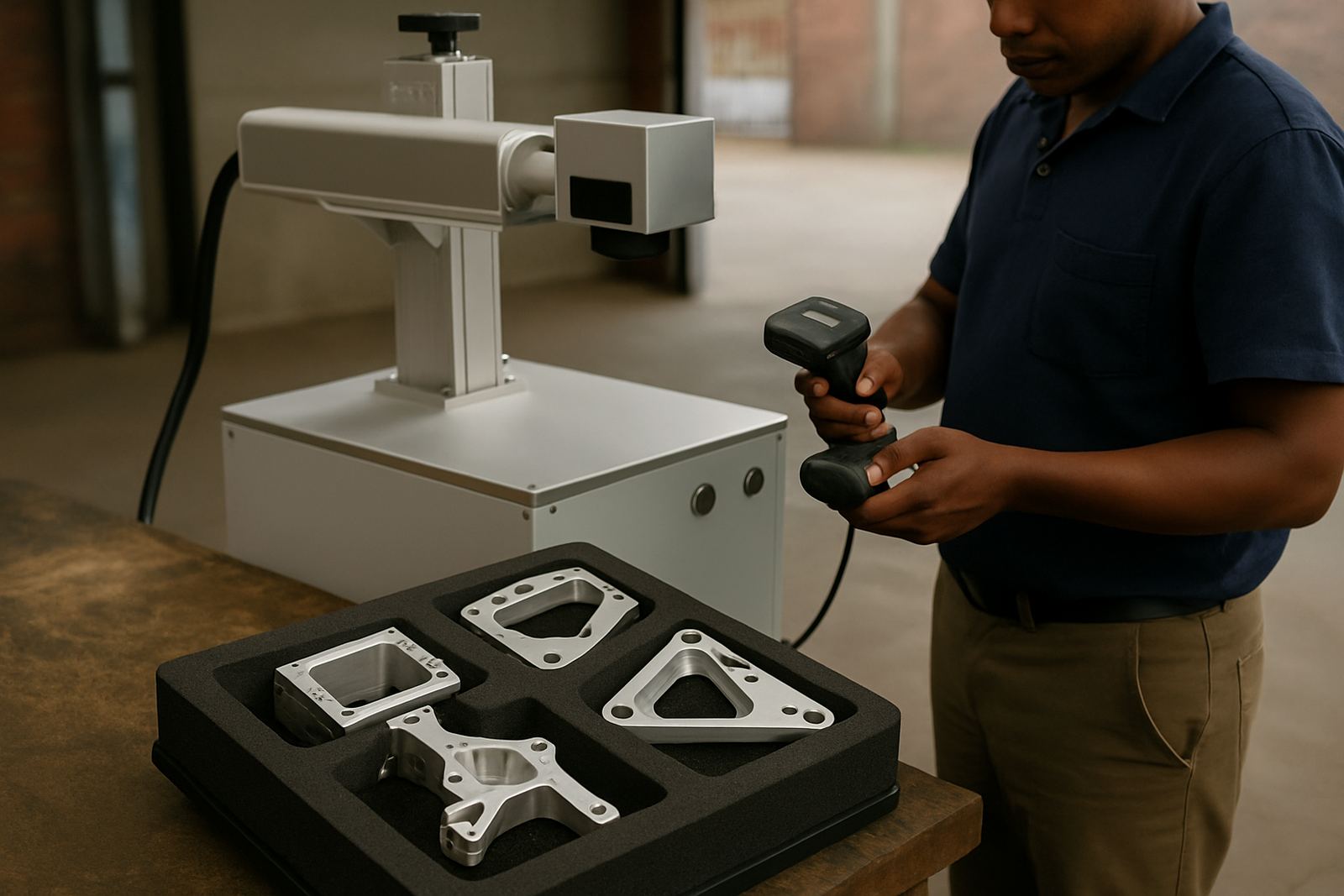
In aerospace supply, a mark is not just a label. It links a part to its material cert, batch, inspection record and delivery history. That means the marking has to stay clear on stainless steel, aluminium, titanium, coated metals and smaller turned parts, even after degreasing, handling and storage in humid coastal conditions. A shallow stamp can wear out, and ink can be rejected by some customers. Fibre laser marks give you crisp text, serial numbers, Data Matrix codes and logos without touching the part surface too hard.
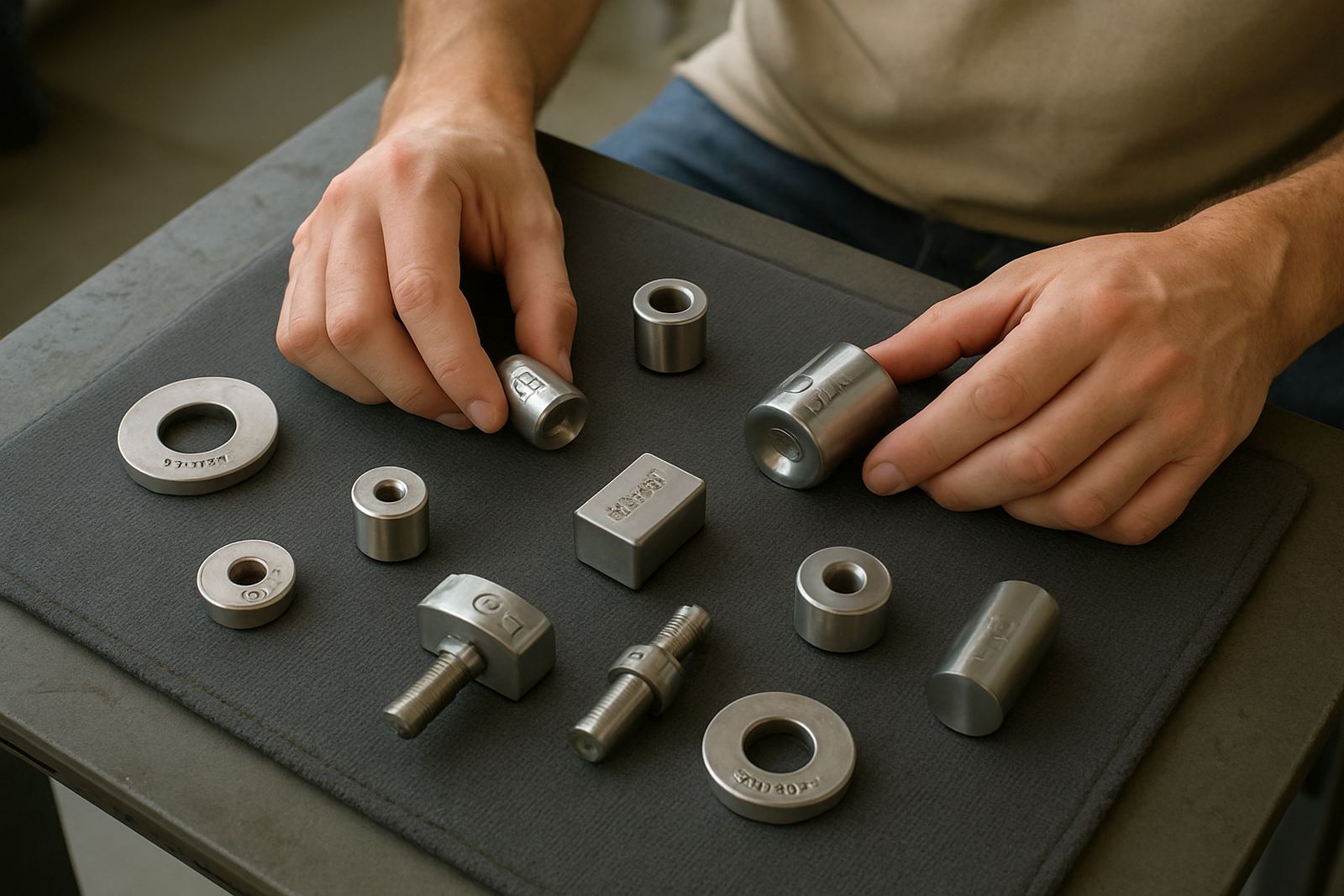
For suppliers in Germiston, Jet Park, Isando and Kempton Park, the common need is simple: mark fast, keep the mark consistent, and make sure the code scans first time. On small rings, brackets, sleeves and machined fittings, the mark area is often only a few millimetres wide, so setup accuracy matters. Our systems are suited to repeat jobs where the same format comes back week after week, but still need clean adjustment for different part sizes.
Typical Equipment Set for an Aerospace Production Floor
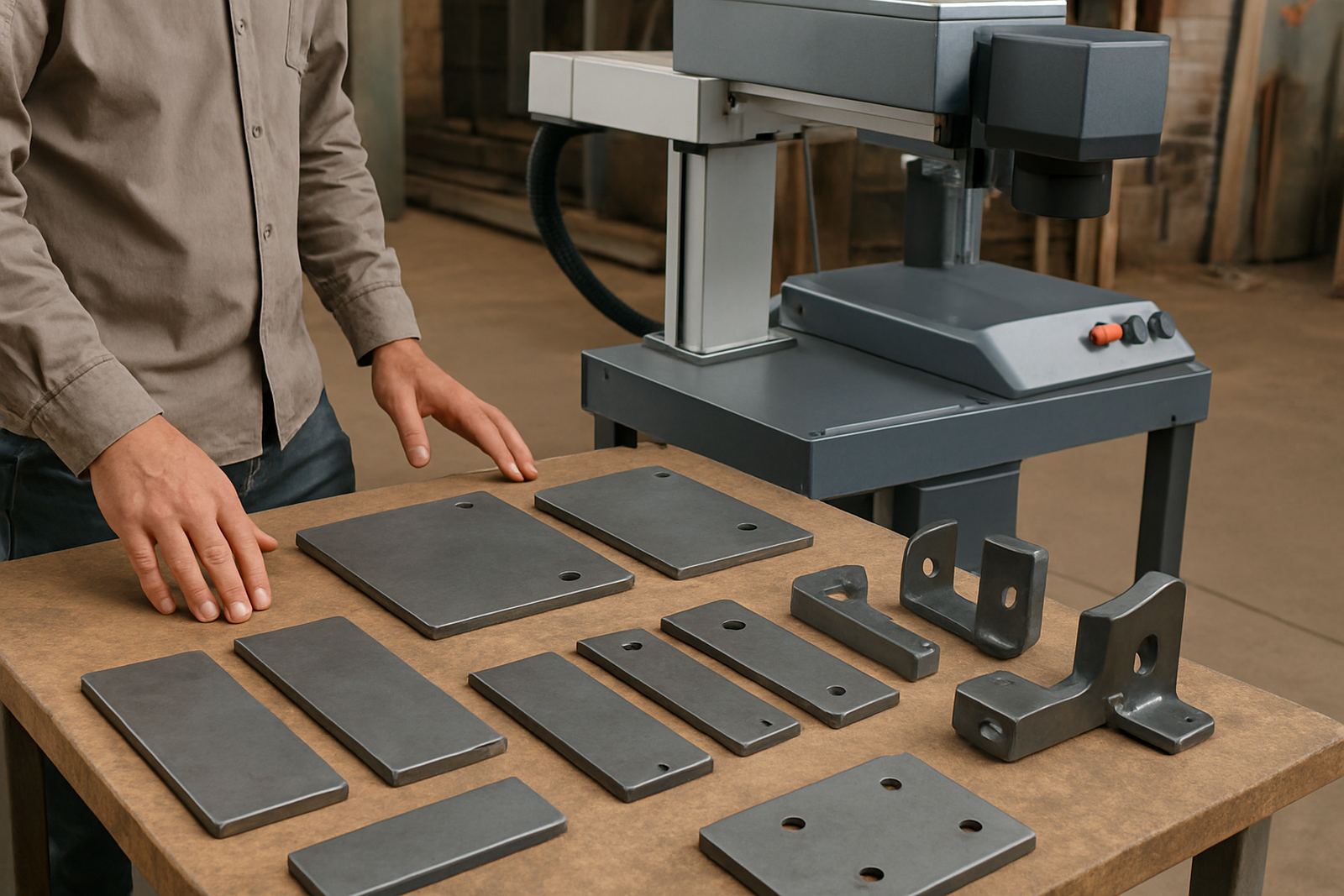
A practical marking station for aerospace supply usually includes a fibre laser machine with a stable work table, a fixture or jig, a computer for marking files, and extraction if the job creates fine residue on coated material. For batch work, a rotary unit can help with shafts, sleeves and round parts. For flat plates and small identification tags, a simple fixture with positive stops is often enough. If the parts are delicate, a focus calibration check before production saves a lot of rework.
- Benchtop fibre laser marker for serials, logos and codes
- Rotary attachment for cylindrical parts and collars
- Precision fixture plate for repeat loading
- Marking software set up for variable data and batch fields
- Sample marking before full production starts
- Remote assistance for file changes or layout questions
Where the supplier handles mixed work, one machine can cover part marking, sample approval and short production runs. The key is to choose a field size that suits the smallest part without forcing the operator to move items around too much. If the team must lean in to read the screen or align the part, throughput drops quickly.
Layout and Planning for a Busy Workshop
A good marking area does not need a large footprint, but it does need order. The machine should sit on a level surface away from grinding dust, water spray and forklift traffic. Leave room for loading trays, sample boxes and a clean area for completed parts. In many Wadeville and Alberton workshops, the best setup is a dedicated corner with one operator position and a small packing table close by. That keeps movement short and reduces mix ups between batches.
Plan for cable routing, power stability and operator flow. Load-shedding is still part of daily planning for many sites, so an uptime strategy matters. If your marks are tied to shipping deadlines, you need a UPS for the computer and a sensible restart routine after outages. Keep the marking files backed up and use a naming system that matches job cards or batch sheets. It sounds basic, but this is where many delays start.
- Place the machine where lighting is bright but not harsh on the screen
- Keep incoming and finished parts on separate racks
- Allow enough height for operators to position jigs comfortably
- Use clear batch labels before marking starts
- Keep a spare lens cover and basic consumables on hand
Common Mistakes That Cost Time and Rework
The biggest mistake is treating marking as an afterthought. If the part geometry changes but the fixture stays the same, the code can end up too close to an edge or on a curved area where scanners struggle. Another common issue is over-marking. Deep marks are not always better and can affect surface finish, especially on parts with tight tolerances. You want enough contrast and permanence, not unnecessary heat or distortion.
We also see problems when customers skip sample marking and go straight into a batch. One wrong font size or poor contrast setting can waste a whole tray of parts. On aerospace supply work, that is more than inconvenient. It can affect delivery dates and raise questions during inspection. A simple pre-run check usually avoids this. If your team changes jobs often, keep a short setup sheet for each part number with power, speed, focus height and fixture position.
- Marking too near an edge or radius
- Using one setup for very different materials
- Ignoring fixture wear and part movement
- Skipping sample approval before production
- Not planning for power cuts or restart checks
Budget Ranges for South African Suppliers
Budget depends on the part size, marking depth, fixture needs and whether you want one station or more than one. A small benchtop setup for basic serial numbers and codes can start in the lower hundreds of thousands of Rand. A more complete package with rotary support, custom fixture design, installation and training will sit higher. For a supplier who needs dependable daily use, it is better to budget properly once than to buy a unit that struggles with the work.
Typical project ranges for aerospace suppliers in South Africa are often between R180,000 and R450,000 for many standard setups, with more specialised systems running above that when larger work areas, automation or multiple fixtures are needed. Site preparation may add cost if the floor, power or layout must change. Preventive maintenance and spare parts planning should also be included, because a machine that sits idle during a dispatch week costs more than a service visit. The right budget is the one that matches your part mix and production targets, not the cheapest sticker price.
Installation, Training and Support Across South Africa
We handle installs and training nationwide from our Wadeville base in Germiston, with support into Boksburg, Isando, Jet Park, Kempton Park and Alberton as well as other regions. For aerospace suppliers, training needs to be practical. Operators must know how to load the part, check focus, select the right file, and verify the code before the batch is released. Supervisors often need a second session on file control, job naming and process checks, especially where more than one shift shares the same machine.
Our team assists with machine installation, software setup, preventive maintenance, breakdown repairs, spares supply, sample marking and process optimisation. If you are relocating a line or moving to a new unit in Wadeville or elsewhere, site relocation support helps you keep the same marking quality after the move. For suppliers working with tight delivery windows, remote assistance is useful for quick changes to marking text or layout without waiting for a site visit.
- Machine installation and commissioning
- Operator training and software setup
- Preventive maintenance and breakdown repairs
- Fixture design and focus calibration
- Sample marking and process optimisation