

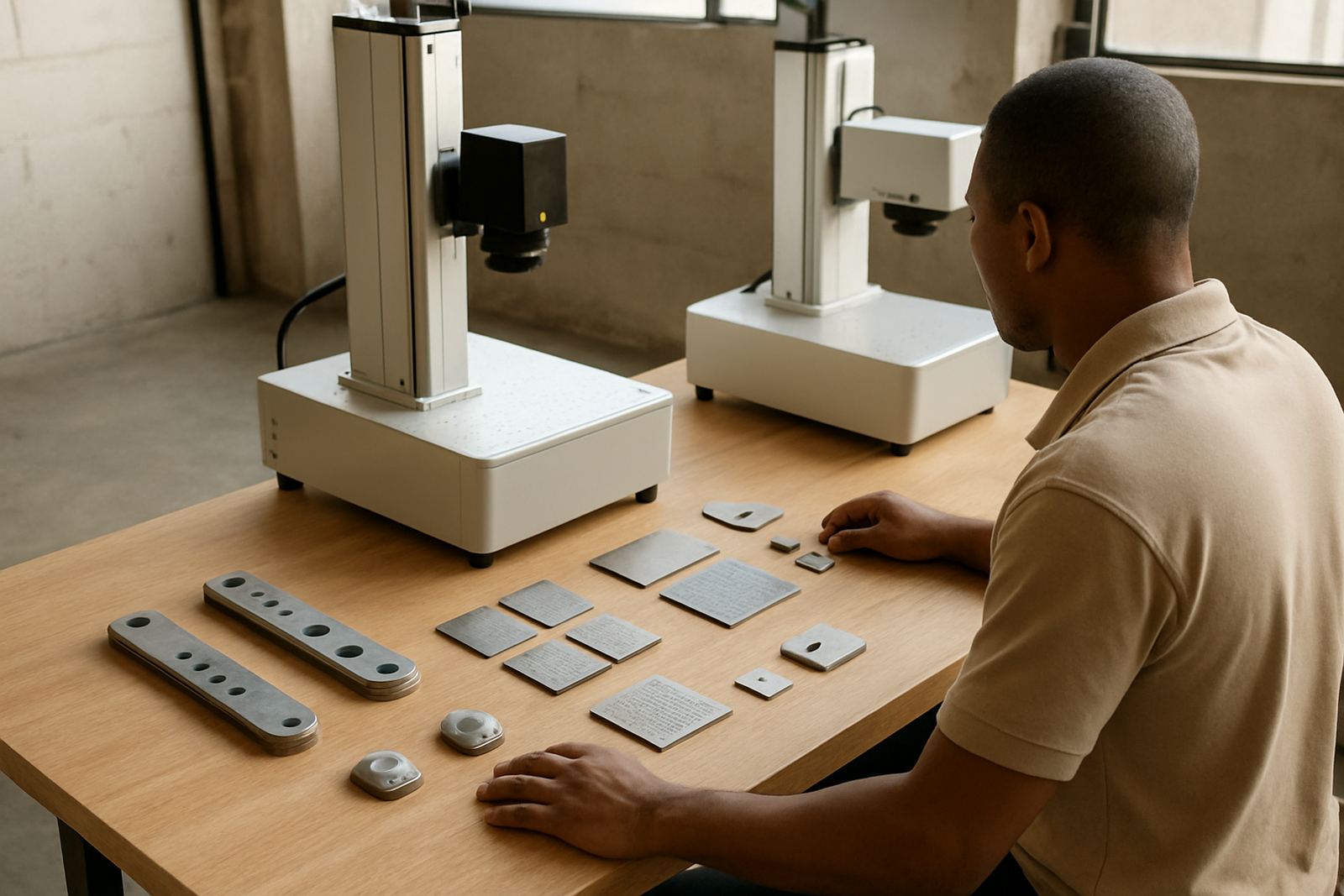
Start With The Job, Not The Machine
Before you compare models, get clear on what you need to mark. A small jewellery workshop in Germiston will usually need fine detail, shallow marking and a compact footprint. A fabrication shop in Boksburg or Jet Park may need faster cycle times, deeper marking on steel parts and a fixture that can handle repeat jobs all day.
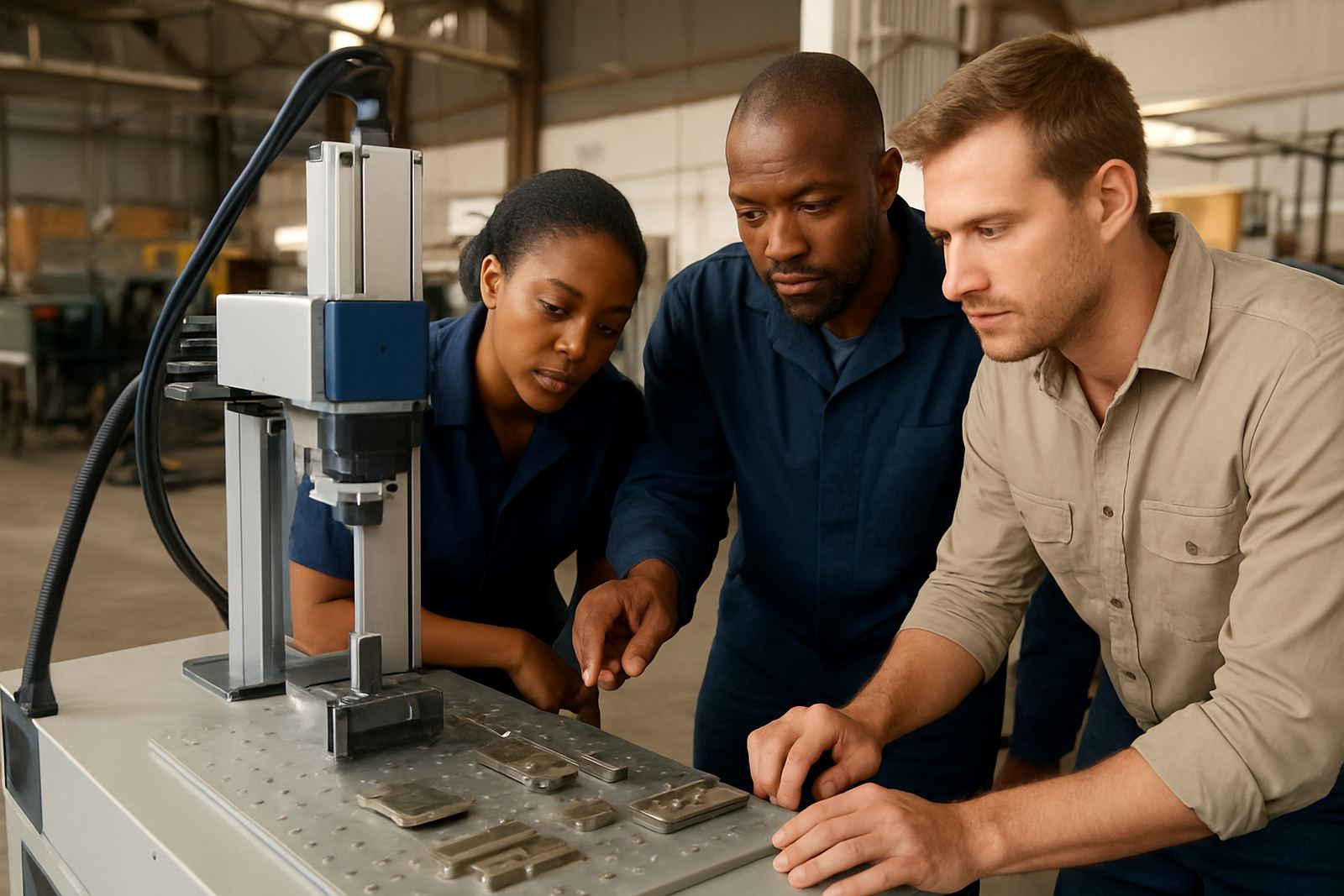
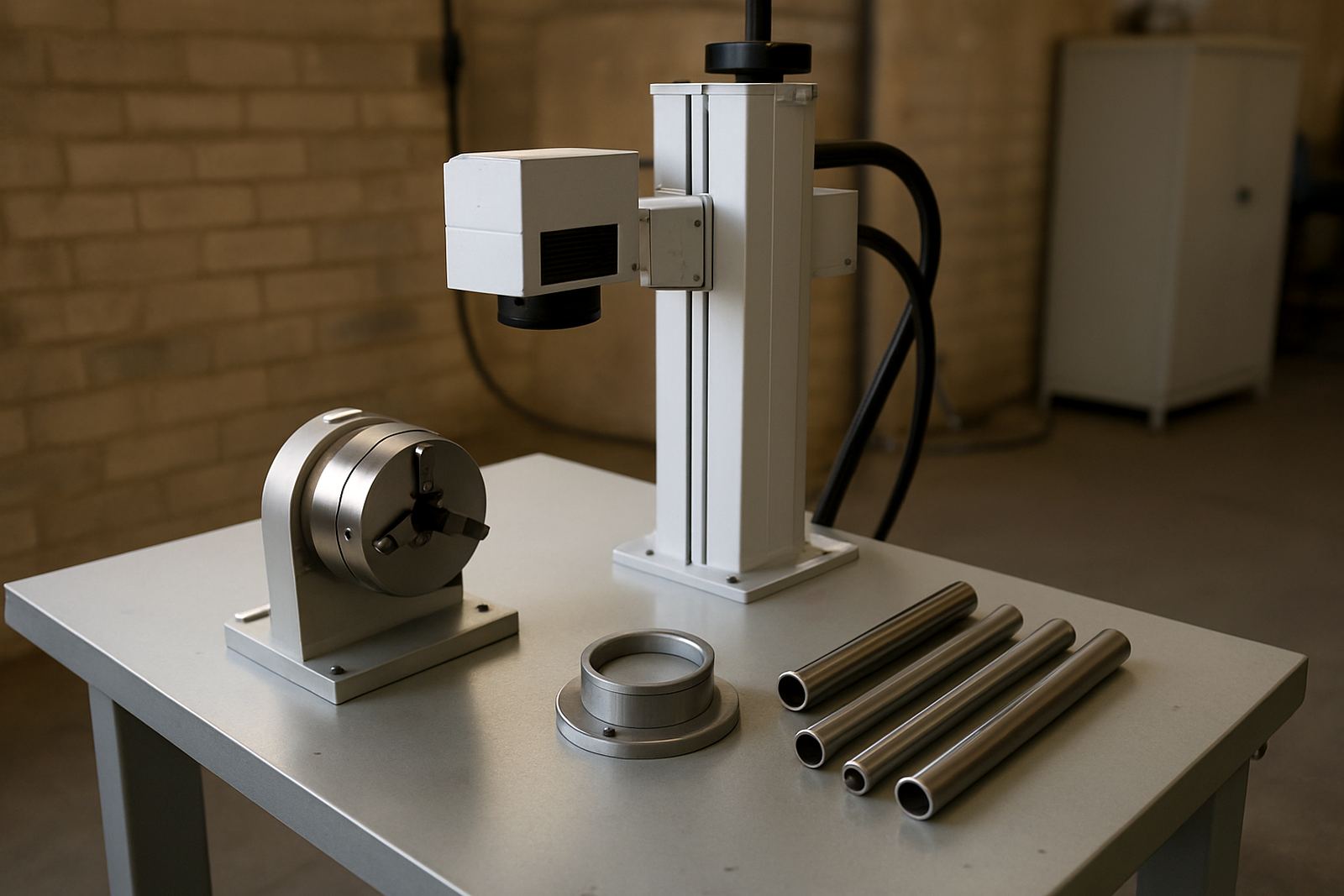
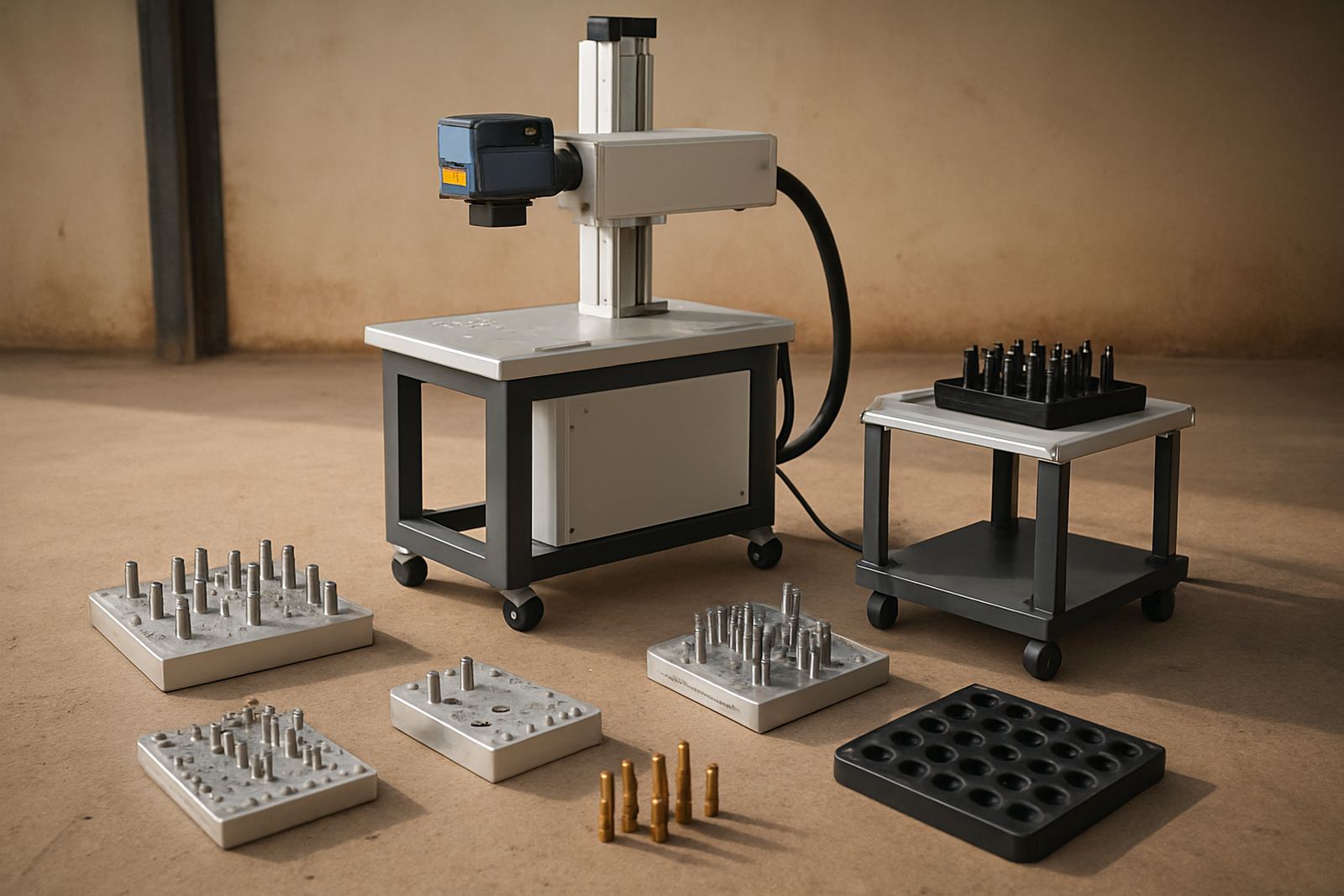
Good fibre laser planning starts with the part material, the marking area, the required depth and how many pieces go through in a shift. If your work changes often, allow for adjustable fixtures and simple software setup. If the job is steady, set the machine up around the part size so operators can load and mark with less handling.
How Power And Marking Area Change Output
Laser power affects speed and how well the machine handles darker marks, deeper engraving and tougher metals. Higher power is not always better. For nameplates, serials and small components, a well set lower power unit can be a better fit than an oversized machine that costs more to buy and run.
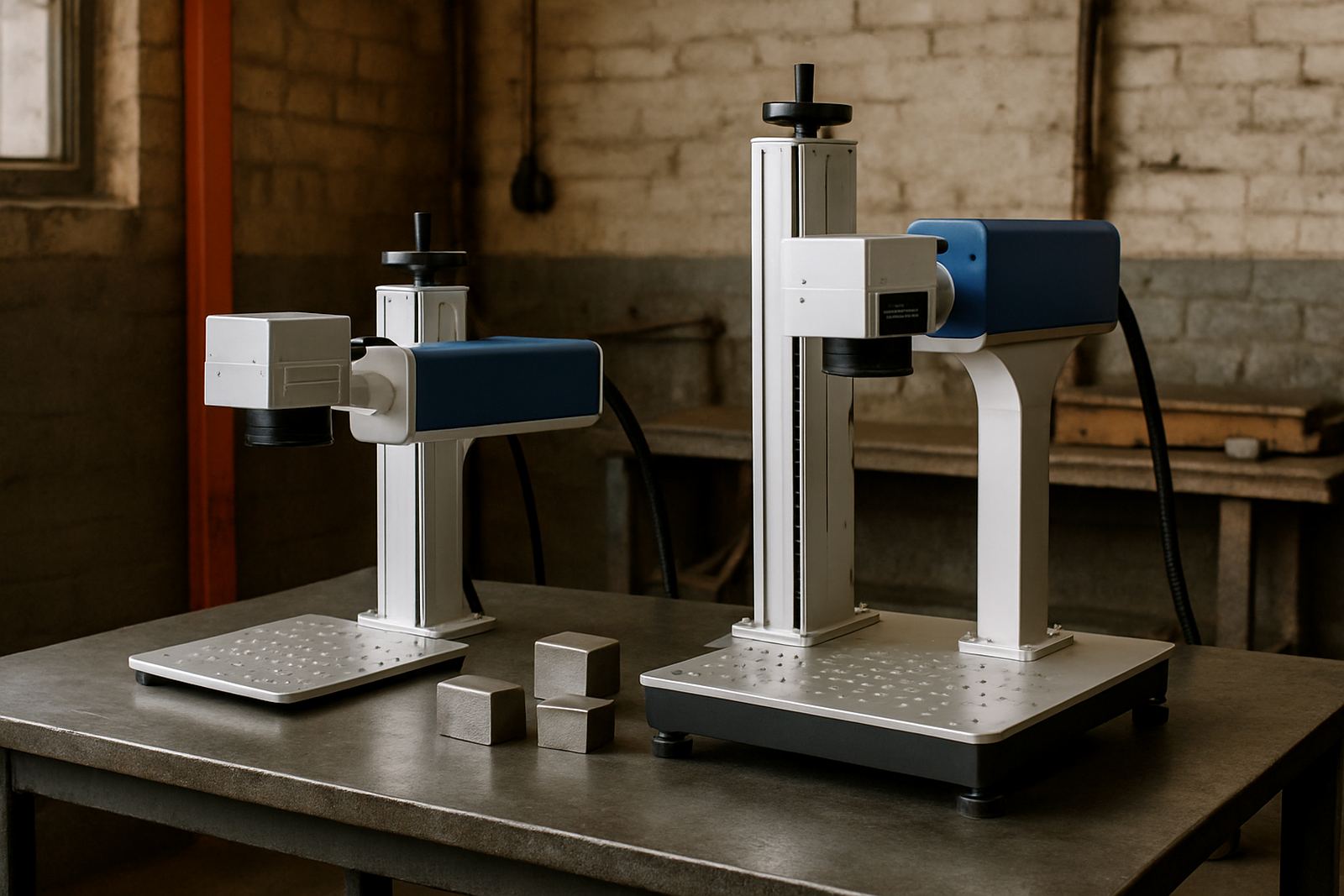
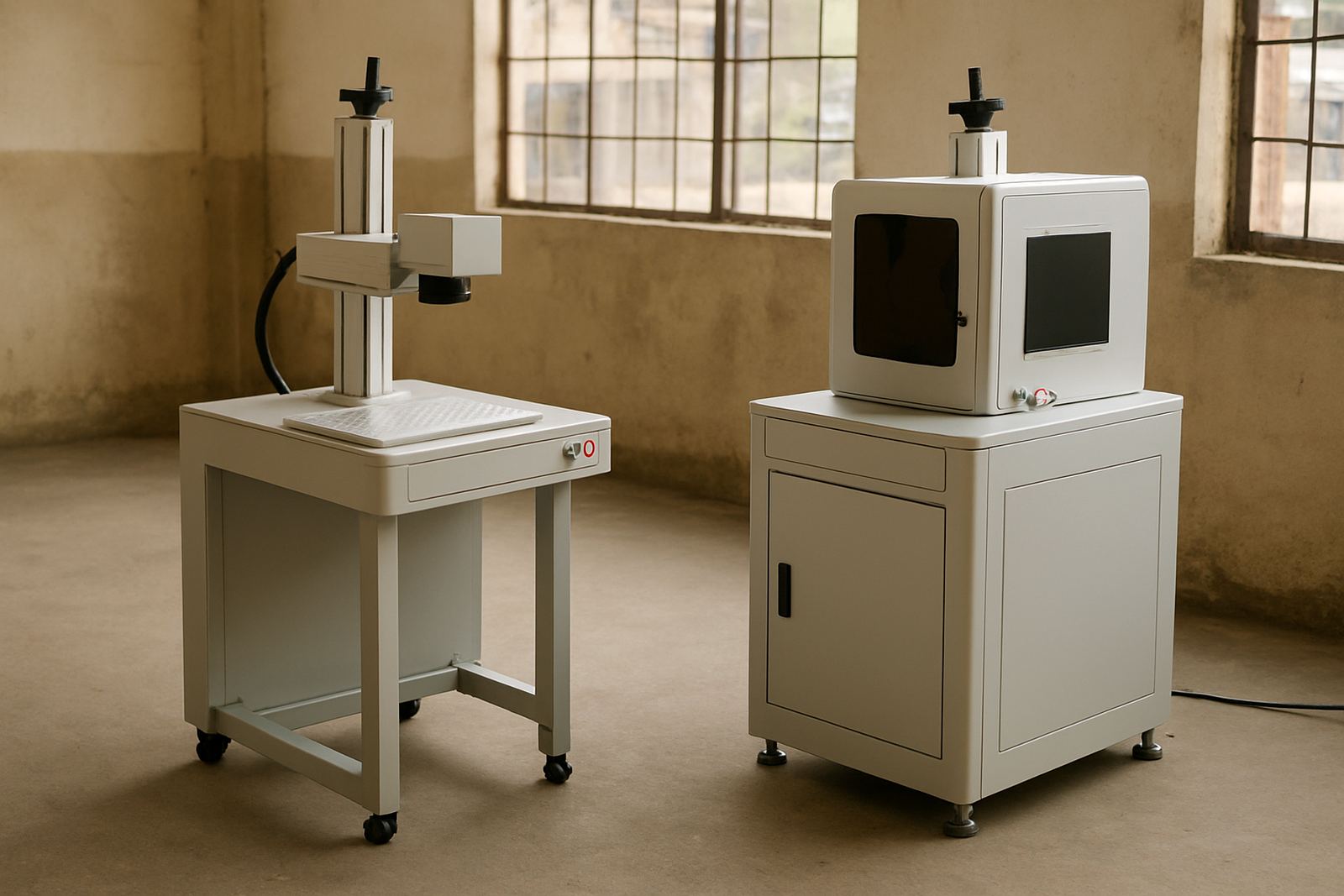
Marking area matters just as much. A compact field can suit rings, tags and small components, while larger flat parts need more working space. Check the real part size, plus any jigs or clamps that take up room. Many buyers under size the marking area and then lose time moving parts around.
- Choose power based on material and mark depth, not just price.
- Match the marking field to the largest part you expect to process.
- Leave room for fixtures, safety access and easy loading.
Workshop Layout, Power And Safety Conditions
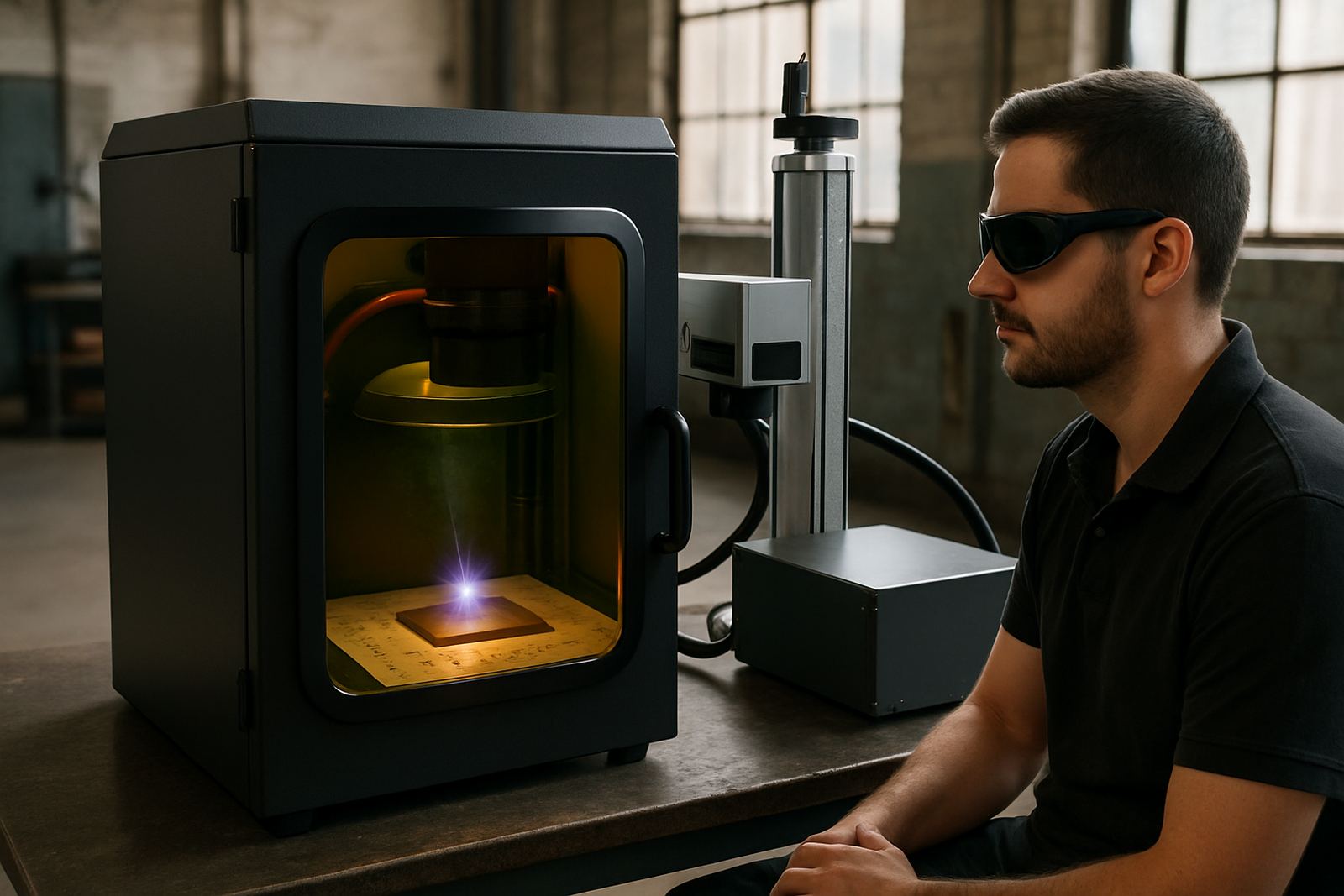
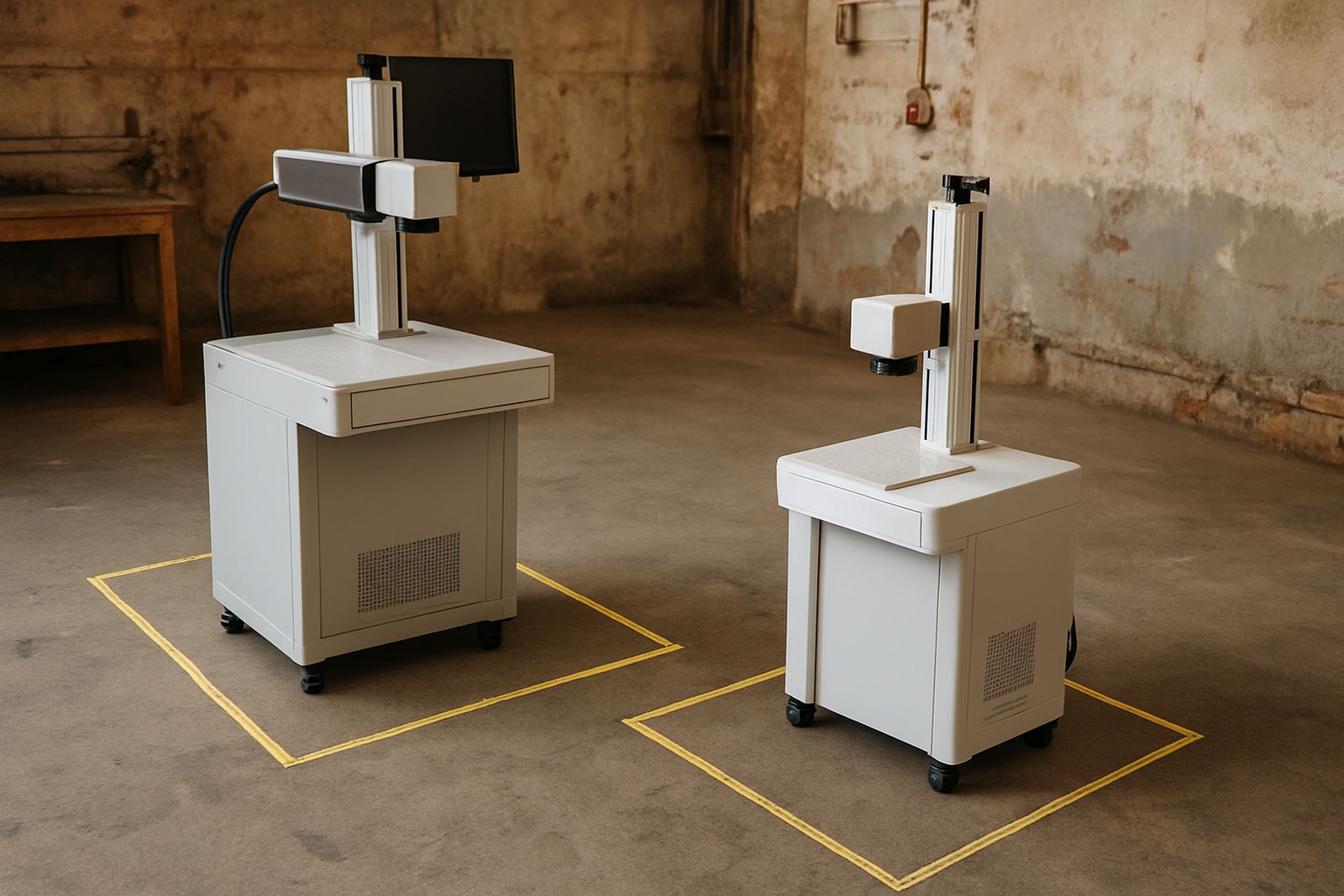
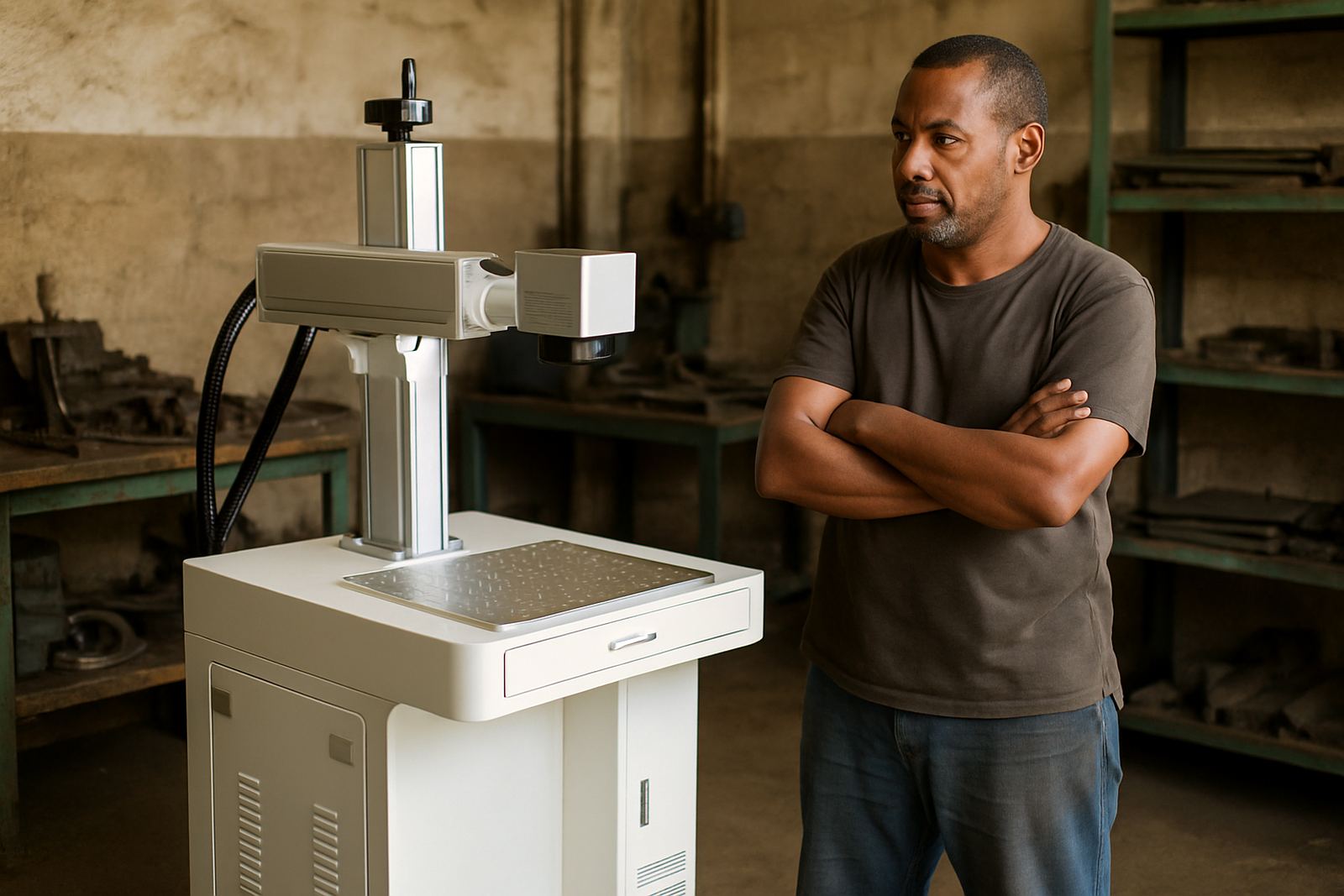
South African sites often have limited floor space, mixed power quality and load shedding to plan around. A fibre laser marking machine should fit into the workflow without forcing people to carry parts across the workshop. Place it where operators can load, inspect and pack jobs with minimal movement.
Stable supply and clean airflow matter. Dust, metal fines and coastal humidity can affect long term reliability if the machine sits in a poor spot. In areas like Wadeville, Isando and Kempton Park, a practical layout also needs good cable routing and enough space for maintenance access. The better the setup, the less downtime you face when the work gets busy.
What Buyers Should Ask Before Ordering
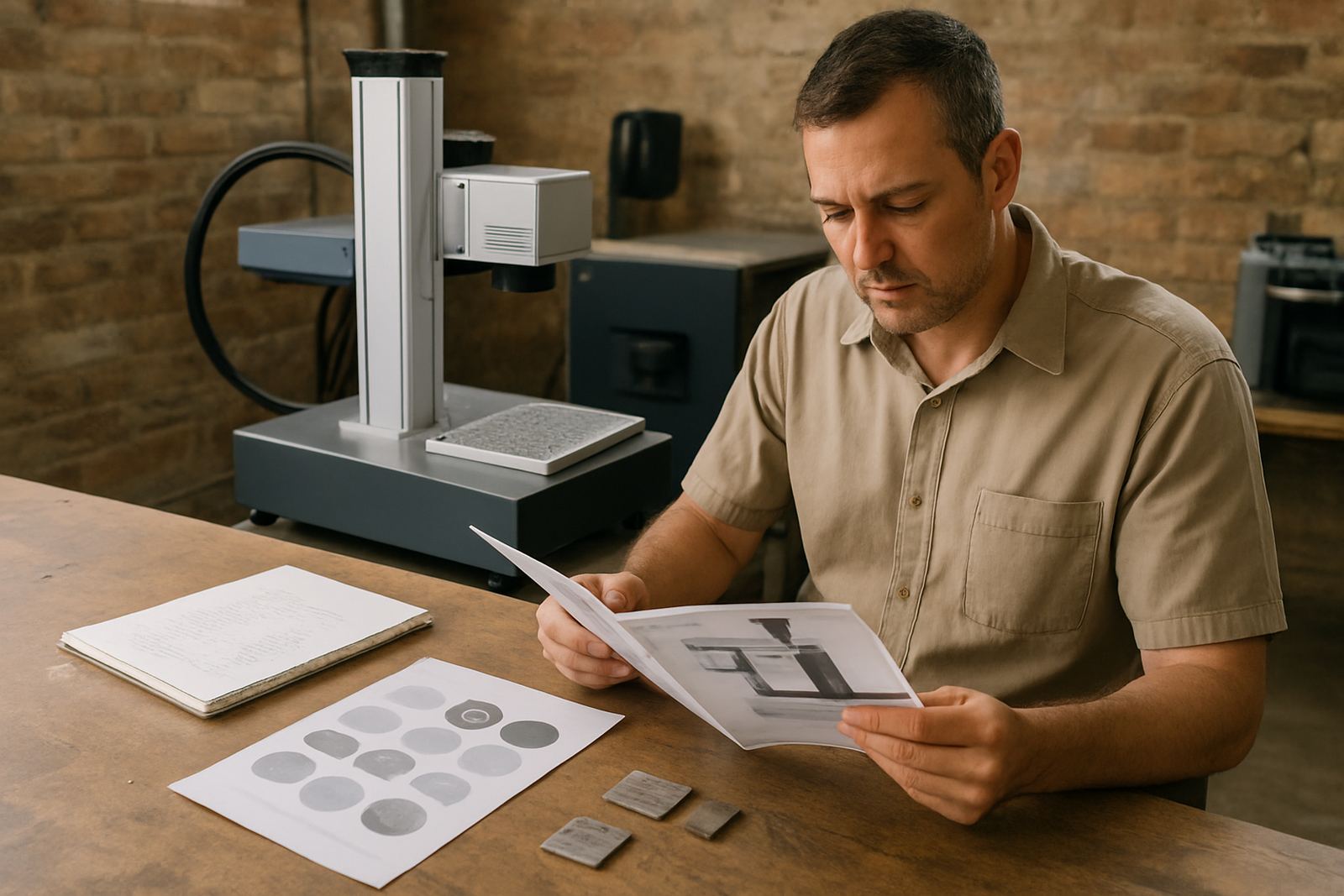
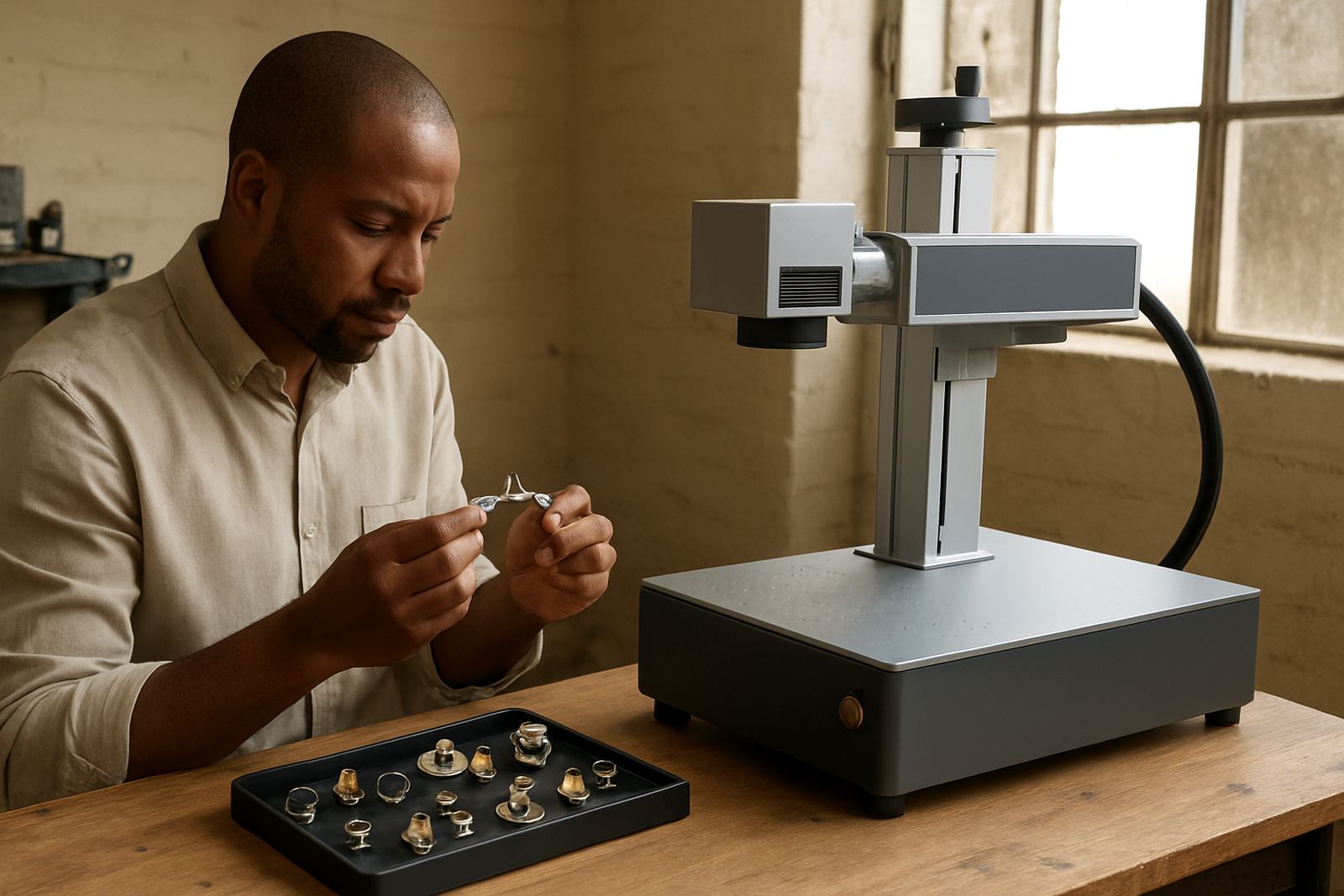
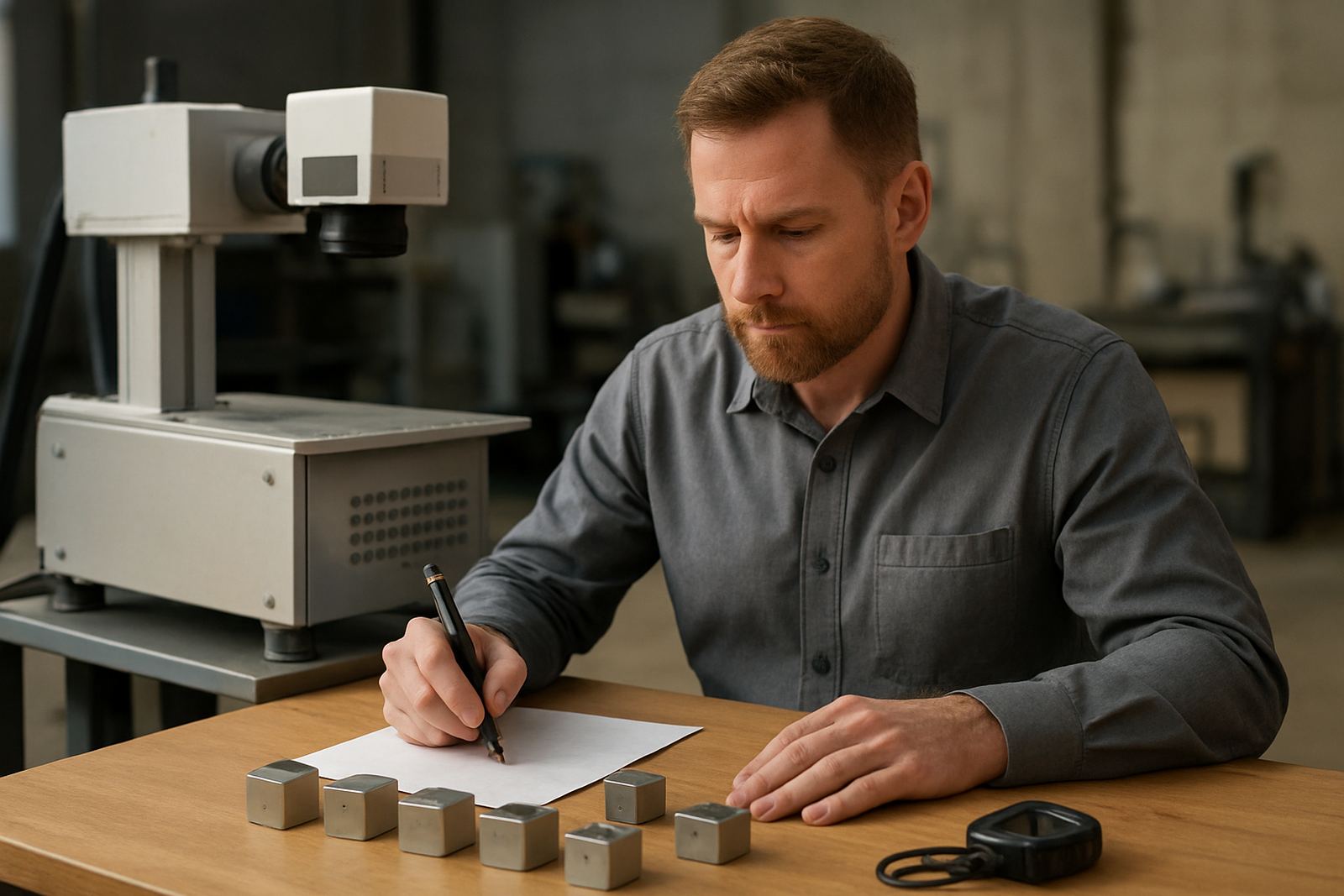
Ask for sample marking on your actual material if possible. Stainless steel, aluminium, brass and coated parts can all behave differently. If you are marking jewellery, check how fine lines hold up under magnification and whether the finish suits your customer base.
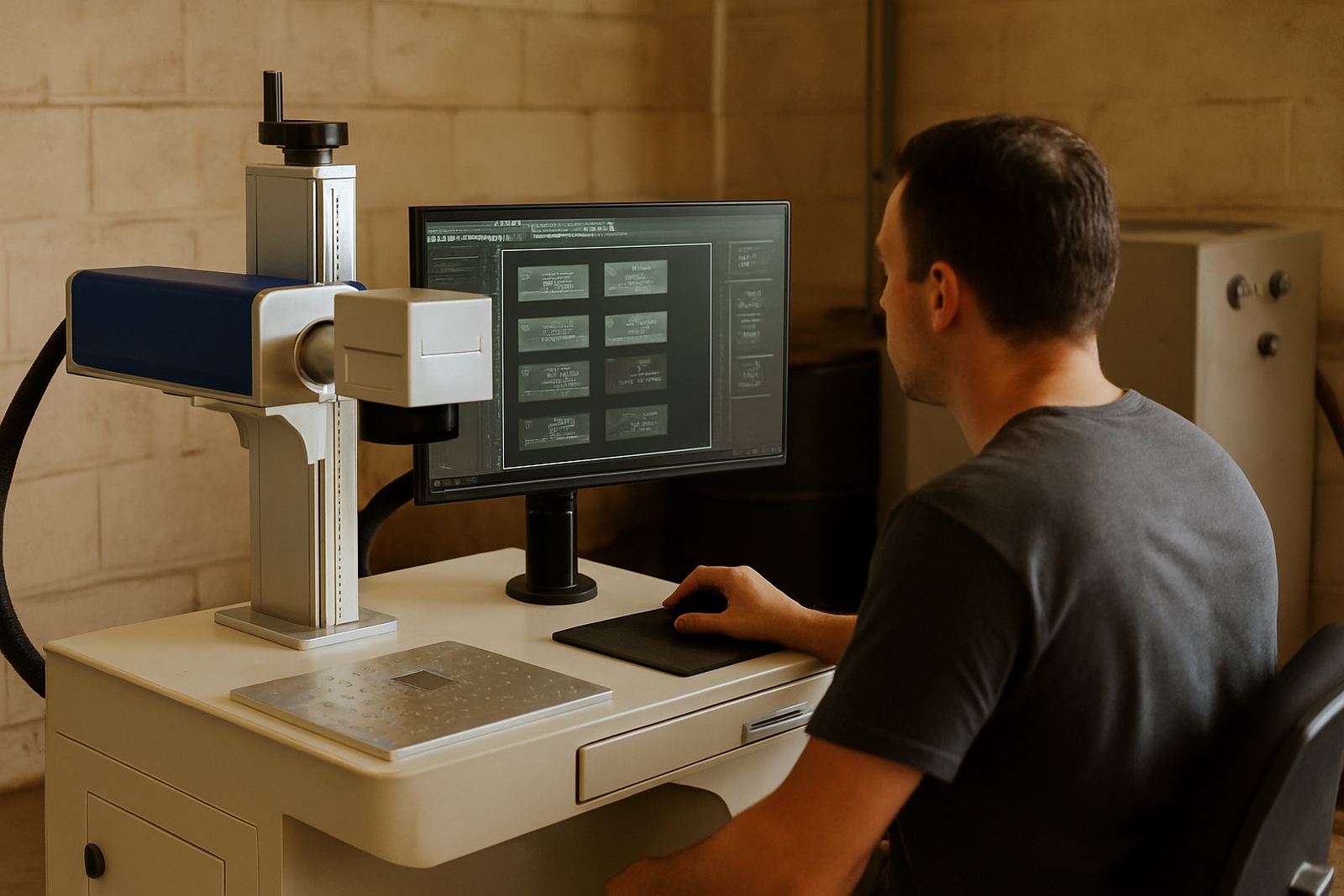
It also helps to confirm software usability, fixture options and operator training. A machine that looks good on paper can still slow production if the interface is awkward or the setup takes too long. For many teams, the real question is not only can it mark the part, but can it do it quickly and repeatably every shift.
- Can the machine mark your exact material and finish?
- Will the fixture suit your current parts and future sizes?
- How long does setup take for a new job?
- What support is available after install and during training?
Ownership Costs Beyond The Purchase Price
The first cost is only part of the story. Buyers should account for installation, operator training, fixture design, preventive maintenance and possible spares over time. If the machine is used for production, downtime has a direct cost and even a short stoppage can delay dispatch or invoicing.
For smaller workshops, predictable servicing and remote assistance can make ownership easier to manage. For larger manufacturers, planned maintenance and spare parts supply are often what keep the line moving. It is worth pricing the machine as a working asset, not just a capital item. That approach is more practical and usually saves money in the long run.
Use These Guides To Narrow The Right Setup
Fibre Laser Guides give production teams, workshop owners and purchasing staff a clear view of what fibre laser marking can do. They cover machine size, marking quality, process flow and the support needed to keep the unit useful after installation.
Whether you work from Wadeville, Alberton, Boksburg or further afield, the aim is the same: choose a setup that fits your parts, your staff and your production pace. A good choice should be easy to run, easy to maintain and strong enough for daily use without fuss.