Start With What You Mark Every Day
Before you look at buttons and menus, write down the actual work you do. A workshop marking aluminium tags in Germiston will need different functions from a jewellery maker in Johannesburg engraving fine text on rings or pendants. The right package should handle your most common jobs without extra steps, and it should keep those jobs easy to repeat when the same part comes back next month.
Think about the files you already use, the detail level you need, and how often operators change from one product to another. If your parts carry serials, batch numbers, part codes or compliance marks, the software must make those changes quick and clear. If you only need one-off custom marking, look for easy layout tools and reliable import options so you do not waste time recreating the same design each day.
- List your top 10 marking jobs
- Note the usual file types for logos and codes
- Check whether jobs are repeated daily, weekly or only by request
- Record the smallest text height you need to read on the part
Features That Save Time On The Workshop Floor
Software is not only about creating a mark, it is about keeping the machine moving during a busy shift. The best setup will let operators open a saved job, edit a serial number, set a quantity and send it to marking with few clicks. That matters when you are working on a line in Wadeville or doing short production runs where every minute counts.
Look for clear controls for text, graphics, barcodes and QR codes. If you handle mixed production, the software should support variable fields so the same template can run different part numbers without redoing the artwork. A good job library also helps with handover between staff, especially where more than one person uses the machine across shifts.
- Template saving for repeat production
- Variable data fields for serials, dates and codes
- Import support for common logo formats
- Barcode and QR code generation
- Job history so operators can find previous settings fast
Check How It Handles Precision And Traceability
Fibre marking is chosen for detail, and the software needs to match that precision. Small serials on metal, fine jewellery tags, medical tools and electrical components all need accurate placement. If the alignment is poor or the text spacing changes from job to job, the mark can look untidy and become hard to read under workshop light.
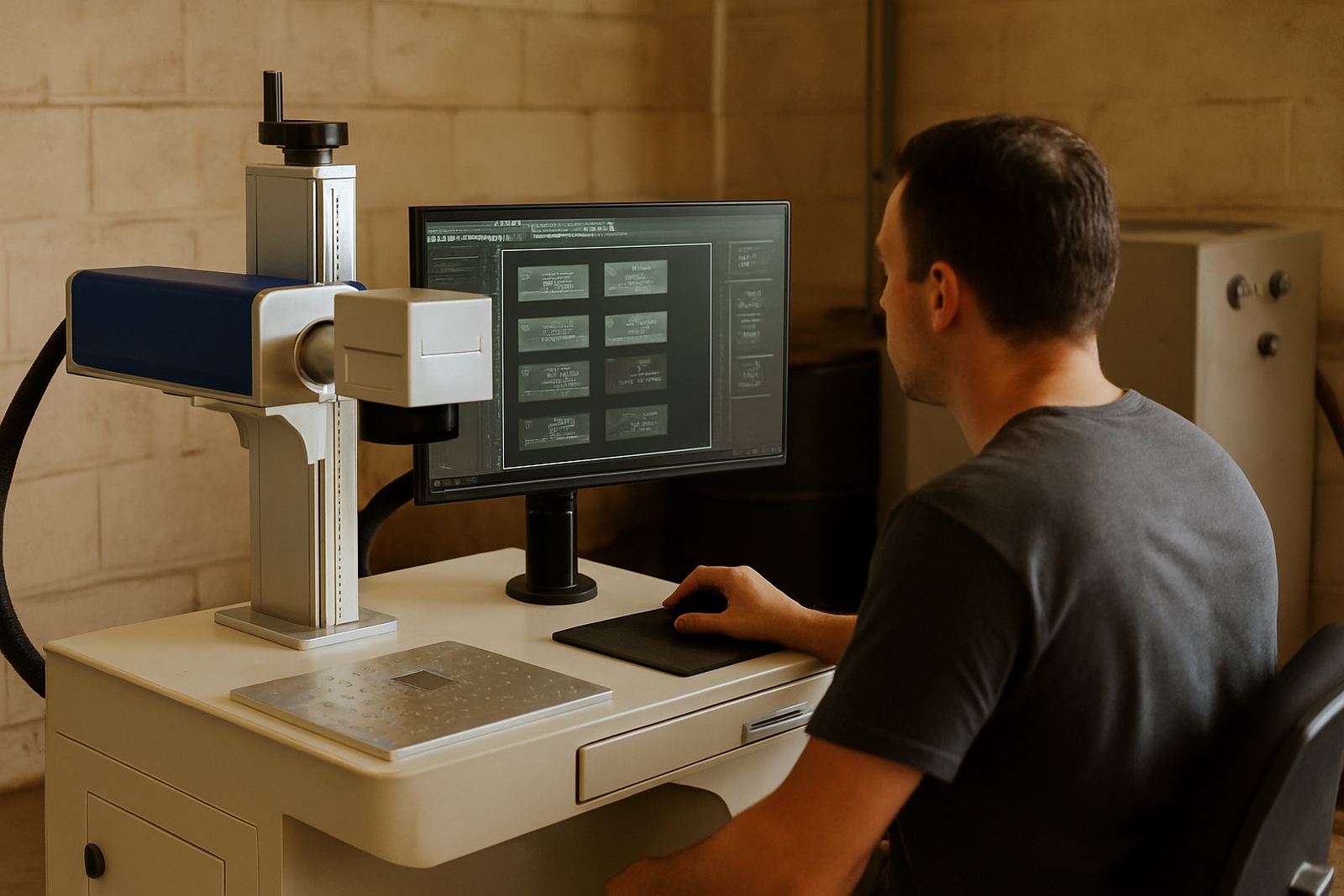
For traceability, ask how the software manages unique identifiers. Can it count up through a batch, pull data from a file, or stamp a date code automatically? These functions matter when you need records for warranty work, audit trails or export orders. In many cases the operator should be able to preview the layout before firing the laser, so mistakes are caught before a part is marked and scrapped.
Where logos and small text are involved, sample marking is worth doing before full production. A quick test on the real material shows if the line weight, fill settings and spacing are correct. It is much cheaper to adjust the file in advance than to rework a full batch later on.
Ask About Ease Of Use For New Operators
Even good equipment can slow a team down if the software is difficult to learn. In a small workshop, the person running marking may also be packing orders, checking stock or handling client calls. In a larger plant, there may be shift changes, temporary staff or training needs after installation. The interface should be clear enough for a new user to follow without guesswork.
Training is often the difference between software that sits unused and software that actually improves output. At our Wadeville base and on-site nationwide, we see that the best results come when operators are shown how to load a file, set a focus point, save a job and adjust a serial number correctly. A short, practical session can prevent lost time later.
- Can a new operator learn the main steps in one session?
- Are on-screen prompts clear and easy to follow?
- Is the job library simple enough for shift work?
- Can settings be locked so only authorised staff change them?
Plan For Real South African Working Conditions
Local working conditions affect software use more than many buyers expect. Load-shedding can interrupt a job at the wrong moment, so it helps when settings are saved properly and the machine can return to the same file after power is restored. In coastal areas, humidity can change workshop conditions, while in dusty industrial areas around Germiston or Boksburg, operators need dependable routines and clean setup files so the same mark is produced every time.
If your team works with municipal or industry-specific marking requirements, the software should make it simple to follow your format for part numbers, dates and customer references. For sites that move equipment between branches or install at more than one plant, remote assistance and software setup support can save a lot of time. It also helps to keep the process standardised, especially when one site in Isando and another in Alberton need the same marking style.
Ask whether the package can be backed up easily and copied to another machine if you expand later. That sort of planning keeps production moving when you add a second unit, relocate a line, or need a spare workstation during maintenance.
A Simple Buying Checklist Before You Commit
Use this checklist before you place an order or approve a setup. It will help you compare options on practical matters instead of guessing from a demo file. If the answer is no to several of these items, you may need a different software package or extra setup time before the machine is ready for full use.
- Can it handle your logos, serials, batch codes and date marks?
- Can you save templates for repeat jobs?
- Does it support variable data and barcodes?
- Can new staff learn the basic workflow quickly?
- Is previewing and testing part of the process?
- Will it still work well after a power cut or restart?
- Can it be backed up for future installs or relocations?
If you are unsure, sample marking is the best next step. Bring the real part, the real logo file and the exact code format you use. That gives a proper picture of how the software performs on your material, not just on a screen.