Start With the Parts You Need to Mark
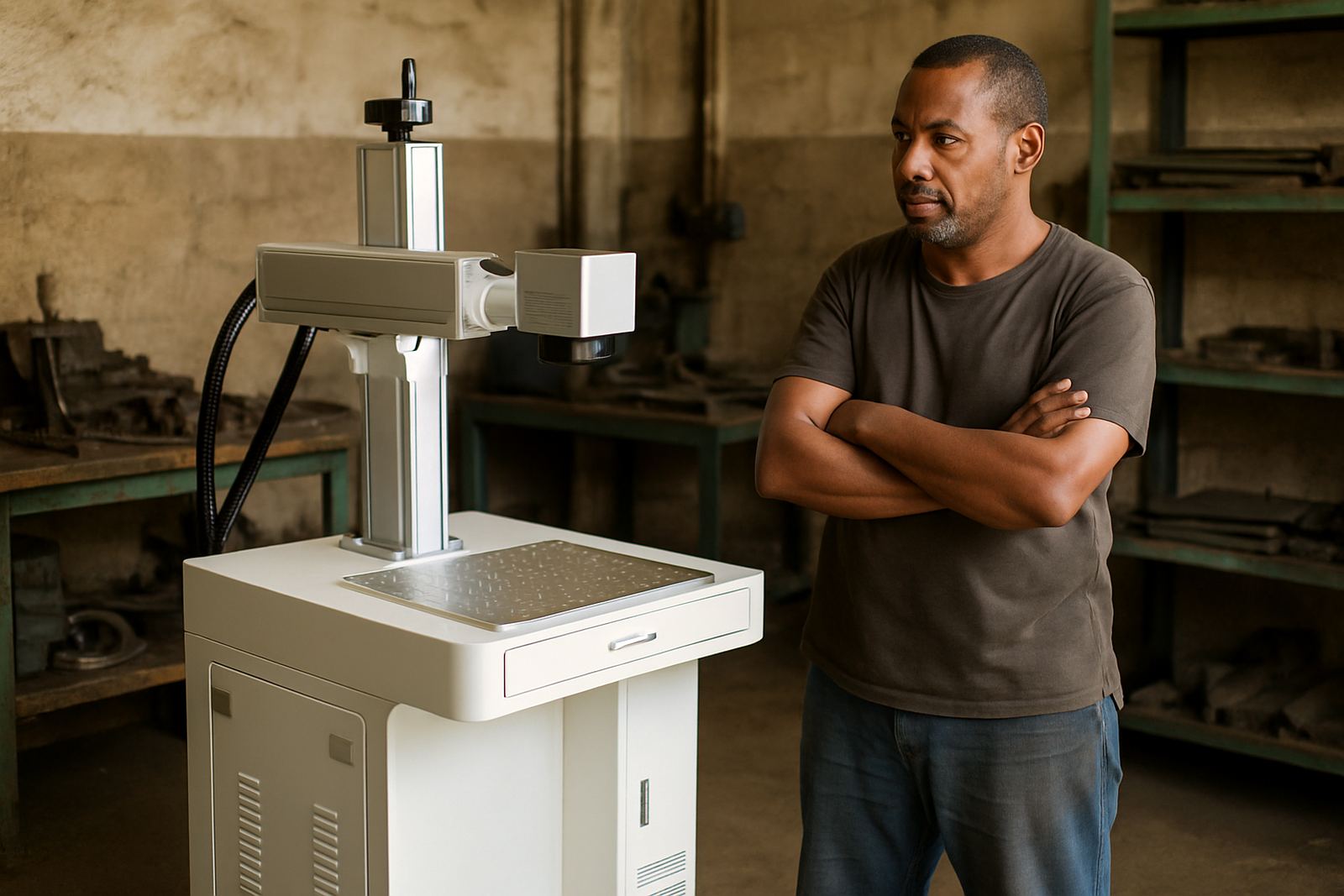
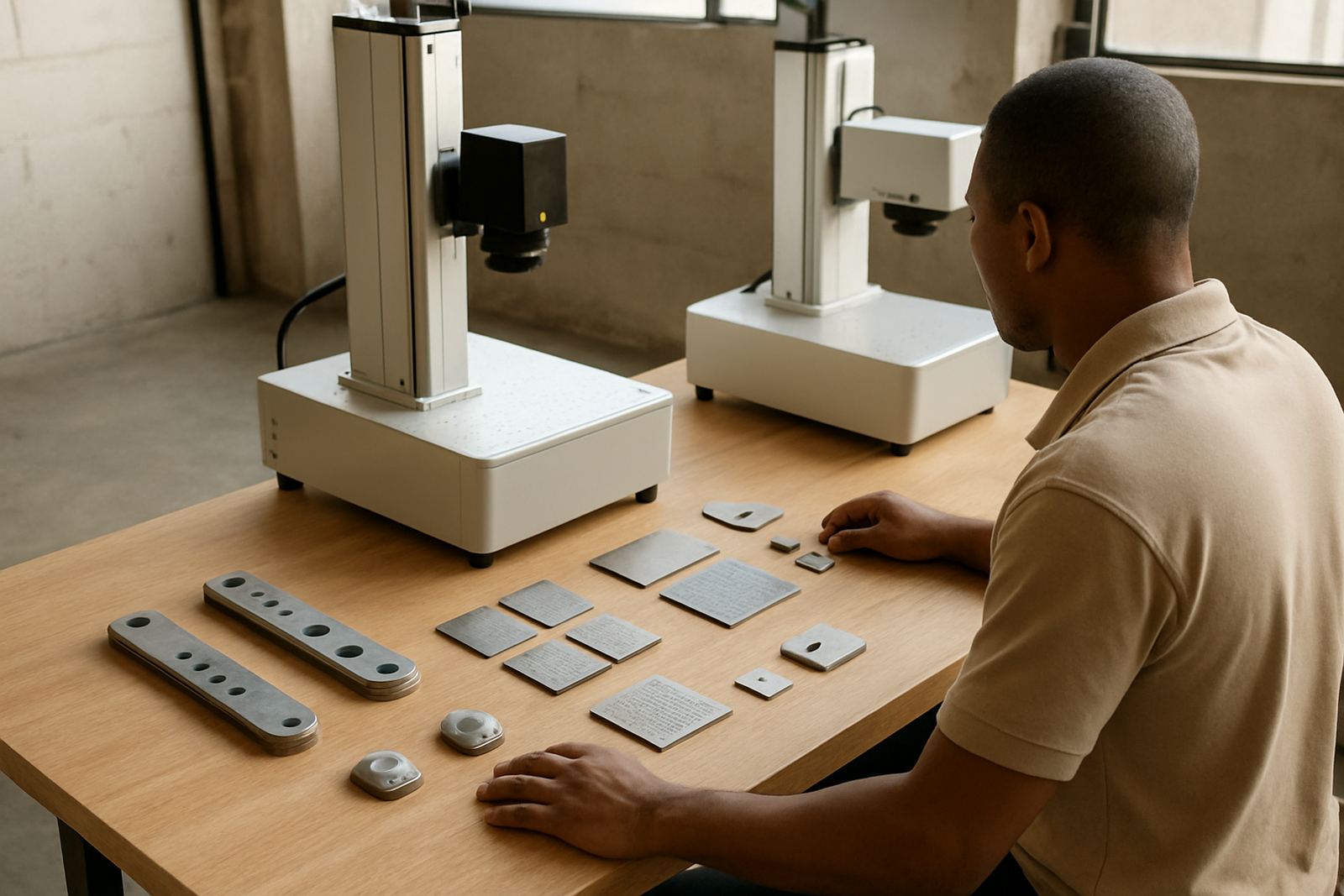
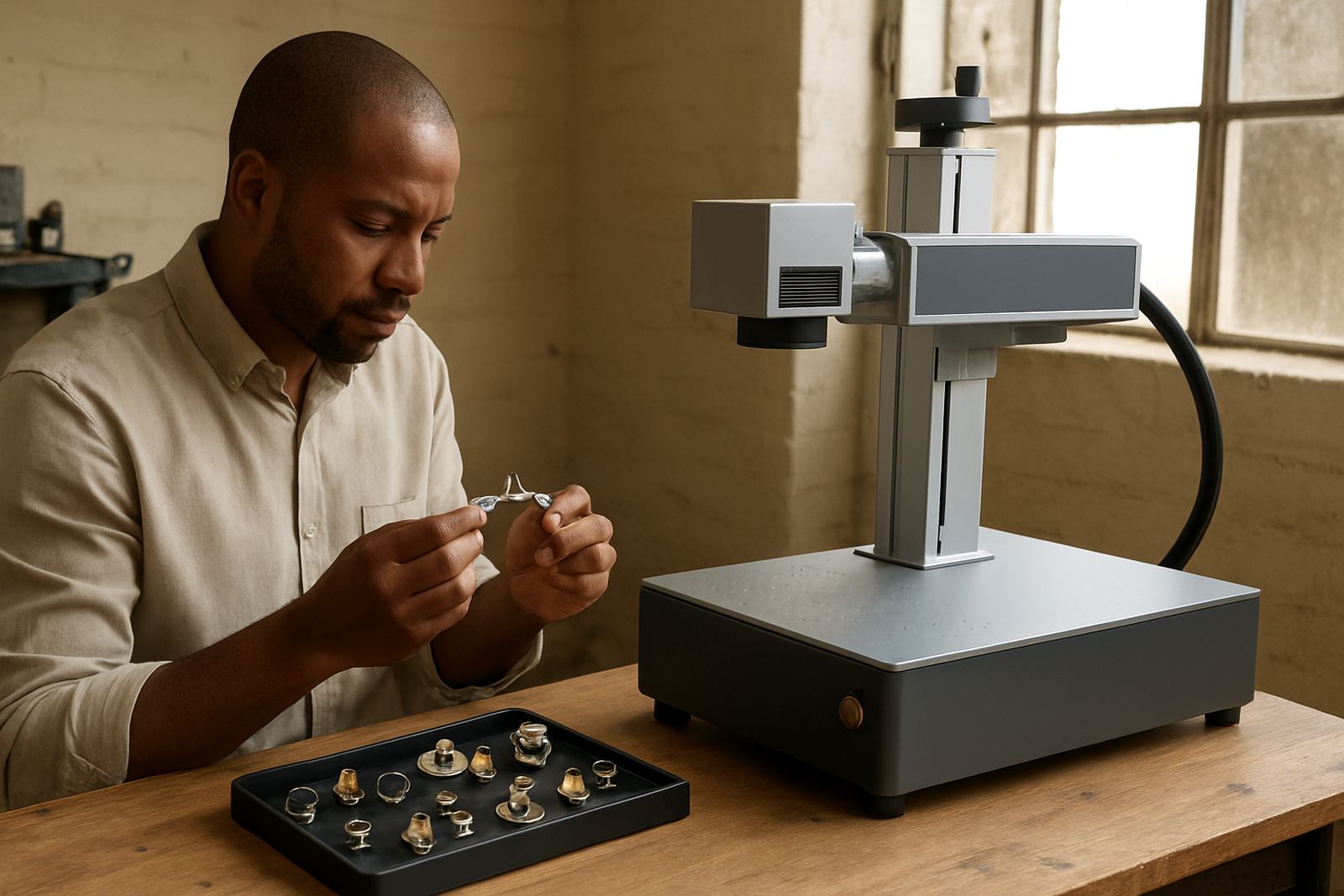
Before you compare machines, put your actual work on the table. Fibre laser marking is used for serial numbers, logos, barcodes, QR codes, batch codes and fine identification on metal parts. Jewellery work often needs very small detail on rings, pendants, tags and clasps, while workshop parts may need cleaner contrast on stainless steel, aluminium, brass or coated metal. If you are marking only a few items a day, your needs are very different to a line that runs all week.
Make a short list of what you mark now and what you expect in the next 12 to 24 months. Include the material, the part size, the marking area, whether the item is flat or curved, and whether you need shallow surface marking or deeper engraving. If you work in Gauteng and the machine will sit in a hot, dusty room or near an open workshop door, that should also be part of the decision. Coastal humidity, dust and power interruptions can affect how you set up and protect the machine.
- List every part type you mark today
- Note the smallest and largest marking area needed
- Record materials: stainless steel, aluminium, brass, copper, coated metals
- Decide if you need text only or logos, codes and fine graphics
- Check if you need handheld access or fixed fixture work
Choose the Right Machine Size and Working Area
The first machine should be sized for your normal work, not the biggest job you hope to land one day. A small workshop in Germiston, Alberton or Boksburg may only need a compact unit with a modest working area and a stable bench. A manufacturer with multiple shifts may need a larger enclosure, more fixture options and a setup that can handle repeat work without constant repositioning.
Look at the marking field, the focal lens options and the table space around the machine. A bigger field is useful for larger plates and nameplates, but smaller fields can give better detail on tiny items. Ask how the machine handles curved items and whether simple fixtures can hold parts securely. If your work changes often, quick setup matters more than a large frame. Also check the room height, door width and access path before delivery, especially if the machine must go upstairs or through a tight shop floor. That saves headaches on install day, no question.
- Measure the floor space and bench height
- Check doorways, loading access and turning space
- Confirm the marking field suits your common part sizes
- Ask about lens options for small detail or wider coverage
- Plan for fixtures, extraction and nearby power sockets
What to Ask About Power, Software and Safety
Most first-time buyers focus on the laser itself, but the full setup matters just as much. Ask what power supply is needed, whether the machine can tolerate load-shedding with a backup supply, and what happens after an outage. In South Africa, a workshop that loses power often needs a machine that can restart cleanly without losing settings or wasting parts. Keep a proper surge protector in place and make sure the electrical feed is suitable for the load.
Software should be easy enough for your team to learn without long delays. Check whether the marking software supports serial numbers, date coding, logos and simple database work. Also ask about operator permissions, file storage and backup methods. From a safety point of view, verify the enclosure, interlocks, warning labels and eye protection requirements. If the machine will run in a mixed workshop, make sure staff know who may use it and who may change settings. A tidy cable run, clear local rules and a locked tools cupboard help more than people expect.
- Confirm input power and surge protection requirements
- Ask how the machine behaves after load-shedding
- Check if the software supports repeat jobs and serial updates
- Review safety guards, interlocks and signage
- Set up user access rules before the first job
Build a Simple Test Plan Before You Buy
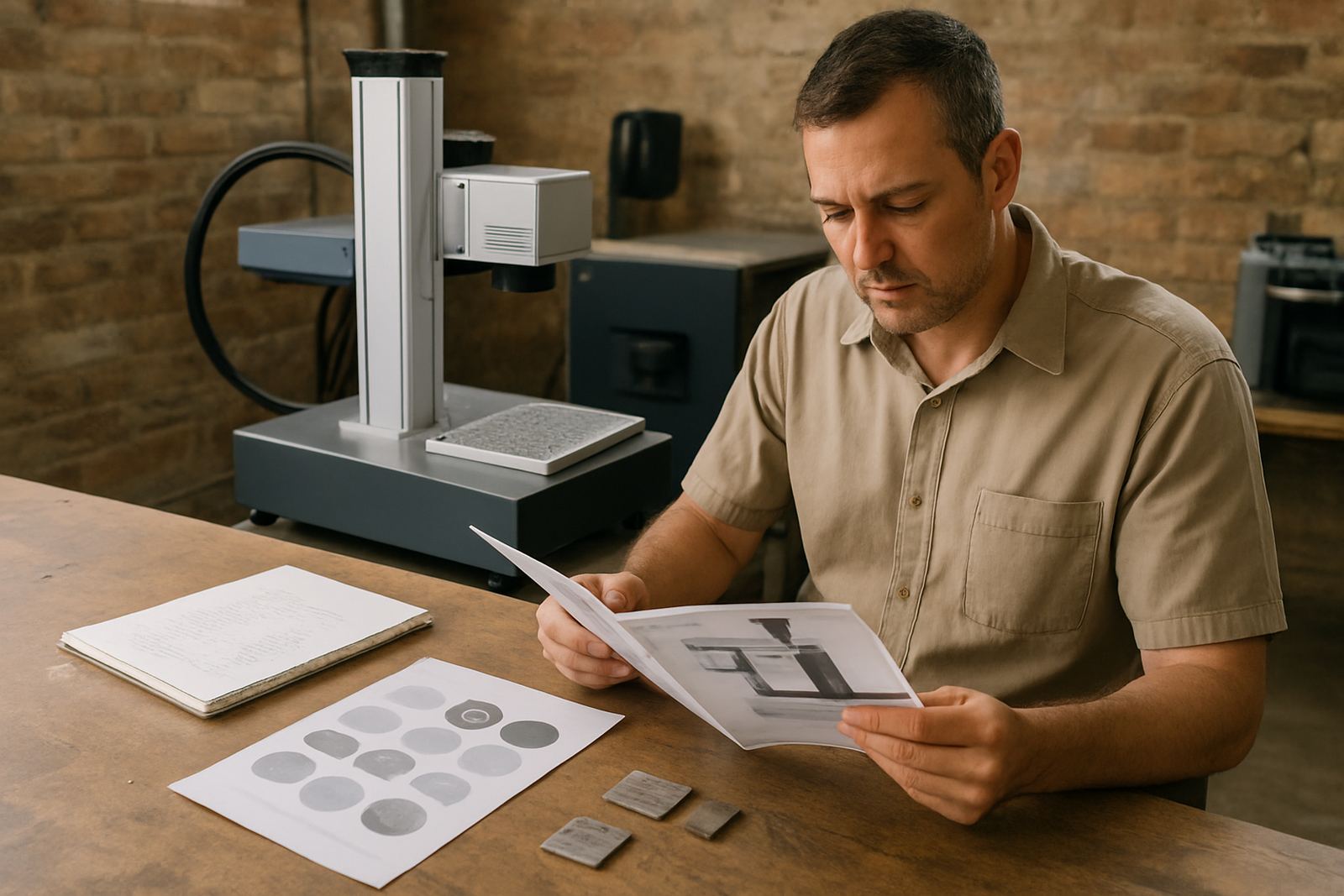
Do not buy on brochure claims alone. Send sample parts or arrange a live sample marking session so you can see the result on your own material. The same settings do not behave the same way on every grade of stainless steel or every anodised surface. A good sample run will show you contrast, edge sharpness, marking speed and whether the finish meets your client requirements.
Ask for a few different tests: light marking, deeper engraving and a fast production pass. If you need text at 1 mm high, barcodes or detailed artwork, test those as well. Check the marking from different angles and under workshop light. If the job is for jewellery, inspect the detail with a loupe or magnifier. If it is for industrial work, check whether the mark still reads after cleaning, handling or light abrasion. One sample can save a lot of grief later.
- Test your own material, not only standard samples
- Ask for both fast and fine-detail settings
- Check readability after handling or cleaning
- Compare sample marks under normal shop lighting
- Keep the best settings written down for repeat use
Plan for Training, Fixtures and Day-to-Day Use
Even a user-friendly machine needs proper handover. The operator must know how to focus the beam, load files, set up jobs and check the first pieces before a full run. If you buy your first machine without training, the learning curve is slower and mistakes cost more. A workshop in Jet Park may need different training from a small metal shop in Kempton Park or a jewellery workshop in Alberton, but the basics stay the same: safe operation, clean setup and repeatable results.
Fixtures are often overlooked. A simple jig can improve speed and accuracy far more than a fancy machine spec. Ask whether fixtures can be made for your part shapes, whether rotation units are needed for rings or cylinders, and how to secure small items without damaging them. Keep the first month very practical. Mark sample parts, record the settings, label the fixtures and review what works. That approach gives steadier results and less scrap.
- Train the main operator and one backup person
- Record proven settings for each part type
- Use fixtures for repeat work and small parts
- Check the first pieces before starting full production
- Review errors weekly during the first month
Prepare Your Workshop for Support After Installation
Buying the laser is only one part of the setup. You also need a plan for maintenance, spares and support. Ask how often focus calibration should be checked, what cleaning is needed and which parts may wear over time. Keep the machine area clean and dry, with no grinding dust or loose swarf nearby. In wet weather, especially where humidity is higher, a covered and stable workspace helps protect electronics and optics.
It is wise to keep a basic start-up checklist on the wall near the machine. Include power on steps, lens check, part fixture check, software file check and a quick test mark. Keep a note of who to call if the machine needs calibration, relocation or repairs. That saves time when production is busy and also makes it easier to hand over work between shifts. A small bit of routine now prevents bigger downtime later, and that is worth real money.
- Keep the work area clean, dry and dust free
- Plan routine cleaning and focus checks
- Store sample settings and fixture notes in one place
- Use a startup checklist for every shift
- Arrange support for maintenance, repairs and relocation
A Practical First-Buy Checklist
If you want a simple final check, use this list before you place an order. First, confirm the parts you need to mark. Second, make sure the working area, lens and fixture options suit those parts. Third, test the mark on your own material. Fourth, review power, software and safety. Fifth, confirm training and after-sales support. If any of those items is weak, slow down and ask for a better answer.
A first machine should help your workshop work cleaner, faster and with less rework. It should not create avoidable delays or force your team to guess. When the setup is matched properly, a fibre laser marker becomes part of normal production, not a special project. That is the goal for most first-time buyers, and it is the right place to start.