Start with the material and the mark you need
The first question is not how much power looks impressive, but what you need the mark to do. A serial number on anodised aluminium, a logo on stainless steel, a deep mark on a tool, or a fine code on jewellery all ask for different settings. If the mark must survive heat, handling, polishing or chemical exposure, you need enough energy to get depth without burning the surface around it.
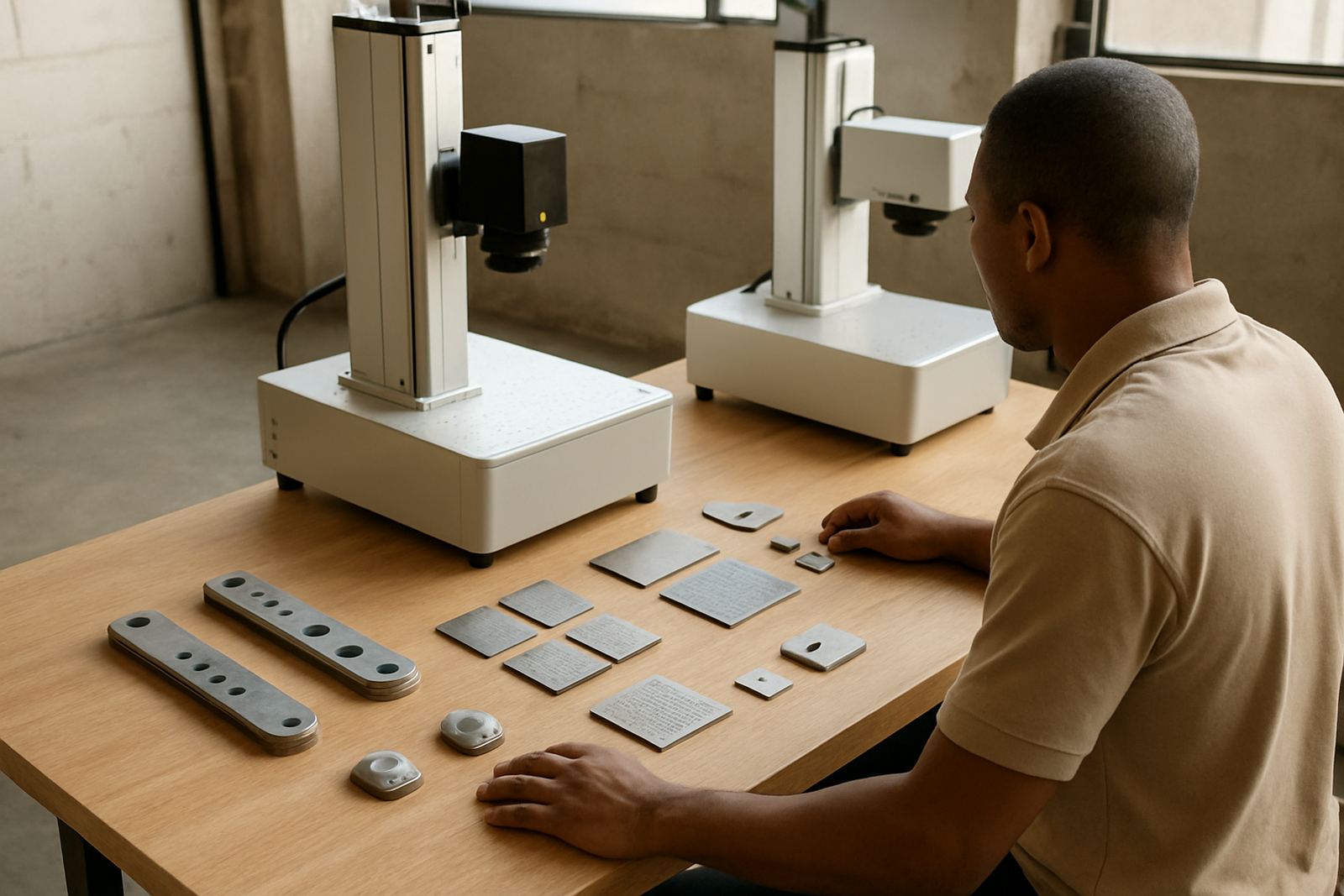
For light marking on coated metals and many jewellery jobs, lower power can be enough and often gives a cleaner finish. For darker contrast on stainless steel, deeper engraving on brass, or faster marking across batches, extra power gives more room to work. We often ask clients in Wadeville, Jet Park and Kempton Park for sample parts before making a recommendation because the same material can behave differently depending on finish, thickness and hardness.
- List the material type for each job
- Note whether you need contrast, depth or speed
- Check if the part will be polished, coated or handled often
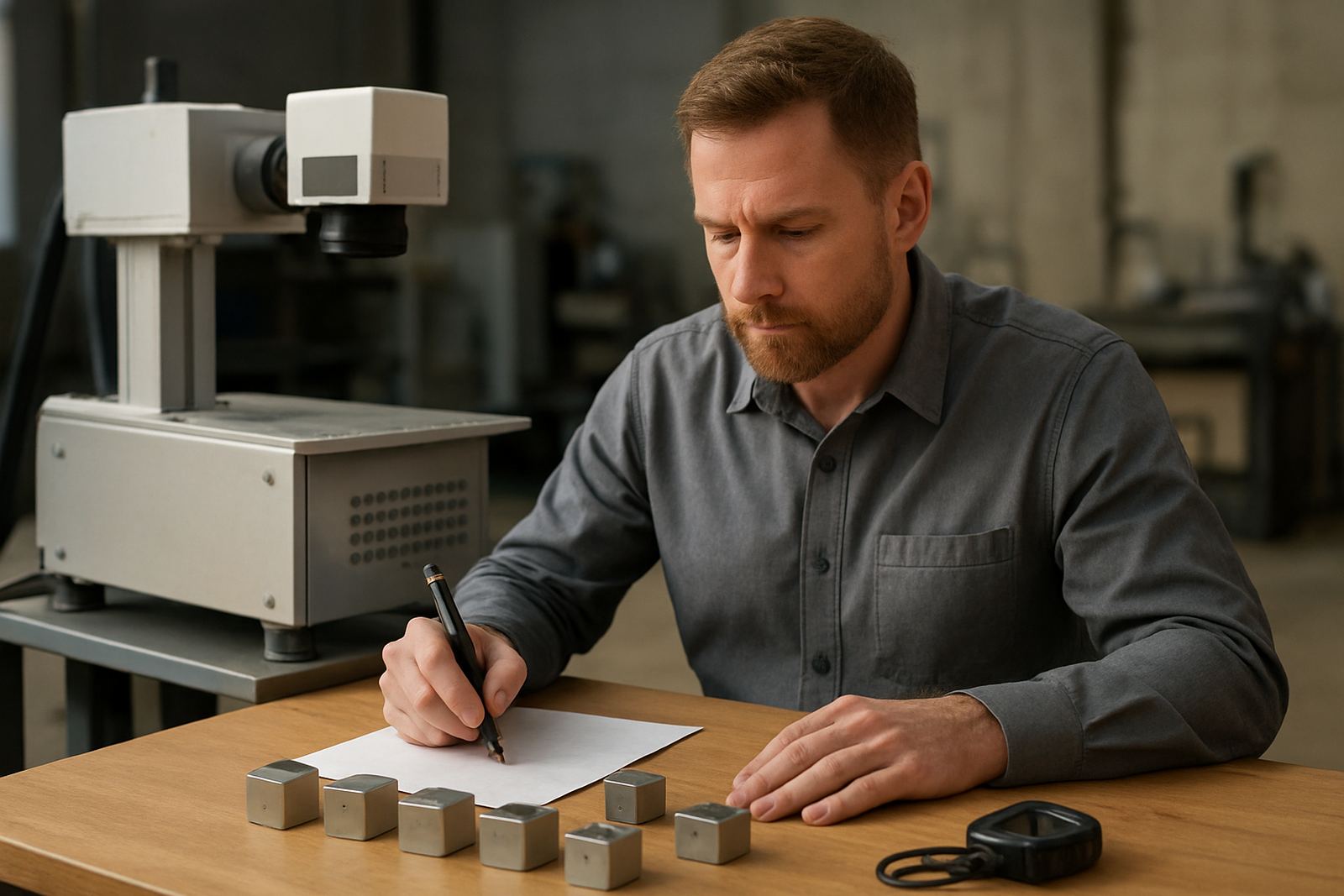
- Keep one sample of your hardest marking job for testing
What 20W is good for in smaller workshops
A 20W fibre laser is usually a sensible entry point for light to medium marking work. It suits small workshops, jewellery tags, nameplates, tools with shallow marks and batches where speed is helpful but not the main pressure. If you are marking mostly text, QR codes, simple logos and part numbers on metal, 20W can do the job well when the setup is correct.
It is a practical choice when the machine will run on a mix of short jobs and when operators need something easy to learn. In workshops dealing with load shedding, a lower power unit can also be friendlier on backup power planning because the full system load is often easier to manage. That said, 20W is not the best fit if you need deep engraving on hard stainless or if production volumes are climbing fast. Then you may find yourself waiting longer per part, which slows down the line.
- Best for shallow marking and fine detail
- Suitable for jewellery, small parts and sample work
- Lower power draw can help where backup power is limited
- May be too slow for deep marks or high volumes
When 30W gives the better balance
For many South African businesses 30W is the middle ground that makes sense. It adds speed and flexibility without jumping too far in cost or complexity. If you are marking stainless steel, mild steel, coated parts, tools and medium-volume batches, 30W gives more breathing room for different jobs through the week. It is often the power level that suits a job shop with varied work.
Thirty watts can improve marking speed, help with a little more depth, and make it easier to keep clean marks on less-than-perfect surfaces. It can also reduce the need to push the machine hard on every job, which is useful when you want longer service life and steadier results. For clients who need operator training and regular setup changes, 30W often gives a comfortable margin while still being straightforward to use.
- Good for mixed work across metals and coatings
- Useful where speed matters but the budget still matters too
- Better than 20W for harder materials and slightly deeper marks
- A sensible fit for growing workshops and light production lines
Why 50W suits heavier production and deeper engraving
A 50W machine is the stronger choice when you need faster cycle times, deeper engraving or more confidence on tougher jobs. If you are marking larger batches, high-volume component runs or parts that need a strong permanent mark, the extra power can save a lot of time over a full day. It is also better when the mark has to stand out after handling, finishing or outdoor use.
This power range works well for manufacturers in areas like Germiston, Boksburg and Alberton who want to keep turnaround tight without sending work out. It can also help where fixtures are used to hold many parts in one run, because the machine can complete each field more quickly. The trade-off is that setup becomes more important. Too much power on a fine job can leave a rough finish, so you need the right lens, focus and settings. That is why sample marking matters before production starts.
- Better for higher volumes and deeper marks
- Helps reduce marking time per part
- Needs careful setup to avoid over-marking
- Useful for industrial parts, tools and durable identification
When you should look above 50W
Higher power options make sense when speed, depth or batch size are the main issue. This includes heavy industrial parts, marks that must remain visible after blasting or plating, and production where every minute counts. If your line has many identical pieces and the marking station is a bottleneck, moving above 50W can free up output and keep operators moving.
There are limits though. More power does not always mean better quality. For fine jewellery, very small text or delicate finishes, too much power can create heat affected edges or an uneven look. A higher power machine needs the right focus calibration, fixture design and process setting, otherwise you just create more risk. We normally weigh up part size, mark depth, cycle time and the space available on the shop floor before suggesting this route.
Use this checklist before you choose
Before you decide, work through the practical details. A good choice is the one that matches your parts, your daily volumes and the way your team works. If you are serving customers across Gauteng, KZN or the Western Cape, factor in support access too because downtime costs more than the machine price on a busy week.
- What material are you marking most often?
- Do you need shallow contrast or deep engraving?
- How many parts per hour must you complete?
- Will the machine run during load shedding on backup power?
- Do you need fixtures for small, repeated parts?
- Will operators need simple setup and training?
- Is the work in a dry factory or a coastal area with humidity?
If you are unsure, test your real sample parts rather than guessing from a brochure. That is the fastest way to see whether 20W, 30W, 50W or more is the right fit. The right setting should give clean marks, steady speed and less rework, not just more power on paper.