Start With Your Real Output Target
Begin with the number of parts you must mark in a day, not the machine brochure figure. A small job shop in Germiston may only need 200 to 300 parts per shift, while a manufacturer in Gauteng might need 2 000 or more across several lines. Write down your target per hour, per shift and per month so the numbers stay practical.
Include the full marking cycle, not only the laser pulse time. A complete cycle often includes loading, part locating, software selection, marking, checking the result and unloading. If you skip those steps, the machine can look fast on paper but fall behind on the floor.
- Count the parts you must finish in a normal shift, not your best day.
- Allow for tea breaks, changeovers and short stoppages.
- Separate simple text marking from fine logos, serial numbers and data matrix work.
- Keep a record of scrap or rework so you know the true output need.
Break the Cycle Into Measurable Steps
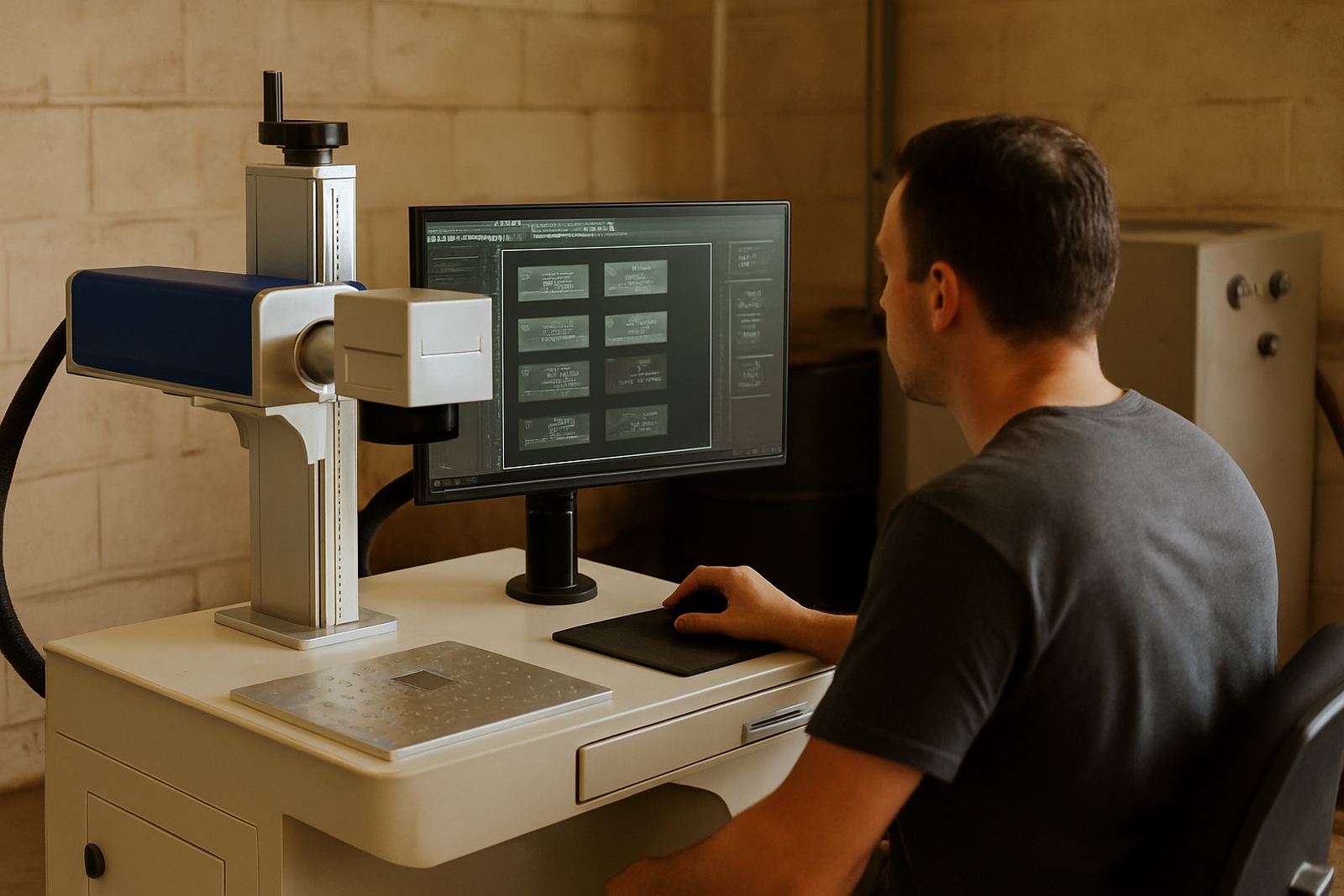
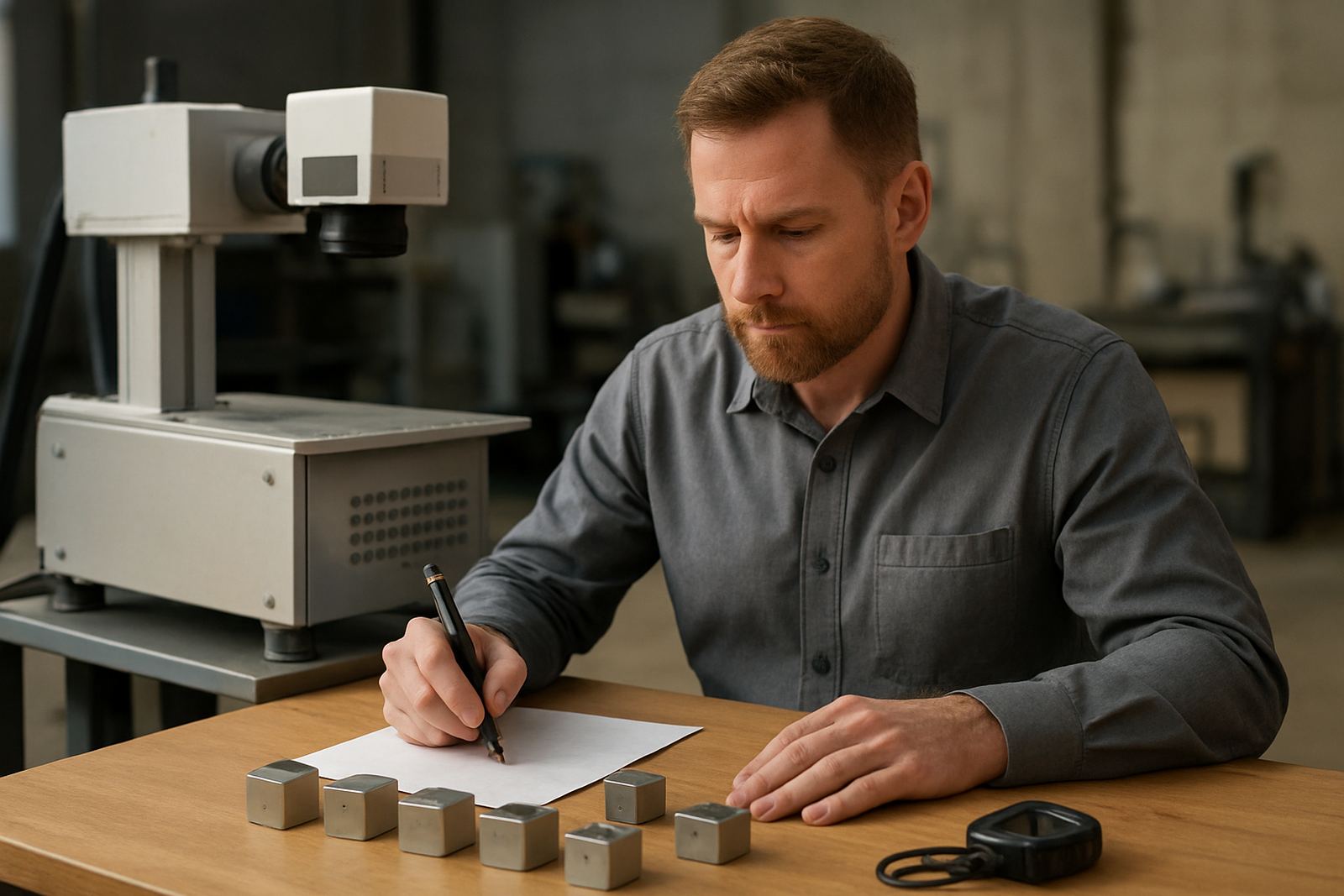
Throughput planning works best when you time each action separately. Use a stopwatch on a normal production run and note how long it takes to open the job, place the part, close the fixture, fire the mark and inspect the result. Do this with the operator who will actually run the machine, because an experienced hand often works faster than a new operator.
For repeat work, average the time across ten to twenty parts. For mixed jobs, measure the slowest common setup as well as the regular cycle. That tells you where time is being lost. Sometimes the laser itself is quick but the operator is waiting on loose parts, poor fixturing or a laptop that is sitting far from the machine.
- Loading time per part or per tray.
- Marking time per part.
- Inspection time and recheck time.
- Job setup time when a new part or file is loaded.
Choose the Right Loading Method for the Job
The way parts are loaded has a direct effect on output. Flat parts, rings, small plates and irregular components all need different handling. If parts can be placed in a simple jig or tray, the line moves quicker. If each item must be positioned by hand, your hourly rate drops and the operator needs more concentration.
For jewellery, small components often need fine fixtures and steady hands. For metal parts, batch trays, rotary fixtures or custom nests may be better. If you expect multiple part sizes, plan for quick changeover. A fixture that saves 10 seconds per part can make a real difference over a full week. In some shops that is the difference between one operator keeping up, or falling behind by lunch time.
- Hand loading for low volume or mixed sample work.
- Tray loading for repeat batches and serial numbers.
- Rotary or curved-part loading for cylindrical components.
- Custom fixtures for high volume production and repeat accuracy.
Set Output Targets That Match Labour and Power
Do not size a machine on peak optimism. Match your target to the number of operators, their skill level and the hours you actually run. In South Africa, load-shedding, unstable supply and unplanned downtime can cut into a shift, so it is wise to plan with a buffer. If you need 500 parts a day, aim for a machine and workflow that can comfortably do 650.
Also think about the room around the machine. A cramped area slows movement and makes training harder. Good lighting, a clean bench and a stable power source all support faster work. If the machine is installed in a workshop with dust, heat or coastal humidity, factor in cleaning and maintenance intervals too. A few extra minutes of care each day can save a breakdown later on.
- Build in a 20 to 30 percent buffer on daily output.
- Allow extra time for power interruptions and restart checks.
- Plan space for incoming parts, finished parts and rejects.
- Keep a clean, dry area for lenses, fixtures and software control.
Check Software, Marking Content and File Flow
Output is not only about the machine. If files are slow to prepare, or if the operator must keep editing text, throughput drops quickly. Make sure you know who prepares the artwork, who approves serial ranges and how files are stored. A tidy file naming system saves time and cuts mistakes when the same part comes back next month.
If you need batch numbers, logos, dates or variable data, test the full process before you buy. Ask how long it takes to change a file, load a new product code and confirm the mark on a sample piece. Where possible, keep the content simple and standardised. That makes production faster and easier to train.
- Use one clear file structure for all jobs.
- Keep approved templates ready for repeat work.
- Test variable data before full production starts.
- Assign one person to approve changes so nothing gets missed.
Use a Pre-Buy Checklist Before You Commit
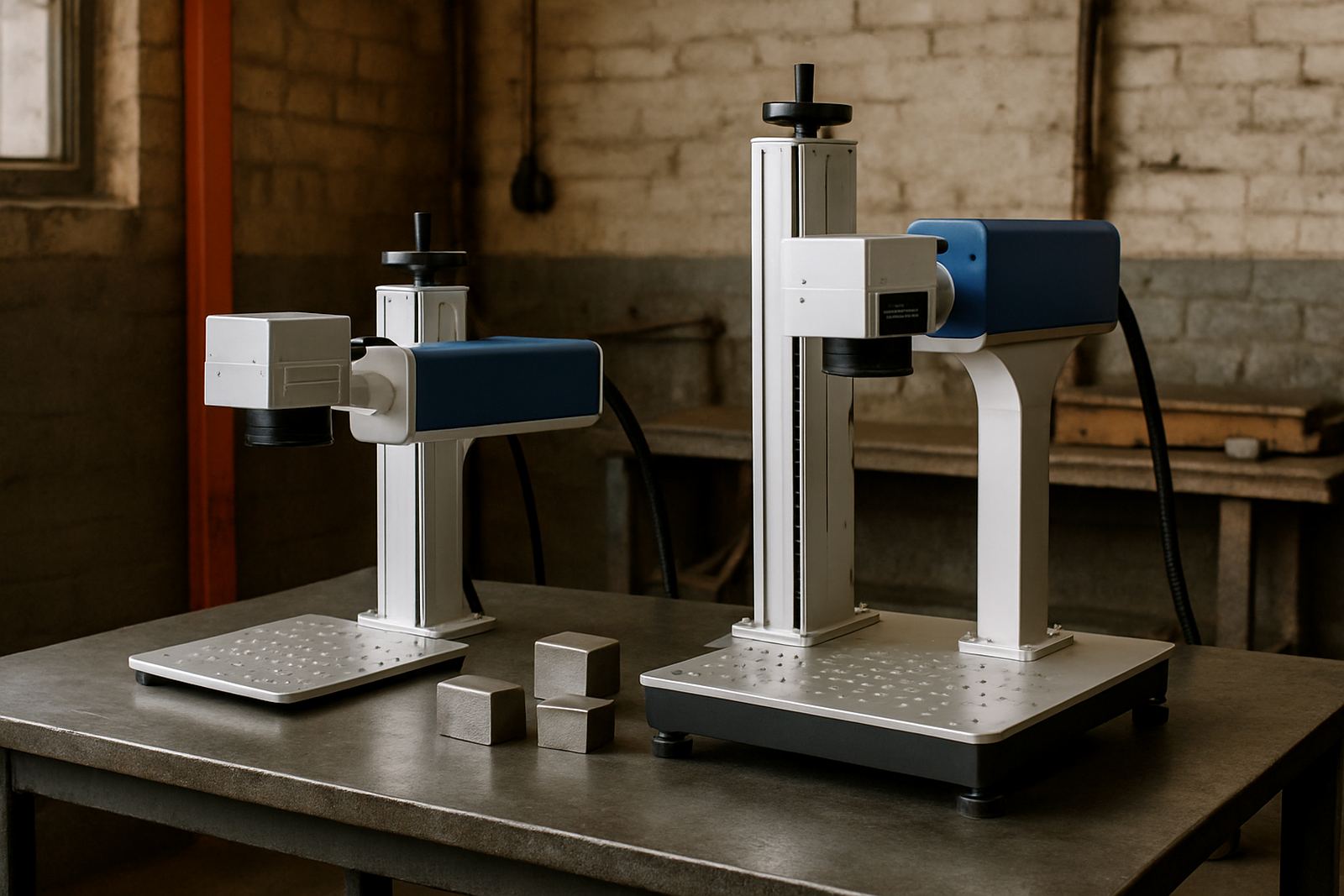
A proper throughput review should be done before money is spent. It helps you compare machines on facts, not promises. Ask for sample marking on your own parts, and test the fixture idea, cycle time and viewing angle. If the mark must stay readable after cleaning, handling or outdoor use, confirm that too. The point is to know what the machine will do in your workshop, not in a demo room.
At Fibre Laser Marking we work with workshops and manufacturers across South Africa, from Wadeville and Kempton Park to larger plants nationwide. If you need help planning cycle times, loading methods or output targets, our team can assist with sample marking, fixture design and training so the machine fits the job from day one.
- Bring sample parts, both flat and awkward shapes.
- Measure a full cycle, not just the laser mark itself.
- Check how fast the operator can repeat the job after training.
- Confirm maintenance access, spare parts and support options.