Start With The Marking Job, Not The Machine
Before you compare machines, define the marking work in plain terms. What material are you marking, how deep must the mark be, and how many parts must be done per shift? A serial number on mild steel has very different needs to a logo on anodised aluminium or a small code on jewellery.
In production environments, repeatability matters as much as speed. You need consistent marking depth, clean edges and a beam that holds focus across the full work area. If the mark must survive solvent cleaning, heat or outdoor exposure, ask for sample markings on your actual parts before you commit.
- List the material type for each part.
- Note the mark size, font and logo detail.
- Set the daily or monthly output target.
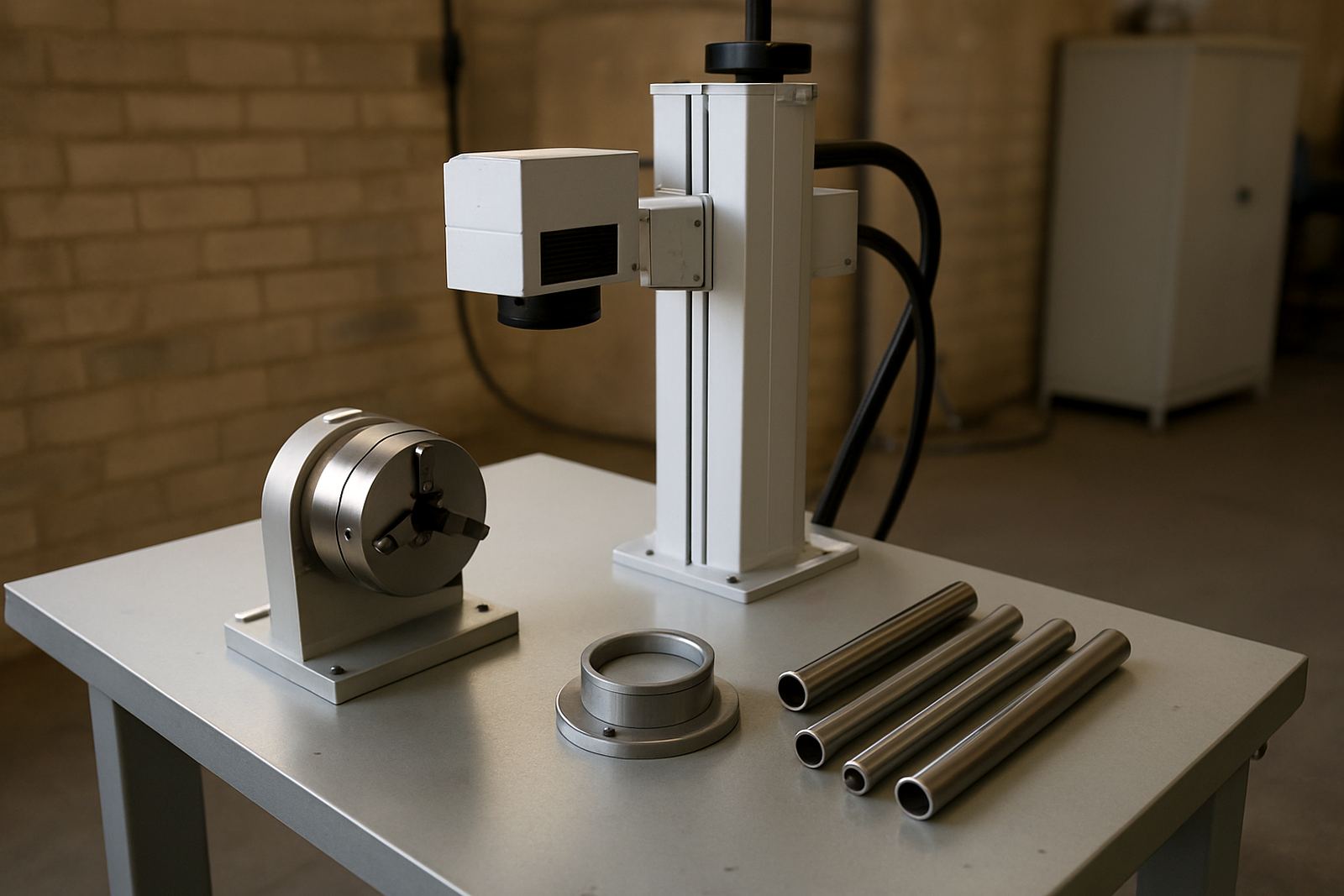
- Check whether parts are flat, curved, polished or coated.
Choose Power And Work Area For Real Production
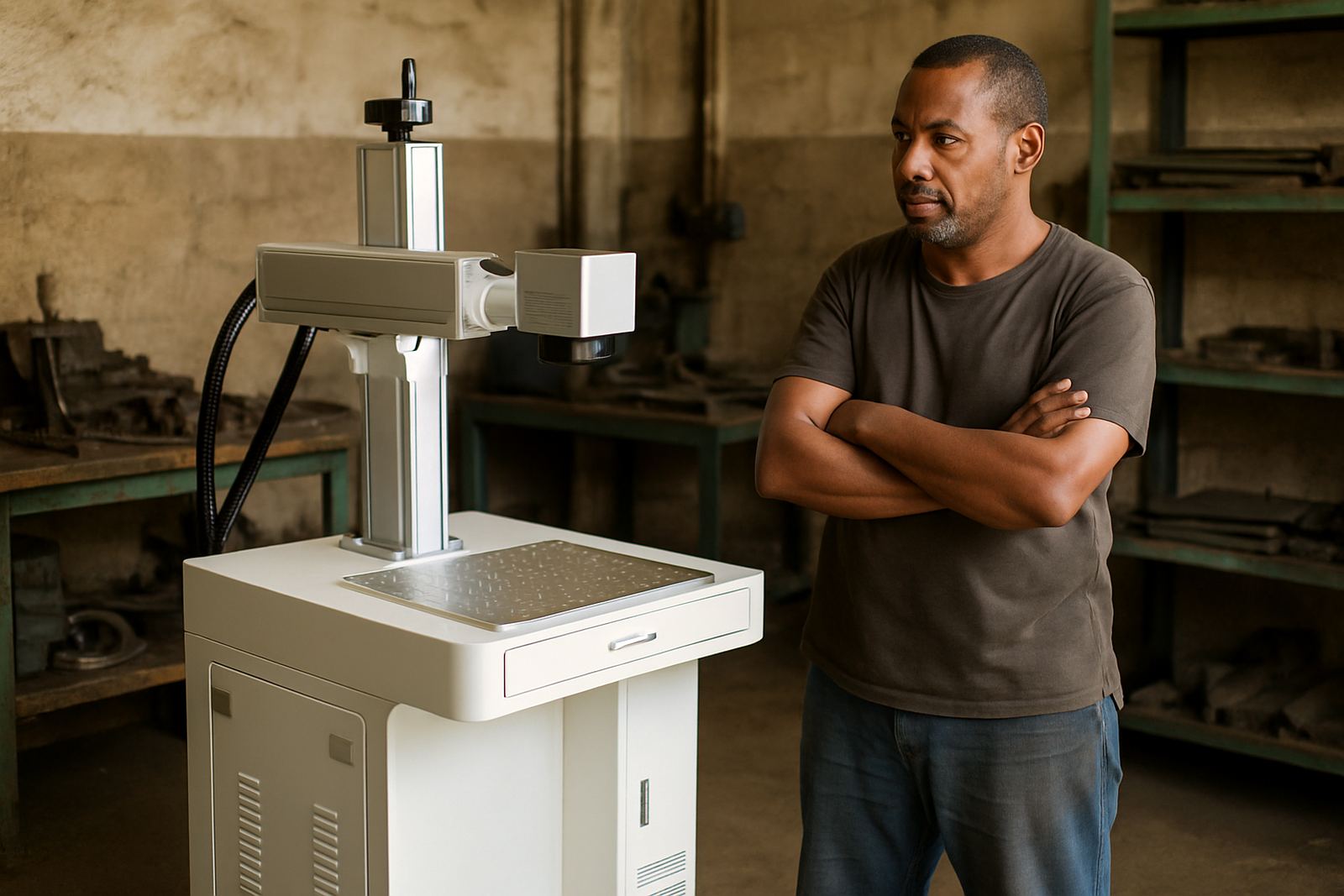
Fibre laser machines are commonly chosen for metal parts because they give fine detail and a clean finish with very little maintenance. The right power level depends on the job. Lower power can suit light marking and jewellery work, while heavier production may need stronger output for faster cycles or deeper marks.
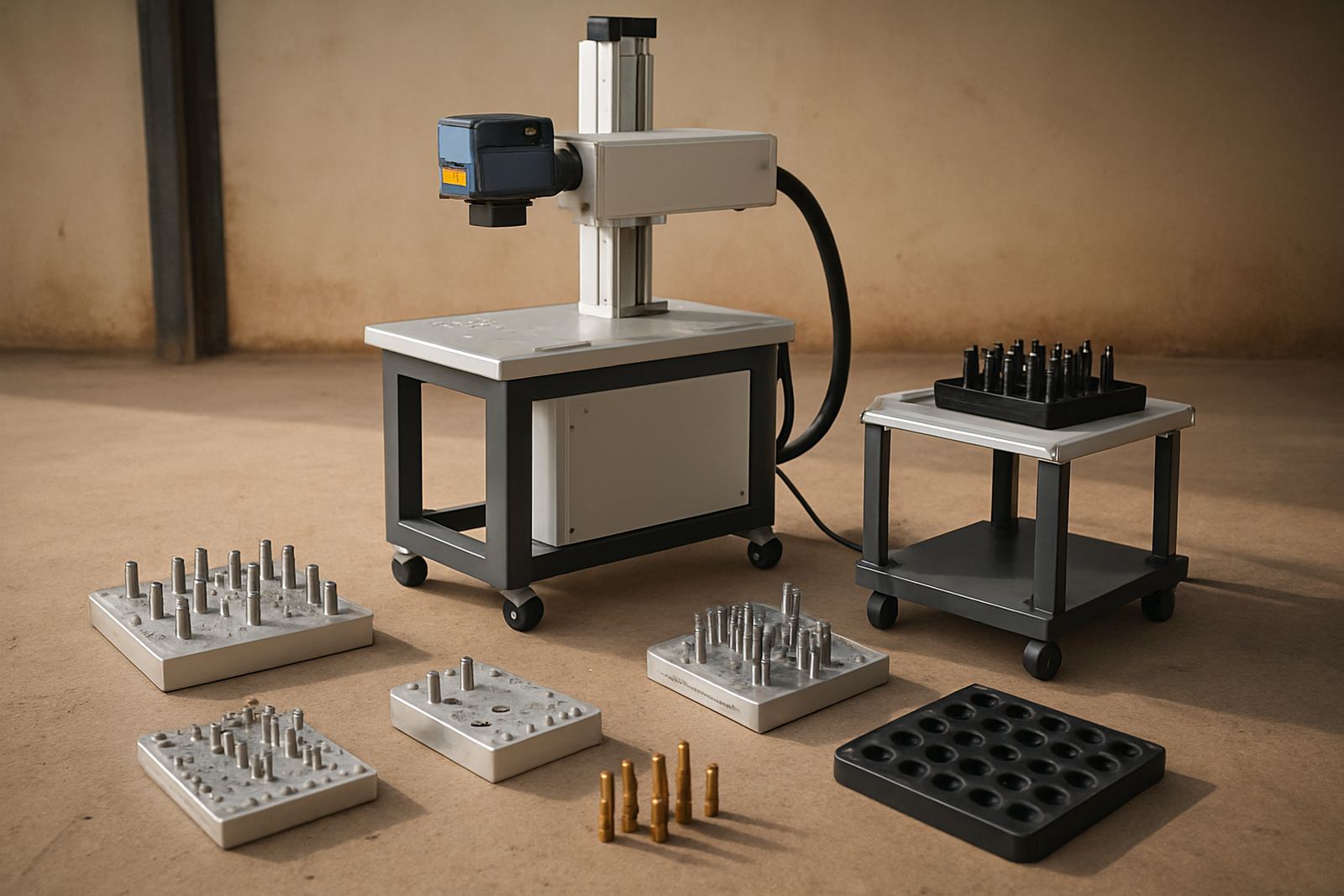
Do not choose on power alone. Work area size, enclosure layout, fixture access and software ease all affect daily output. A machine that is easy to load and align will save more time than a unit with a bigger spec sheet but awkward part handling. In a busy Gauteng workshop, that difference shows up quickly.
- Match power to material and mark depth.
- Check the maximum part size and fixture clearance.
- Ask about marking speed on your sample parts.
- Confirm if the machine suits batch work or one-off jobs.
Check Installation Conditions In Your Workshop
A good install starts with the site. In Wadeville, Jet Park, Isando or Kempton Park, many workshops already have compressed air, metal benches and extraction in place, but power stability still needs attention. Fibre laser systems do not draw much power compared with many other machines, yet load-shedding, voltage dips and poor earthing can still cause avoidable issues.
Look at the floor space, dust levels and humidity too. Coastal moisture can affect fixtures and stored parts, while grinding dust can interfere with optics and moving parts if housekeeping is poor. Keep the machine on a level surface and leave enough space for safe loading, service access and operator movement. Municipal and site safety rules should also be checked before installation, especially where visitor access and shared workshop floors are involved.
Sample Marking Before You Buy
Sample marking is one of the most useful steps in the buying process. It shows how the machine handles your metal, your jewellery pieces or your plated items. It also helps to confirm if the mark is too bright, too shallow or too wide for the finished product. A sample run saves a lot of back-and-forth later, and it can expose issues with fixturing or reflection on polished surfaces.
Bring real production samples, not just offcuts if possible. If the mark must include a barcode, logo, serial number or batch code, test all elements together. That way you can judge readability under workshop light and check whether the mark stays clear after handling.
- Test the exact material and finish.
- Include all text, symbols and codes.
- Review mark position and orientation.
- Check the result under normal plant lighting.
Training, Software And Operator Habits
Even a good machine will underperform if operators are unsure about focus, file setup or fixture positioning. Proper training should cover daily startup checks, software basics, safe loading, and how to confirm the right marking parameters before a batch starts. That helps reduce rejects and rework.
Software setup is often the point where production gains are won or lost. File naming, template storage and batch number control need to be tidy from day one. If more than one operator will use the machine, keep the process simple and standardised. Small errors in setup can waste time, especially when the line is under pressure to clear orders before month-end.
Maintenance That Protects Output And Mark Quality
Fibre laser machines are known for low routine maintenance, but low does not mean none. Dust checks, lens inspection, fixture cleaning and software backups should be part of the normal plan. Preventive maintenance is cheaper than waiting for a breakdown in the middle of a run, and it helps keep focus accuracy stable.
For plants running in Germiston, Boksburg, Alberton and beyond, keep a simple log of marking faults, lens cleaning dates and any file changes. That record helps with faster fault finding if the mark quality changes. If the unit is moved to a new area or relocated to another site, allow time for re-calibration and a fresh sample check before production restarts.
- Clean the work area and fixture daily.
- Inspect optics on a scheduled basis.
- Back up marking files and settings.
- Book focus calibration after relocation or repairs.
Buy For Support, Spares And Local Response
When you buy a production machine, you are also buying the support behind it. Ask how installation, training, sample marking and breakdown repairs are handled, and whether spares can be supplied quickly when needed. For South African businesses, local response matters because a delay can affect dispatch dates and customer commitments.
Fibre Laser Marking supports businesses from Wadeville and Germiston with installs and training nationwide, and the team handles machine installation, operator training, software setup, preventive maintenance, breakdown repairs, spares supply, focus calibration, fixture design, sample marking, process optimisation, site relocation and remote assistance. That mix matters when a machine must fit into a real production schedule, not just a showroom spec sheet.