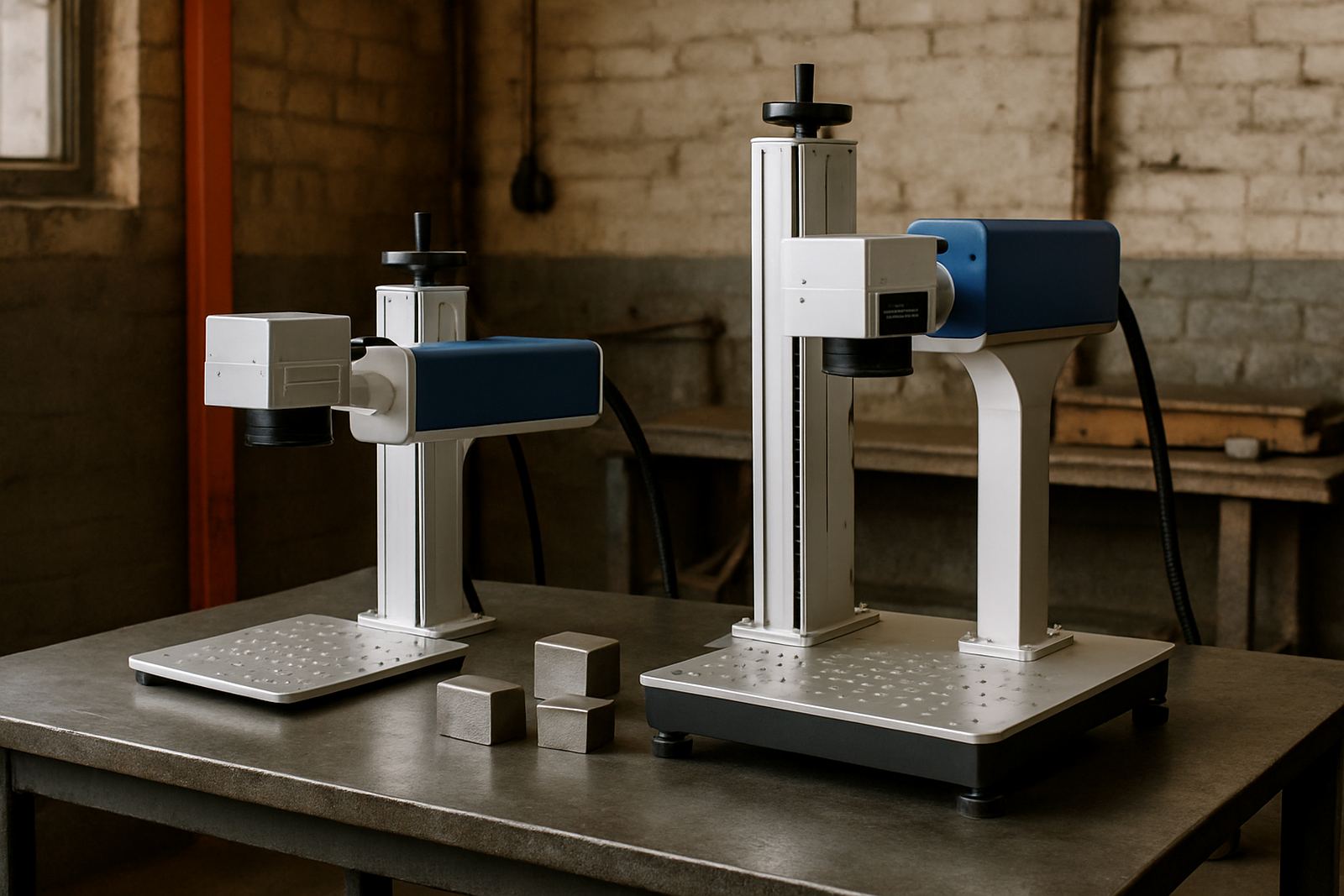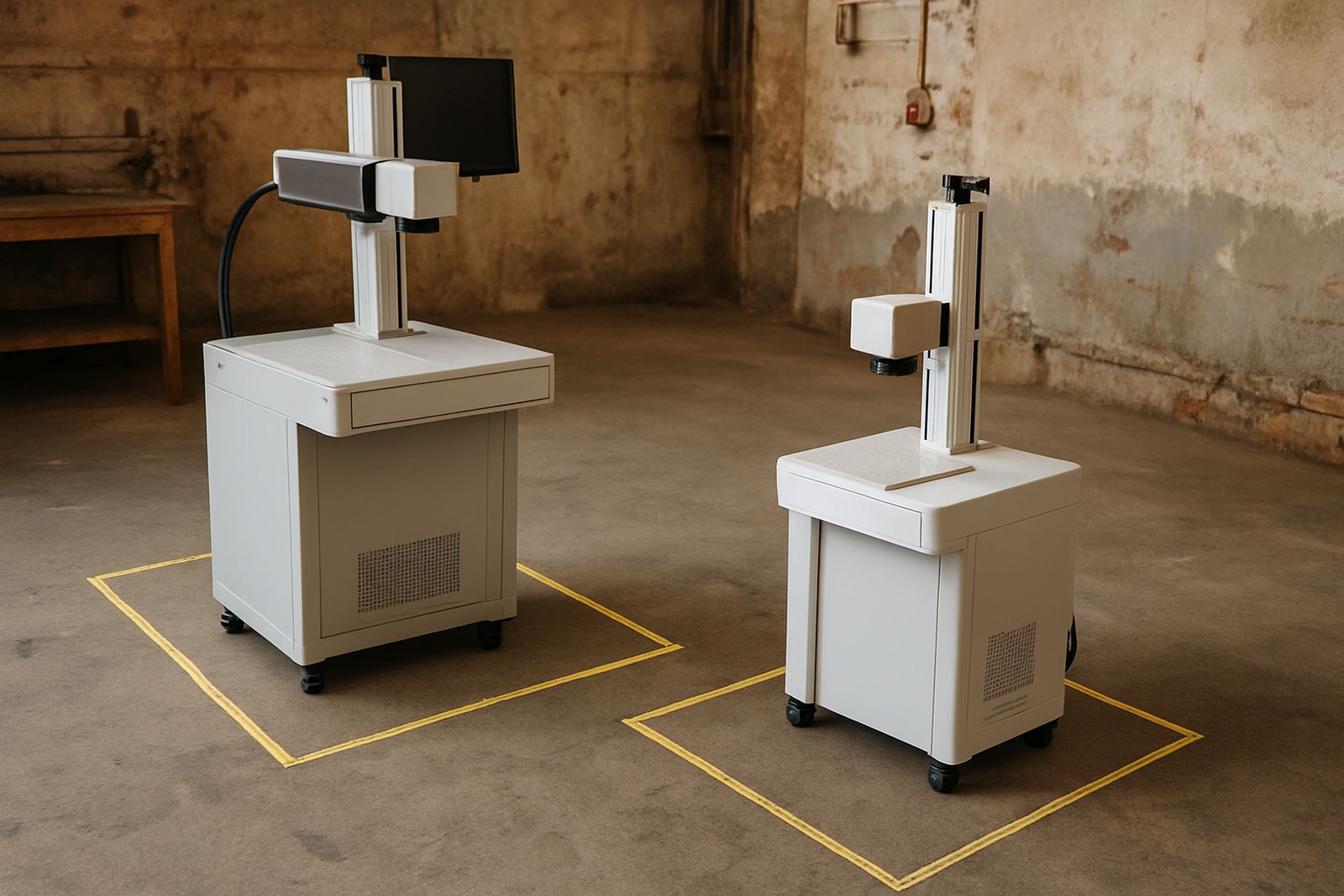
Start With the Space You Can Actually Use
Before you compare marking fields or machine tables, measure the area where the unit will stand. In many Germiston and Johannesburg workshops the issue is not the machine itself, but the space around it for loading parts, opening doors and moving finished items in and out. Leave room for the operator, a trolley and a service technician to reach the rear panel without climbing over stock.
A practical floor plan should account for the machine footprint plus working clearance. If the unit needs a computer, extractor, chiller or compressor, those items also need a proper place. In a tight room, wall-mounted shelves and a dedicated trolley can save a lot of space, but keep cables tidy and off the floor.
- Measure the usable floor area, not the room size on paper.
- Allow space for access on at least three sides where possible.
- Check door widths, gate access and turning space for delivery.
- Plan for power points, network points and cable runs before placement.
Match the Marking Area to the Biggest Part You Handle
The size of the marking field should suit the largest item you mark regularly. A jewellery workshop may only need a compact marking area for rings, pendants and bracelets, while a metal parts producer may need larger plates, housings or nameplates. If the marking field is too small, you will spend time repositioning parts and risking alignment errors.
As a rule, choose a marking area that gives you some headroom above your normal part size. That extra margin helps when you need to mark multiple items on one fixture or work with awkward shapes. It also makes sample marking easier when a customer sends a new part for testing.
- List your top 10 parts by size and quantity.
- Note the maximum length, width and height of each part.
- Include clamps, jigs and any raised features on the part.
- Leave space for safe positioning without forcing the operator’s hands into a tight area.
Check Part Height, Fixture Clearance and Focus Range
Part size is not only about length and width. Height matters just as much, especially when you use fixtures, rotation devices or custom holders. A tall casting or a stacked batch of components may fit on the table but still sit outside the focus range. That can affect mark quality and repeatability.
When you choose a machine, ask how much vertical adjustment is available and how much room there is above the part for safe loading. If you work with curved parts, engraving depth and focus position become even more important. This is where a proper sample marking session helps, because a small test can save you from a wrong purchase later on.
- Measure the total height of the part plus fixture.
- Check whether the machine allows enough vertical travel for focus setting.
- Confirm that the operator can load the part without scraping the lens area.
- For batch work, confirm space for multiple parts on one fixture if needed.
Think About Material Type and Mark Quality
Fibre laser machines are a strong fit for metals, but the result changes with material type, finish and size. Stainless steel, aluminium, brass and coated metals all behave differently. Small jewellery items need fine detail and clean edges, while larger industrial parts may need deeper contrast and faster cycle times. The machine size guide should therefore include the type of marking you need, not only the physical dimensions.
If you do serial numbers, logos or barcodes, the marking area must also suit the layout of the artwork. Large tags may need a wider field, while tiny components need stable clamping and fine focus. A machine that is too small for the job can slow production and increase rework.
For workshops near the coast, or where humidity is high, think about storage and protection as well. Dust, moisture and poor air movement can affect both the machine and the parts. Keep the unit in a clean area and allow for proper ventilation, especially during summer.
Plan for Power, Ventilation and Daily Operation
Size selection should always include utility needs. A machine that fits the room but causes power trips or poor ventilation is not a good choice. Many South African sites still deal with load-shedding, so it helps to ask how the machine behaves on backup power and what else shares the circuit. Keep the machine on a stable supply and do not overload the same line with heaters, grinders or other heavy equipment.
Good airflow matters too. Even if the marking process is clean, the operator still needs a comfortable space and the machine may need cooling or extraction depending on the setup. If your workshop is in a small industrial unit, position the machine where air can move freely and where the room stays clear of metal dust.
- Confirm the voltage and plug arrangement before installation.
- Check whether you need extraction, cooling or a stabilised supply.
- Keep the machine away from grinding stations and wet areas.
- Make sure the operator can work without blocking passageways.
Use a Footprint Checklist Before You Buy a Cabinet Fibre Laser Marker
A short checklist will help you compare options properly. The aim is not to buy the biggest machine available, but the one that fits your parts, your room and your production rate. Many customers in Gauteng and beyond find that the right size is the one that reduces handling time, keeps marks consistent and leaves room for future growth.
Use this checklist before you place an order or request a site visit:
- What is the largest part you need to mark this year?
- How much floor space do you have after allowing for access?
- Will you use fixtures, rotary attachments or custom holders?
- Do you need sample marking before final selection?
- Is the room suitable for power, cooling and ventilation?
- Will the operator need training on setup and focus adjustment?
If you are not sure, ask for a site assessment or send sample parts for testing. That is often the fastest way to confirm the right machine size, and it avoids costly changes after installation. A small workshop can still run a capable system if the layout is planned well.