What the 20W Benchtop Marker does well
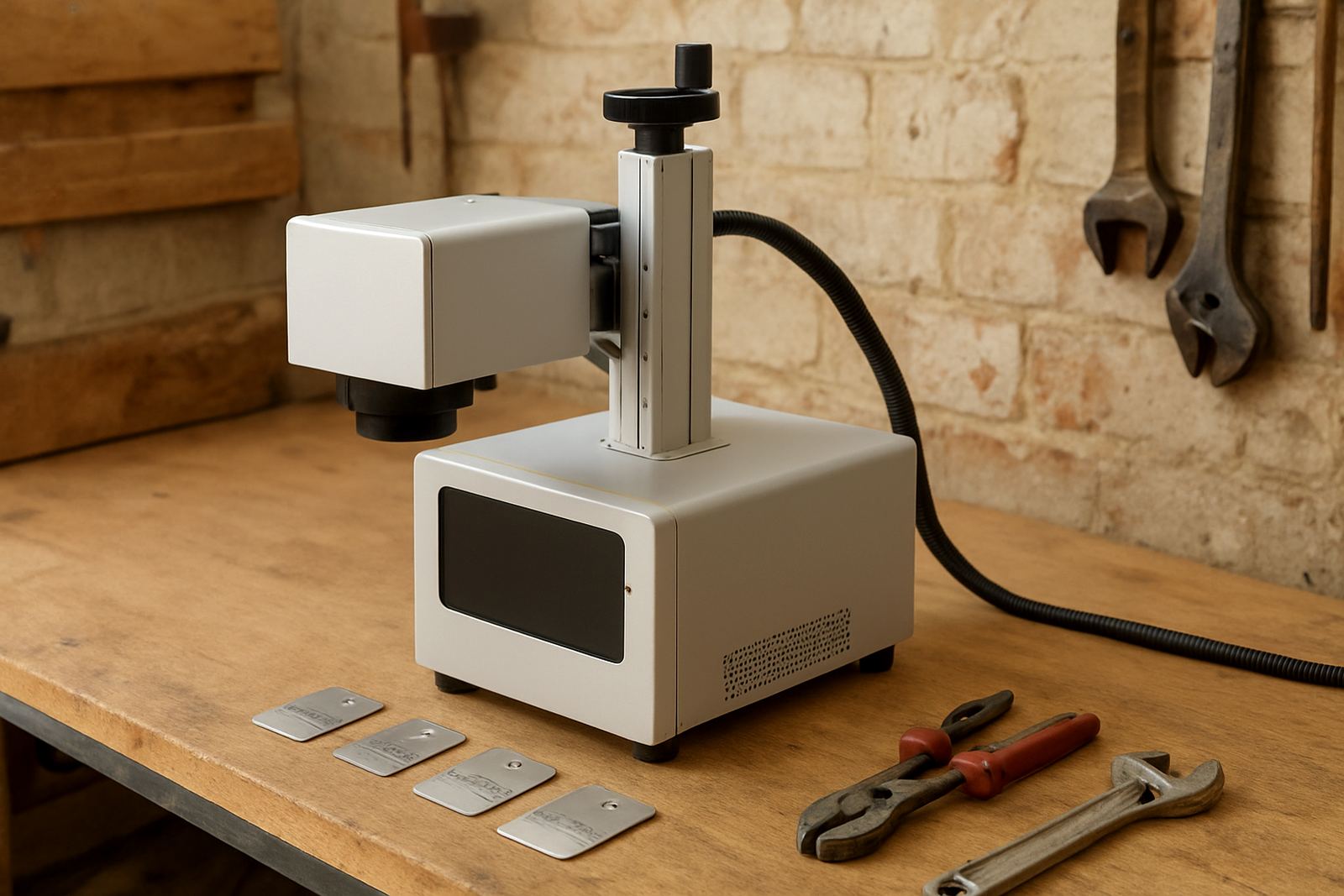
This benchtop unit is built for permanent marking on metal surfaces where a neat, readable finish matters. It is commonly used for serial numbers, batch codes, QR codes, part numbers, logo marking and fine decorative engraving on stainless steel, mild steel, aluminium, brass, copper and coated metals. For jewellery work it can mark tags, rings, pendants and small components where detail is important.
Because it uses fibre laser technology, the mark is made by the beam changing the surface of the metal rather than by ink or stickers. That means there is no drying time, no consumables for the marking process, and the result is better suited to parts that get handled, cleaned or exposed to workshop wear. For low to medium volumes the 20W unit is often a practical first machine, especially where space is tight and the marking job is straightforward. It is a proper workhorse for day to day jobs, not a showpiece.
Typical size, layout and options
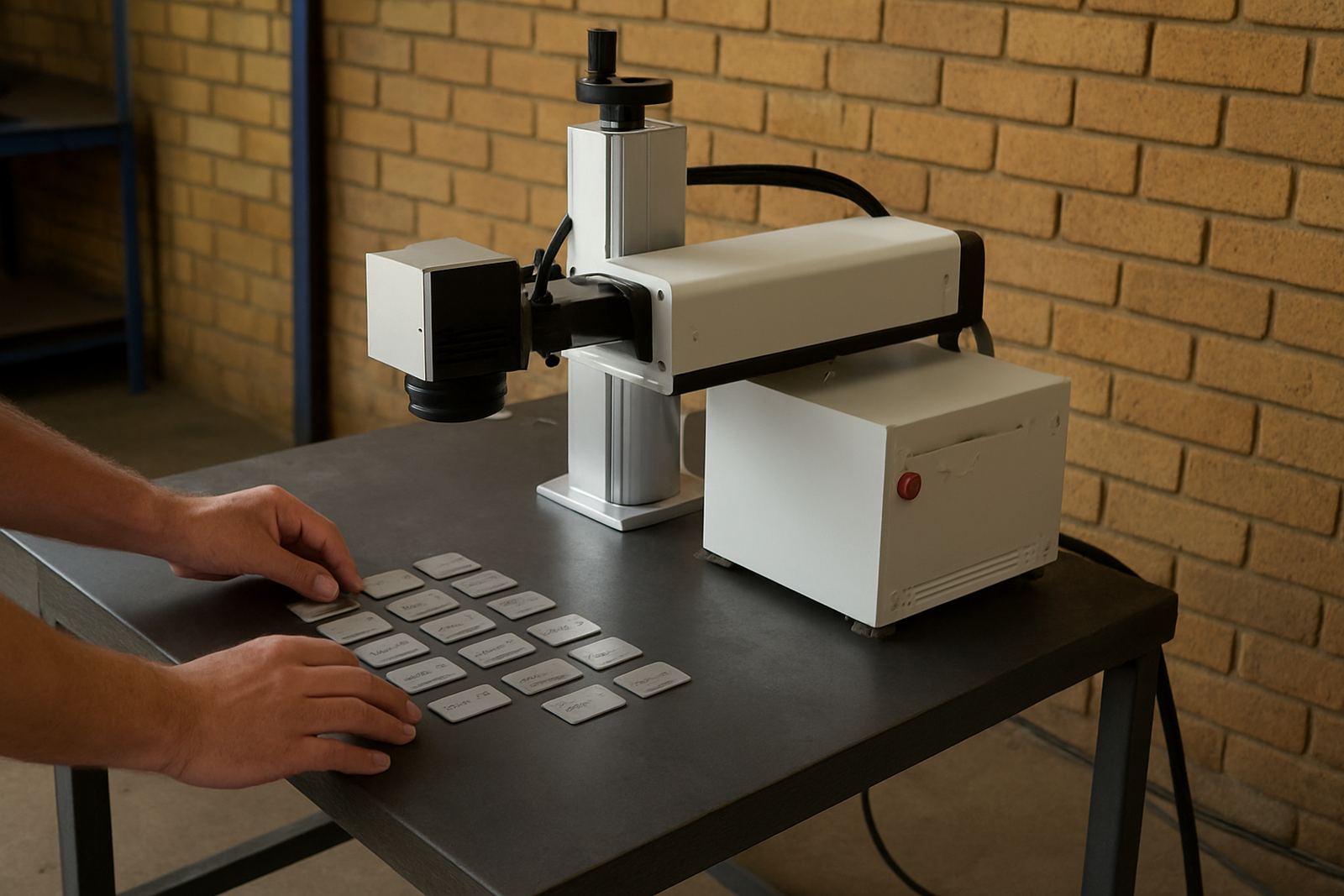
The benchtop format is compact enough for a packing table, a tool room or a small production corner. The marking head sits above the work area and the control unit is usually kept close by on the same bench or under the table. That makes it easier to use in places like Germiston, Boksburg or Jet Park where floor space is often shared between cutting, assembly and dispatch.
Most buyers look at the marking field size, the type of stand and whether they need extra fixtures for small or awkward parts. Common options include a manual Z axis for focus adjustment, a rotary attachment for rings or cylindrical items, and a fixture plate for repeat jobs. If you mark mixed part sizes, ask for a setup that gives you enough clearance for the tallest item without losing stability. The machine should sit level and secure, not wobble under day to day use.
- Compact benchtop frame for small workshops and line-side marking
- Optional rotary attachment for round items and jewellery components
- Fixture options for repeat part positioning and batch work
- Choice of marking field to suit small tags or larger nameplates
Where this model suits best
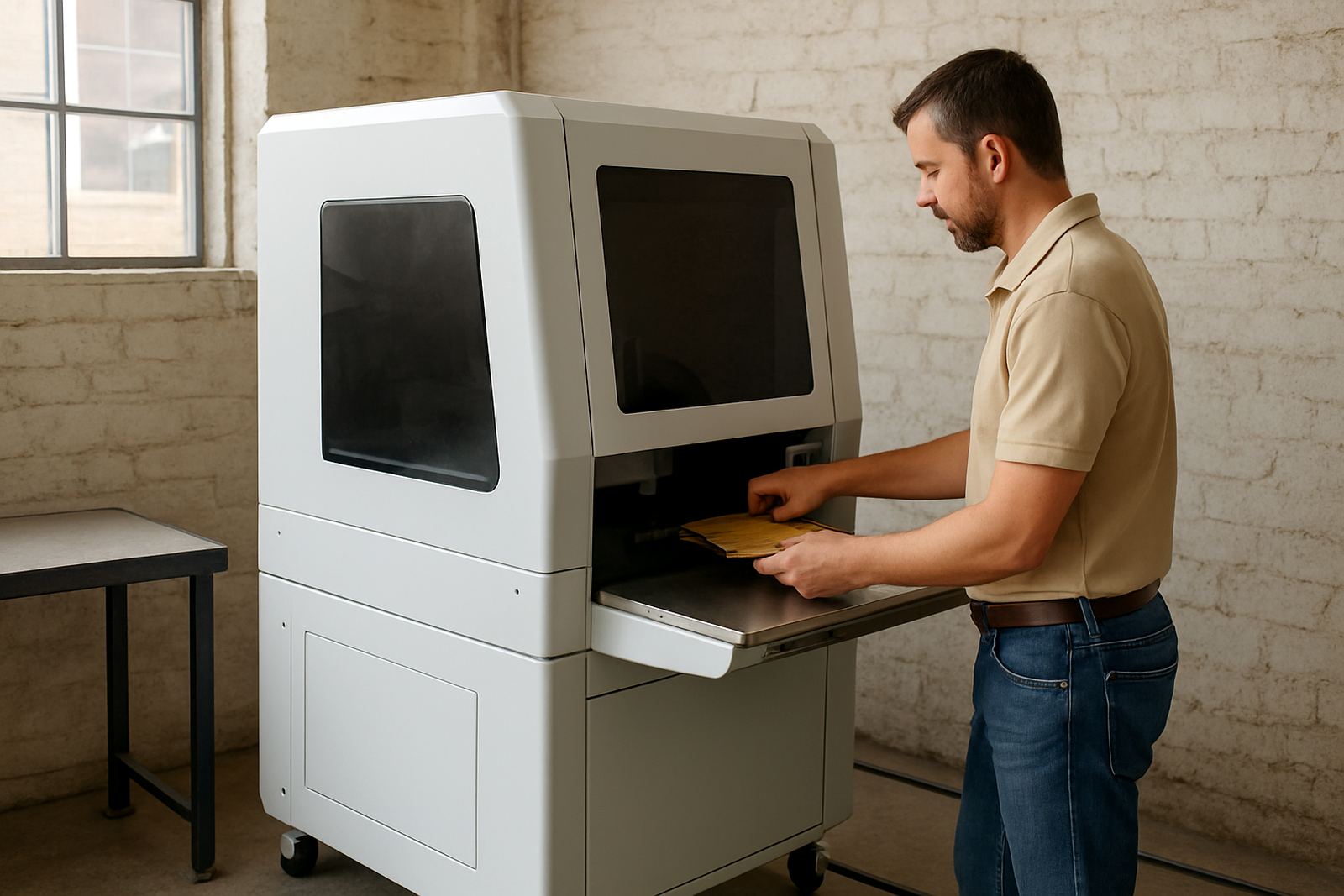
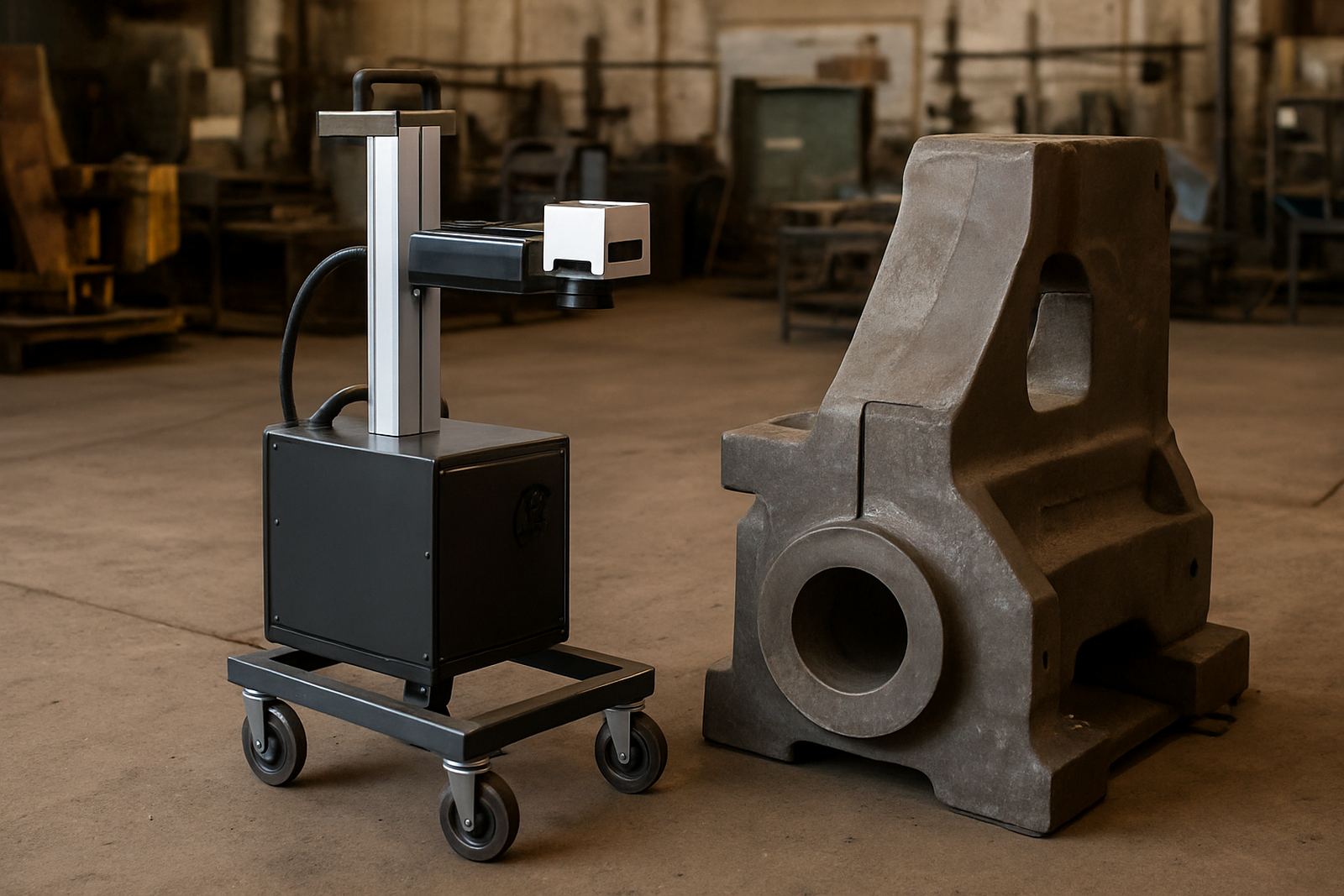
This 20W marker suits businesses that need accurate marking on metal items without moving to a large floor-standing system. It is a sensible fit for maintenance teams, fabrication shops, machine builders, panel shops, toolmakers, trophy and gift engravers, and jewellery businesses that need clear identification on metal pieces. It also works well for service centres that mark serial numbers and asset tags.
In South Africa, many small and medium businesses need equipment that can run during load-shedding planning, fit into a secure room, and be operated by staff after brief training. This machine is a good match where jobs are repeated and setup time must stay short. It is not the right choice for deep cutting or high speed marking on very large parts, but for clean identification work it performs well and keeps the process simple.
- Best for serial numbers, logos, barcodes and light engraving
- Suitable for metal goods, jewellery and small engineered parts
- Useful where space, staff time and power planning matter
- Works for workshops in Gauteng, KZN, Cape Town and nationwide sites
Installation, power and workshop requirements
Installation is straightforward, but the machine still needs a proper setup. A stable bench, a clean working area and correct grounding are important. The laser head should be positioned away from vibration, grinding dust and heavy swarf. If the machine is used in a shared workshop, it is best to keep the marking area separate from cutting and welding where possible.
Power needs are modest compared with larger industrial equipment. A standard 220V supply is usually enough for the marker and control unit. No gas is needed for the marking process itself, which keeps running costs lower and removes the hassle of gas bottle handling. Good extraction or local ventilation is still wise when marking coated metals or when the job produces smoke. For sites near the coast, such as Durban or Gqeberha, a clean dry room helps protect optics and electronics from moisture and corrosion. A small note here, keep the lens area clean and check it regularlly if the machine stands idle between jobs.
Care, servicing and day to day use
Like any precision marking machine, the 20W unit gives better results when it is kept clean and checked often. Dust on the lens, poor focus setting or a loose fixture can affect mark quality. Operators should learn the correct focus height, how to load the marking file and how to confirm the mark position before starting a batch. For jewellery and fine engraving work, a sample piece should always be tested first.
Preventive maintenance is mainly about keeping the system clean, checking cables, confirming the alignment and watching for signs of wear on fixtures and moving parts. If the machine is used every day, a service plan can help avoid unplanned downtime. Fibre laser sources are long life units, but the surrounding components still need care. In a workshop where staff change shifts, it helps to keep a simple log for settings, job types and any repeat faults so the next operator can pick up quickly.
What to check before you order
Before placing an order, make sure the machine matches the parts you actually mark. A small tag, a flat plate and a curved jewellery item each need different handling. It helps to know the size of your typical part, the marking depth or finish you want, and whether you need the machine for plain text, barcodes, QR codes or branding. If you plan to mark mixed items, ask about the available field size and fixture set-up from the start.
Also check the software workflow, computer requirements, spare parts support and how the machine will be trained on site. If your workshop is in a noisy or dusty area, ask what protection is recommended for the lens and control unit. For businesses moving from hand stamping or printed labels, sample marking is worthwhile before finalising the order. That way you can see how the finish looks on your own material and avoid surprises later on.
- Confirm the metals and part sizes you mark most often
- Check if you need a rotary attachment or custom fixture
- Ask for sample marking on your own material where possible
- Plan for training, spare parts and regular servicing from the start
Key facts
| Laser power | 20W fibre laser |
|---|---|
| Machine type | Benchtop marking and light engraving unit |
| Typical materials | Stainless steel, mild steel, aluminium, brass, copper and coated metals |
| Power supply | 220V single phase supply |
| Cooling | Air cooled system |
| Applications | Serial numbers, logos, barcodes, QR codes, part numbers and jewellery marking |