What the enclosed desktop marker is used for
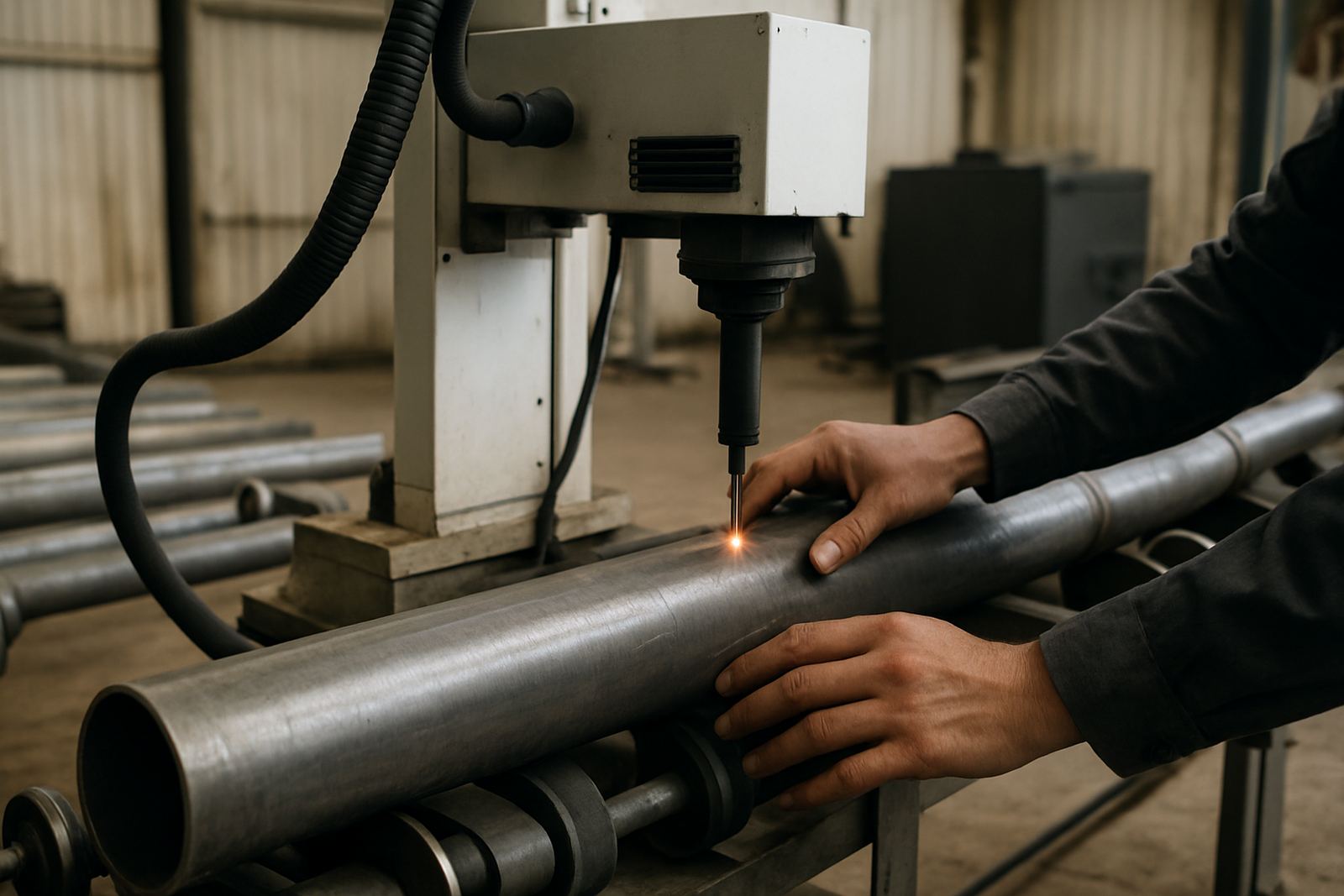
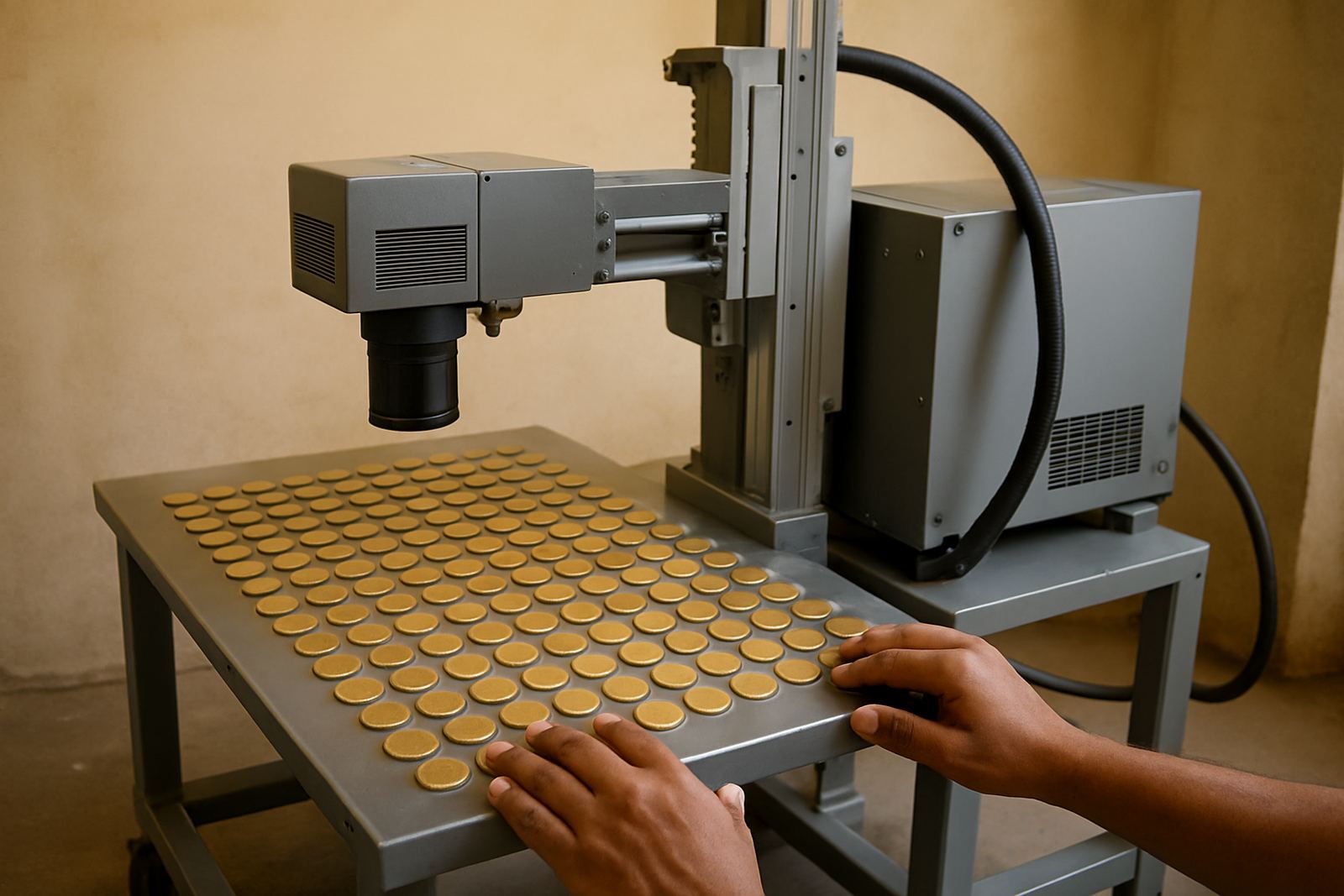
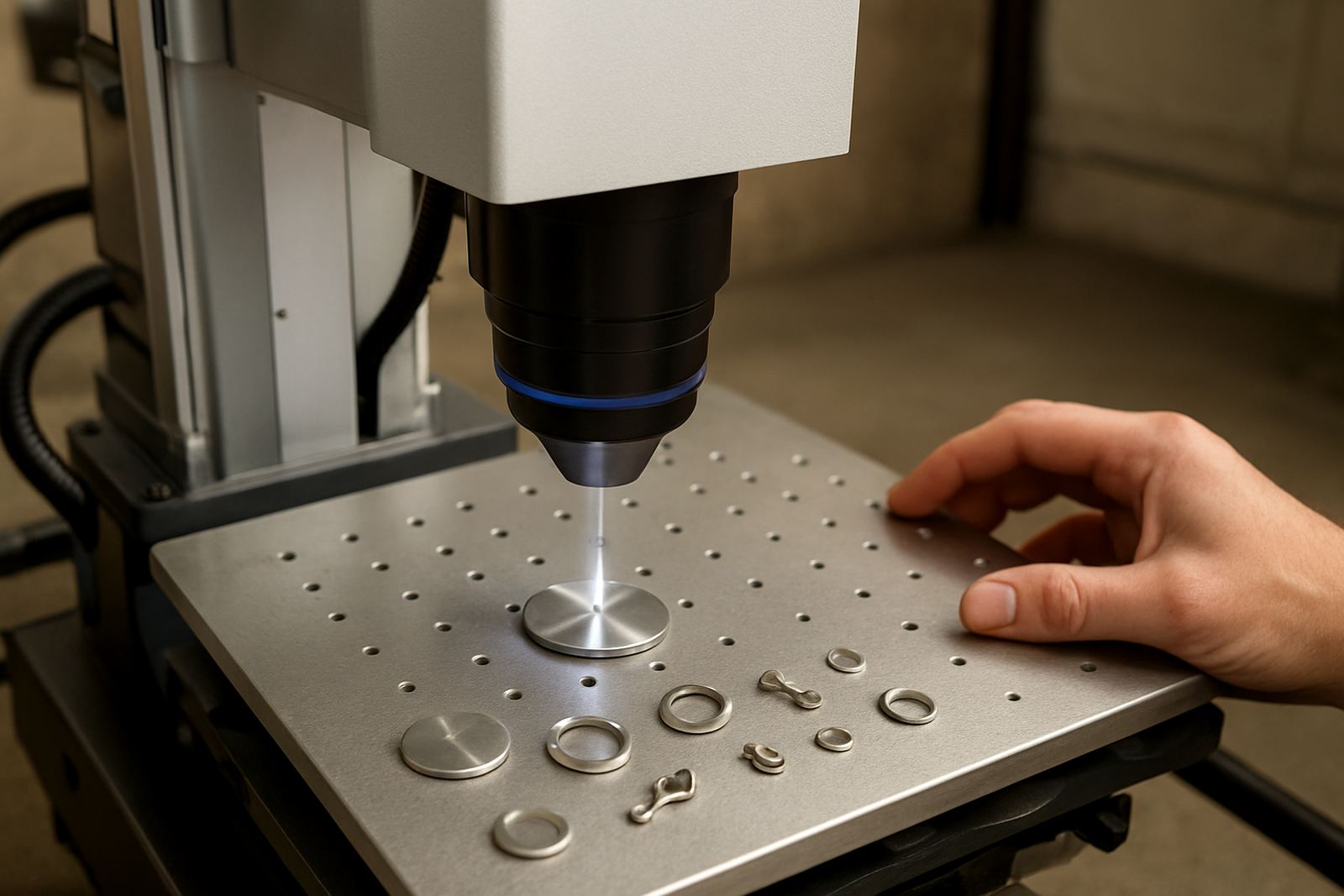
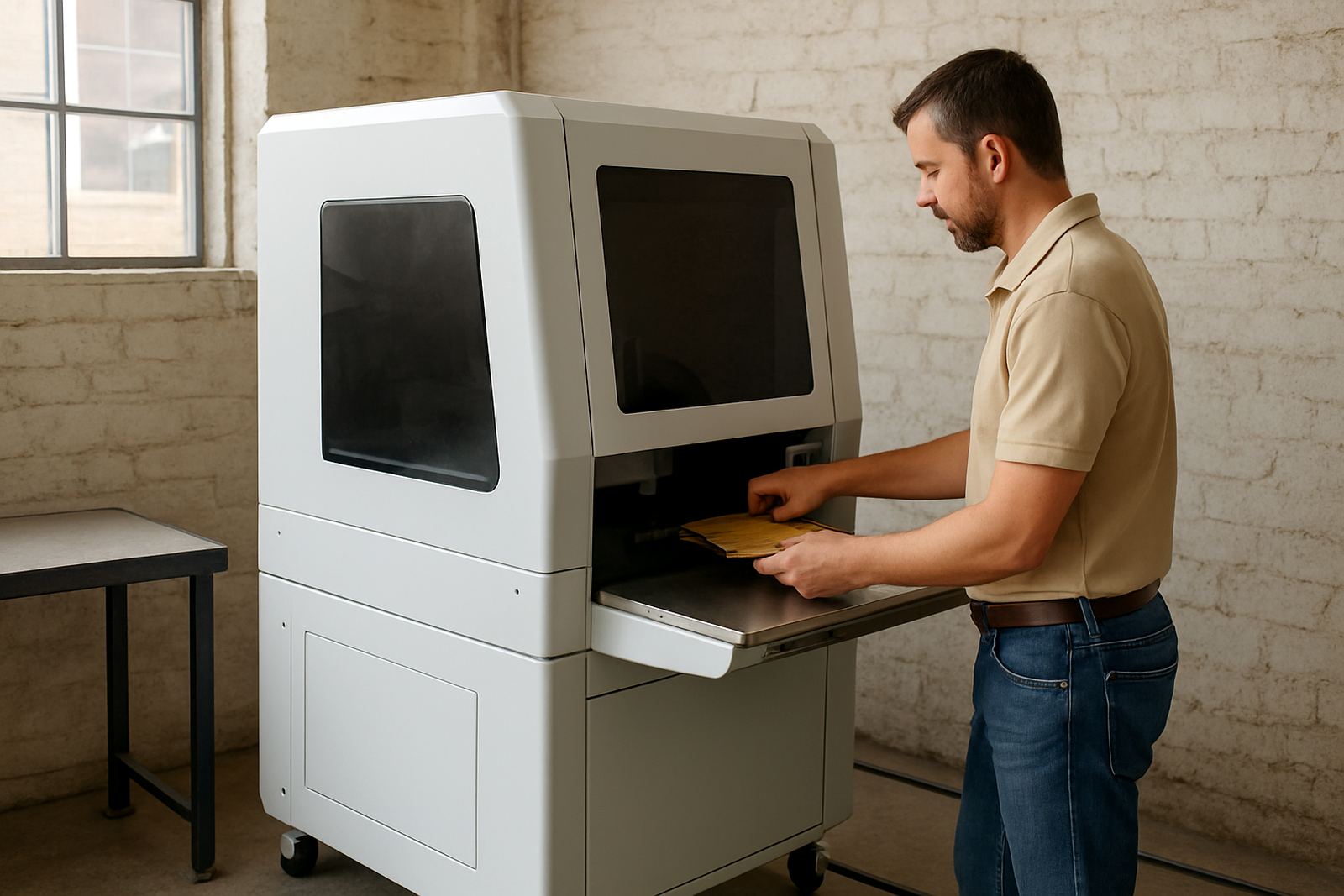
An enclosed desktop marker is a fibre laser marking machine fitted into a safety cabinet with a viewing window and access door. It is made for marking and engraving on metals such as stainless steel, mild steel, aluminium, brass, copper and coated metal parts, as well as fine jewellery items that need small text or detailed patterns.
Because the work area is contained, the machine helps keep dust, smoke and accidental contact under control. That matters in busy shops, especially where staff are moving between prep, marking and packing. For South African users working through load-shedding and mixed workshop conditions, the enclosed format also keeps the process tidy and easier to manage day to day.
Typical sizes and setup options
These machines are supplied in compact formats for benchtop use, with the laser source, control cabinet and marking head arranged for a small floor footprint. The exact layout depends on the part size, clamping method and whether you need a manual door or a motorised Z axis for focus adjustment.
- Working area options for small tags, nameplates and jewellery components
- Rotary attachment options for rings, cylinders and round parts
- Simple fixture plates for repeat production runs
- Choice of lens sizes for finer detail or a wider marking field
If you need a machine for very small text or detailed logos, the lens and beam setup need to match the job. For larger tags, plates or batch work, a wider field can save time, though the mark will usually be a bit smaller than on a narrow lens setup. We can help match the unit to the actual part size before you order.
Where this machine suits best
This enclosed system suits jewellery makers, subcontractors, electrical component shops, jobbing engineers and production lines that want repeatable marking on metal parts. It is useful where traceability is needed for serial numbers, batch codes, QR codes or part references, and where a clean finish matters on visible items.
In Gauteng, we often see these machines used in Germiston, Wadeville, Jet Park, Isando, Kempton Park, Boksburg and Alberton for everyday production work. They also suit coastal operations where humidity can affect stored tooling, because the marking itself is non-contact and the enclosure helps reduce workshop contamination. If your product mix changes often, the machine can be set up for quick changeovers, which keeps downtime lower.
Power, air and site requirements
Most enclosed desktop markers run from standard single-phase electricity, which makes them easier to place in smaller workshops and office-like production rooms. A stable power supply is still important, so many users install surge protection and backup power if they need to keep production going during outages. Exact power draw depends on the source wattage and any add-ons fitted.
- Single-phase supply for most compact units
- Clean, dry work area with enough space for door opening and loading
- Stable bench or stand that will not move during marking
- Optional extraction if your process creates smoke or fine residue
These systems usually do not need compressed gas for standard metal marking, which keeps installation simpler. If you are marking coated material, polished jewellery or items that produce more residue, extraction and cleaning must be planned properly. We also check site access, bench height and cable routing when doing installs and training nationwide.
Care, servicing and day-to-day upkeep
Routine care is simple if it is done often. Keep the lens, enclosure window and fixtures clean, and make sure the door seals and interlocks are working properly. Dust, oily fingerprints and metal fines can affect the mark quality over time, so a short daily wipe-down is worth it.
Preventive maintenance helps with focus accuracy, beam consistency and overall uptime. That can include focus calibration, inspection of the motion parts, software checks and fixture review. On-site breakdown repairs are available when a machine stops unexpectedly, and remote assistance can often sort out software or marking setup issues without a call-out. If a machine is being moved to a new factory or workshop, site relocation should include re-leveling and a fresh calibration check, not just plug and play.
What to check before you order
Before ordering, confirm the parts you plan to mark, the depth of marking needed and whether you want surface black marking, light engraving or deeper contrast on certain metals. It also helps to know your average part size, the number of parts per shift and whether you need a rotary unit for rings, tubes or round housings.
- Material type and finish, including polished or coated surfaces
- Part dimensions and maximum marking field needed
- Required text size, logo detail and barcode standards
- Need for fixtures, rotary attachments or custom jigs
- Workshop power supply and backup power plans
- Whether operator training is needed for one user or a full team
It is also worth checking where the machine will stand, who will use it and how parts will be loaded through the door. A good setup saves time and reduces mistakes, especially in small runs where every part must come out right the first time. If you are not sure, send the part details through the enquiry form and we can advise on the setup before installation.
Key facts
| Machine type | Enclosed fibre laser marking system for desktop operation |
|---|---|
| Typical use | Serial numbers, logos, QR codes, names, part codes and jewellery marking |
| Compatible materials | Stainless steel, mild steel, aluminium, brass, copper and coated metals |
| Power supply | Single-phase supply, exact load depends on source wattage |
| Work area | Compact bench footprint with enclosed marking chamber |
| Options | Rotary attachment, lens choices, fixture design, extraction support, software setup |