Built for heavier marking work
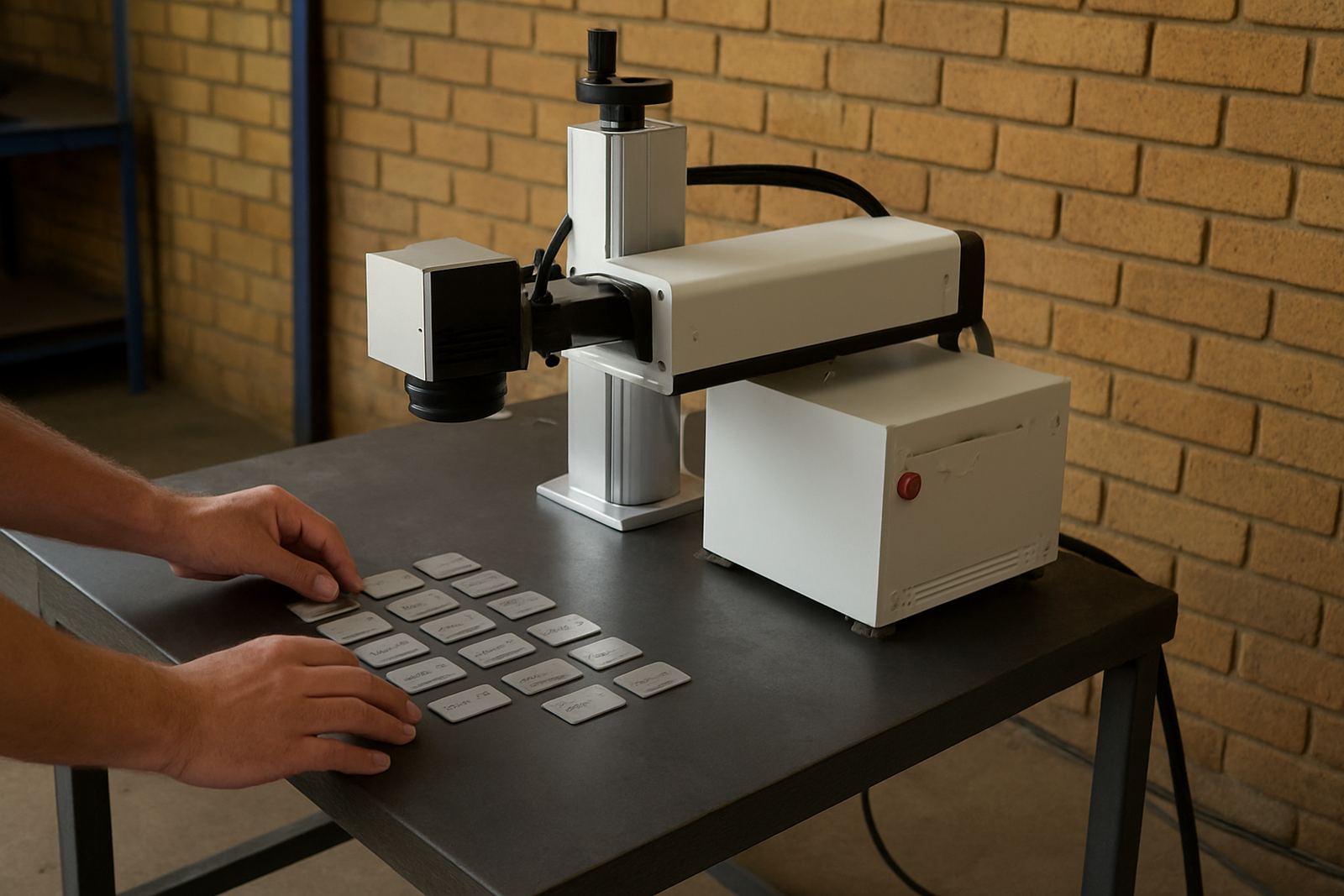
The 50W Benchtop Marker is a fibre laser marking system used for permanent marking on metals and some coated materials. It is chosen when a 20W unit is no longer enough, especially where the mark needs more depth, quicker cycle times or better contrast on tougher surfaces.
This machine is commonly used for serial numbers, part codes, logos, batch details, QR codes and fine jewellery work. In a Gauteng workshop or a small plant in Durban North, it gives a clean mark without inks, stamps or consumables. For stainless steel, mild steel, aluminium, brass, copper and titanium, it is a practical option where repeatability matters.
- High power output for deeper engraving and faster throughput
- Stable bench-mounted setup for controlled marking
- Suitable for continuous daily use in production environments
- Works well for small components and larger flat parts
Typical sizes, options and working area
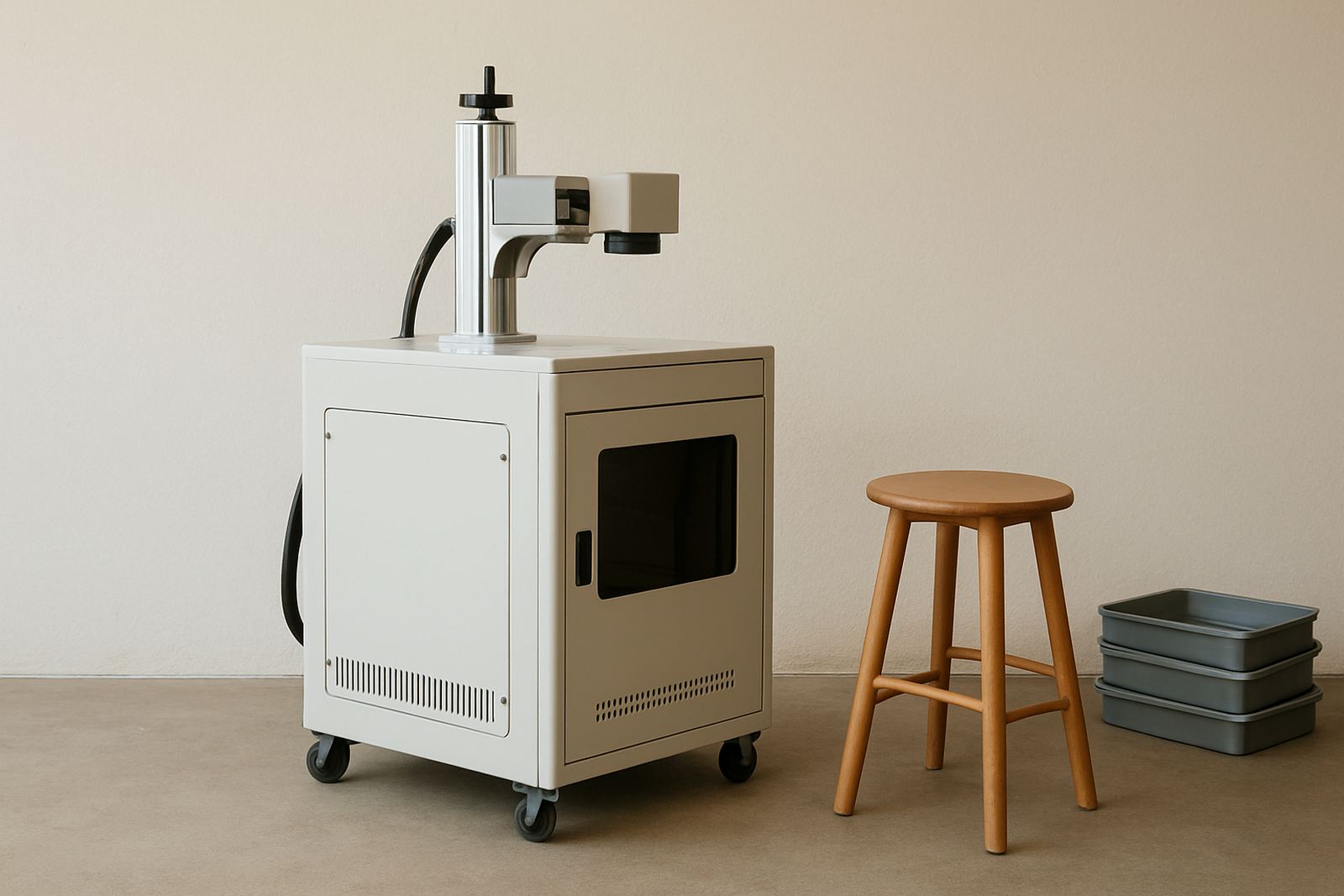
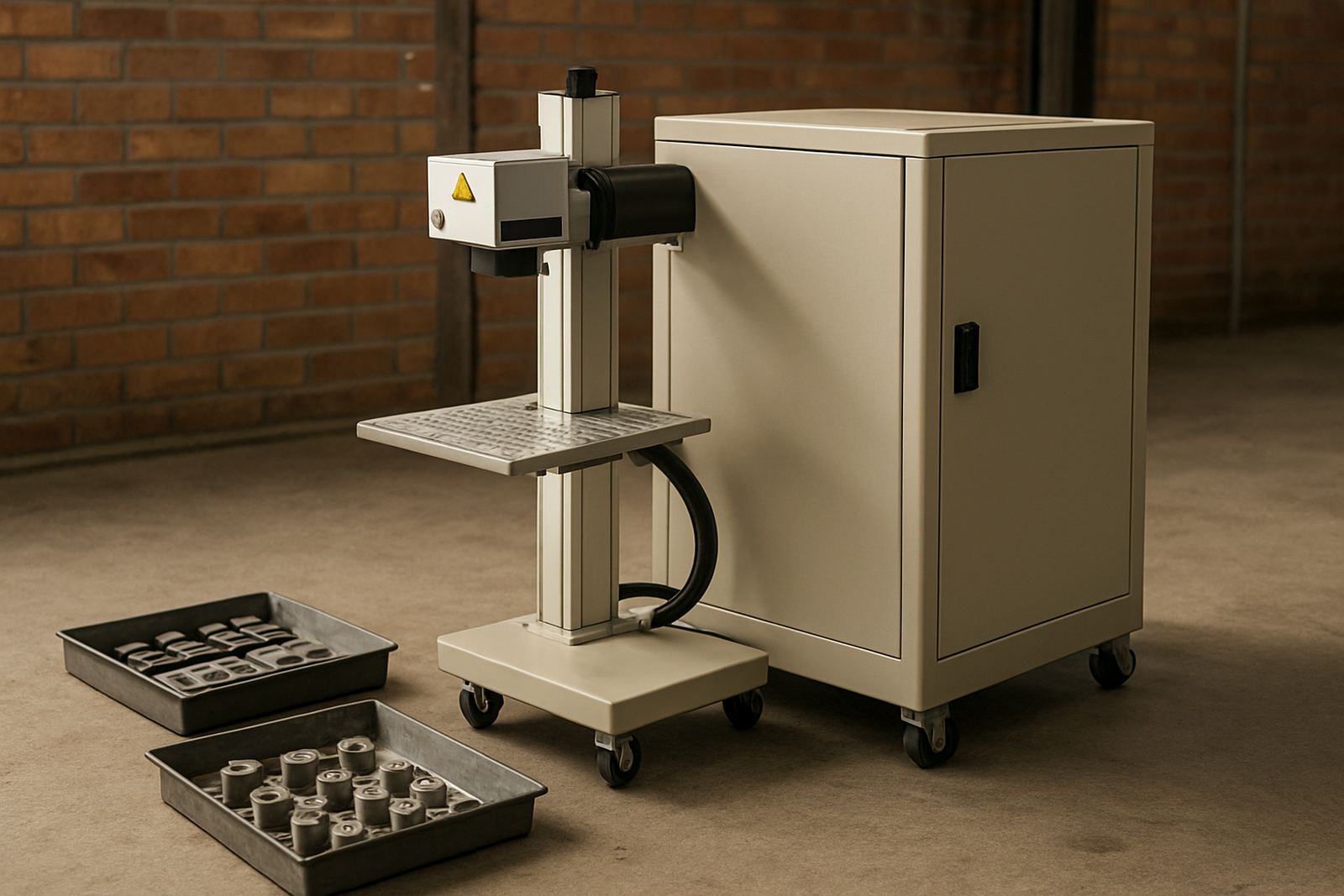
Benchtop fibre markers are normally supplied as a complete marking station with the laser source, control unit, machine frame and software. Working area size depends on the lens fitted, so buyers should check the field size against the biggest part they need to mark. A smaller field gives finer detail, while a larger field helps with bigger plates and name tags.
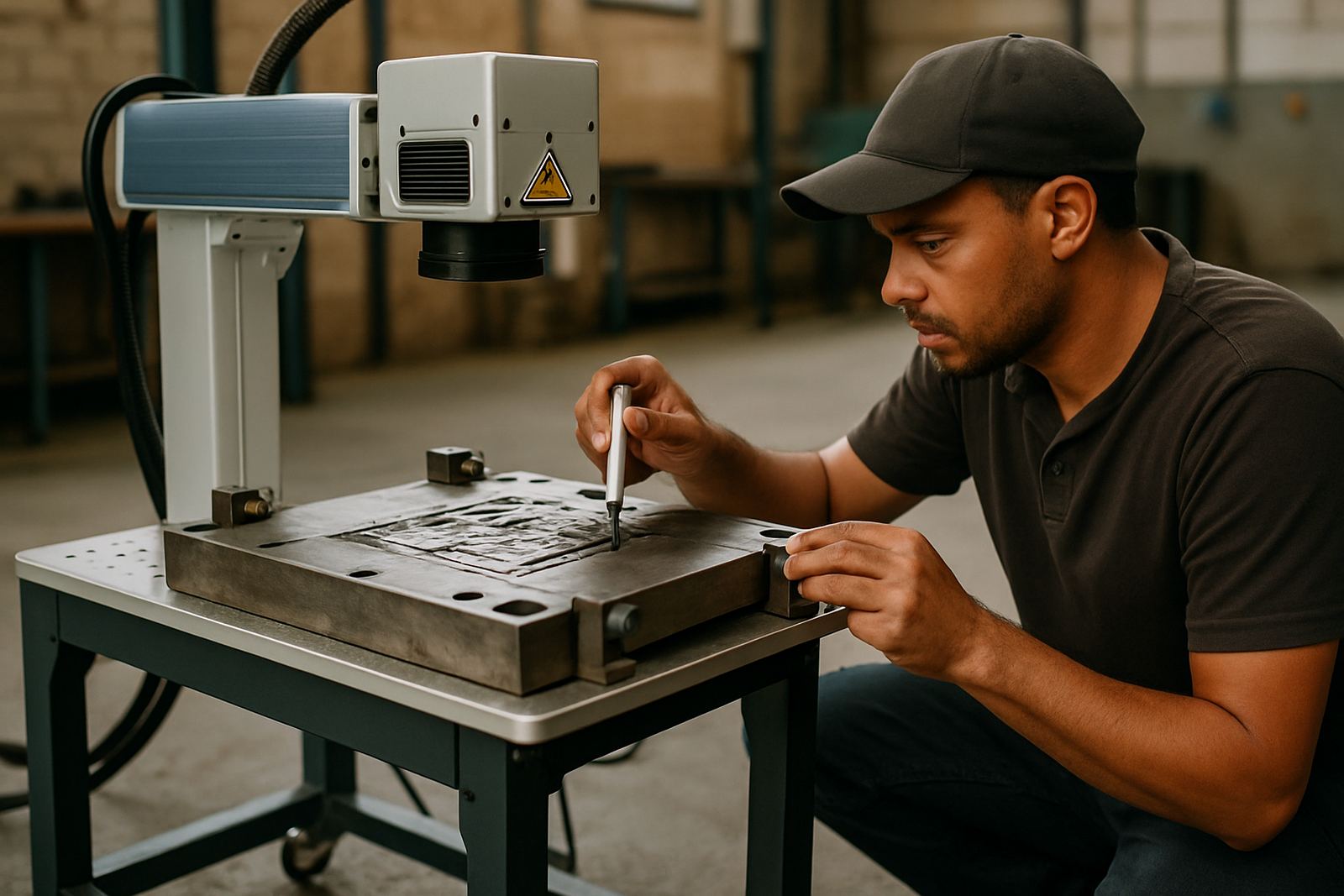
Options can include a manual focus tower, rotary fixture for rings or round parts, deeper focus lens choices and custom jigs for repeat work. For jewellery manufacturers in Cape Town or contract shops in Germiston, a rotary is often the difference between slow manual handling and proper batch work.
- Common field sizes depend on lens choice and application
- Bench footprint suits workshop tables and packing benches
- Optional rotary for rings, shafts and cylindrical parts
- Fixture design available for repeat positioning and batch marking
Where a 50W machine suits best
This model is best suited to businesses that mark every day and need a bit more speed and depth than entry-level units provide. It works well in engineering shops, jewellery workshops, laser jobbing businesses, electronics housing marking, toolmaking, OEM part identification and maintenance depots.
It is also a sensible choice where marks must survive abrasion, wash-down, oils or outdoor use. In coastal towns the mark itself is not affected by humidity, but the workshop should still keep the machine clean and covered when not in use. Dust, oily air and metal swarf can all affect focus and the quality of the beam path over time.
- Daily production marking
- Deep serials and batch codes
- Jewellery and small component engraving
- Traceability marking for manufacturing and repairs
Installation, power and workshop setup
Installation is straightforward because the machine does not need compressed gas for the marking process. A stable 220V single-phase power supply is normally required, with a clean earth and a socket that can handle workshop conditions. Where load-shedding is common, many customers plan for surge protection or backup power so the system can shut down safely and restart without trouble.
The unit should be placed on a level bench with enough space for the operator, the computer and the part loading area. Good lighting helps with setup and part alignment. If the machine is going into a dusty factory in Boksburg or Alberton, it should be kept away from grinders, weld spatter and heavy vibration. This keeps the optics cleaner and reduces the need for correction later.
- 220V single-phase power in most cases
- No marking gas needed for normal fibre laser use
- Requires a level bench and operator access on one side
- Surge protection and backup power are useful in load-shedding areas
Care, servicing and uptime planning
Routine care is simple but important. Keep the lens and protective window clean, check cabling, and make sure the ventilation path is clear. The machine should be switched off properly after use, and the work area should be kept free of fine dust and metal offcuts. A little prevention saves trouble later, especially where the machine is run all day.
Preventive maintenance usually covers focus checks, alignment checks, software setup, calibration and general inspection of moving parts and fixtures. If a mark starts looking shallow, uneven or blurry, the problem may be the fixture, the focus height or the lens rather than the laser power itself. A proper service call can save a lot of trial and error, and keep production moving.
- Clean optics and windows regularly
- Check focus and fixture alignment before batch runs
- Keep the workstation dust free
- Plan maintenance before peak production periods
What to confirm before ordering
Before ordering, it helps to know the exact material, mark size, depth needed and daily output target. Some customers want a neat surface mark only, while others need a deeper engraving that stays visible after polishing, powder coating or handling. The right lens, fixture and software setup depend on those details.
You should also confirm whether you need hand marking only, or if the job needs a rotary, custom clamp, barcode work or sample testing first. For plants that run multiple part sizes, a clear list of the smallest and largest items helps avoid delays. If the machine will be used at a site in Pretoria one day and Richards Bay the next, plan for training and relocation needs from the start so the move does not interrupt work.
- Material type and finish
- Mark size, depth and speed required
- Need for rotary, jigs or custom fixtures
- Power availability, workspace size and service access
Key facts
| Laser power | 50W fibre laser source |
|---|---|
| Machine type | Benchtop marker for metals and selected coated surfaces |
| Common applications | Serial numbers, logos, QR codes, batch codes and jewellery marking |
| Power requirement | 220V single-phase supply |
| Cooling | Air-cooled system, no marking gas needed |
| Support | Installation, training, calibration and nationwide service from Wadeville, Germiston |