What the Batch Tray Marker does on the shop floor
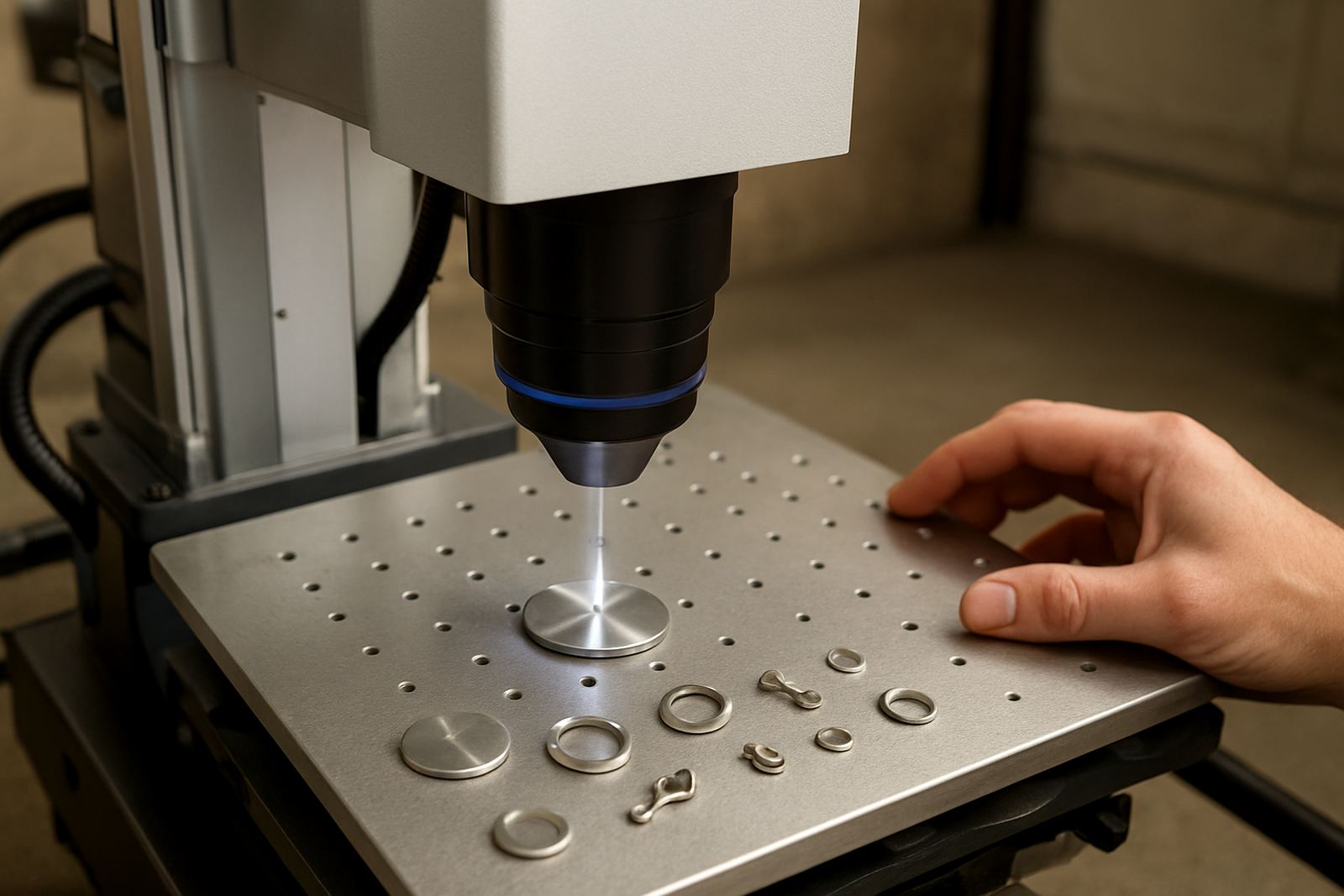
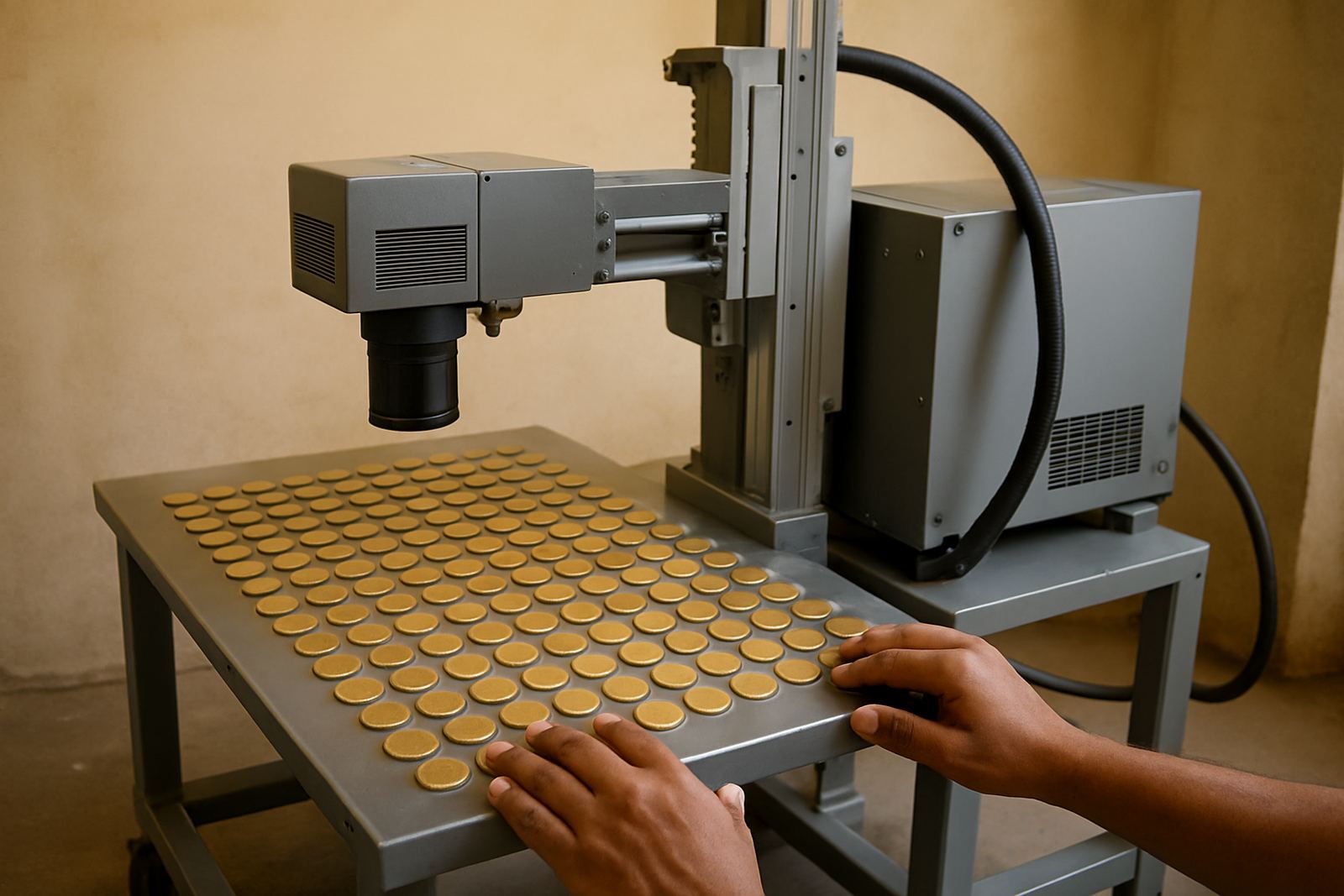
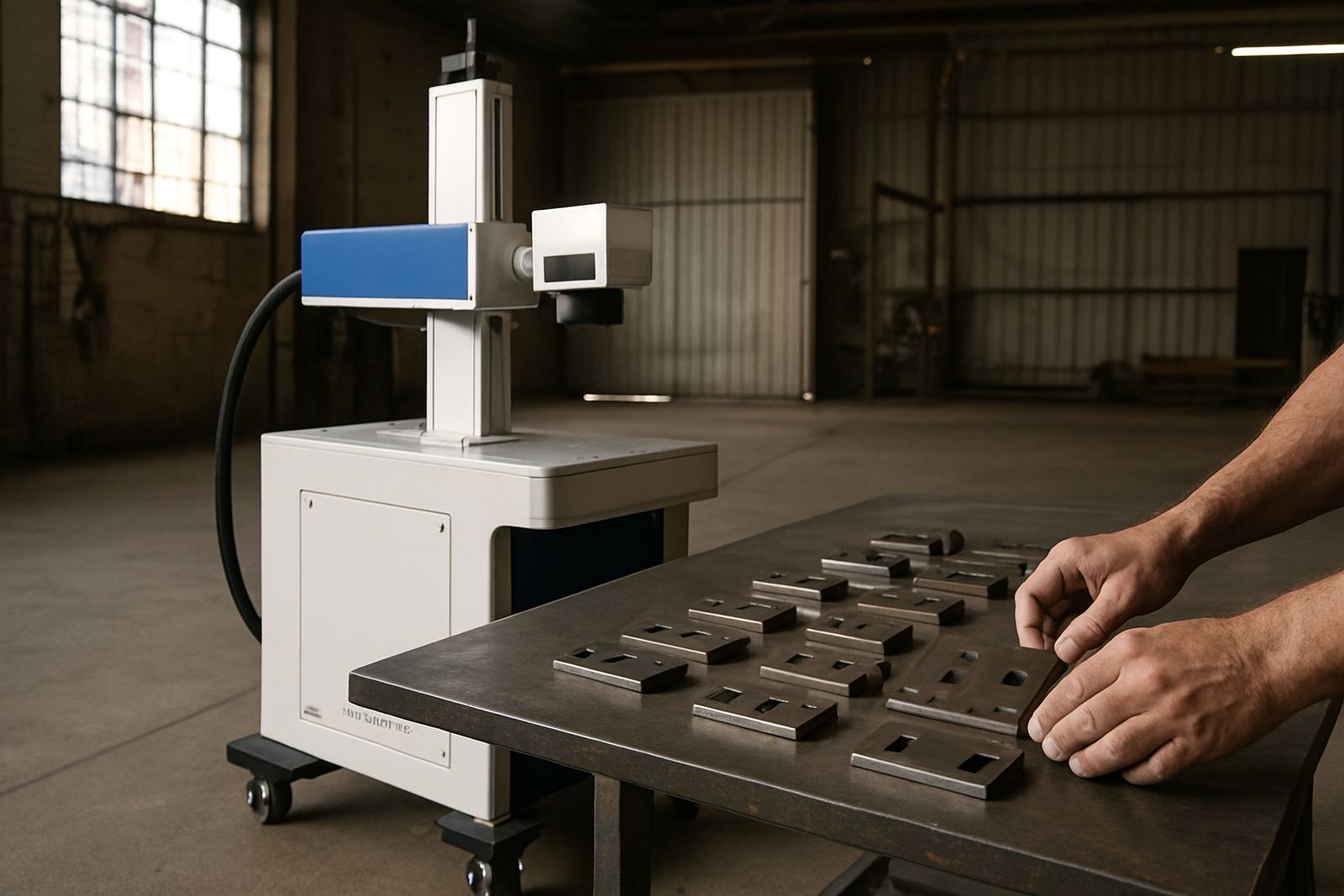
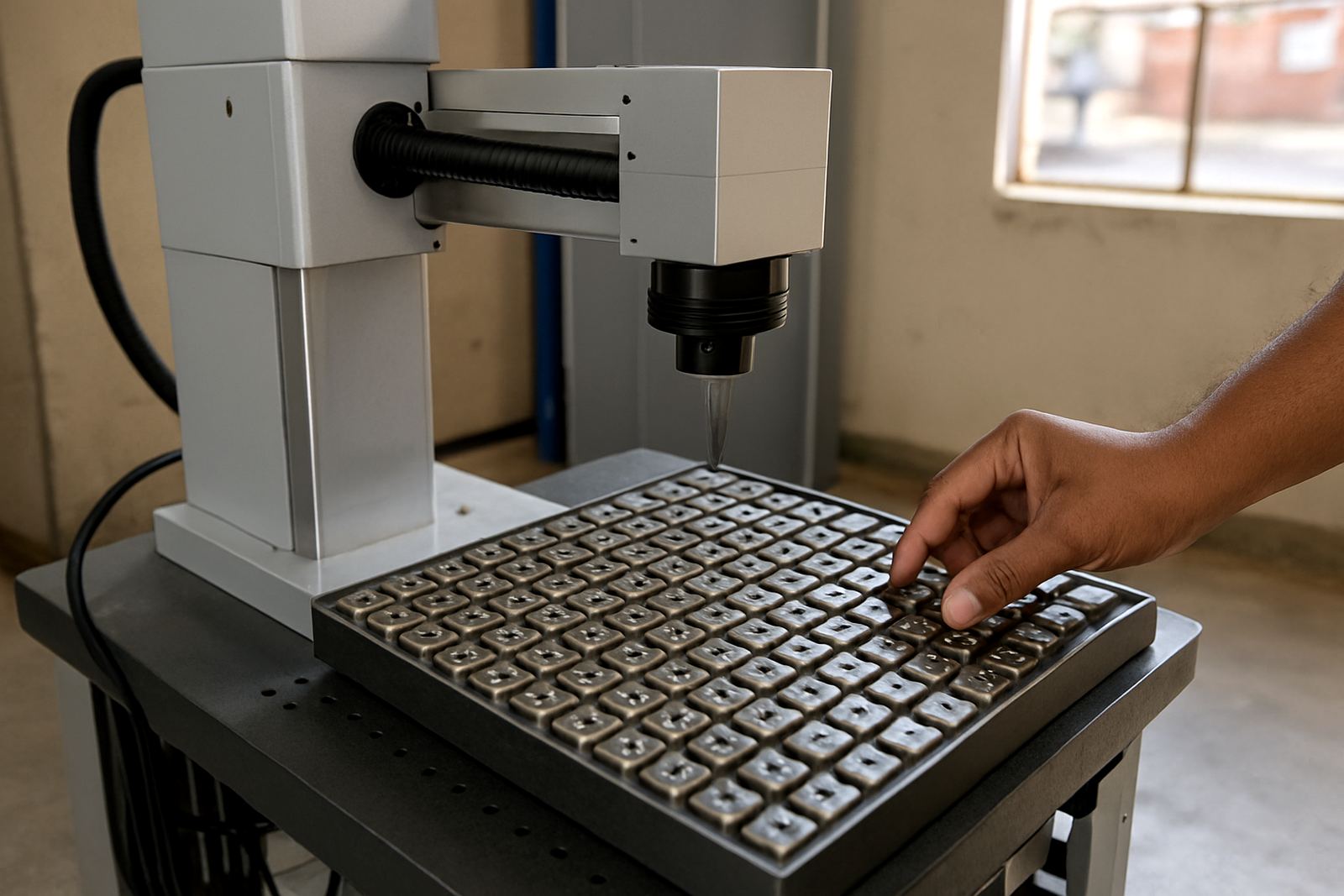
A batch tray marker is a fibre laser marking machine arranged around a fixed tray, pallet or fixture plate so multiple parts can be loaded in one go. Instead of placing each item one by one under the beam, operators load a full tray, close the cover, run the marking file and then unload the finished pieces. That saves time on repeat jobs and keeps marking position more consistent from part to part.
This type of machine is well suited to metal items that need permanent identification such as serial numbers, part codes, batch codes, logos, QR codes and small technical text. It is commonly used on stainless steel, mild steel, aluminium, brass, copper and plated components. On jewellery work it can also handle rings, pendants, bracelets and tags where fine detail matters, provided the fixturing is set up properly.
The machine uses a fibre laser source that creates a focused beam with very fine control, so you get crisp marks without contact tooling. There is no ink, no consumables for the marking process and no need for gas in normal marking work. For businesses dealing with load-shedding and busy production windows, that matters because the machine is quick to bring online and does not need warm-up time.
Tray sizes, fixtures and marking area options
Batch tray marking systems are usually specified around the marking field and the tray format you want to use. Common marking fields include 110 x 110 mm, 150 x 150 mm, 175 x 175 mm and 200 x 200 mm, with larger fields available where the application needs it. The working area should match the part size and the spacing you need between items on the tray.
Tray designs can be flat, stepped, pocketed or fitted with custom locators. For small parts, a pocketed fixture keeps each item in position and helps reduce movement during the mark. For jewellery and delicate items, a more detailed fixture may be needed so surfaces stay level and repeatable. If you handle mixed part sizes, it is worth planning a tray set with changeable inserts rather than forcing one plate to do every job.
- Flat tray for tags, plates and simple parts
- Pocket tray for round items and repeat batches
- Custom fixture plate for irregular shapes
- Rotary option for rings, sleeves and curved surfaces
- Vision aid or alignment marks where position control is critical
The right format depends on your throughput and the tolerance on mark position. If the mark must sit exactly on a small surface, the tray and clamp design need to hold the part firmly without damaging it.
Where a batch tray marker suits best
This machine suits workshops and factories that process the same or similar parts every day. It is a good fit for general engineering, electrical component marking, tool and die work, signage hardware, medical parts, security products and jewellery production. If you are marking batch numbers for traceability or serial numbers for stock control, a tray setup can reduce handling time and keep records neater.
It also suits businesses that work across Gauteng, the Vaal and coastal areas where corrosion resistance is important. Permanent laser marking holds up well on stainless steel parts used in humid conditions, and it is useful where labels or stickers would fail over time. For municipal and industrial jobs, you can mark asset tags, valves, fittings, flanges, couplings and small plates with clear identification that stays readable.
For small workshops in Germiston, Wadeville, Alberton or Boksburg, the machine can be set on a bench or small stand and used for short production runs. Larger manufacturers often use it as a dedicated station in a production cell. It is also a practical choice for jobbing shops that need to take in repeat work from different clients without setting up a different process each time.
Installation, power and workshop setup
A fibre laser batch tray marker usually needs only electrical power and a stable work area. No process gas is required for normal marking, which keeps setup simple compared with some other industrial systems. Most units run from standard single phase or three phase supply depending on the model and accessories selected, so it is important to confirm the power requirement before delivery.
Good setup includes a level bench or frame, correct extraction where dust or surface vapour may build up, and enough space for safe loading around the tray. If the application involves plated parts, coated metals or jewellery cleaning, a small extraction unit may be advised to keep the work area clear. In some plants we also look at surge protection and backup power planning so the machine can be protected during load-shedding and voltage dips.
- Stable bench or stand with level working surface
- Correct supply voltage and earthing
- Extraction where smoke or fine residue is expected
- Clear access for loading, cleaning and inspection
- Safe operator position with good lighting
Our installs are handled from Wadeville, Germiston, with support across South Africa. We can assist with machine installation, software setup, operator training and remote assistance if your team needs help getting the job running properly.
Care, servicing and keeping marks consistent
Like any precision machine, the Batch Tray Marker works best when it is kept clean and checked regularly. The lens area should stay free of dust, oil mist and metal fines. Trays, clamps and locator pins must be kept tight so parts do not shift during marking. If the part height changes from one batch to the next, the focus position should be checked before production starts.
Preventive maintenance usually covers optical cleaning, cable checks, fan and filter inspection, alignment checks and basic software review. For busy users, a short weekly routine can prevent down time later. If your team is marking different materials, sample marking should be done before every new job, especially where the finish is sensitive or where the mark depth must be controlled. A small settings change can make a big difference, so it pays to test first rather than rework a whole batch.
We also recommend a spare parts plan for high use sites. Things like switches, fixtures, protective windows and other wear items should be kept on hand if the machine runs every day. That keeps production moving and avoids a panic call when a simple part fails.
What to check before you order
Before ordering a batch tray marker, it helps to define the part mix, the material type and the mark size you need. Measure the largest part, the smallest part and the height difference across the tray. If the jobs change often, note how many setups the team does in a shift and whether the same fixture can be reused. These details decide the tray style, the marking field and the lens choice.
You should also check the file format you use for codes and logos, whether the operator needs barcode or QR marking, and if the machine must read from a database or simple job list. If traceability is required, ask how the text is generated and how changes are controlled. That is especially useful for manufacturers that work to client spec or for suppliers who need batch records for audits.
- Part size and tray footprint
- Material type and finish
- Required mark size, depth and readability
- Production rate per shift
- Need for rotation, vision alignment or custom fixturing
- Power supply at the site
- Operator skill level and training needs
If you are not sure which configuration will suit your work, we can mark samples, review the parts and advise on the best setup. That avoids buying a machine that is too small for the tray or too large for the job. It also makes later expansion easier if your volumes grow.
Key facts
| Laser source | Fibre laser for permanent metal marking |
|---|---|
| Typical marking fields | 110 x 110 mm, 150 x 150 mm, 175 x 175 mm, 200 x 200 mm |
| Supported materials | Stainless steel, mild steel, aluminium, brass, copper, plated metals and jewellery alloys |
| Power requirement | Single phase or three phase for the Batch Tray Marker configuration |
| Marking content | Serial numbers, batch codes, logos, QR codes, barcodes and fine text |
| Common extras | Custom tray fixtures, rotary unit, extraction, software setup and sample marking |