What a Data Matrix Marker Does On Metal and Jewellery
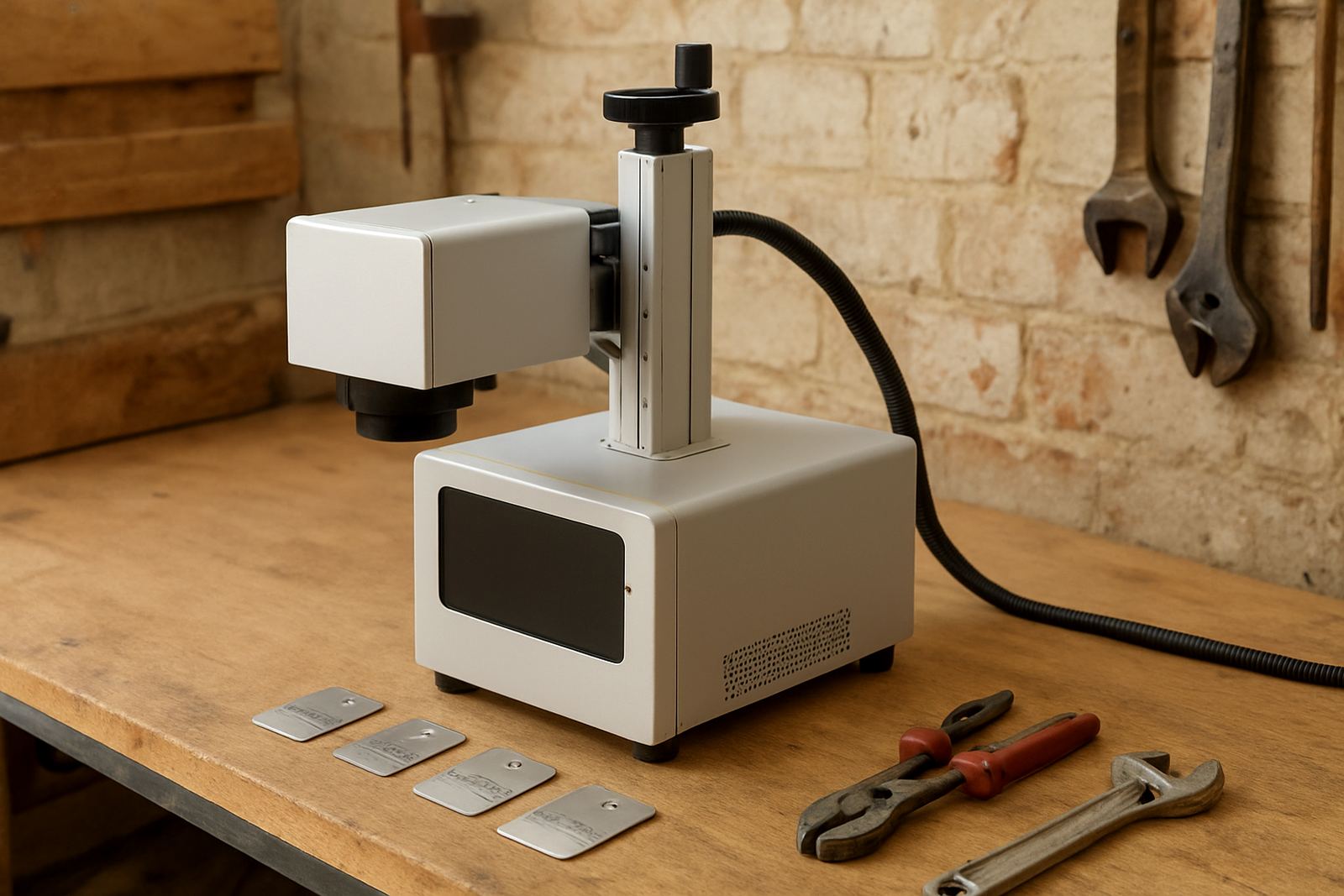
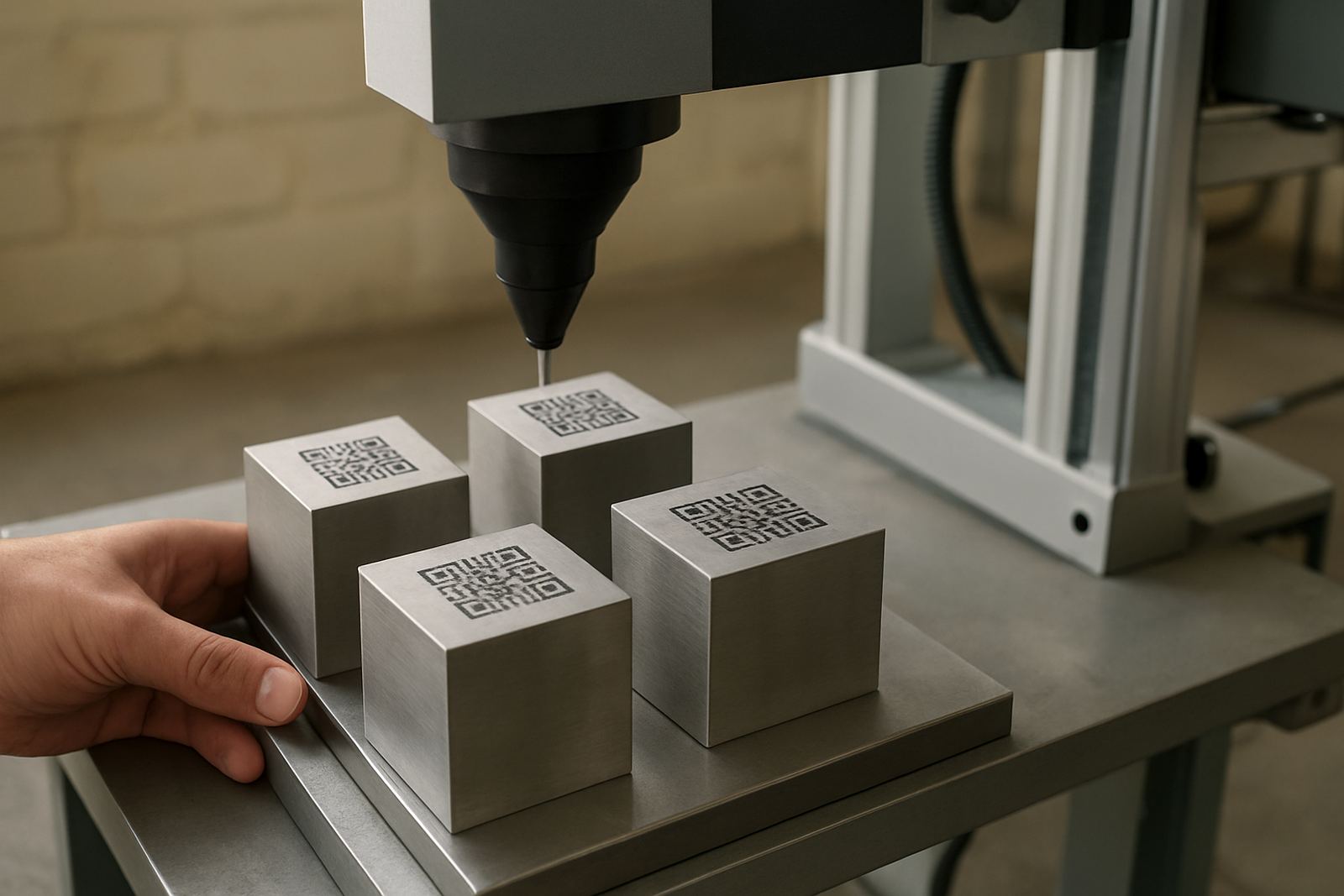
A Data Matrix Marker is a fibre laser marking machine configured to place high contrast 2D codes, serial numbers and traceability details onto metal surfaces. It is used when a part has to be identified clearly through production, dispatch, servicing and warranty checks, and where scan reliability matters more than a quick visual mark.
On stainless steel, mild steel, aluminium, brass, copper and plated items, the mark can be shallow engraved or surface discoloured depending on the material and the code size required. On jewellery and small components, the focus is on fine detail, clean edges and repeatable positioning. Because the beam is contactless, there is no cutting tool to replace and no ink to dry, which helps when you are marking batches day after day.
For workshops in Gauteng, the Eastern Cape or along the coast, fibre systems also handle dusty factory floors and humid air better than many older marking methods. The machine still needs a clean working area and proper setup, but the marking process itself is stable and suited to SA production conditions.
Standard Sizes, Marking Areas and Options
These machines suit general engineering, automotive parts, electrical components, tools, nameplates and jewellery workshops. They are also useful for companies that need traceability for internal QA, job cards or customer records. In many South African plants, a Data Matrix code is now the simplest way to link a physical item to a stock system or inspection report.
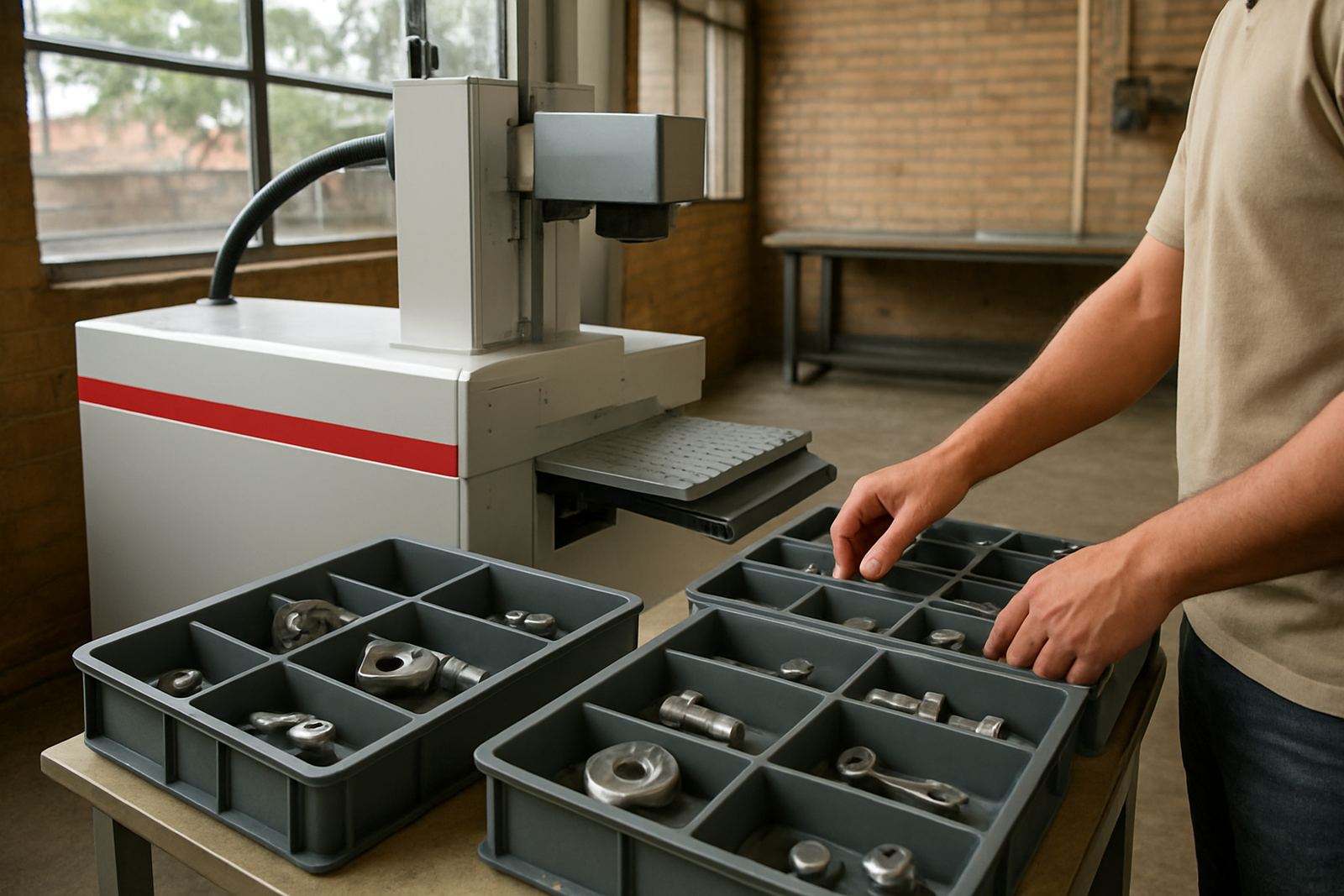
For a small workshop in Alberton or Kempton Park, one marking station can cover a wide mix of jobs if the fixtures are planned properly. For a larger manufacturer in Jet Park, Isando or Boksburg, the same machine can be built into a repeatable workflow with part loading, job selection and recorded settings. Our team can also help with fixture design when parts are awkward to hold or the mark must always land in the same place.
- Suitable for metal parts, tags, badges, tools and small batch production.
- Well suited to traceability, serialisation and component identification.
- Useful where labels fail because of heat, oil, abrasion or outdoor exposure.
- Can be used in workshops, stores, QA areas and production cells.
If your parts move between suppliers, powder coating, assembly and distribution, a consistent code helps reduce mistakes. It is a practical choice for firms that need clear marks and fewer returns, not fancy packaging or extra steps.
Installation, Power and Site Requirements
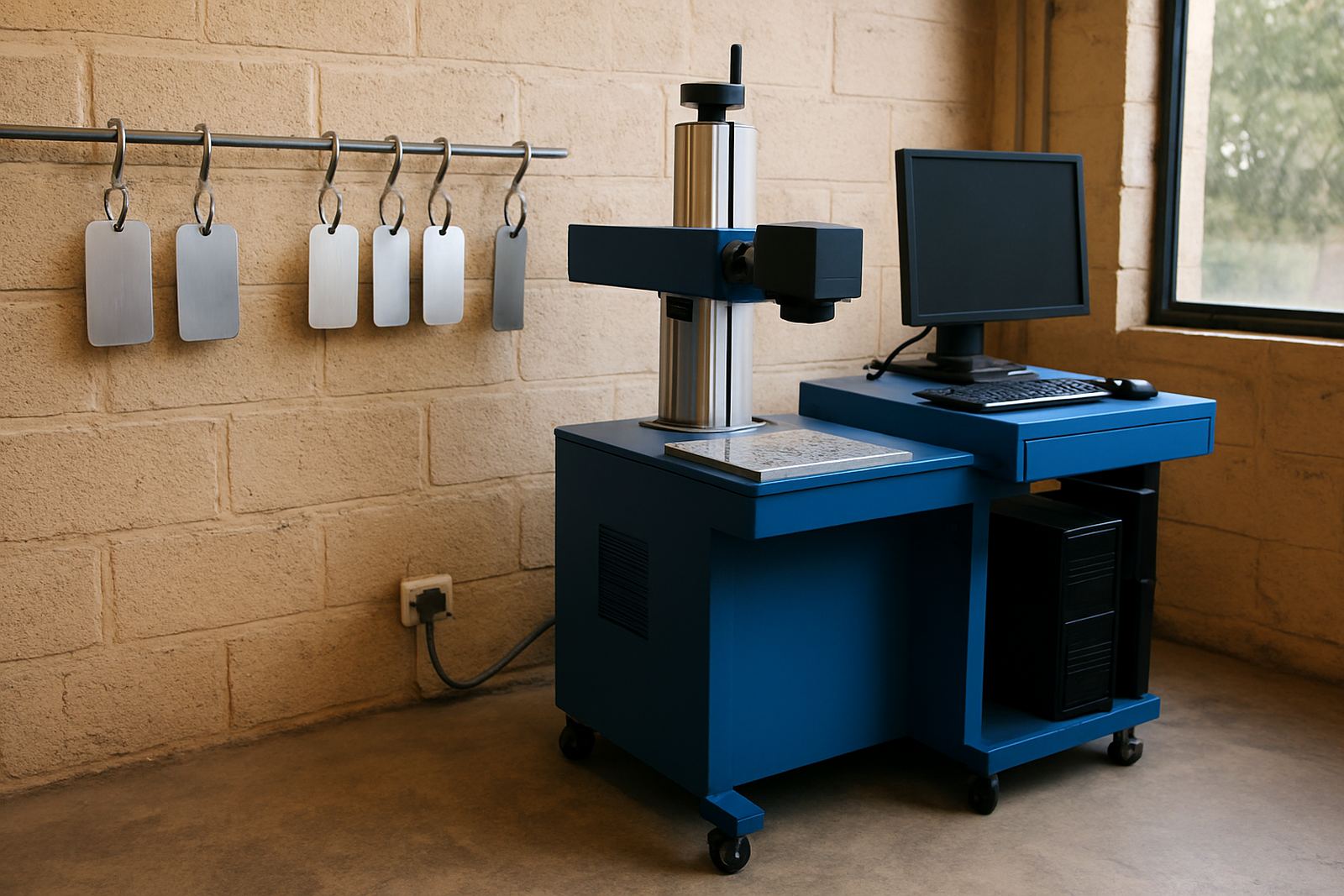
Most fibre laser marking systems need a stable 220V single-phase power supply, a level bench or stand, and enough space for the machine, laptop or controller, and the part handling area. They do not need compressed air for the marking process itself, which keeps the install simpler than many other marking methods. If a rotary attachment or dust extraction is added, those accessories may have their own power or space needs.
A clean area is important. Fine dust, grinding residue and oily overspray can affect part loading and marking visibility, especially where tiny codes are being applied. In coastal areas, it helps to keep the machine covered when not in use and to control humidity around stored parts so fixtures and tags do not start to corrode.
- Power requirement: 220V single-phase, with a stable earth connection.
- Space: allow room for the machine, operator access and part loading.
- Environment: dry, clean indoor area with limited vibration and direct sunlight.
- Air: no compressed air is needed for standard marking, but clean extraction may be useful.
We install nationwide and can assist with relocation if the machine is moving to a new plant or workshop. In areas where load-shedding affects production, it is worth planning backup power for the PC, controller and laser unit so settings are not lost and jobs can resume without delay.
Care, Calibration and Ongoing Servicing
A fibre laser marker is not a high-maintenance machine, but it does need basic care if you want clean codes every day. The lens and protective glass should be checked regularly, the work area kept free of metal dust, and the marking focus verified when part heights change. If the mark starts to look uneven or a code begins failing scan checks, focus and fixture alignment are usually the first things to inspect.
Preventive maintenance is often more cost-effective than waiting for a breakdown. Our service support includes focus calibration, software setup, breakdown repairs and remote assistance when a quick reset or setting change is enough. For operations running long shifts, a scheduled check can also catch loose fixtures, worn cables or unstable job files before they slow production.
- Clean the lens cover and working area at regular intervals.
- Check fixture alignment before new batch runs.
- Test code readability with the scanner your customer actually uses.
- Keep spare consumables and a basic service record on hand.
If you run a busy site in Wadeville, Germiston, Jet Park or further afield, a short maintenance routine each week can save hours later. It also helps keep marking repeatable when multiple operators use the same machine.
Key Details To Confirm Before You Order
Before you order a Data Matrix Marker, it helps to know what you are marking, how big the code must be and where the machine will be used. A code that looks fine to the eye may still fail a scanner if the contrast, cell size or placement is wrong. We usually ask for sample parts so we can check the mark against the real surface, not only a drawing.
Please have the following details ready when you enquire through the contact form: material type, part size, code size, expected cycle time, whether the mark must be deep or surface level, and whether you need a rotary attachment or custom fixture. If the machine will be used for jewellery, ask about the smallest readable cell size and any requirements for polished or curved surfaces.
- Material and finish, including coated, polished or raw metal.
- Part dimensions and the exact marking position.
- Code type, character count and required scan standard.
- Throughput per hour or per shift.
- Whether you need a stand-alone unit, fixture plate or rotary option.
- Any site limits such as power supply, bench space or dust exposure.
With the right information upfront, we can recommend the best power level, marking field and accessory set for your job. That makes the machine easier to use from day one and gives you cleaner results with less rework.
Key facts
| Laser source | Fibre laser, air-cooled |
|---|---|
| Typical power options | 20 W, 30 W or 50 W |
| Marking area | 110 x 110 mm to 175 x 175 mm |
| Power supply | 220V single-phase |
| Marking types | Data Matrix, serial numbers, text, logos and batch codes |
| Support area | Wadeville, Germiston and nationwide installs and training |