Built for dies, moulds and tooling rooms
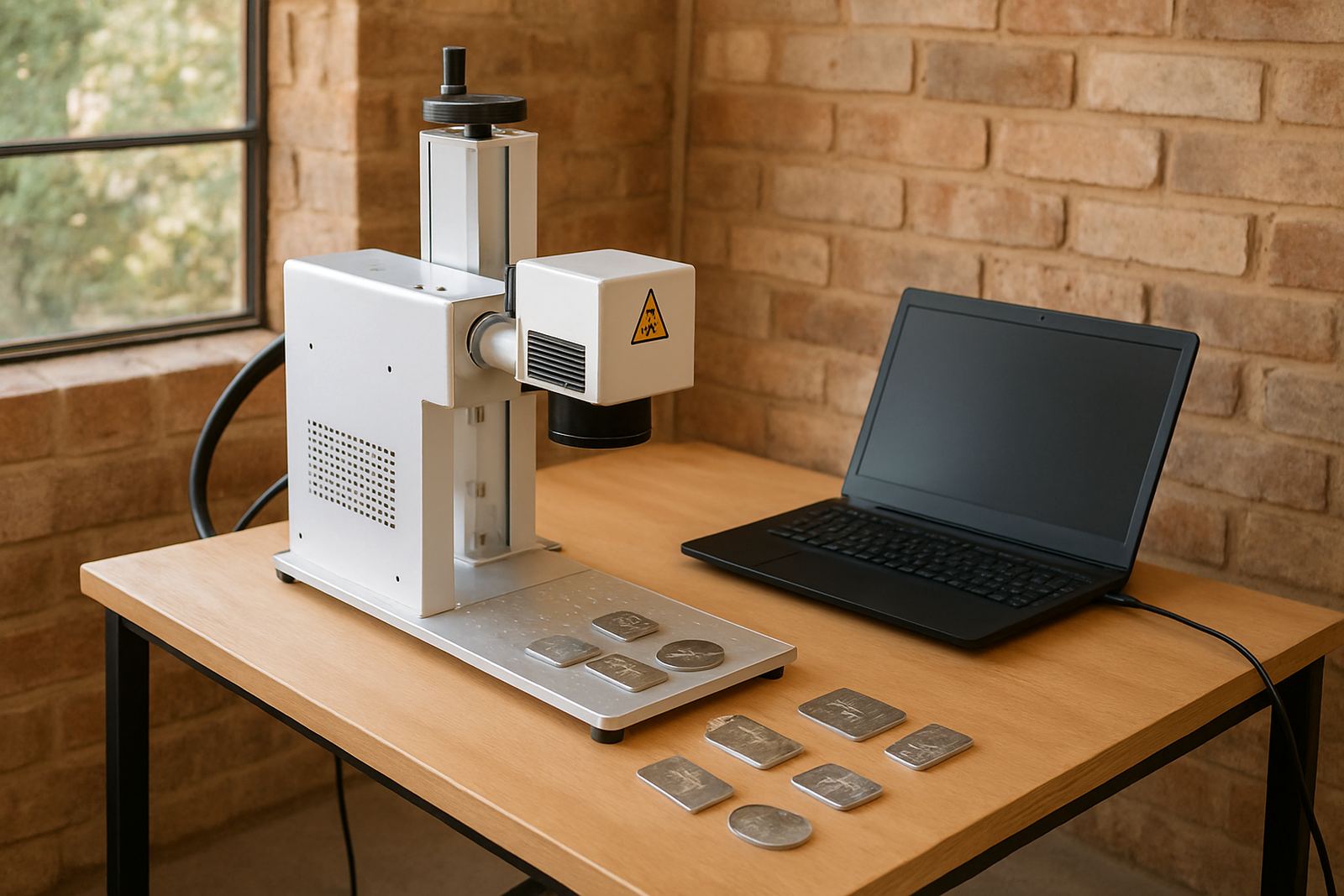
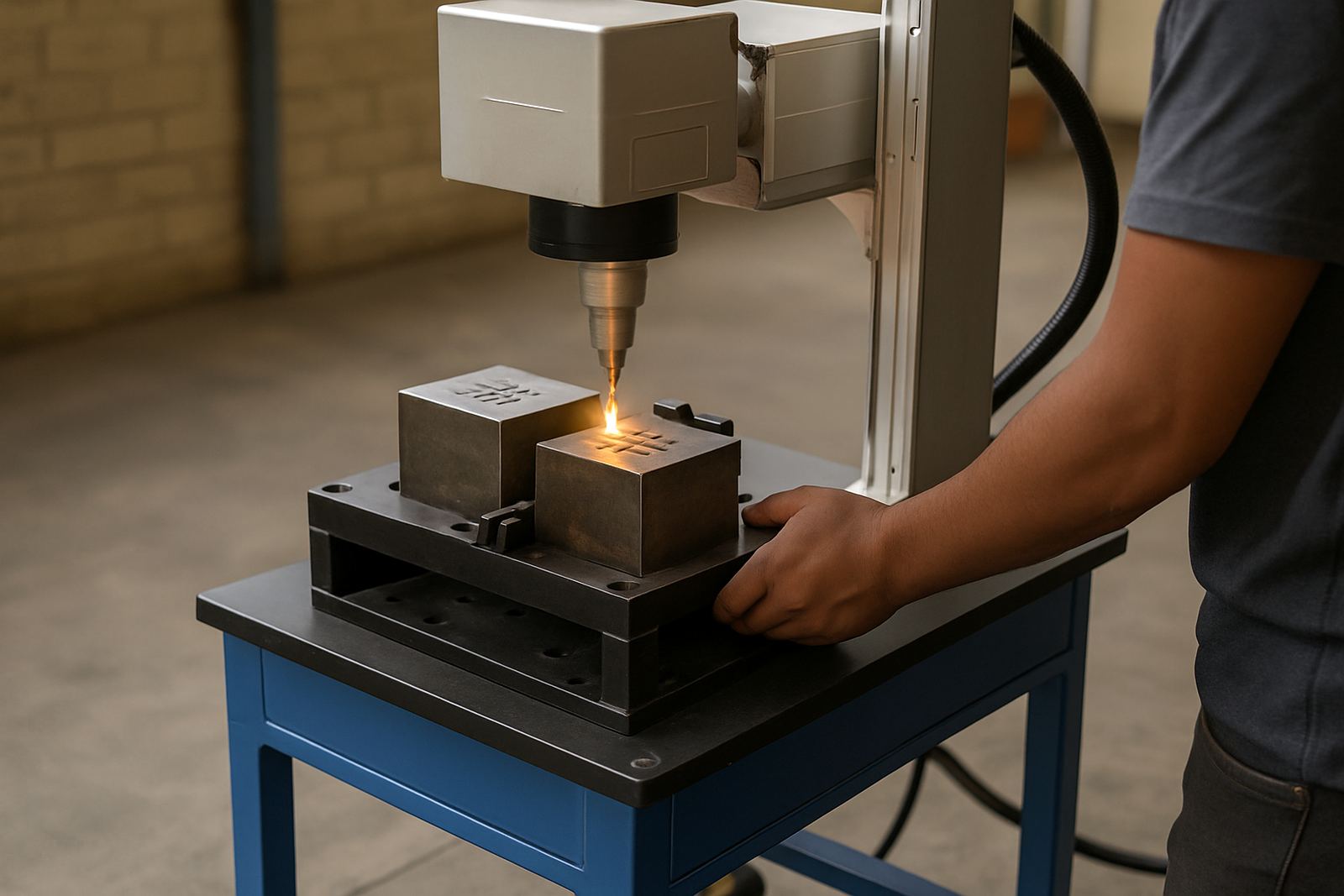
A die marker uses a fibre laser to place fine, permanent marks on hard metals without inks, stickers or stamps. It is a good fit for tooling rooms, maintenance departments and manufacturers that need readable codes on dies, mould inserts, punches, jigs and fixtures. The mark stays visible through handling, cleaning and normal workshop use, which helps with traceability and fewer mix ups.
Because the beam is controlled by software, you can mark serial numbers, cavity IDs, batch details, logos, date codes or service notes in a repeatable way. It works well on carbon steel, tool steel, stainless steel, aluminium and coated metals. For dies that see regular oil, heat and vibration, the mark remains legible long after paint pens or tags wear off.
- Permanent marking for traceability and maintenance records
- Readable text, QR codes, Data Matrix, serials and symbols
- Suitable for small parts as well as larger die faces
Typical sizes and working area choices
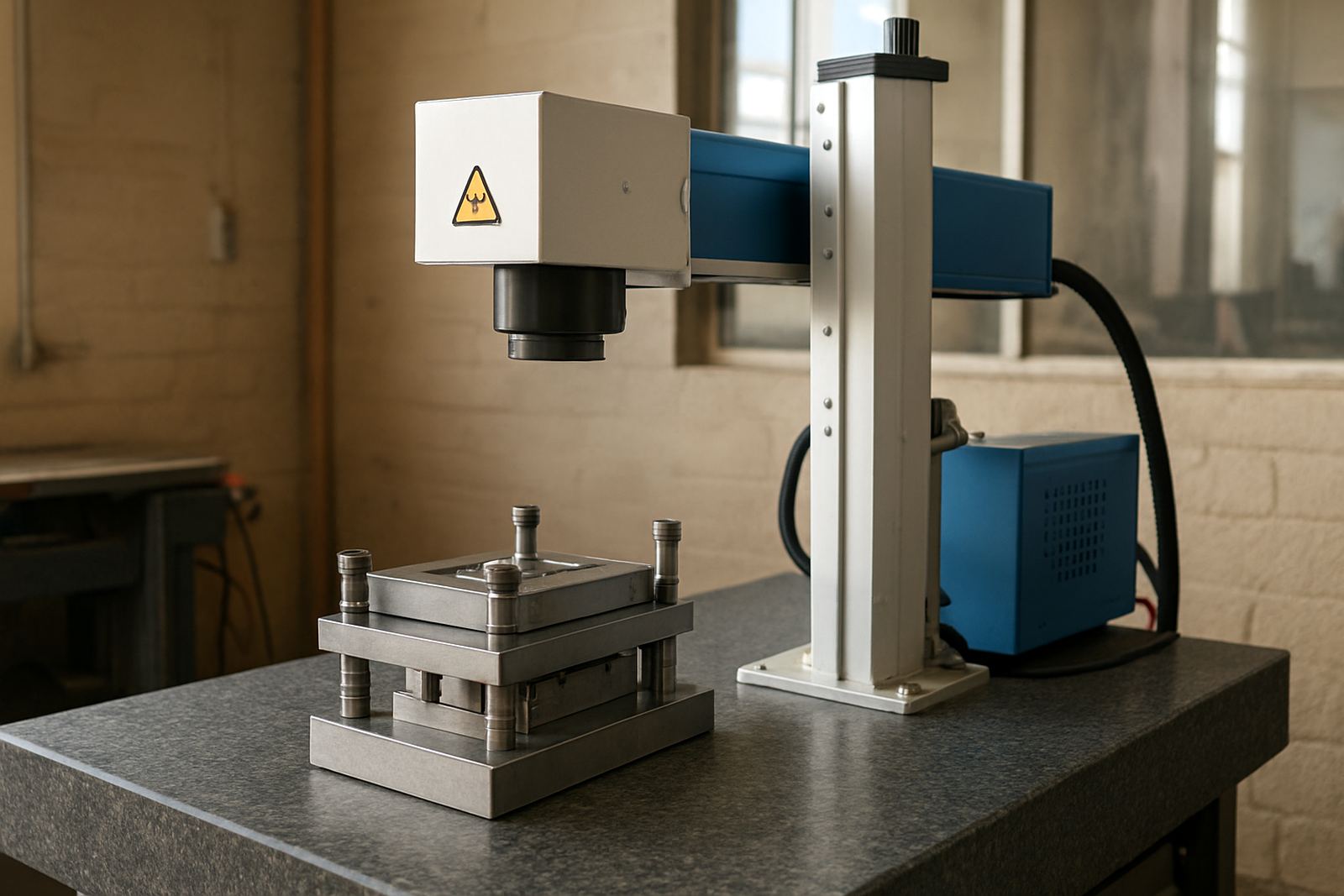
We supply die marker setups in several working areas so the machine suits the size of the part. Smaller systems are handy for insert plates, cavity blocks and compact tooling, while larger gantry or enclosed units are better when you need space for bigger dies or awkward shapes. The right choice depends on the largest item you mark, the font height you need and whether you want a rotary unit for round components.
For most workshop use, the marking field ranges from about 70 x 70 mm up to 300 x 300 mm. If you need deeper access around clamps, stepped faces or tall tooling, we can advise on fixture height and lens choice. A good setup leaves enough room for safe loading and clear viewing of the mark area, especially if operators wear gloves and move parts with slings or forklifts.
- Marking fields commonly from 70 x 70 mm to 300 x 300 mm
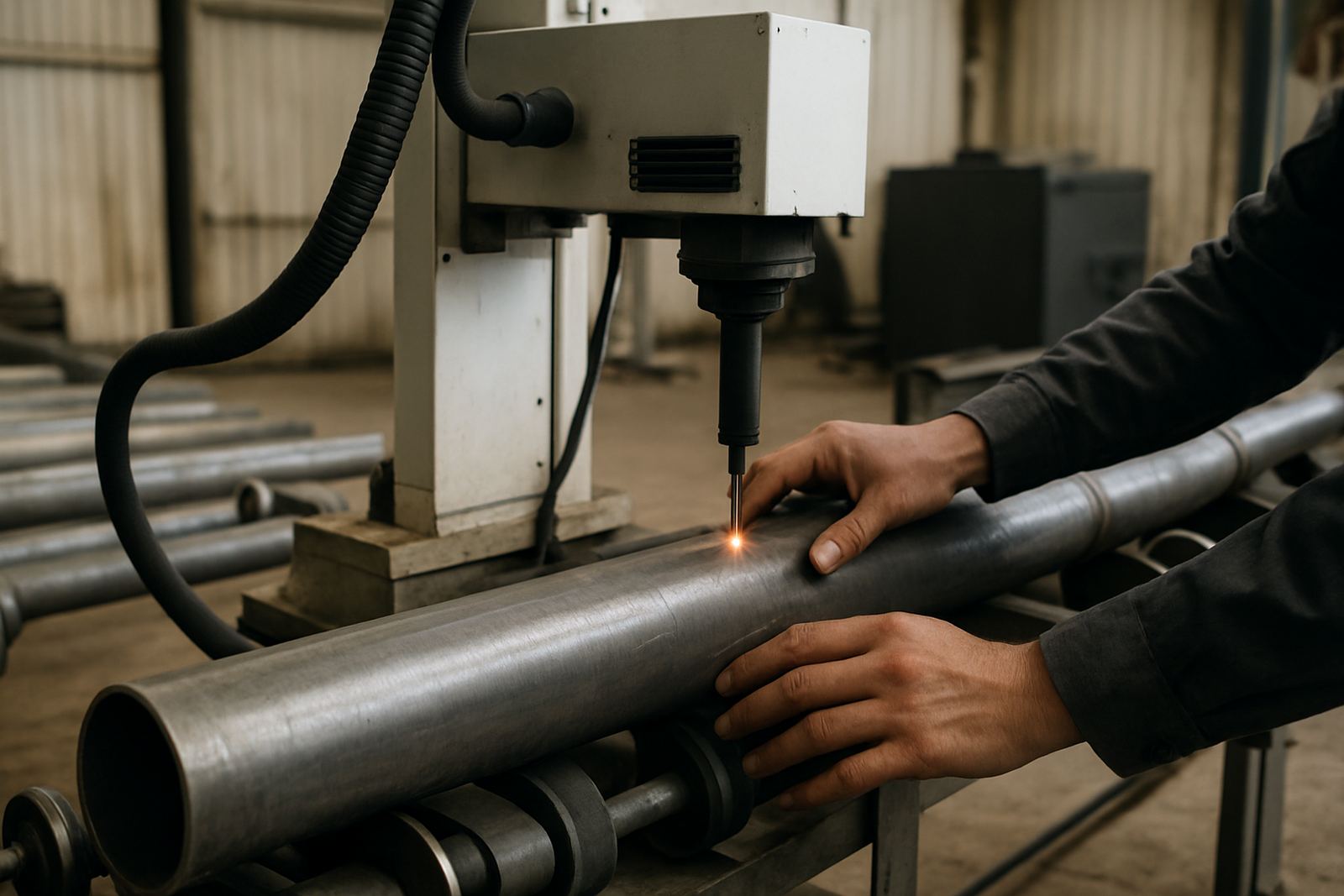
- Options for flat parts, stepped dies and round tooling with rotary support
- Enclosed or open-frame layouts depending on workshop space
Where this machine suits best
This machine suits toolrooms, mould makers, press shops, automotive suppliers, jobbing workshops and manufacturers that need a clean mark on hard surfaces. It is also useful for service centres that keep dies in circulation and need quick identification between maintenance cycles. In Germiston, Wadeville, Jet Park and Isando we often see it used where parts must move between stores, machine bays and quality control.
It helps where labels fall off, stamps are hard to read and paint markers do not last. If your site deals with load-shedding, the machine can be kept ready with a proper power plan and clean shutdown routine so you do not lose settings or work files. On coastal sites, keeping the optics area dry and dust free matters, because humidity and fine airborne grit can affect long term reliability.
- Toolrooms and mould shops
- Press shops and stamping operations
- Automotive, metal fabrication and maintenance departments
Installation, power and site needs
Installation is straightforward, but the site must be prepared properly. The machine needs a stable bench or stand, a clean area with good lighting and a power source that stays within the supplied electrical range. Most fibre laser marking systems run on standard single phase power, usually 220 V, and require a grounded outlet. Some setups use a small extractor, if the marking produces smoke or residue from oils and coatings.
We recommend a dry room with limited dust and no direct sunlight on the lens or screen. If you are marking large dies, allow enough floor space for loading and unloading with a trolley or crane. For sites in busy industrial areas like Boksburg, Alberton and Kempton Park, it helps to plan for voltage dips and earthing checks during installation so the unit starts up cleanly every shift.
- Single phase power for most standard systems, with grounded supply
- Stable bench or frame, clean air and practical loading access
- Optional extraction where smoke, oil or coating residue is present
Care and servicing for daily use
Regular care keeps the machine accurate and easy to use. Wipe the lens area with the correct cleaning cloth, keep dust off the rails and table, and make sure operators do not place oily parts directly where residue can transfer to the optics. The system should be checked for alignment, focus and marking consistency at planned intervals, not only when a problem shows.
We assist with preventive maintenance, focus calibration, software setup, operator training and sample marking so your team can get the result right from the start. If you move the machine to another room or site, it is best to have the fixture checked again and the software profiles backed up. Small changes in height or lens position can affect mark size and clarity, so a quick service visit can save time later. A tidy machine room also makes a differnce when you are pushing through jobs.
- Clean optics and work area regularly
- Check focus, alignment and software settings after relocation
- Schedule routine servicing before quality issues appear
What to confirm before you order
Before ordering, check the size of the biggest die you want to mark, the smallest text height you need, and whether the mark must be visible from one direction or several. It also helps to know the material type, surface finish and whether the parts are coated, oiled or heat treated. If you need cavity numbering, ask for a layout that leaves room for future additions rather than crowding the face.
We also recommend confirming the loading method, available power points, whether you need a rotary attachment, and whether the machine will sit in one place or move between bays. For national projects, we can handle installs and training across South Africa, with support from Wadeville and nearby areas. That lets your team start marking parts properly with fewer delays.
- Part size, material and surface finish
- Mark content, font size and layout requirements
- Power supply, loading method and space at the install site
Key facts
| Laser type | Fibre laser marking system |
|---|---|
| Typical power | 20 W, 30 W, 50 W or 100 W options |
| Marking area | 70 x 70 mm up to 300 x 300 mm |
| Materials | Tool steel, carbon steel, stainless steel, aluminium and coated metals |
| Power supply | 220 V single phase, grounded |
| Support | Installation, training, maintenance and repairs nationwide |