Built For Moving Parts On Live Production Lines
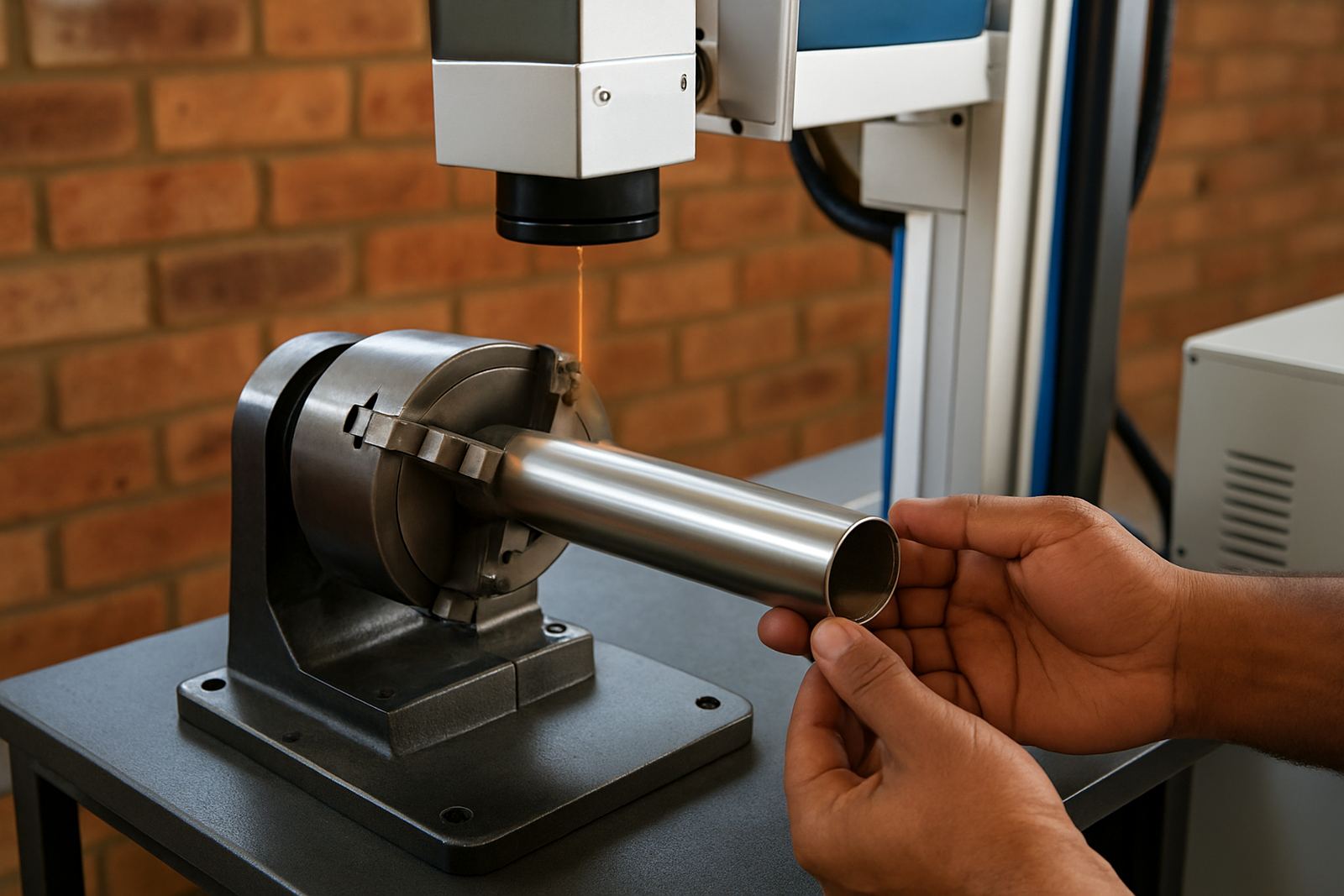
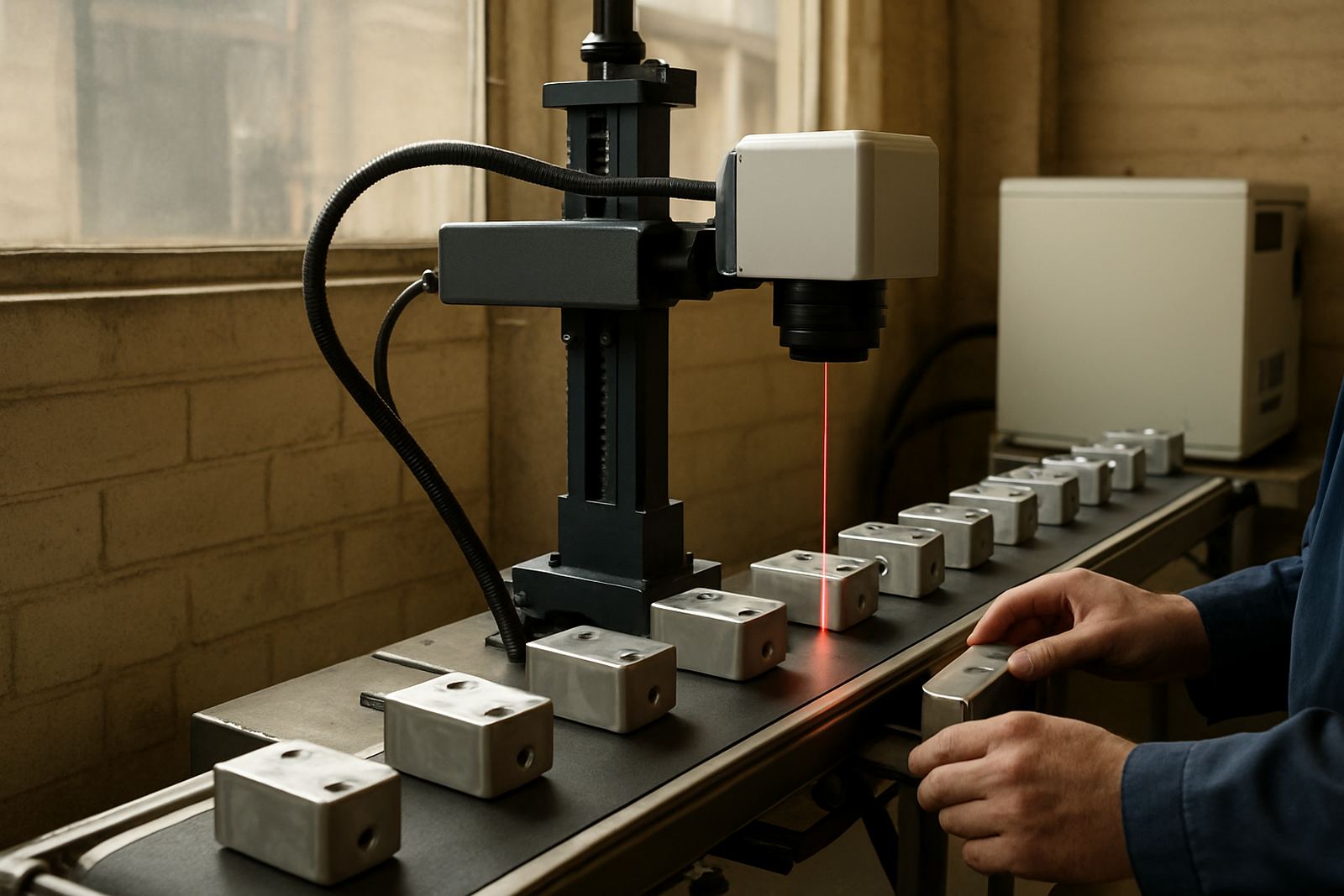
The Flying Line Marker is used where parts travel past the marking point on a conveyor, rotary feeder or transfer line. Instead of stopping the item for a static mark, the system synchronises with the moving product and applies the code while the line keeps running. That makes it a practical choice for serial numbers, batch codes, dates, logos and part identification on metal components, tools and jewellery items. In many factories, a steady mark matters as much as speed, especially when traceability is part of the quality process.
Because the unit works with fibre laser technology, it is suited to high-contrast marking on stainless steel, mild steel, aluminium, brass and many plated surfaces. The mark is permanent, fine and repeatable, with no inks or consumables to top up. For operations in Gauteng, the Western Cape and coastal areas, this also helps when humidity or dust would affect other marking methods. If your line runs through load-shedding windows or batch changes often, a flying setup can keep the code position consistent without constant manual intervention.
Sizes, Working Area And Setup Options
Flying systems are usually specified around the marking field, line speed and the size of the parts moving underneath the head. Common working field options include 100 x 100 mm, 150 x 150 mm and 175 x 175 mm, with larger fields available where the part size or code layout needs more room. The right choice depends on how much text, QR content or logo detail must fit on the part, and how stable the conveyor position is. A larger field gives more layout freedom, but the lens choice and stand height need to match the application.
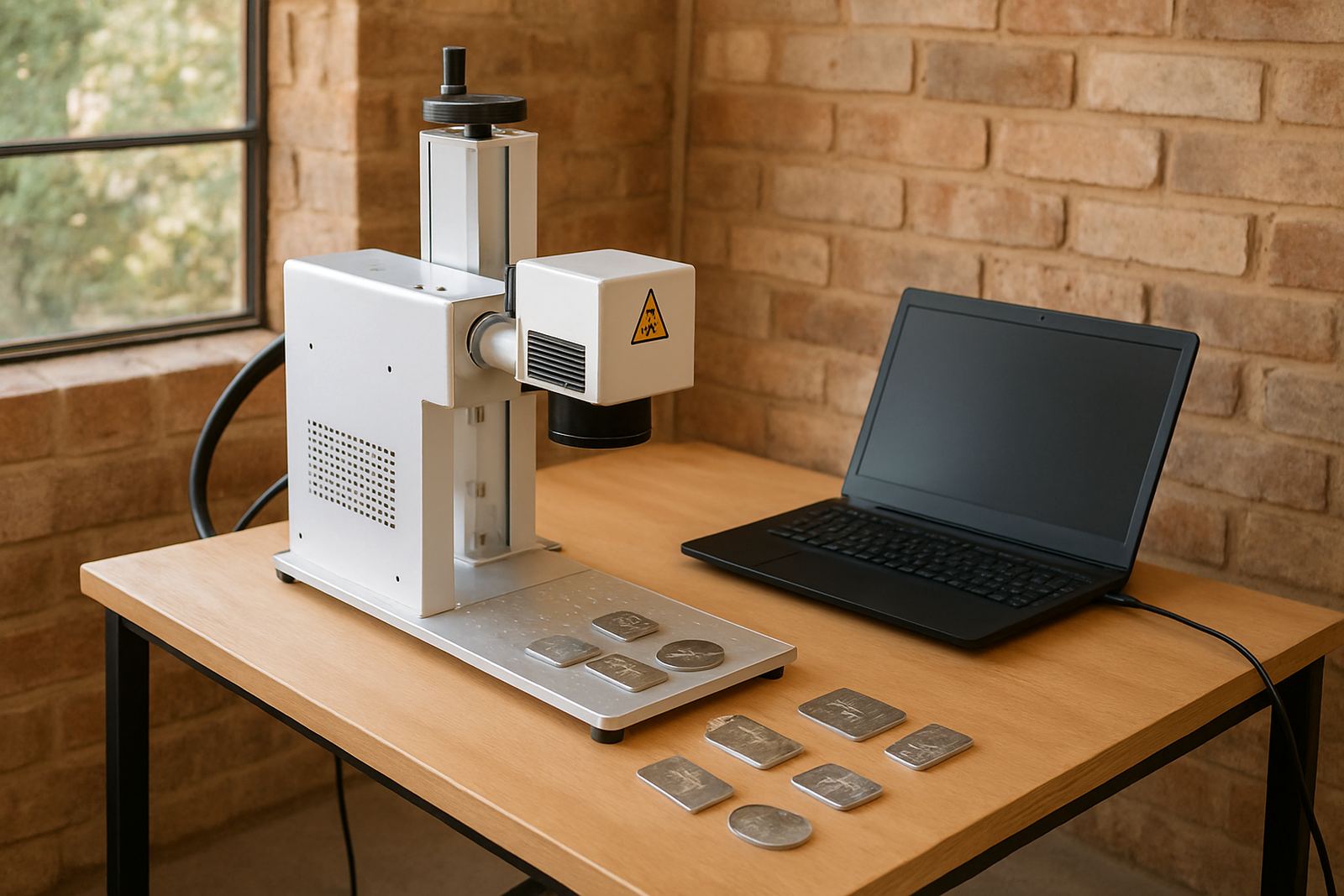
Options can include an integrated stand, guarded marking station, encoder interface, photoelectric sensing, industrial PC control and fixture plates for repeat positioning. For some lines, a compact head is enough. For others, the marking head sits above a conveyor with a custom bracket and a safety enclosure. If the line has vibration or uneven transfer spacing, the machine can be set with hold-down or indexing support so the mark lands cleanly every time.
- Marking field: 100 x 100 mm, 150 x 150 mm, 175 x 175 mm, other sizes on request
- Marking styles: text, serial numbers, batch numbers, dates, logos, barcodes and 2D codes
- Control modes: manual trigger, sensor trigger or encoder-based synchronised marking
- Mounting: bench, stand, conveyor frame or enclosed station
Where The Flying Line Marker Works Best
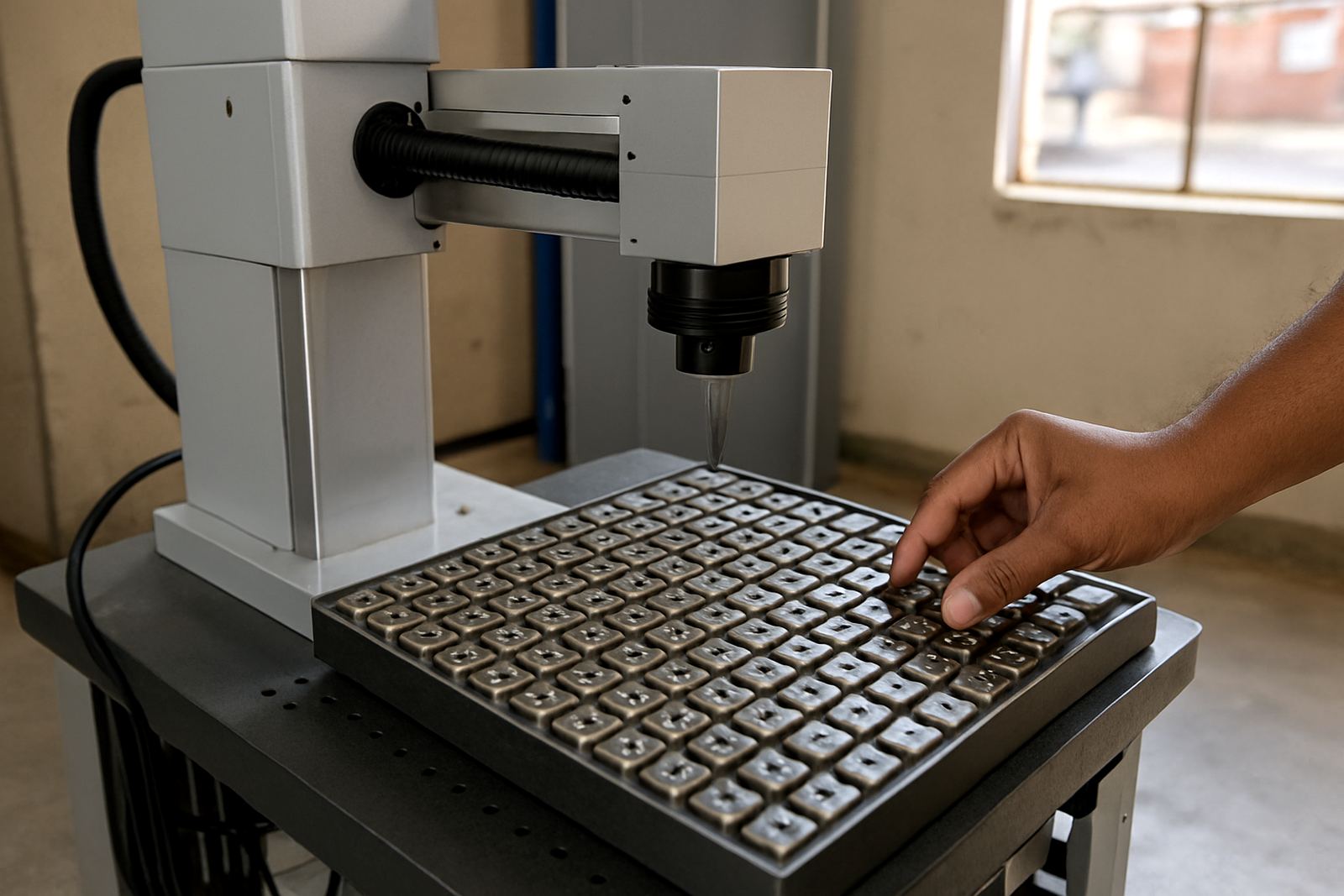
This product is a good fit for manufacturers that need repeat coding on a steady stream of parts. It is used on machined components, cut metal blanks, nameplates, small hardware, jewellery pieces and assembled products that must carry traceability marks. The system is also useful where labels are not practical, or where labels can lift off due to oil, heat or cleaning. In workshops that work with mixed batches, the software makes it easier to switch from one job to another without long setup time.
It suits Gauteng factories, Durban coastal operations, Cape Town light industry and smaller inland plants where production space is limited. If a line works near a dusty cutting area, in a humid store room or in a plant with regular power interruptions, the laser system still gives a consistent mark as long as the line is protected and correctly installed. Some customers use it as a final coding station before packing, while others place it after machining or before dispatch. For jewellery and fine parts, the clean mark helps keep detail visible without damaging the surface finish.
- Best for continuous flow lines and repeat serialisation
- Suitable for traceability and product identification
- Useful where consumable inks are not wanted
- Works well on clean metal surfaces and many plated finishes
Installation, Power And Site Requirements
A flying marker needs a stable mounting point, correct conveyor alignment and enough space for the marking head, controls and guarding. During installation, the line speed, part spacing and trigger position are checked so the code lands in the right place. If the part height changes or the product moves side to side, the system may need a guide rail, custom fixture or a simple mechanical stop. Our Germiston base handles setup and training nationwide, with site work arranged for factories, workshops and production floors across South Africa.
Power needs are straightforward. Most units run on standard single-phase 220 V supply, though the exact requirement depends on the controller, extraction and any added accessories. Clean, stable power is important, especially where voltage dips happen during load-shedding or when compressors start up nearby. The system does not need process gas for normal fibre laser marking, which keeps the install simpler and removes the cost of gas bottles or gas lines. A good install also includes proper earthing, cable management and a safe viewing area for operators.
Care, Servicing And Keeping Marks Consistent
Like any production tool, the flying marker works best when it is kept clean and checked on schedule. The marking lens and protective window should be inspected for dust, smoke residue or splash marks, particularly in environments with grinding, polishing or coolant mist. The frame and mount should stay tight, and the conveyor interface must remain aligned so the product tracks the same way every shift. If a mark starts to shift, fade or appear distorted, it is usually a sign that the focus, trigger timing or product height needs checking.
Preventive maintenance helps keep the system steady over time. That may include focus calibration, software setup review, sample marking, fixture adjustments and a check on any moving sensors or encoder signals. For operations with shift work, it helps to train more than one operator so the machine does not sit idle when the lead person is off. A short daily clean and a planned service visit can save a lot of stoppage later on, especially on busy lines where downtime costs money.
- Clean the lens and protective glass on a regular schedule
- Check conveyor alignment and part spacing before every run
- Keep the controller and cables free of dust and oil
- Book preventive maintenance before peak production periods
What To Check Before You Order
Before ordering, it helps to define exactly what the line must do. Start with the part material, the mark size and the code content. Then check the line speed, the number of parts per minute and whether the product moves in one lane or several. If the code must sit in the same place every time, send sample parts or dimensional drawings so the setup can be matched properly. It is also worth confirming whether you need manual loading, automatic triggering or full synchronisation with the conveyor.
Other details to confirm include the working area, the fixture style, any safety enclosure, the electrical supply on site and whether the unit must be moved between stations later. If you need software linked to existing production records, mention that at the start so the setup can allow for it. We also recommend checking whether the mark must remain readable after heat treatment, cleaning or handling. Small details at the quotation stage can prevent delays once the machine is on the floor.
- Material type and surface finish
- Part size, line speed and spacing
- Code content, mark position and readability target
- Power supply and available floor space
- Need for enclosure, extraction or custom fixtures
Key facts
| Laser source | Fibre laser, air-cooled |
|---|---|
| Typical power options | 20 W, 30 W, 50 W |
| Working area | 100 x 100 mm to 175 x 175 mm standard options |
| Power supply | 220 V single-phase, depending on configuration |
| Cooling | Air cooling, no process gas required |
| Compatible materials | Stainless steel, mild steel, aluminium, brass and many plated metals |