What the MOPA Colour Marker Does on Metal
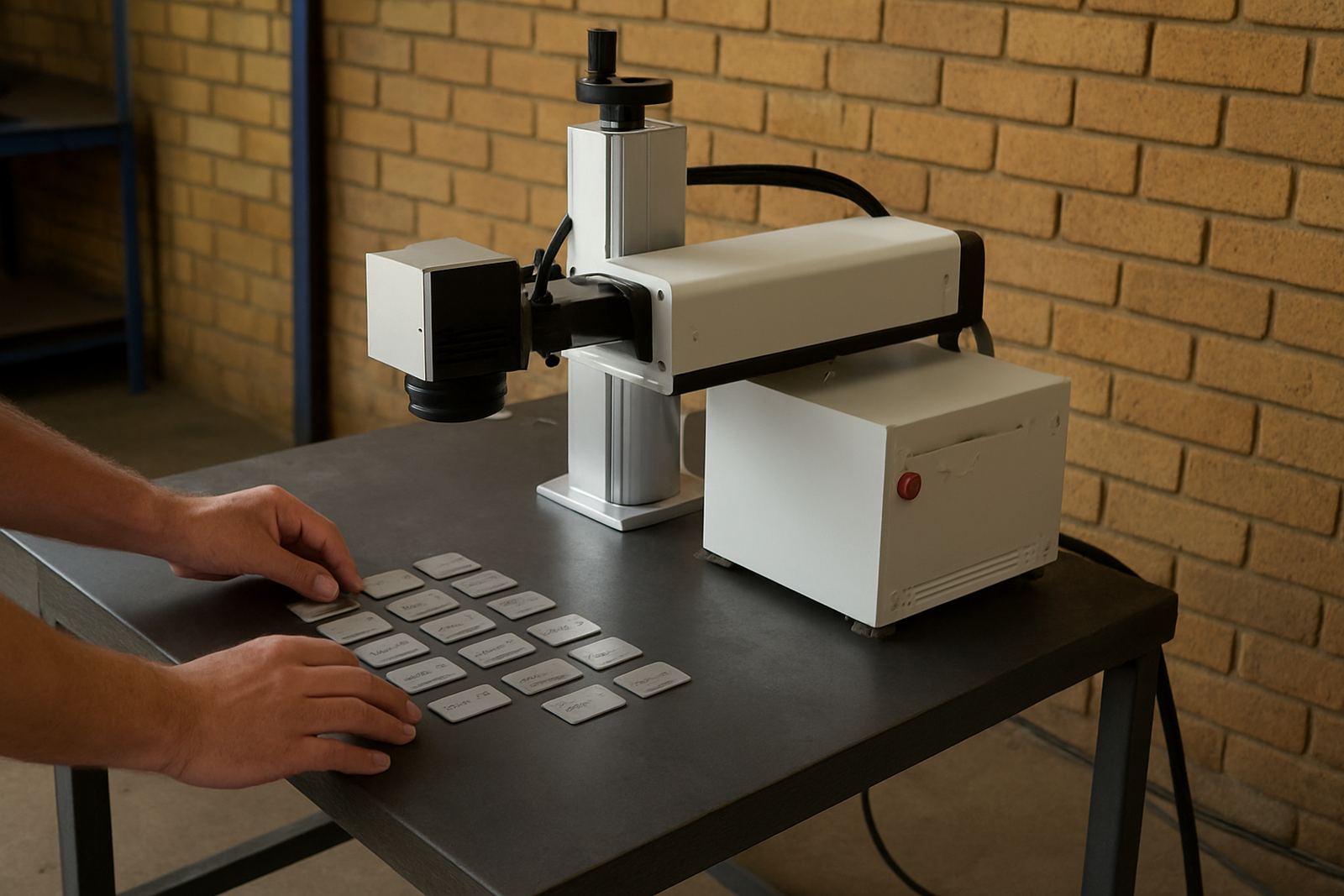
A MOPA fibre laser marker uses a pulsed fibre source with adjustable pulse width and frequency, which gives more control over heat input than a standard fixed-pulse unit. That matters when you need crisp serial numbers, logos, barcodes, QR codes or decorative colour effects on selected metals, especially stainless steel and coated components.
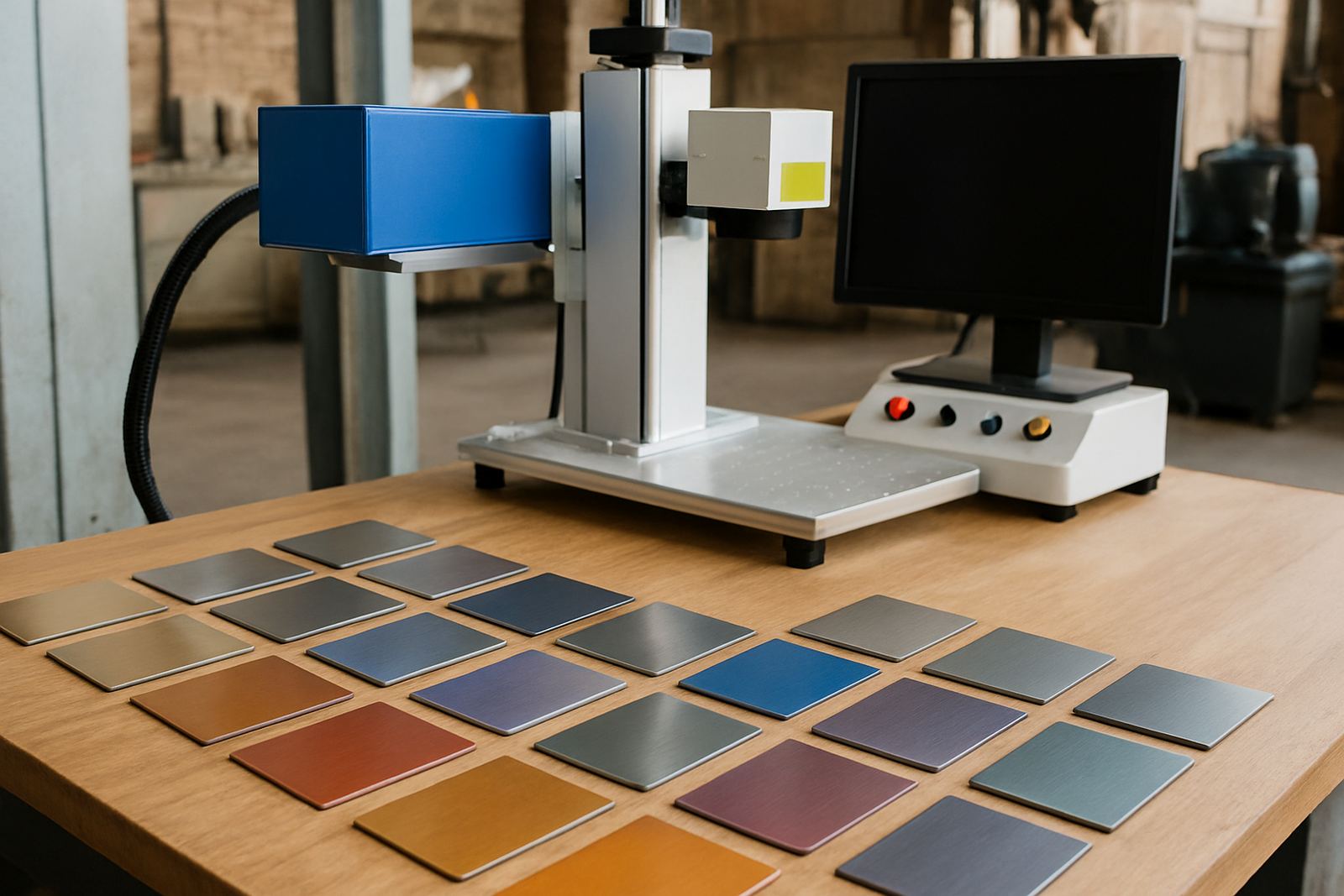
For jewellery, nameplates, tools, control panels and small parts, the machine produces fine lines and consistent contrast without cutting into the surface. On the right material, it can also create colour tones by managing the oxide layer carefully. Results depend on the base metal, finish and the exact settings, so sample marking is always worth doing first.
- Suitable for dark marking on stainless steel and other metals
- Can produce colour effects on selected stainless steel surfaces
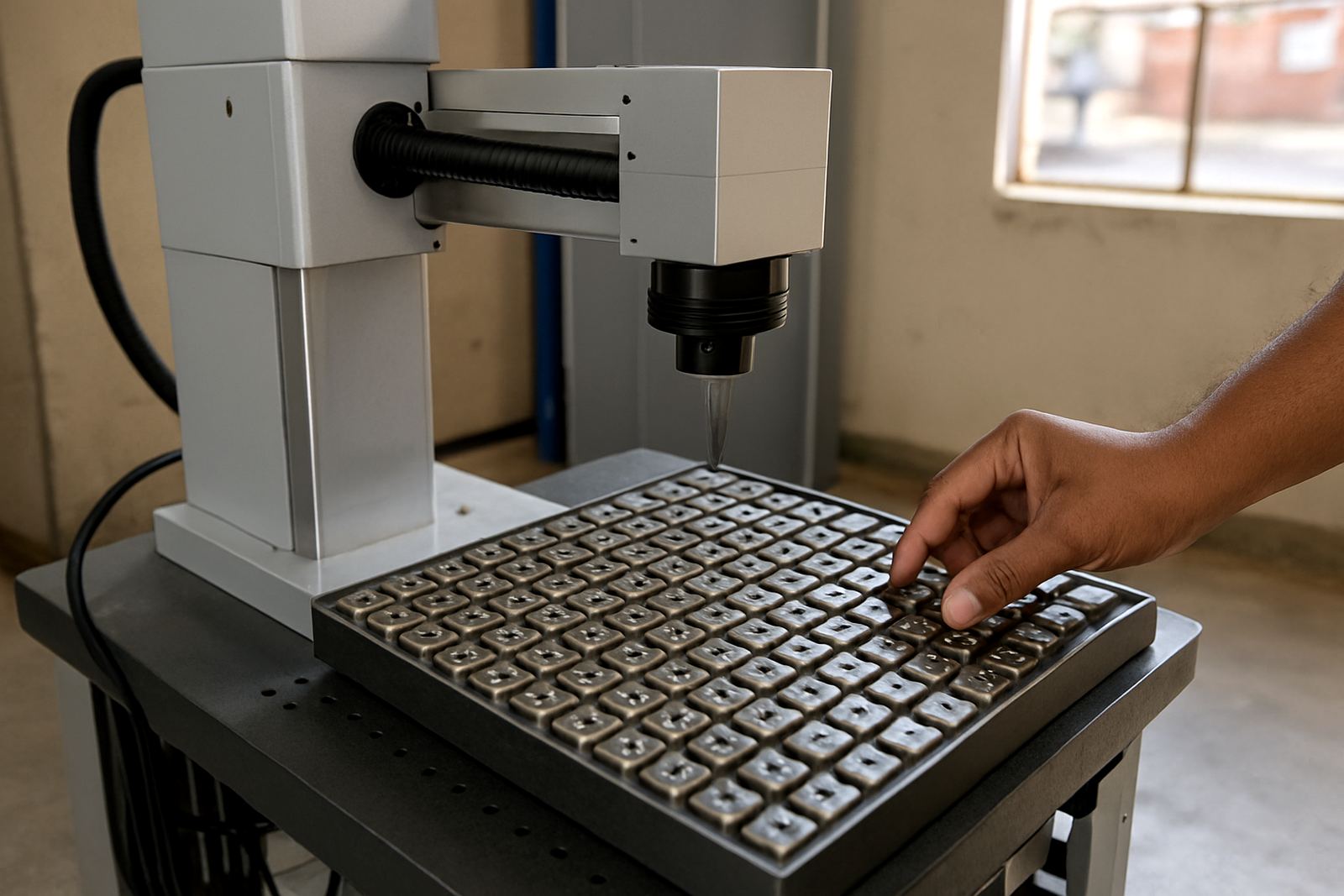
- Good for small text, dense codes and detailed logos
- Low running costs compared with consumable-heavy methods
Sizes and Options for Workshops and Production Lines
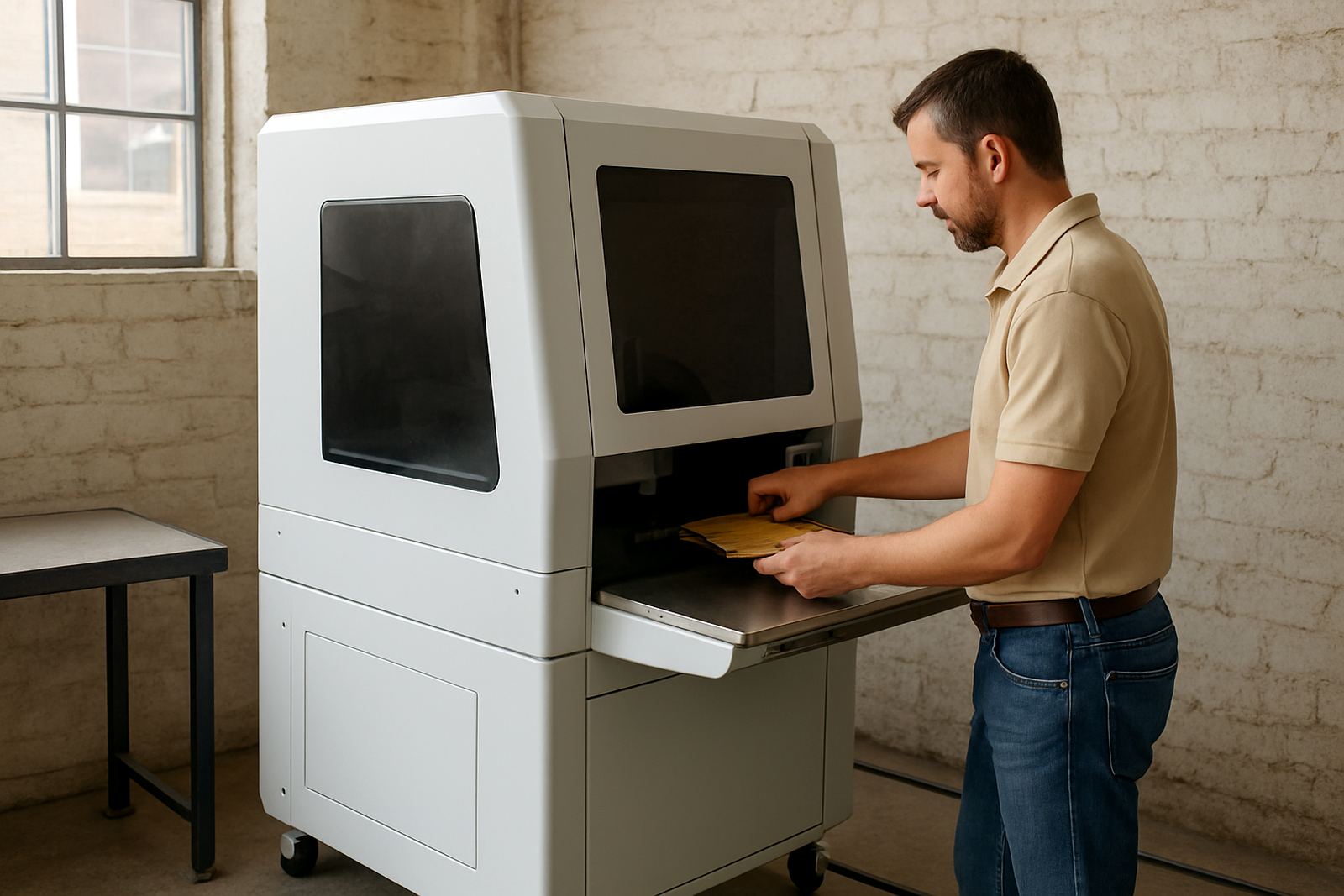
The MOPA colour marker is usually supplied as a benchtop unit with a separate control system and optional rotary fixtures, fume extraction connections and work holding. You can choose the working area and beam power to suit the parts you handle most often. Smaller units are a practical fit for jewellery counters and repair benches, while larger table sizes suit fabrication, automotive components and batch marking.
Common options include different lens sizes for marking area and detail, height-adjustable frames for uneven parts and rotary attachments for rings, shafts and cylinders. If you mark a mix of flat plates and round items, we can help match the lens and fixture set-up so the machine does not sit underused. Some jobs need deeper black marking and others need a cleaner, lighter contrast, so the configuration should follow the material and production rate.
- Typical working areas: 110 x 110 mm, 175 x 175 mm, 200 x 200 mm and 300 x 300 mm
- Common power ranges: 20 W, 30 W, 50 W and 60 W
- Optional rotary axis for rings, tubes and cylindrical parts
- Optional enclosure, extraction and safety interlocks
Where It Suits Best
This machine is a strong fit wherever markings must last through handling, cleaning and wear. In South Africa that includes machine shops in Germiston and Wadeville, jewellery workshops, medical component suppliers, electrical panel builders and light manufacturers in places like Boksburg, Isando, Alberton and Kempton Park. It also suits businesses that need traceability for batch numbers and part identification.
Because the mark is permanent and contact-free, there is no tool wear from engraving bits and no ink to dry. That helps when you work with polished parts, coated plates or delicate items that must stay neat. For coastal customers, the sealed fibre source is also a practical choice where humidity can affect other marking methods.
- Metal part marking for traceability and compliance
- Jewellery marking and fine decorative work
- Serial numbers, barcodes and data plates
- Small-batch production and repeat orders
Installation, Power and Site Requirements
Installation is straightforward, but the site still needs proper planning. The machine runs from standard single-phase power on most models, with a stable supply and clean earthing. In areas affected by load-shedding, a suitable inverter or UPS may be needed for the control system and computer, depending on your marking workflow. The laser source itself draws modest power, but the full set-up must be protected from voltage spikes and poor supply quality.
Most units do not need compressed gas for the marking process. If you add fume extraction, rotary fixtures or special holding equipment, then those accessories may bring extra space or power requirements. A level bench, good lighting and enough room for loading parts matter more than people expect. We also check access for delivery, especially where stairways, narrow doors or shared premises make placement tricky.
- Single-phase supply on most standard units
- Stable earthing and surge protection recommended
- No marking gas needed for normal operation
- Allow space for extraction, computer and fixtures
Care, Servicing and Daily Use
Daily care is simple if the machine is kept clean and used correctly. The lens window should be inspected regularly for dust or marks, and the work area must stay free of oil, swarf and abrasive grit. On jewellery and polished work, even a small contamination patch can change the finish, so clean handling is important.
Preventive maintenance helps keep focus, beam quality and repeatability in order. We recommend checking the software settings, fixture alignment and safety interlocks during routine service visits. If the machine is used in a hot or dusty workshop, or near grinding stations, plan for more frequent cleaning. Remote assistance can help with settings and troubleshooting, while on-site support is available for breakdown repairs and calibration if a setup drifts.
- Clean lens windows and work surfaces regularly
- Check focus and fixture position before production runs
- Keep records of tested settings for repeat jobs
- Arrange periodic maintenance to avoid output drift
What to Check Before You Order
Before you choose a MOPA colour marker, it helps to bring a few samples and clear examples of the finish you need. The same machine can behave very differently on stainless steel, anodised parts, brass or coated surfaces. If you want colour effects, the exact metal grade and surface finish need to be tested first. We can mark samples and help you compare options before installation.
Think about your part size, batch size and the smallest text you need to read after marking. Also check whether you need a rotary fixture, extraction, software setup or a specific enclosure size. If your workshop moves frequently, site relocation planning matters too. For businesses in Wadeville, Jet Park, Isando and across South Africa, we handle installs and training nationwide, so the machine is set up for the work you actually do.
- Material type and finish
- Part size and marking area needed
- Do you need colour effects or only dark marks
- Need for rotary, enclosure, extraction or computer setup
Key facts
| Laser source | Fibre laser with MOPA pulse control |
|---|---|
| Power options | 20 W, 30 W, 50 W, 60 W |
| Working area | 110 x 110 mm to 300 x 300 mm |
| Typical marking | Dark marks, fine text, codes and selected colour effects |
| Power supply | Single-phase AC, model dependent |
| Support | Installation, training, calibration and servicing nationwide |