Start with the material, not the machine
If a mark looks pale, first check what you are marking. Different metals react differently to fibre laser energy, and even two batches of the same material can behave in different ways. Stainless steel, mild steel, aluminium, brass and coated parts all need their own settings. A mark that looks fine on one surface may wash out on another because of oil, oxide, polish or a curved shape.
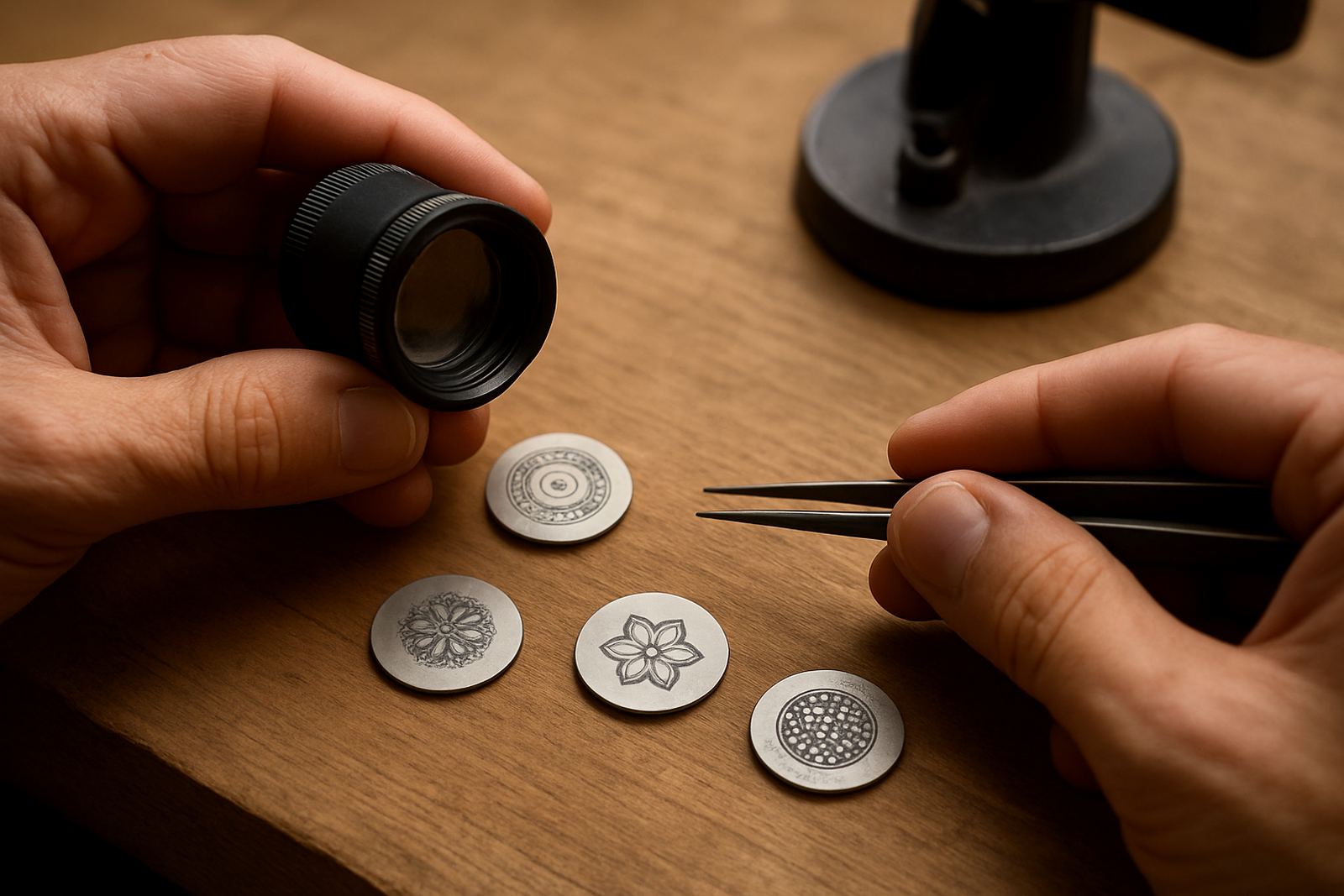
Before changing too many settings, clean the part properly and inspect the finish under bright light. Fingerprints, coolant residue and polishing compound can all reduce contrast. On jewellery jobs the issue is often a highly reflective surface that bounces too much energy back, so the mark needs tighter control and a better focus point.
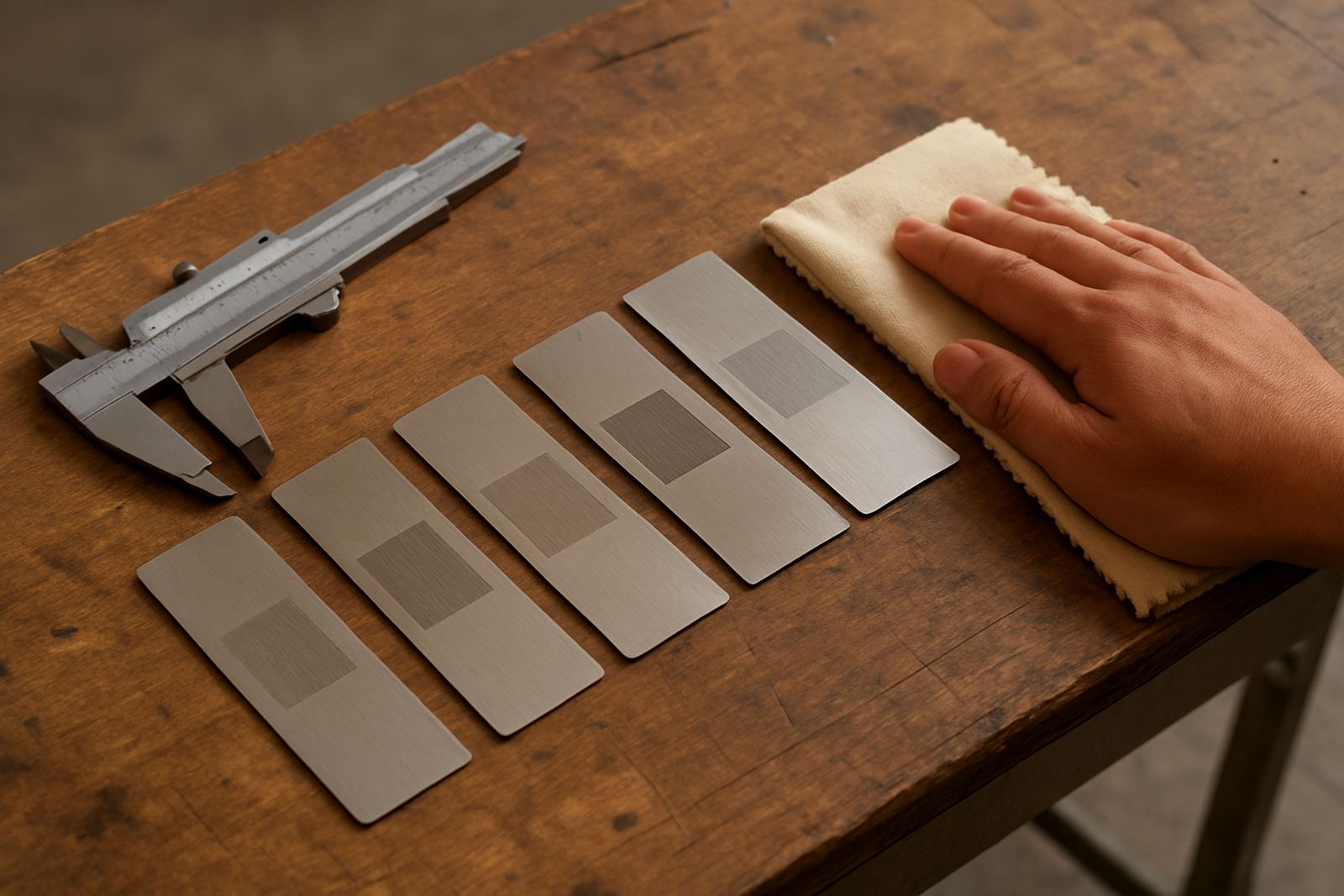
- Wipe off oil, cutting fluid and handling marks before marking.
- Check if the part is plated, anodised, brushed or polished.
- Test a fresh sample from the same batch if possible.
- Look at the part under the same light you use for inspection.
Adjust power, speed and frequency in small steps
The fastest way to improve visibility is usually to make the mark slightly deeper or create a better surface change. That may mean raising power, slowing the marking speed or adjusting frequency so the laser spends more energy on the same area. Small changes matter. A tiny adjustment can turn a faint grey line into a clean, readable black mark on stainless, or give a brighter white mark on anodised surfaces.
Do not jump straight to maximum power. Too much energy can warp thin parts, burn edges or leave a rough finish that looks worse than the original problem. Make one change at a time and record the result so you can repeat it later. For production work, it helps to keep a simple reference sheet for each part number and finish.
- Increase power in small steps and test the result.
- Lower speed if the mark is too light.
- Adjust frequency if the mark looks inconsistent across the area.
- Keep notes for each material and part size.
Get focus and lens height right
A slightly wrong focus can make a mark look thin, washed out or uneven across the surface. On flat parts, the correction is usually simple. On curved parts, stamped parts or jewellery items, the focal distance can shift from one point to another and the contrast drops fast. If the beam is not hitting the surface at the right point, you may still see a mark but it will lack clarity.
Check the focus with proper calibration tools and confirm the lens height before every new setup. If the job uses a fixture, make sure the part sits at the same height each time. This matters even more when working through load-shedding changes or after a machine has been moved on site, because a small shift can alter the result. In Wadeville, we often see this after a workshop rearranges equipment to make room for other processes and the mark suddenly goes faint.
- Verify the focal point before long runs.
- Keep fixtures repeatable so every part sits at the same height.
- Recheck focus after transport, maintenance or retooling.
- Use a test grid when working on curved or uneven surfaces.
Use surface preparation to help the mark stand out
Sometimes the laser is doing its job but the surface is working against you. A clean, even, lightly prepared surface gives better contrast than a shiny part with scratches and residue. If a customer wants a darker mark on metal, surface condition can be just as important as settings. Even a good machine will struggle if the part has heavy oxidation or inconsistent finish.
For some jobs, a fixture or simple pre-mark process can improve consistency. A stable part means the beam stays where it should and the mark comes out more even. Where the workpiece is small or awkward, fixture design can reduce movement and improve readability without pushing power too far.
- Remove oxide, polish residue and loose coating before marking.
- Use fixtures that hold the part steady and level.
- Check if the surface finish is changing between batches.
- For high-volume work, standardise preparation steps before marking.
Read the mark under real inspection conditions
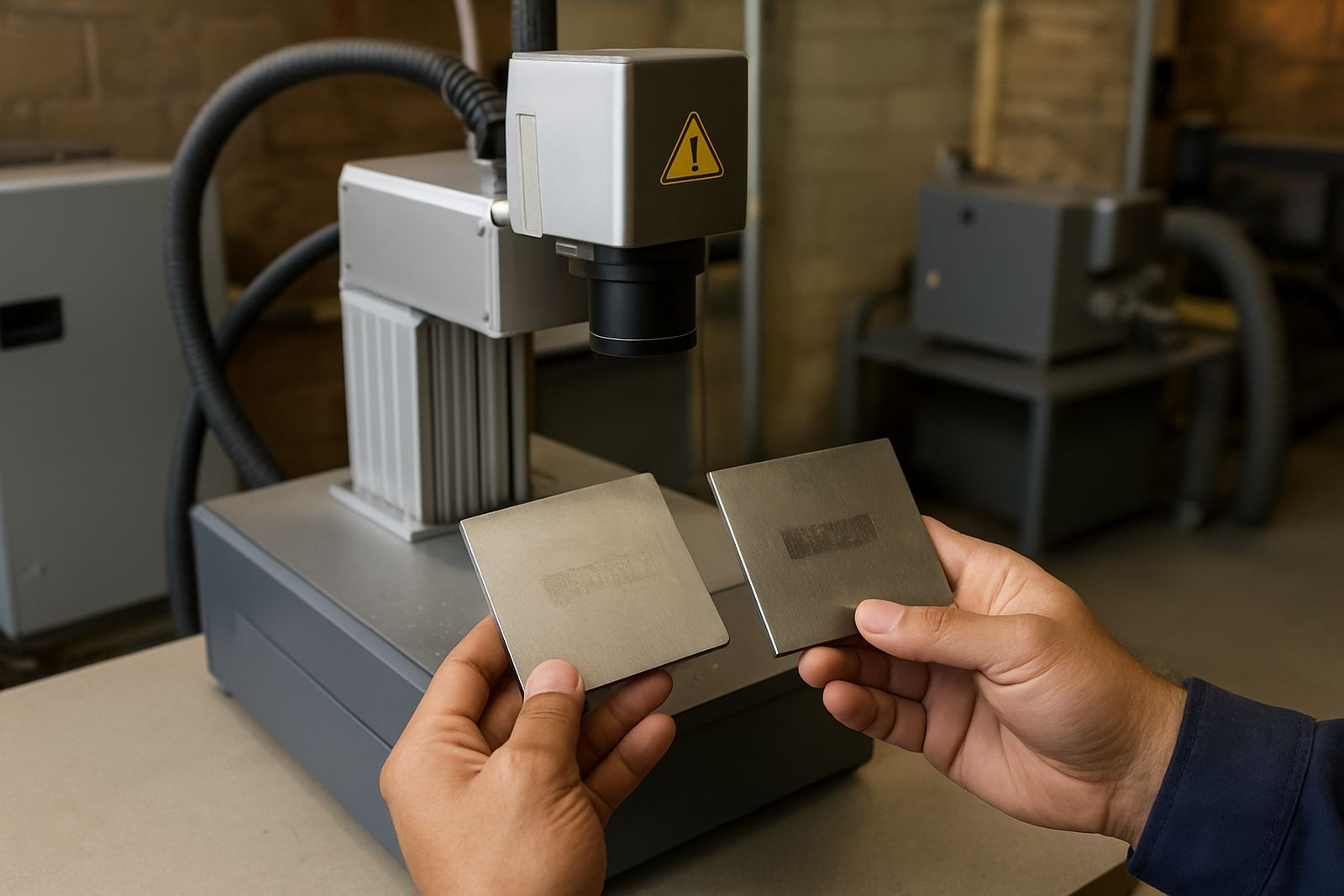
A mark can look acceptable on the machine screen or under one light source and still fail when checked at the end of the line. Always inspect under the same lighting and angle that the customer or inspector will use. In many plants the issue is not the mark itself but the way it is being viewed. Bright overhead lights, side glare and reflective benches can all make a good mark look too light.
If the mark is for serial numbers, part traceability or a logo, test it the way it will be used in practice. On a Germiston site marking small stainless steel tags, the operator thought the numbers were too faint. Once the tags were checked under the packing table lights and against the real handling angle, the problem was not contrast at all. The issue was glare from the work surface, not the laser output.
- Inspect under the same lighting used in the factory or warehouse.
- Check readability from the angle the user will see it.
- Compare the test mark with a good sample from the same line.
- Ask whether the problem is contrast, glare or marking depth.
Prevent repeat problems with maintenance and operator training
Light marks often happen when the same small setup mistake is repeated. Preventive maintenance helps keep the beam consistent, while operator training helps the team spot problems early. Dirty optics, loose fixtures, poor software setup and worn moving parts can all reduce mark quality. When load-shedding is part of daily life, a proper restart check after power returns is worth the time.
For businesses across Gauteng and beyond, the best results come from a simple routine: confirm focus, confirm material settings, run a test, then start production. If marks are still too light, call for sample marking and process optimisation rather than pushing the machine harder. A short visit or remote check can save a lot of wasted stock.
- Schedule regular focus calibration and preventive maintenance.
- Train operators to spot early signs of weak contrast.
- Keep spare parts and consumables ready for common faults.
- Recheck setup after a move, power interruption or software change.
When a small change is enough and when to call for support
Some jobs only need one setting adjusted. Others need a full review of the marking process, from software setup to fixture design and sample testing. If you are already close to the result you want, a slight tweak may be enough. If the mark changes from one batch to the next or the finish is uneven across the part, it is better to check the full setup before you waste more material.
Fibre Laser Marking supports clients from Wadeville, Germiston, Jet Park, Isando, Kempton Park, Boksburg and Alberton, with installs and training nationwide. For a workshop trying to improve contrast on stainless tags, components or jewellery pieces, the right answer is often practical rather than complicated. Good contrast comes from the material, the settings and the handling all working together, not from one setting alone.