Start of Shift Checks That Prevent Early Mistakes
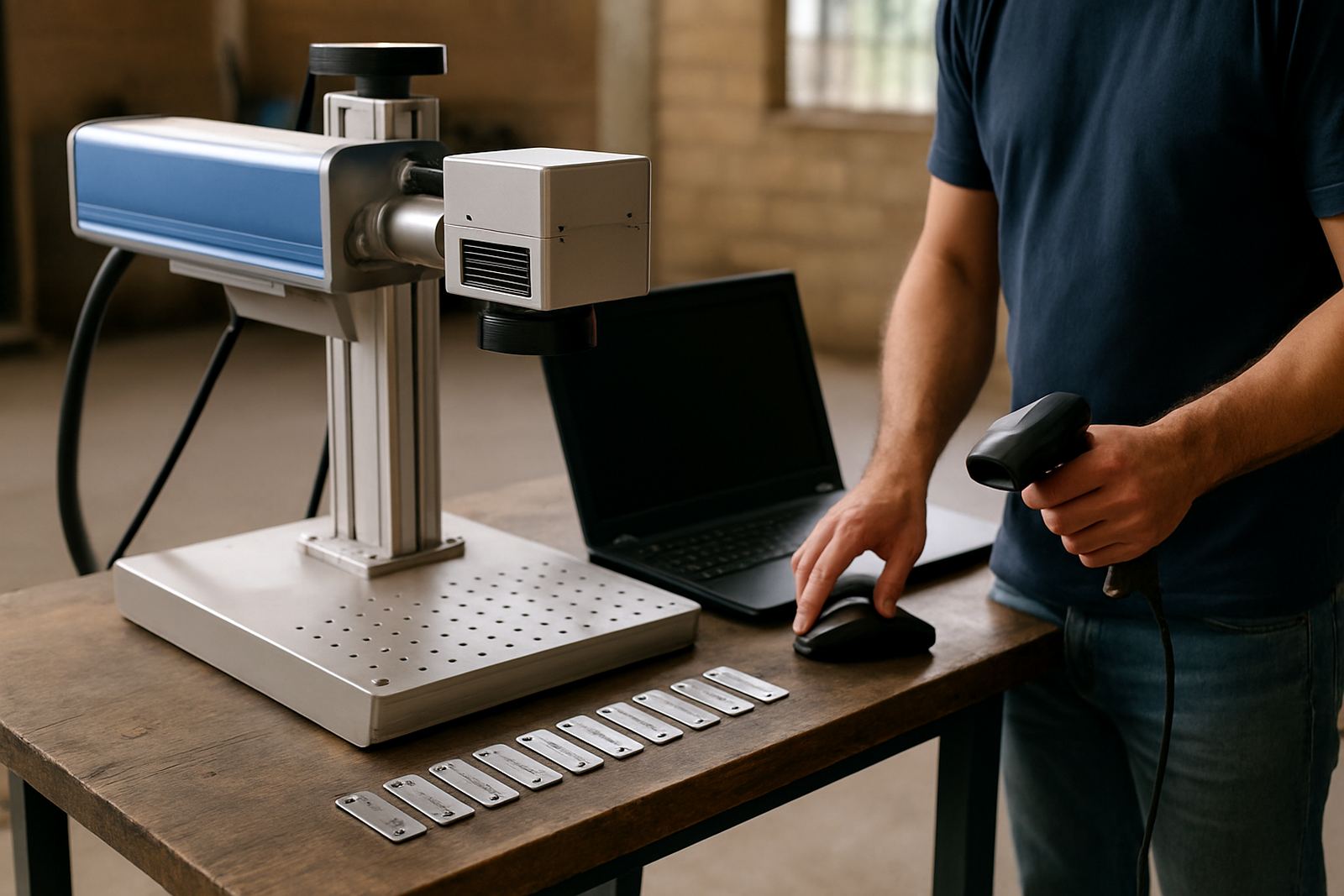
The first 10 minutes of a shift set the tone for the rest of the day. Before the first part goes under the head, the operator should confirm that the machine area is clean, the part is seated properly, and the correct marking file is loaded. In busy workshops around Germiston, Jet Park and Boksburg, the common problem is not the laser itself, it is a small setup slip that leads to unreadable marks or rejected parts.
Daily checks do not need special tools. They need discipline. If the machine was moved, cleaned, or left idle after a power cut, take a moment to confirm that nothing loosened overnight and that the work surface is still square. A machine that looks ready can still be out by a fraction, and that is enough to shift text off centre or leave a serial number too close to an edge.
- Confirm the machine powers up cleanly and no warning lights show on the panel.
- Check that the correct job file, font and marking position are selected.
- Make sure the part or jig sits firmly with no wobble.
- Inspect the emergency stop and cover interlocks before starting production.
Keep Optics Clean and Airflow Unblocked
Fibre laser systems are precise, but they still depend on clear optics and proper airflow. Dust, metal fines and oily residue can build up around the marking area especially in workshops handling stainless steel, mild steel, aluminium or jewellery pieces. If the lens or protective window is contaminated, the beam quality drops and the mark can become patchy, shallow or uneven.
Coastal humidity and general factory dust are hard on equipment, so a quick visual inspection is worth the effort. Operators should not open anything they are not trained to touch, but they can notice the warning signs early. If the beam seems weaker than usual, if the mark takes longer, or if scorch marks appear where they did not yesterday, that is a flag to stop and check the visible surfaces first. It is much easier to clean a marked lens cover than to explain a batch of damaged nameplates.
- Wipe the external surfaces of the machine with a dry lint-free cloth.
- Check that cooling vents and fans are not blocked by swarf or packaging.
- Look for dust on the viewing window, lens cover or marking field.
- Keep liquids away from the machine body and control panel.
Fixture and Part Positioning Need a Fresh Eye Every Day
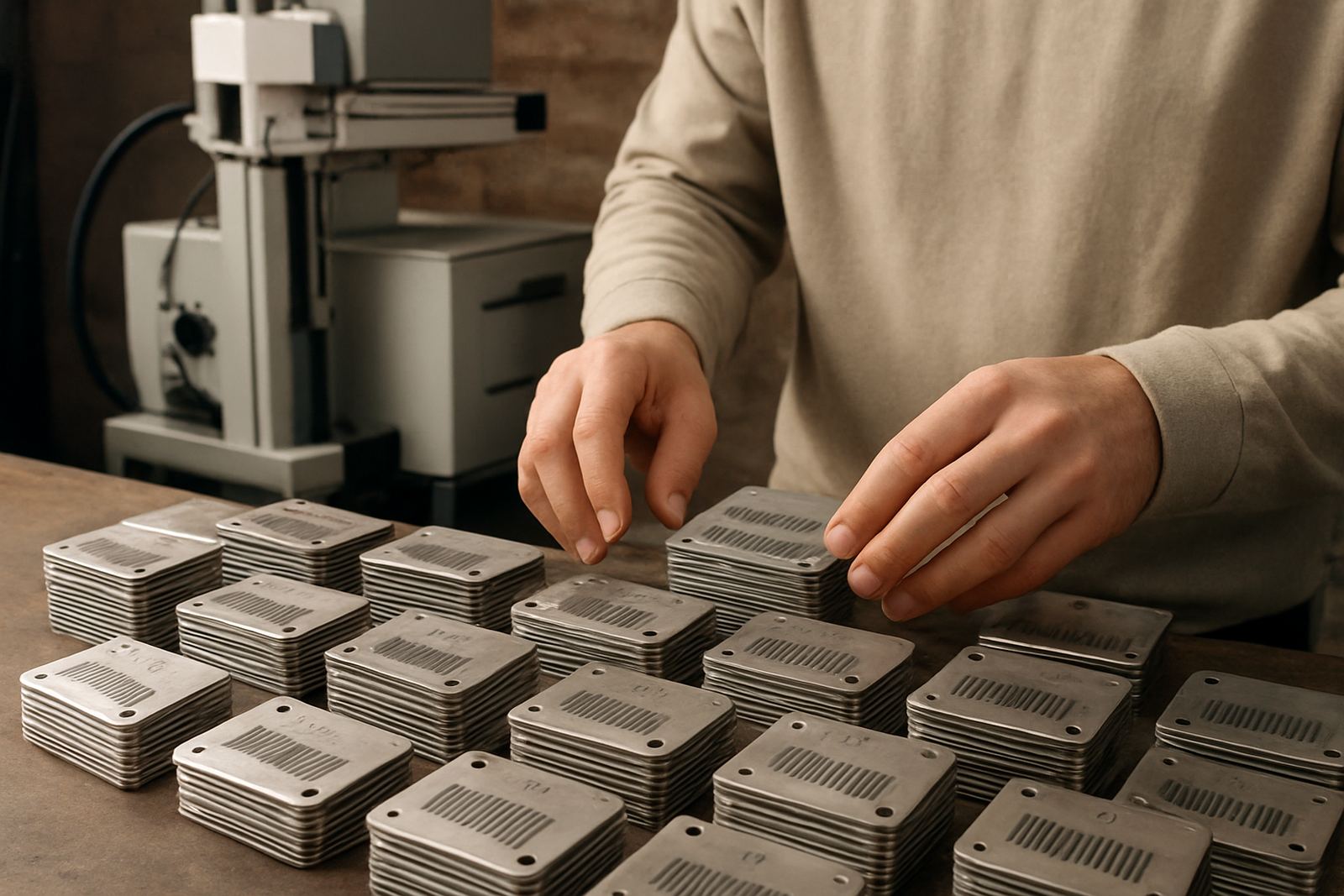
A lot of marking faults come from the fixture, not the laser. If a clamp is loose, a jig has shifted, or a new batch varies slightly in size, the marking position can move without anyone noticing. This is common in small workshops that switch between batches of tags, tools, plates and jewellery components during the same day. One job may fit perfectly while the next one sits 2 mm higher, and the marking file still follows the old position.
Operators should check that the part sits flat and that repeat jobs still align with the programmed origin. If the workpiece is round, polished or oddly shaped, a quick sample mark is worth doing before the full run. On shiny surfaces, even a small position error can be obvious to the customer. A proper daily check makes the difference between a clean batch and a pile of rework.
- Inspect clamps, stops and locating pins for wear or looseness.
- Verify the first sample part before running a full batch.
- Check that the fixture still matches the actual product size.
- Keep a note of any repeat alignment issues for the next shift.
Use Sample Marking to Catch File and Focus Errors
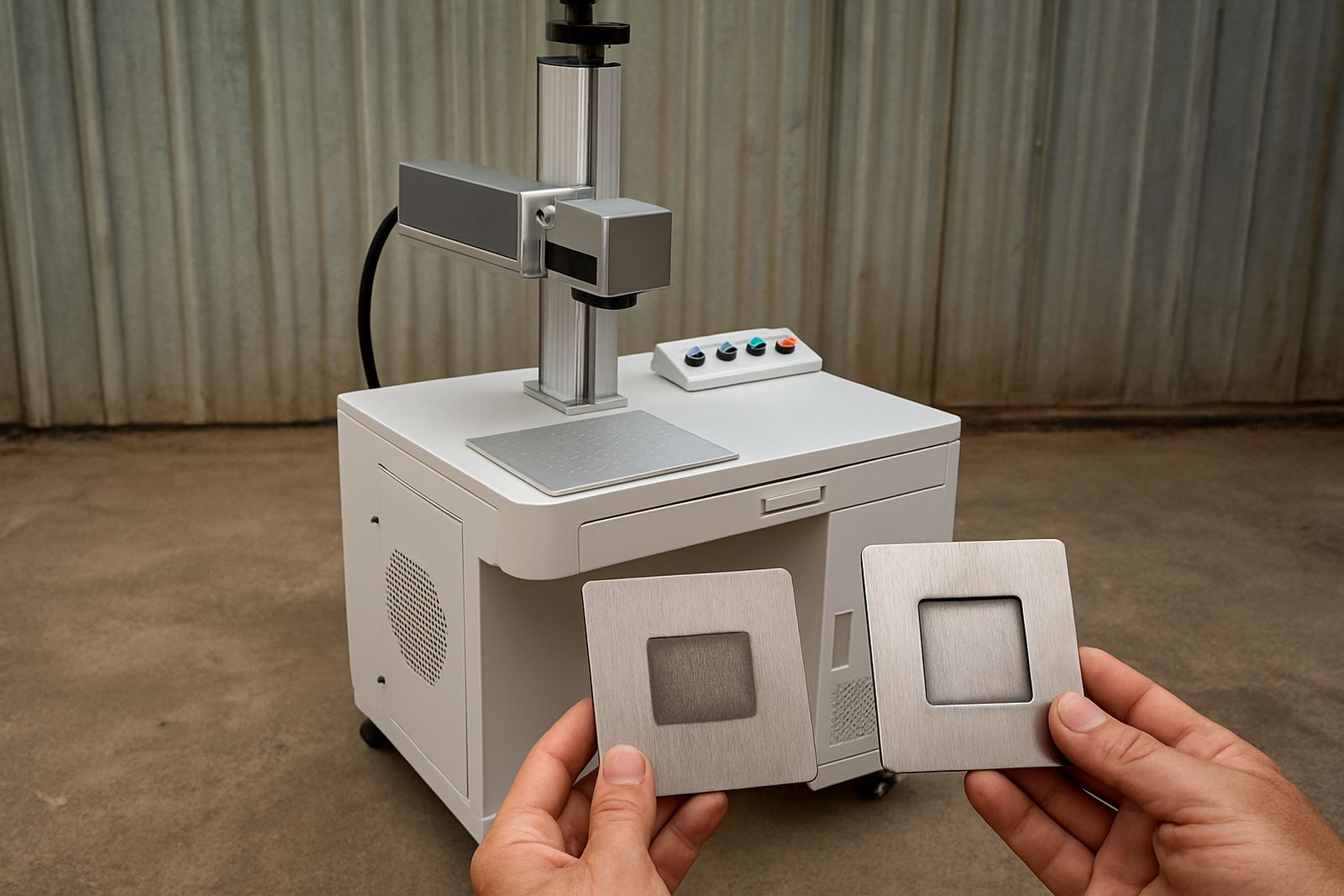
Sample marking is not wasting material, it is avoiding a costly mistake. A short test on a spare piece can show whether the text is the right size, the barcode is readable, and the depth or contrast matches the order. It is also the quickest way to pick up file errors, wrong dates, mirrored text, or a focus setting that was changed after a previous job. In a production environment where orders move fast, a five minute test can save a full morning.
Focus is especially important when switching between flat plates and curved items. If the focus is off, the mark may still appear on the screen but it will not hold up in real use. That matters for serial plates, compliance tags and jewellery items that need fine detail. Operators should treat every new setup as a fresh job, even if the same item ran well yesterday. Machines do not remember the batch, but people often assume they do, and that is where errors begin.
Keep a simple sample record for recurring work. If the same job returns next month, the operator can compare it against the old sample and spot changes quickly. That habit saves time, and it gives the team a proper reference when the client asks for the same finish again.
Watch Power, Software and Safety Before Production Starts
In South Africa, load-shedding and unstable supply can interrupt a marking day without warning. Even when the machine comes back on, operators should confirm that the software has opened properly, the date and job settings are still correct, and no communication error has carried over from the outage. A sudden restart can leave the system in a strange state, so it is better to check than to assume all is fine.
Safety checks matter just as much. The operator should make sure the work area is clear, the cover is closed where fitted, and everyone nearby understands the job in progress. In shared factory spaces, someone may walk past carrying raw material or a trolley and knock the setup before the first mark is done. Good daily checks reduce that risk. They also build a proper routine, which helps new operators learn faster and makes handovers smoother between shifts.
- Confirm the machine recovered correctly after any power interruption.
- Check the software time, file path and current job settings.
- Keep the marking area clear of loose tools and offcuts.
- Make sure new operators know the stop procedure before they begin.
A Germiston Example: Small Checks, Fewer Callouts
In a Wadeville workshop handling mixed metal parts for local clients, the operator used to start each morning by rushing straight into the first order. The team then spent time correcting off-centre marks, cleaning up faint serial numbers and redoing tags that had shifted in the fixture. After a short daily checklist was introduced, the number of avoidable stoppages dropped quickly. Nothing dramatic changed, just a more careful routine at the machine.
That kind of result is common across Gauteng. Whether the job is in Germiston, Alberton, Kempton Park or further afield, the same rule applies: daily checks cost very little and prevent a lot. They also help the maintenance team because faults are caught while they are still small. If an operator notices unusual noise, weak marking, or repeated alignment drift, it can be reported before the problem becomes a breakdown.
The best shops do not leave checks to memory alone. They keep a printed list near the machine, sign it off, and make it part of the shift handover. That simple habit keeps production moving and helps the machine give the kind of detail and repeatability it was bought for.