Data Matrix For Durable Traceability
Plain text is easy to read, but it takes up space and can wear away on parts that see heat, oil, abrasion, or constant handling. A Data Matrix code holds serial numbers, batch details, production dates, and traceability data in a very small area, which is why it shows up on tools, engine parts, surgical items, and jewellery components.
For South African workshops, the big advantage is traceability. If a batch goes to Durban, Cape Town, or a client in Wadeville, the code gives you a fast way to confirm where the part came from and which process it went through. That matters for quality checks, audits, warranty claims, and returns. It also helps when a customer wants proof that a specific part was marked and checked before dispatch.
What makes a 2D code easy to scan in practice
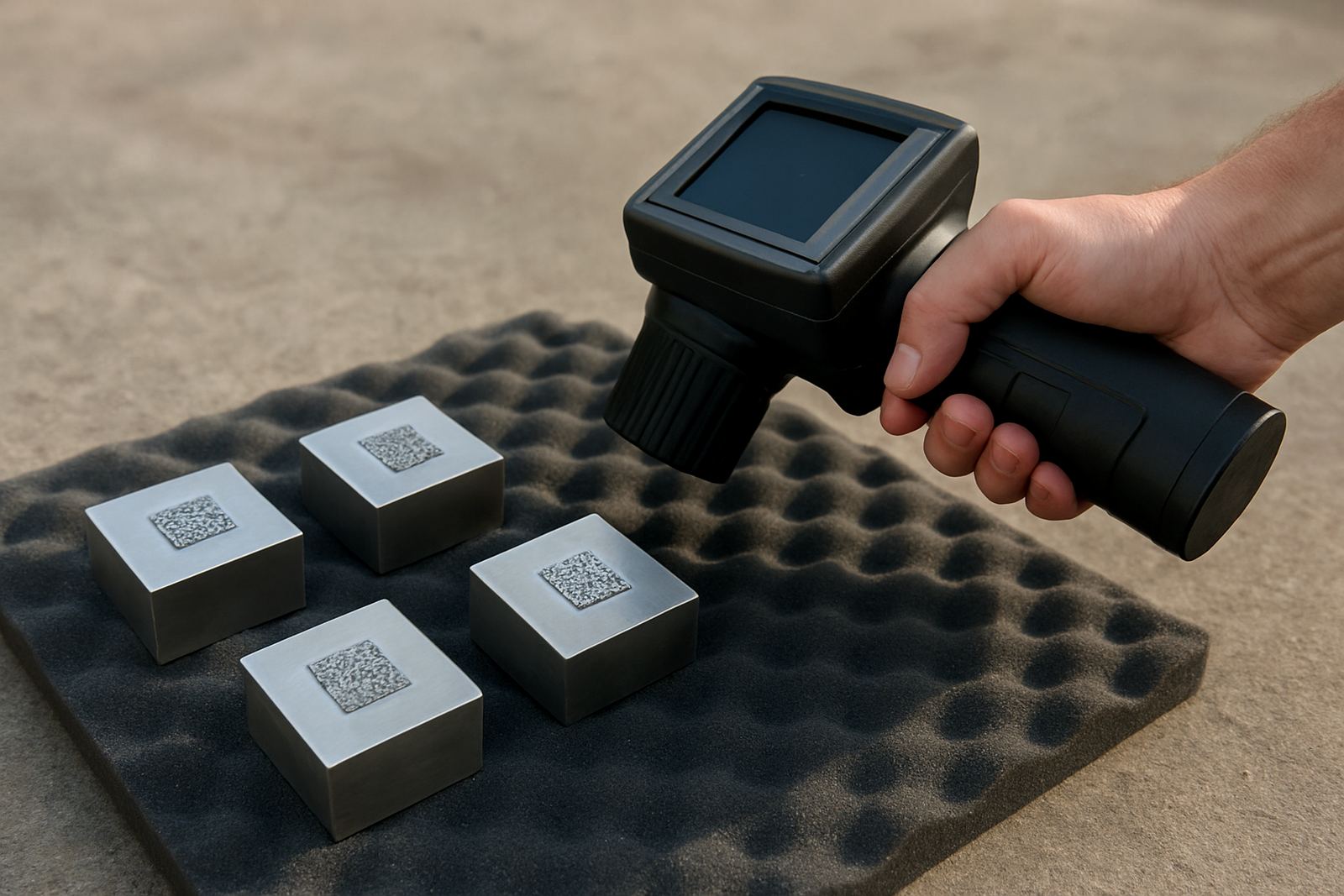
A Data Matrix code is only useful if a scanner can read it quickly. The mark has to have clear contrast, sharp edges, and the right depth for the material. On stainless steel and aluminium, that usually means careful focus, steady fixturing, and the right power and speed settings. On brass or coated parts, the surface finish can change how the mark looks under a camera or scanner.
- Keep the code square and avoid stretching it across uneven surfaces.
- Leave enough quiet zone around the code so the scanner can find the edges.
- Use a size that matches the part, not just the available space.
- Test the mark with the actual scanner or camera system used on the line.
- Check readability after cleaning, handling, and any heat treatment.
In many cases the mark looks fine to the eye but still fails on a scanner, so the real test is not how pretty it is, but whether the data comes back every time. That is where a proper setup saves time and a lot of rework.
Choosing the right mark for metal parts and jewellery
Different jobs need different marking styles. For heavy industrial parts, a deeper mark may be better because the code needs to stay readable after sandblasting, painting, or outdoor exposure. For jewellery, the challenge is often the opposite. The part is small, curved, and finished, so the mark must be neat and legible without damaging the surface.
Fibre laser marking is often used because it can produce fine detail on metal with good control. That is useful for serial numbers on machine parts and for very small codes on rings, charms, and tags. A careful sample marking run helps confirm the best balance between mark depth, speed, and appearance before full production starts.
- Flat parts usually scan easier than curved parts.
- Polished surfaces may need a different setting from brushed surfaces.
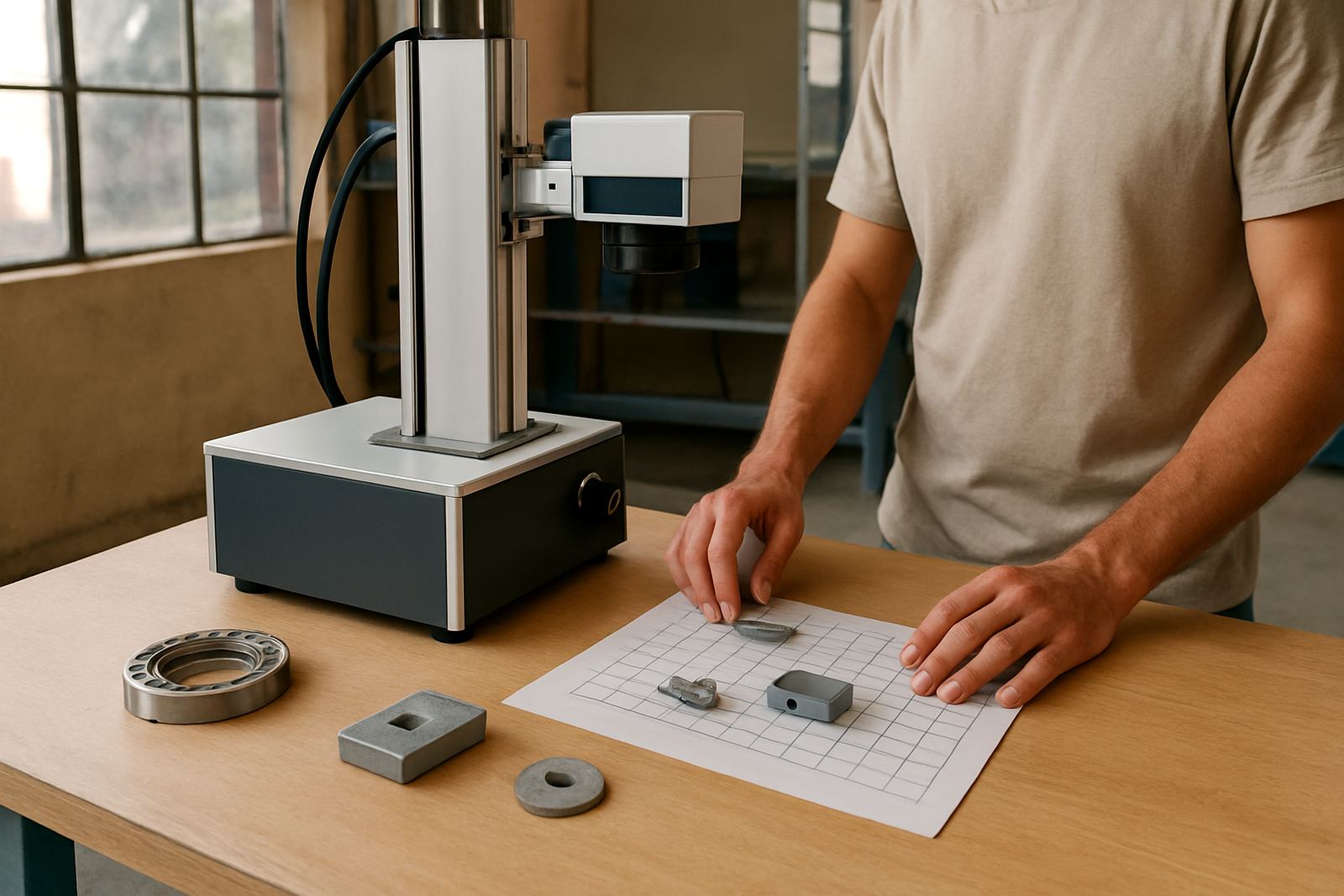
- Small jewellery items often need custom fixtures to hold them steady.
- For traceability, consistent placement is as important as code quality.
A Wadeville example from the shop floor
A practical local example is a Germiston workshop marking small steel components for a transport customer. The parts were leaving Wadeville for assembly sites across Gauteng, and each item needed a code that could survive handling, packing, and later inspection. The first trial looked acceptable on screen, but the scanner struggled when the parts came off the line at speed.
After focus calibration and a change to the fixture, the mark became more consistent. The operator could load each part in the same position, the code stayed square, and scanning improved on the first pass. The workshop also set up a simple process check so the operator could catch poor marks before they moved into the box. That saved time and reduced scrap, which matters when loadshedding already breaks the rhythm of production.
How to set up a reliable marking process
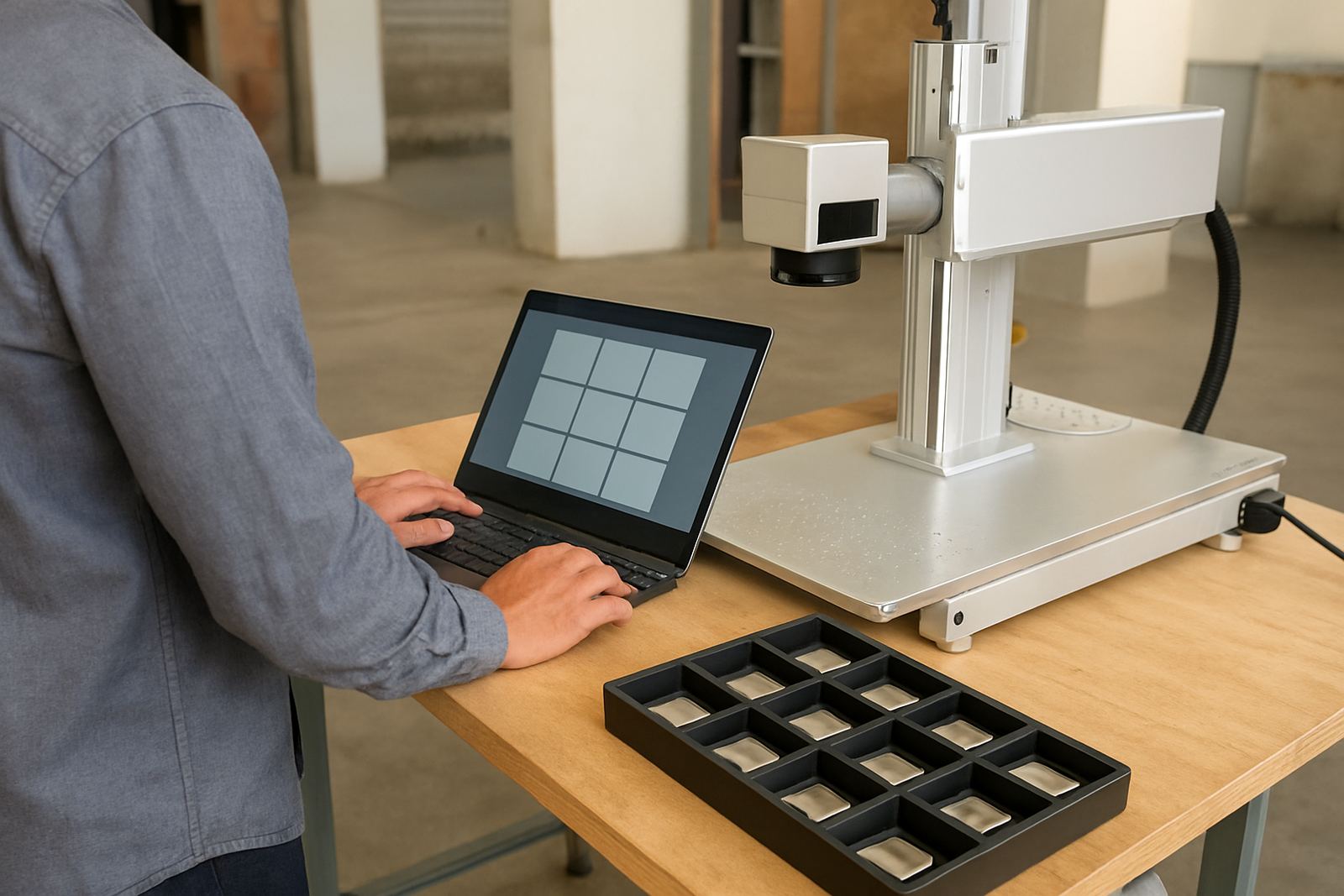
Good marking is not only about the machine. It is also about the full process around it, from the software file to the final inspection. A clean workflow makes a big difference in busy plants, especially where staff change between shifts or where production has to keep moving despite power interruptions.
- Use one approved file format and naming system for each part number.
- Train operators to check focus before every run.
- Keep a reference sample at the machine for visual comparison.
- Back up the marking data and settings after any software setup.
- Do preventive maintenance before wear becomes a fault.
If you relocate a machine or move it between sites, recheck the setup before restarting full production. Even a small change in height, vibration, or table position can affect scan quality. A quick recalibration is cheaper than redoing a whole batch.
When to ask for calibration, samples, or training
It is worth asking for help when the code is too small, the part surface is difficult, or operators are seeing mixed results from one shift to the next. Sample marking can show whether the code size, speed, and contrast are right before you commit to a production run. If the line already works but the scan rate is not consistent, process optimisation can often sort it out without changing the whole setup.
Training also helps when a team is new to 2D codes or when staff need to handle software changes. A proper handover means the machine is not just installed, it is understood. For sites in Germiston, Jet Park, Isando, Kempton Park, Boksburg, Alberton, and beyond, that practical support keeps the marking process steady and avoids avoidable downtime.