Why repeat jobs need a template, not guesswork
In a busy metal workshop or jewellery room, the same part often comes back with small changes in batch size, position or serial sequence. If operators start from scratch every time, the risk of a wrong font, wrong depth or shifted logo goes up. A software template fixes the main settings so the job starts from a known point.
That matters when you are marking nameplates, brackets, tags, rings or small stainless-steel parts. Once the right focus, power, speed and marking area are stored, the operator can load the job and confirm the part details rather than rebuilding the whole setup. It is a simple discipline but it saves real time over a week.
What a good fibre laser template should hold
A useful template is more than a saved file. It should carry the settings that affect the finished mark and the practical steps that stop errors at the machine. For most South African production runs, especially where different staff cover shifts, the best templates are the ones that make the next operator do less guessing.
- Part name and internal job reference
- Material type, such as stainless steel, aluminium, brass or plated metal
- Mark position, size and orientation
- Power, speed, frequency and hatch settings
- Fixture or jig notes, including clamp points
- Serial number format, date code or batch sequence
Keep the naming system plain and consistent. If one file is called Ring_18ct and another is called 18ct_Ring_Final_2, people waste time looking for the right version. Clear labels help the whole team, especially when the same machine is shared across different products.
How templates cut mistakes during shift changes
Shift handovers are where repeat jobs often slip. A night operator may know the job by sight, but the morning team only has the file and a queue of parts on the bench. If the template includes the correct fixture notes and sample image, the next person can carry on with less risk of a wrong mark or poor alignment.
This is useful in Wadeville, Jet Park and Isando where many workshops handle short production runs and mixed orders. One day it may be stainless housings, the next day small tool tags or jewellery pieces. Templates keep those changes orderly, and the machine doesn't care who is on duty as long as the file is right.
- Less time spent re-entering values
- Fewer marking mistakes on expensive parts
- Quicker checks after a power interruption
- Better consistency when operators rotate
- Cleaner records for repeat orders
Using templates to protect material and finish
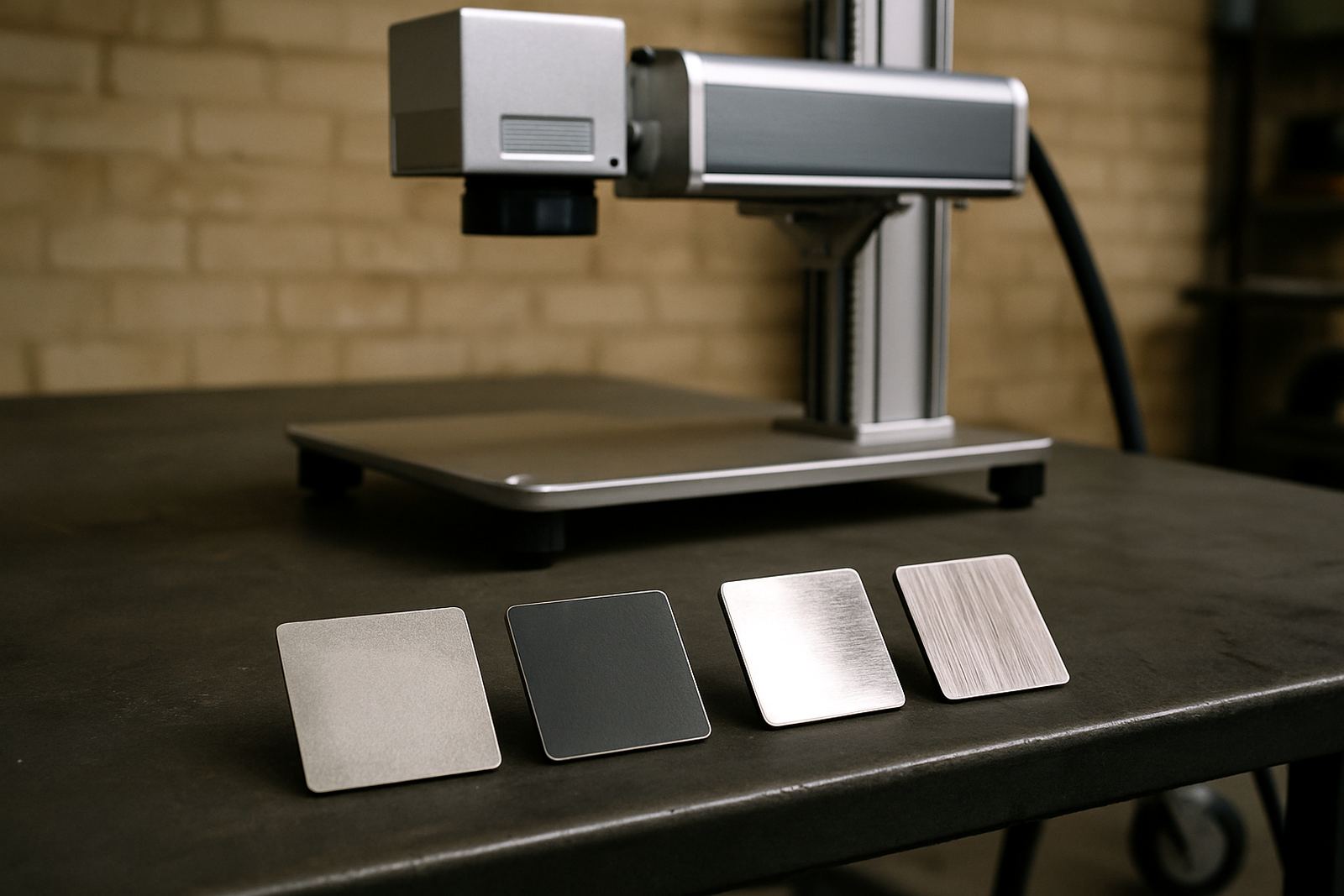
On delicate or polished parts, one poor test mark can spoil a whole batch. A template lets you keep proven settings for each material finish, so operators do not push power too high or over-mark the surface. This is important for jewellery, medical parts, badges and other items where the mark must be readable but not harsh.
For example, a Germiston manufacturer may mark satin-finished aluminium nameplates in the morning and switch to small stainless tags after lunch. If both jobs are already templated, there is less chance of leaving a deep burn or a faint mark that fails inspection. The same applies to items that must hold up in coastal humidity, where a weak mark can become hard to read after handling and cleaning.
A practical workflow for South African shops
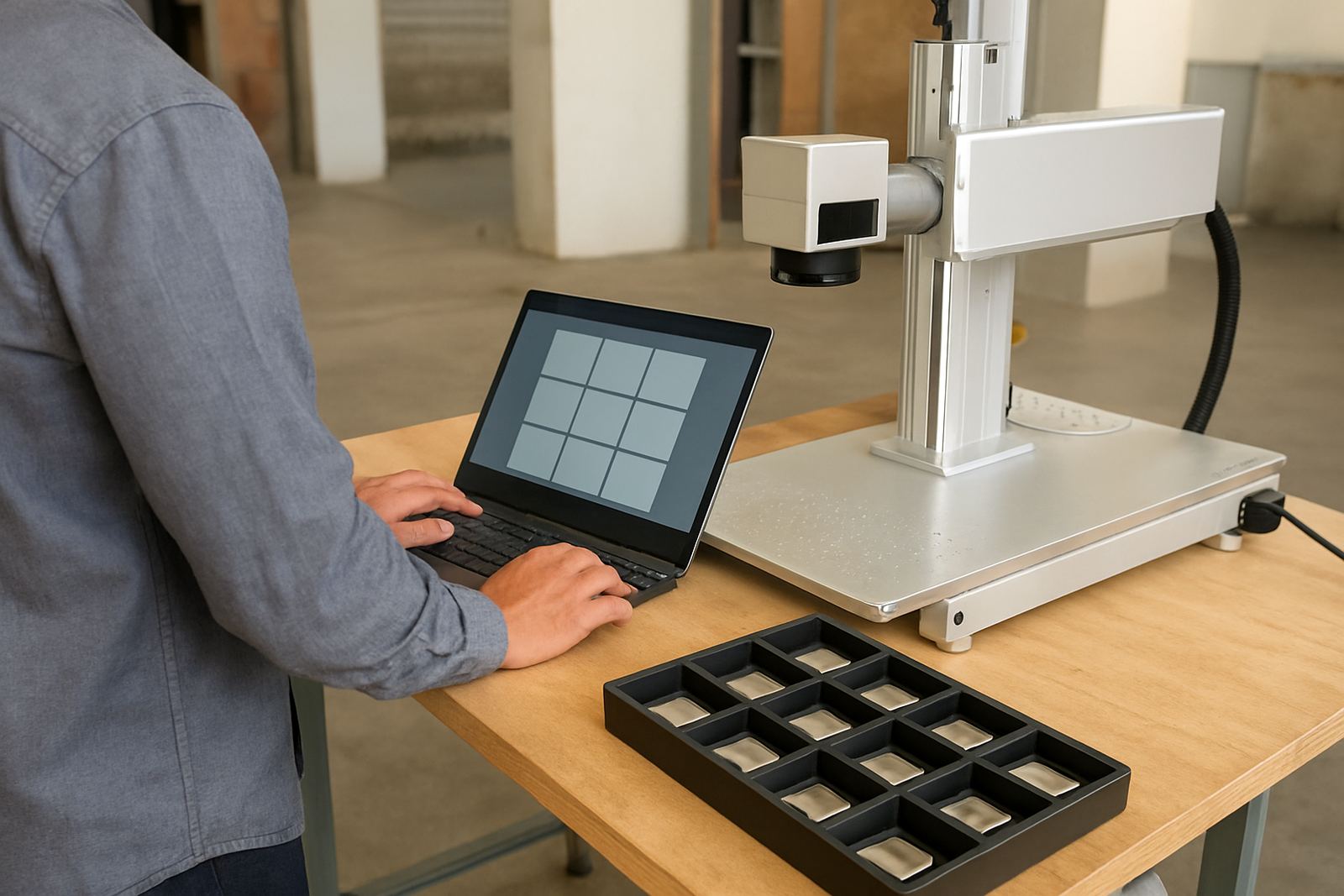
The best template system is the one people actually use, so keep it tied to the way the floor works. Start with one master file per common product and lock the key settings. Then allow only the fields that change often, such as serial number, part code or batch quantity. That keeps control tight without slowing down daily work.
If you have operators in Alberton, Boksburg or Kempton Park doing the same job, save the file naming and approval method in the same format at each site. It helps when jobs move between branches or when a machine is relocated. Templates also make remote assistance easier because the technician can talk the operator through one known setup instead of rebuilding the job from zero.
- Use one master template per repeat product
- Allow edit rights only for variable fields
- Store a sample mark image with the file
- Review templates after process changes or new fixtures
- Back up files after each update, especially after load-shedding
Templates work best with proper training and maintenance
A template can only do its job if the team understands how to use it. That is why software setup and operator training matter just as much as the machine itself. If a staff member knows where to check focus, how to confirm the file version and how to spot a bad fixture, the template becomes a control tool rather than a shortcut.
Preventive maintenance also supports template accuracy. A machine that is due for focus calibration or has a loose fixture will not repeat marks properly, no matter how good the file is. In our experience, the best results come when the template, the software settings and the hardware condition are all managed together, not one at a time.
For manufacturers and workshops across South Africa, that combination saves money in small ways every day. Fewer rejected parts, less wasted setup time and fewer calls to sort out jobs that should have been routine in the first place.