Why some logos look crisp on screen but rough on metal
Logo marking quality starts with the artwork, but it is only finalised when the mark hits the part. A logo that looks fine in a file can lose its edge if the lines are too thin, the fills are too dense, or the surface finish is not suited to the job. On stainless steel, aluminium, brass, plated parts, and jewellery items, the material itself changes how the beam behaves. That means two jobs with the same logo can need different settings.
Sharp line work comes from getting the beam focus, speed, power, and hatch spacing right for the material thickness and finish. Fill consistency depends on how evenly the laser covers each area without leaving streaks, light patches, or heat marks around the edges. If the part is curved, polished, or slightly uneven, the settings need even more care. A good mark should look the same on the first item and the last one, not just on the sample.
Artwork choices that improve line sharpness
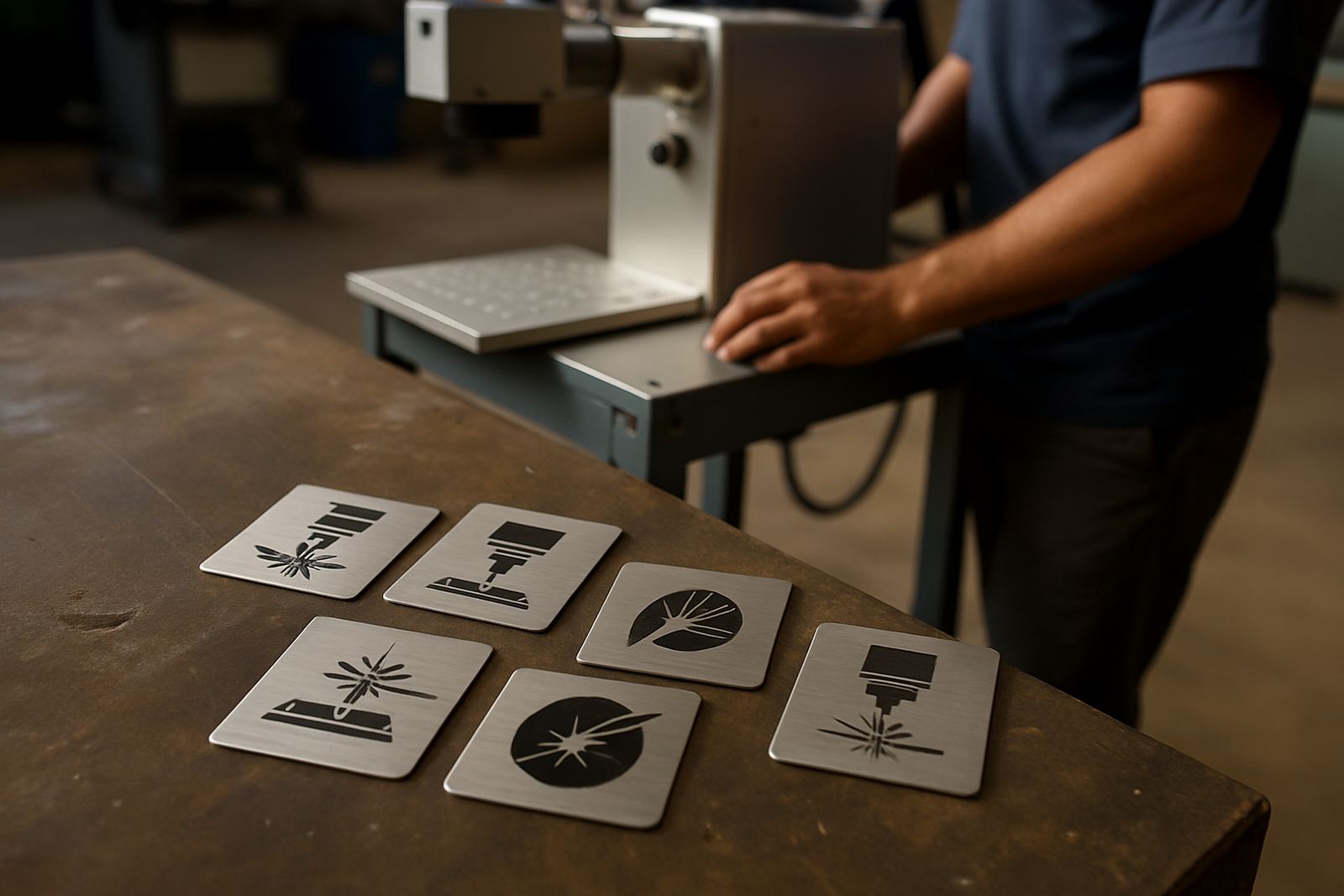
The first step is to prepare the logo correctly. Thin fonts, tiny detail, and overbusy artwork often cause trouble because the machine has less room to define each edge. Logos with strong strokes and clear spacing usually mark better on small items and curved surfaces. If a client wants a very fine crest or monogram, the artwork should be checked for minimum line width before marking starts.
For better results, keep these points in mind:
- Use vector artwork where possible so the edges stay clean at any size.
- Avoid hairline strokes that may disappear on polished metal or jewellery.
- Leave enough space between letters and symbols so the mark does not close up.
- Remove tiny background shapes that add clutter but no value.
- Match the logo size to the available flat or curved marking area.
When the design is simplified properly, the machine can place each line with better control. That helps especially on items that are only a few millimetres wide, where one small error can make a logo look fuzzy or uneven.
Machine settings that affect fill consistency
Fill consistency is usually won or lost in the settings. Too much power can overheat the surface and leave a washed out or burnt look. Too little power can produce a pale mark that fades into the material. Speed matters as well. If the head moves too fast, the fill may look patchy. If it moves too slowly, the edges can soften and the surface may pick up unwanted texture.
In practice, the best setup is usually a balance between power, speed, frequency, hatch spacing, and focus height. The same logo on anodised aluminium may need a different recipe from the same logo on stainless steel. On jewellery, a polished ring or pendant often needs tighter control than a flat industrial plate. A well tuned mark should have one tone across the filled area, with no banding or heavy overlap. That consistency is what separates a neat logo from one that looks tired after the first batch.
Surface condition and part handling matter more than many workshops expect
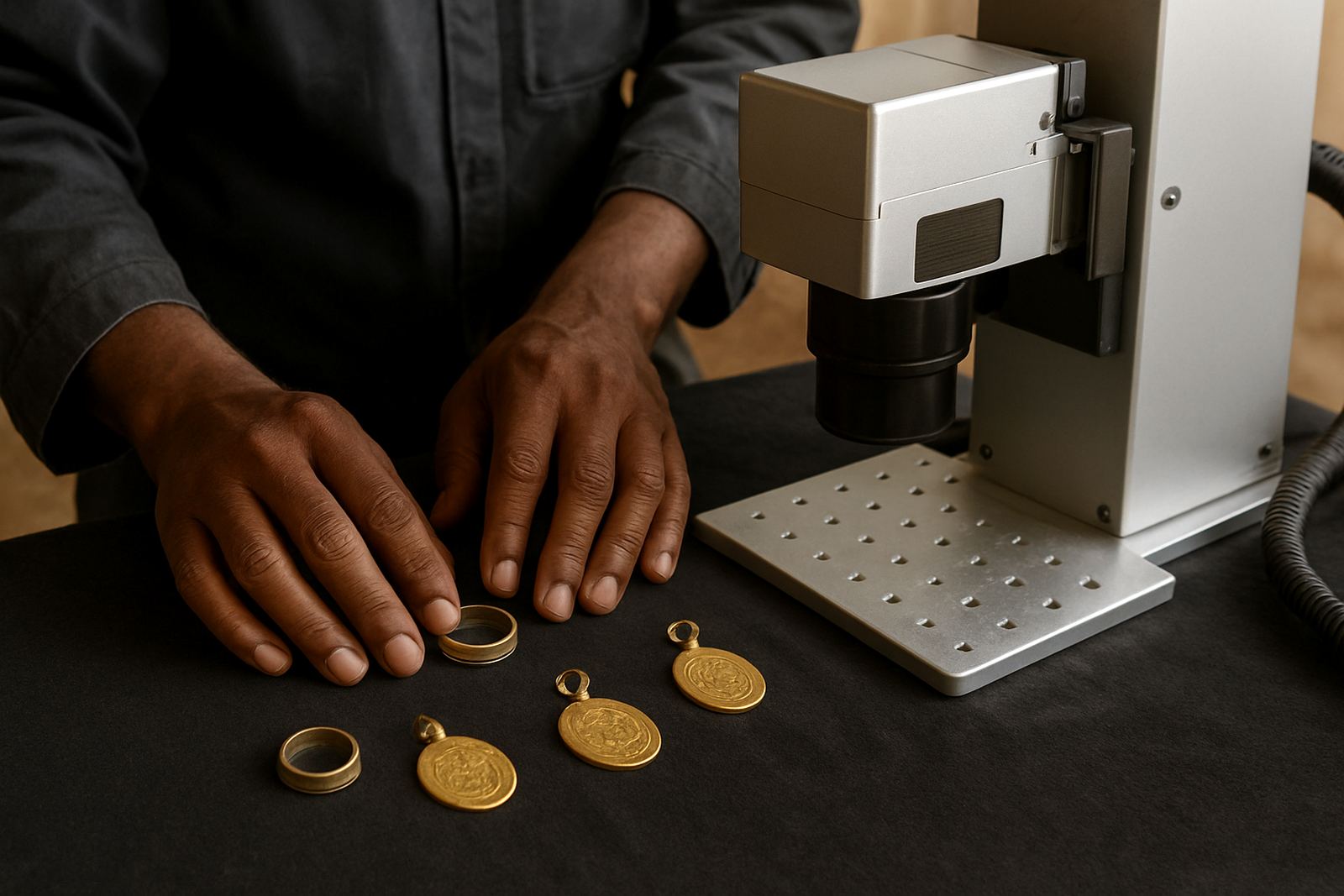
Even with a good machine, the part itself can spoil the result. Oil, fingerprints, dust, and polishing residue all affect how the laser interacts with the surface. On metal parts that come from cutting, machining, or pressing, the finish may vary from piece to piece, so the mark depth and brightness can shift as well. On jewellery, a slight curve or a polished edge may reflect energy differently and soften the logo edge.
Good part handling helps the mark stay consistent:
- Clean the surface before marking so contamination does not scatter the beam.
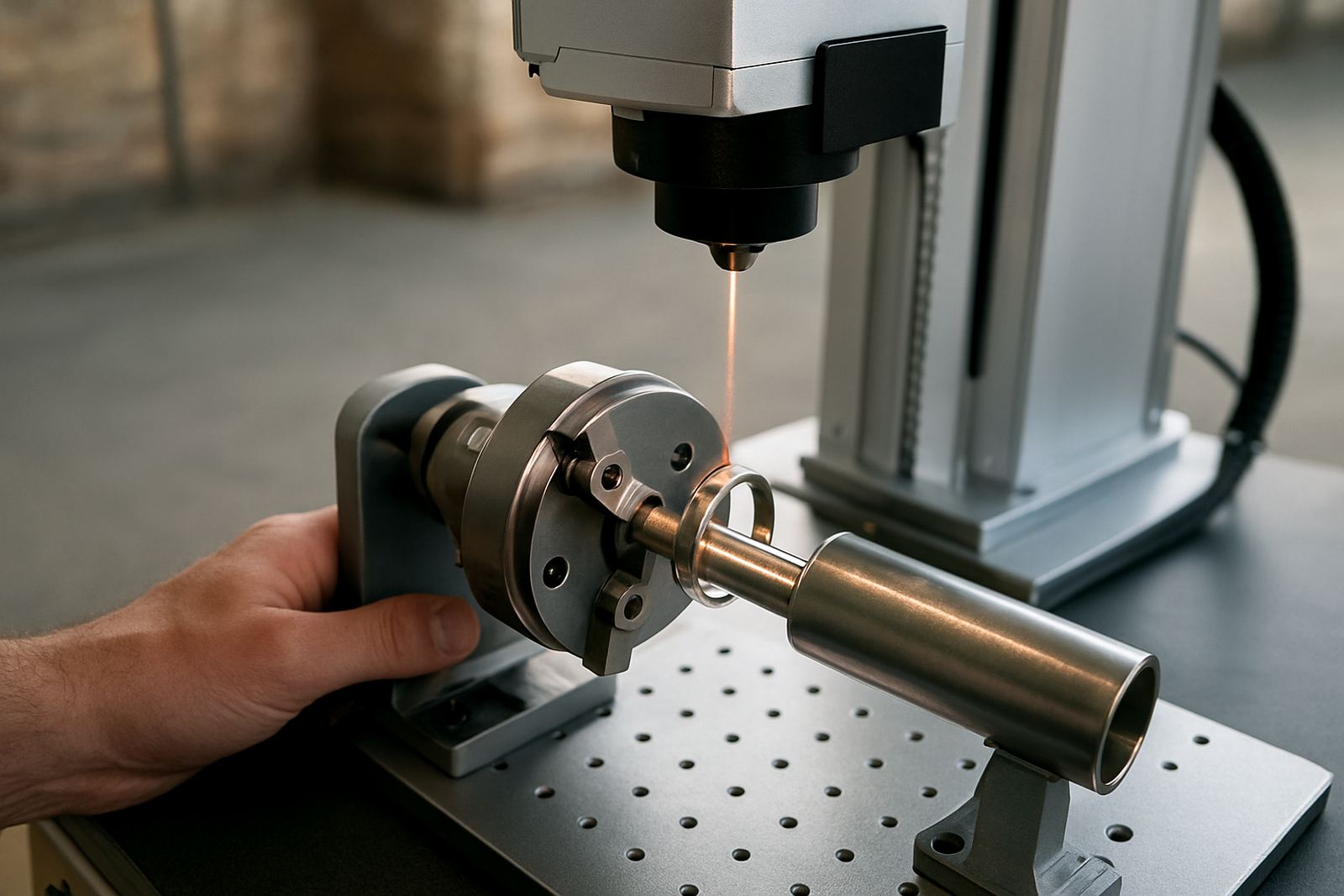
- Use proper fixtures to keep each item at the same height and angle.
- Check for wobble on round parts, flanges, rings, and small components.
- Keep the marking area free of scale, swarf, and leftover polishing compound.
- Sort parts before the job starts if surface finish varies across the batch.
For busy Gauteng workshops, this can be the difference between repeatable output and constant rework. A fixture that holds parts square can save far more time than trying to rescue poor marks later, especialy when the batch is already on the machine.
Local example: a Wadeville job with mixed metal parts
A Wadeville manufacturer once needed logos on a mixed run of steel components and small branded tags. The first samples looked acceptable, but the fill changed from item to item because the parts were coming through with slight surface variation and inconsistent height in the holder. The logo edges also softened on the smaller tags because the artwork had more fine detail than the material could handle cleanly.
After the artwork was simplified and the fixtures were adjusted, the line work tightened up and the fills became more even across the batch. A focus check before each shift helped as well, especially during load-shedding when the line had to restart and the operator needed to confirm settings again. The customer did not need a fancier logo, just a more controlled process. That is often the real fix. Not more power, but better repeatability.
Training, calibration, and maintenance keep marks repeatable
Logo marking quality does not stay steady by accident. If a machine drifts out of focus, the beam path is misaligned, or the lens is dirty, line sharpness will drop long before the operator notices a major fault. That is why training and routine checks are important. A team should know how to confirm focus, save correct settings, and recognise when the mark is changing because of the machine rather than the part.
Useful upkeep and support steps include:
- Focus calibration before new jobs and after fixture changes.
- Software setup checks so the artwork imports at the correct scale.
- Preventive maintenance on optics, cables, cooling, and moving parts.
- Sample marking on fresh material before the full run starts.
- Remote assistance or field service when results change suddenly.
For businesses in Germiston, Jet Park, Isando, Kempton Park, Boksburg, Alberton, and wider South Africa, this support matters because production schedules do not wait for guesswork. When marks are expected to carry serial numbers, product identity, or company branding, the logo has to hold its shape today and next month too.