Why a tidy job file matters on repeat marking work
In fibre laser marking, the machine is only part of the job. The real time saver is the record that tells you what was marked, on which material, with which focus setting, and under what fixture. When that information is easy to find, repeat production becomes far smoother. A good file saves operator time, reduces sample testing, and helps prevent expensive errors on stainless steel tags, aluminium plates, brass nameplates and jewellery pieces. For workshops in places like Wadeville, Jet Park or Alberton, where orders often come back in batches, this is worth more than people think.
A proper job file also helps when more than one person is involved. One team member may quote, another may sample mark, and a third may run the repeat order a month later. If each person keeps their own notes the job can drift. The best file keeps all the useful details in one place, so the same result can be repeated without guesswork.
What every fibre laser job file should capture
The file does not need to be fancy, but it must be complete. If a job is worth repeating, it is worth recording properly. We often tell clients to think of the file as a map back to the exact result they approved. The clearer the map, the fewer surprises later.
- Customer name and internal job number
- Part description and material type
- Artwork or text layout, with version date
- Machine used, lens size and focus reference
- Power, speed, frequency and hatch settings
- Fixture or clamp notes
- Any masking, cleaning or pre-treatment needed
- Sample approval photos
- Special instructions for serial numbers, QR codes or batches
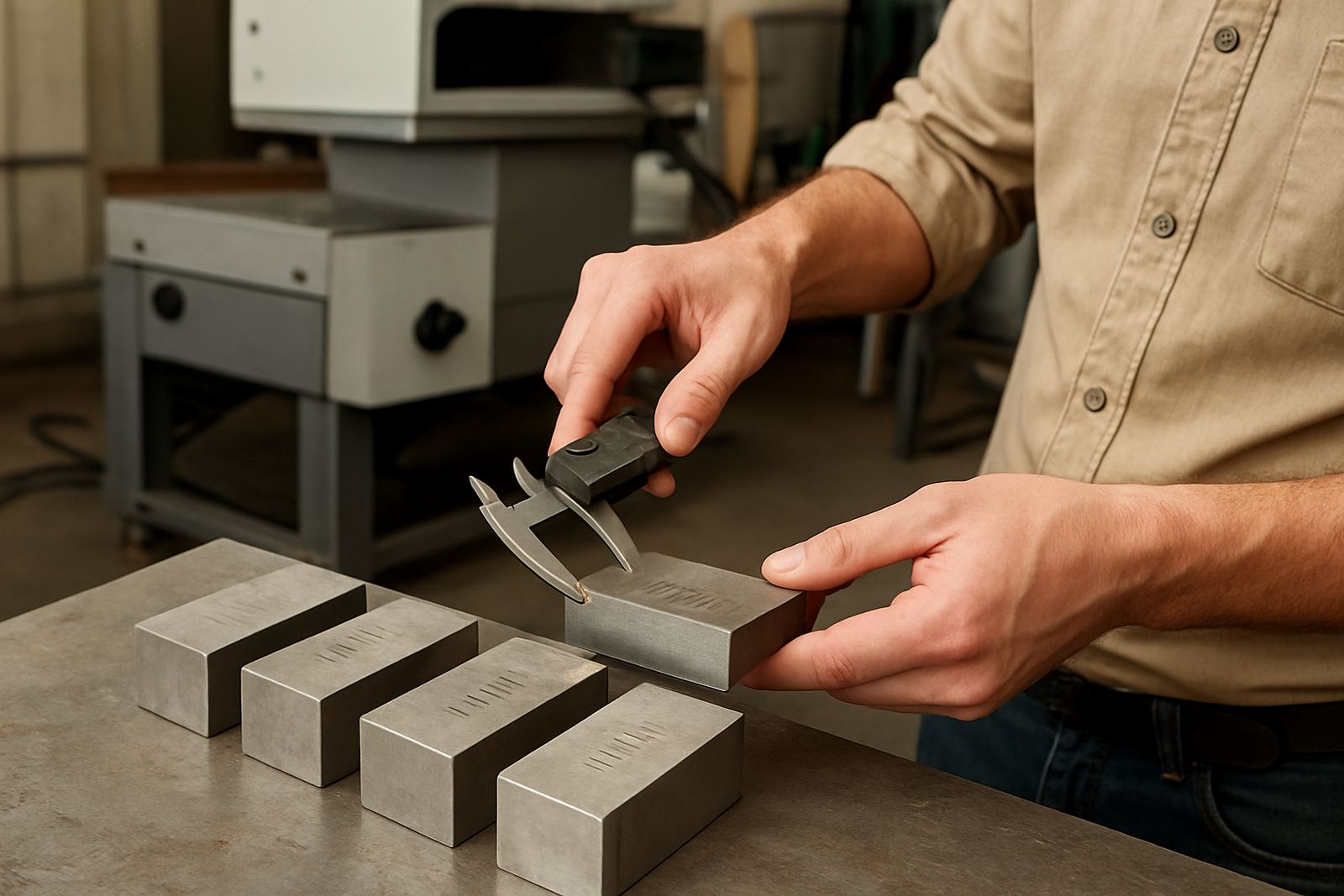
If you mark jewellery, small mechanical parts or medical components, add the orientation of the part in the fixture as well. A piece that sits 2 mm off centre can mark differently. On reflective metals, a small change in angle can affect visibility too, so note it.
Use one naming system and stick to it
A messy folder structure creates delays. A simple naming system works better than long descriptions. Use a format that makes sense to your team and keep it consistent across folders, sample photos and saved mark files. For example, a job code can include the client name, part code and month, then a revision letter if the marking changes. That way you can see the latest approved file at a glance.
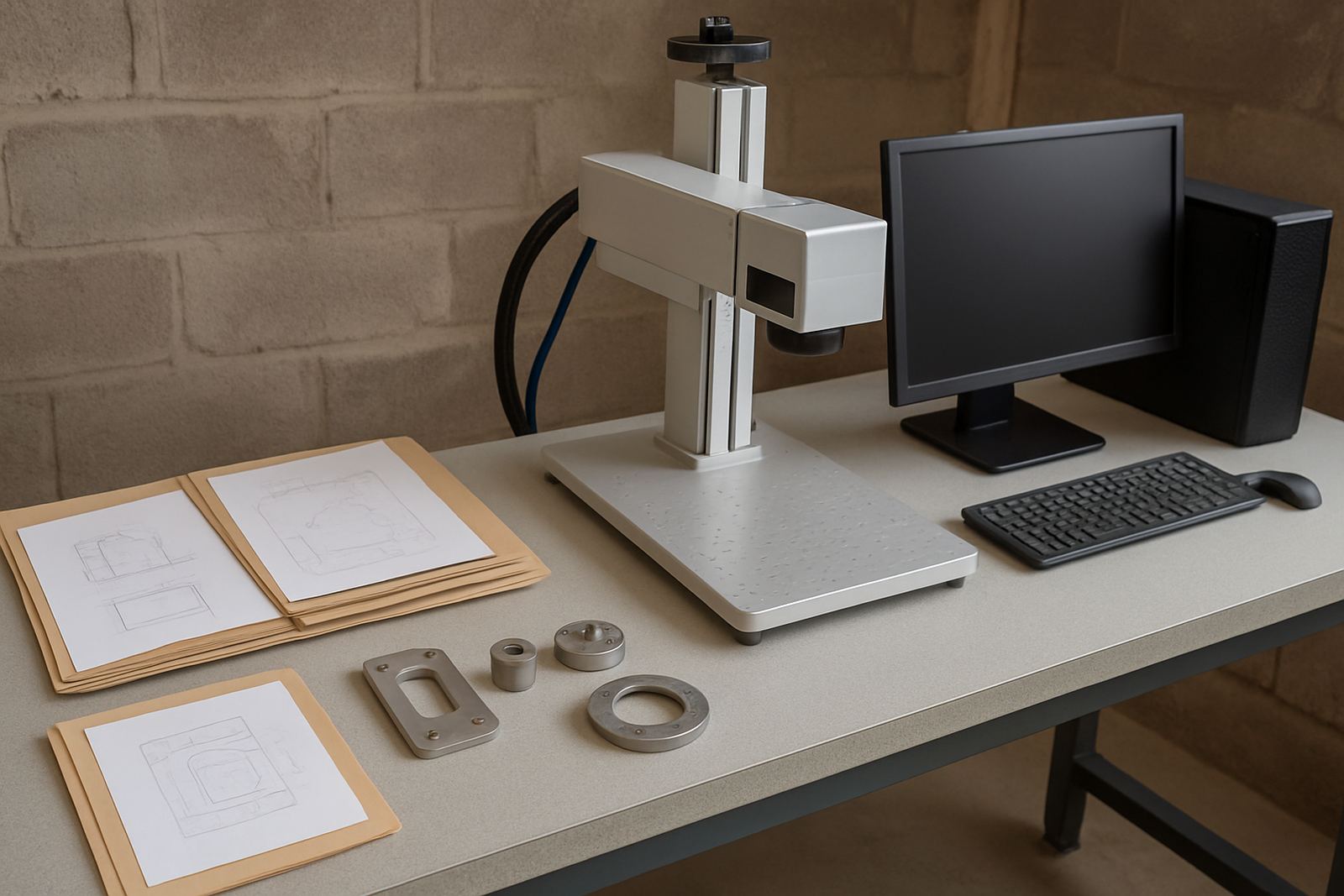
Keep the same structure for each job file. One folder for artwork, one for machine settings, one for approval images and one for notes is usually enough. If files are scattered across different computers, USB drives and WhatsApp photos, something will be missed eventually. In practice, the workshop that keeps it simple usually has the fastest turnaround. It also helps during load-shedding, because you can restore work on another machine without hunting for missing notes.
- Use date formats that are easy to read, such as 2026-10-17
- Keep the latest approved version at the top or in a clearly marked folder
- Do not overwrite old settings when a customer asks for a revision
- Save sample photos with the same job code as the file
Record the settings that affect the mark, not just the artwork
Many workshops save the text or logo file and assume that is enough. It is not. The artwork tells you what to mark, but not how the mark was achieved. For repeated production, the process settings matter just as much. That includes power, speed, pulse frequency, line spacing and focus height. If the job uses a rotary fixture, mark that down too. If the customer wants a deep black mark on stainless steel, note the exact method used and the inspection result.
On a fibre laser, even small changes can alter the finish. A setting that works on brushed mild steel may not suit anodised aluminium. A clean, visible mark on a valve plate may look too harsh on a jewellery tag. Write down the result in plain language. For example, “good contrast, no burr, slight heat tint at edge removed by extra wipe” is more useful than a vague note like “ok”.
This kind of record is especially useful for municipal or regulated work where traceability matters. If a client returns six months later and asks for the same batch, you should be able to repeat the job without starting from zero.
Build a sample approval trail that anyone can follow
Sample marking is the safest point to lock in a job file. Before full production starts, capture the approved sample and store it with the file. Photograph the part from the same angle each time if possible. Include a close-up and a wider shot so the mark can be identified later. If the part has serial numbers or laser-etched codes, record one clear image showing legibility.
It also helps to note who approved the sample and on what date. That stops confusion when someone says the mark was accepted, but the workshop cannot find proof. A simple approval trail is often enough to prevent arguments later. We have seen many cases where a client in Kempton Park or Boksburg only needed a repeat order, but without the original sample file the team had to spend time recreating the finish from scratch.
- Take a photo before and after marking
- Store the approved sample image with the final settings
- Write down any customer comments exactly as given
- Keep a note of rejected versions, not only the approved one
A local Wadeville example: the small job that became a regular order
A small engineering workshop in Wadeville may start with a single batch of stainless identification plates. The first order is tested, the focus is set, and the customer approves the sample. Three months later, the workshop may need the same plates marked with a new serial range. If the job file has been kept properly, the team can open the old file, confirm the fixture position, and run the order without extra setup time. That means less machine downtime and fewer mistakes on part numbers.
Now compare that to a file where the logo is saved, but the settings and fixture notes are missing. The operator spends time testing, the first parts may be wrong, and the customer waits longer than needed. In a busy Germiston base or a site in Isando, that wasted hour can push back other work. Good file organisation does not only help the office, it helps the floor. And on a Friday afternoon, that matters even more. A neat file system is a proper time saver, no question.
Keep the file useful after the machine leaves the bench
Job file organisation should support the whole life of the work, not only the first run. Keep backup copies in a place the team can access easily. If your workshop handles installs nationwide, the same approach helps when a machine is relocated, serviced or handed over to a new operator. A clean file library means training takes less time and support calls get answered faster because the details are already there.
Review old files every few months. Remove duplicates, correct naming problems and archive jobs that are no longer active. That keeps current work easy to find. The goal is not to create more admin. The goal is to make repeated production quicker, safer and more predictable. In a South African workshop, where schedules can shift because of power cuts, rush jobs or courier delays, a clear job file is practical insurance.
If your files are already tidy, keep the system going. If they are not, start with the jobs you repeat most often. Build from there and the savings show up fast.