Why heat marks show up on marked parts
Heat and discolouration usually come from too much energy being put into one spot for too long. On fibre laser work, that can mean high power, slow speed, a tight hatch spacing, or too many passes over the same area. Metals react differently, so a setting that looks clean on stainless steel may leave a brown edge on brass or a blue tint on thin jewellery components.
Parts with polished, plated, anodised, or coated surfaces can show heat effects faster because the top layer is thinner and less forgiving. Small items also cool down quickly in some spots and hold heat in others, which gives patchy colour. On a busy workshop floor in Wadeville or Jet Park, this often shows up when operators change from sample runs to production without checking the first few pieces properly.
Common settings that push a job too far
The marking file is usually the first place to check. If a job is burning or leaving a halo, the issue is often in the combination of power, speed, frequency, line spacing, and number of passes. A clean mark is not just about making the engraving deeper. It is about getting enough contrast and detail without overheating the surface.
- Too much power for the material thickness
- Speed set too low for the finish required
- Frequency too high for fine detail work
- Hatch spacing too tight on broad filled areas
- Too many repeats on the same logo or serial number
- Focus set too low or not checked after a fixture change
When a machine is used on mixed jobs, it helps to keep a simple setting library for each material. A setting that works on mild steel bolts is not the same as one for surgical tools or small silver components. Saving time on setup is useful, but saving the wrong setting can cost a batch of parts.
How material type changes the result
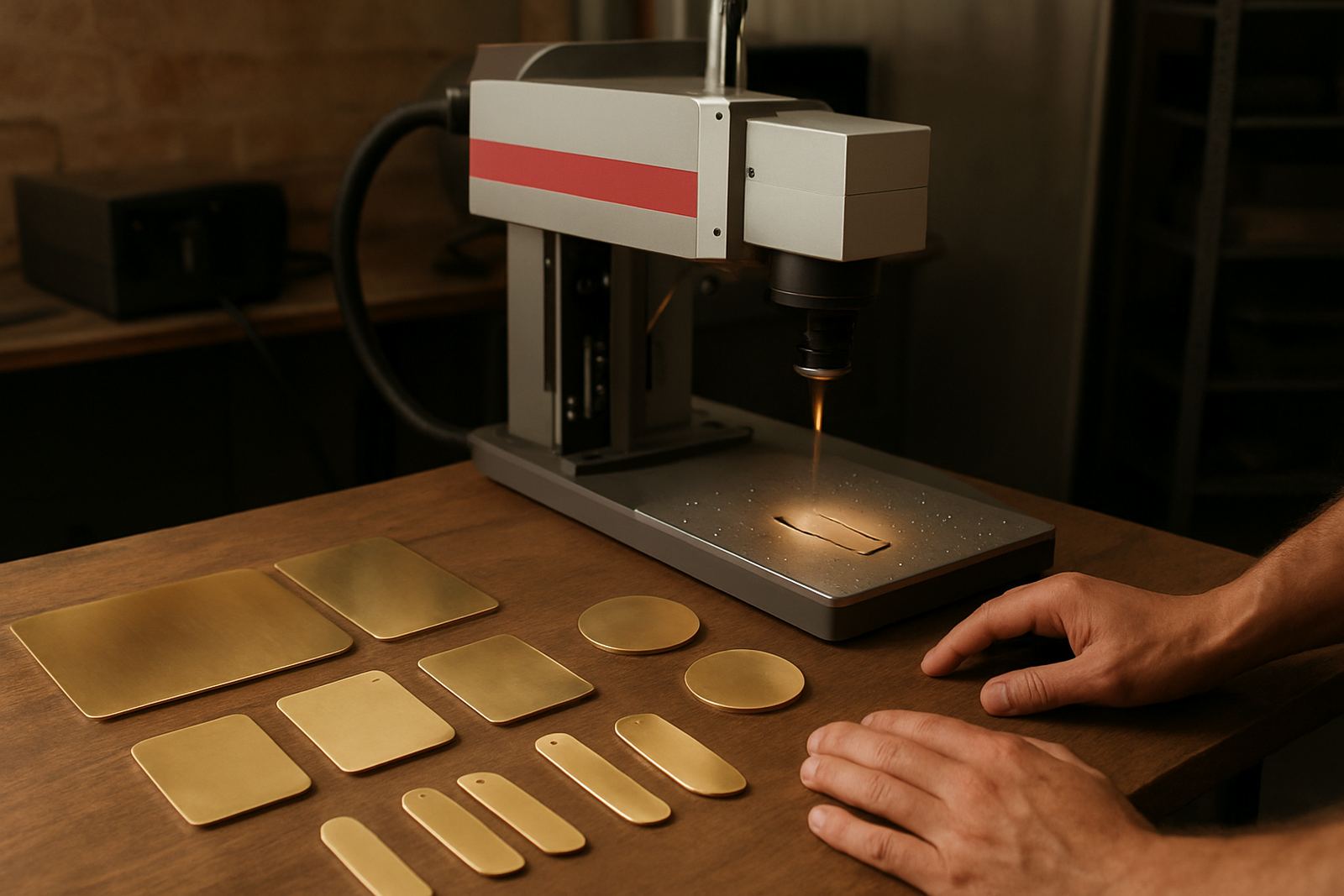
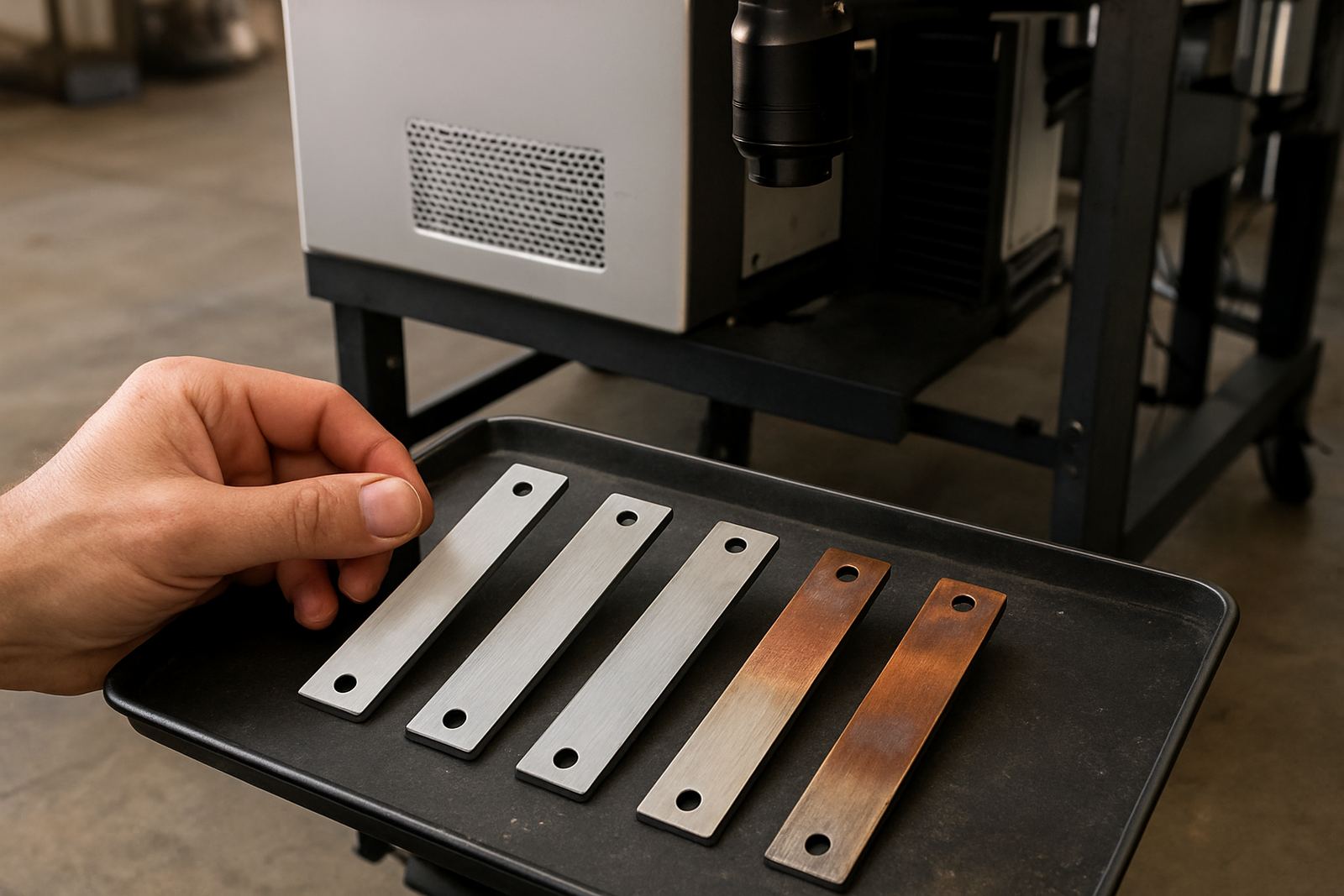
Different metals absorb energy in different ways. Stainless steel often tolerates more heat, but even there a poor setting can leave a straw or blue tint around the mark. Aluminium can show dark smearing or surface dulling if the beam is too aggressive. Brass and copper conduct heat quickly, so marks can spread or lose sharp edges if the process is not tuned carefully.
Jewellery work brings its own problems because pieces are small, delicate and often highly polished. A ring, pendant or charm may need a lighter touch and a shorter marking time than an industrial part. Coated items can be even trickier. Once the top layer starts to change colour, it can be hard to get a consistent finish across the whole batch.
Operators should look at the finish before they look at the depth. If the mark is readable but the surface around it has changed colour, the job still needs adjustment. In many cases a small change in speed or fill density is enough to bring the part back into spec.
Practical ways to reduce discolouration
Good control starts with the machine setup, but it also depends on handling, fixture design and clean input parts. Oil, cutting fluid, fingerprints, dust and oxide layers can all influence how heat spreads. If the part is not clean, the laser has to work harder to get the same result, and that often means more heat in the wrong place.
Use a proper fixture so the part sits flat and stays in focus. If the workpiece moves even slightly, the beam can dwell in one area longer than planned. That is a common cause of uneven colour on batch work, especially when the operator is trying to keep pace with a production target.
- Clean parts before marking, especially after machining or polishing
- Check focus after changing fixtures or part height
- Start with a lower setting and increase only if needed
- Use test marks on offcuts or sample pieces first
- Break large filled areas into lighter passes where possible
- Allow the material to cool between passes on delicate parts
In some cases, a small air assist arrangement or better part spacing can help keep the surface cooler. The aim is not to force the machine to do less work, but to let it do the work in a controlled way.
A Germiston example from production floor to finish
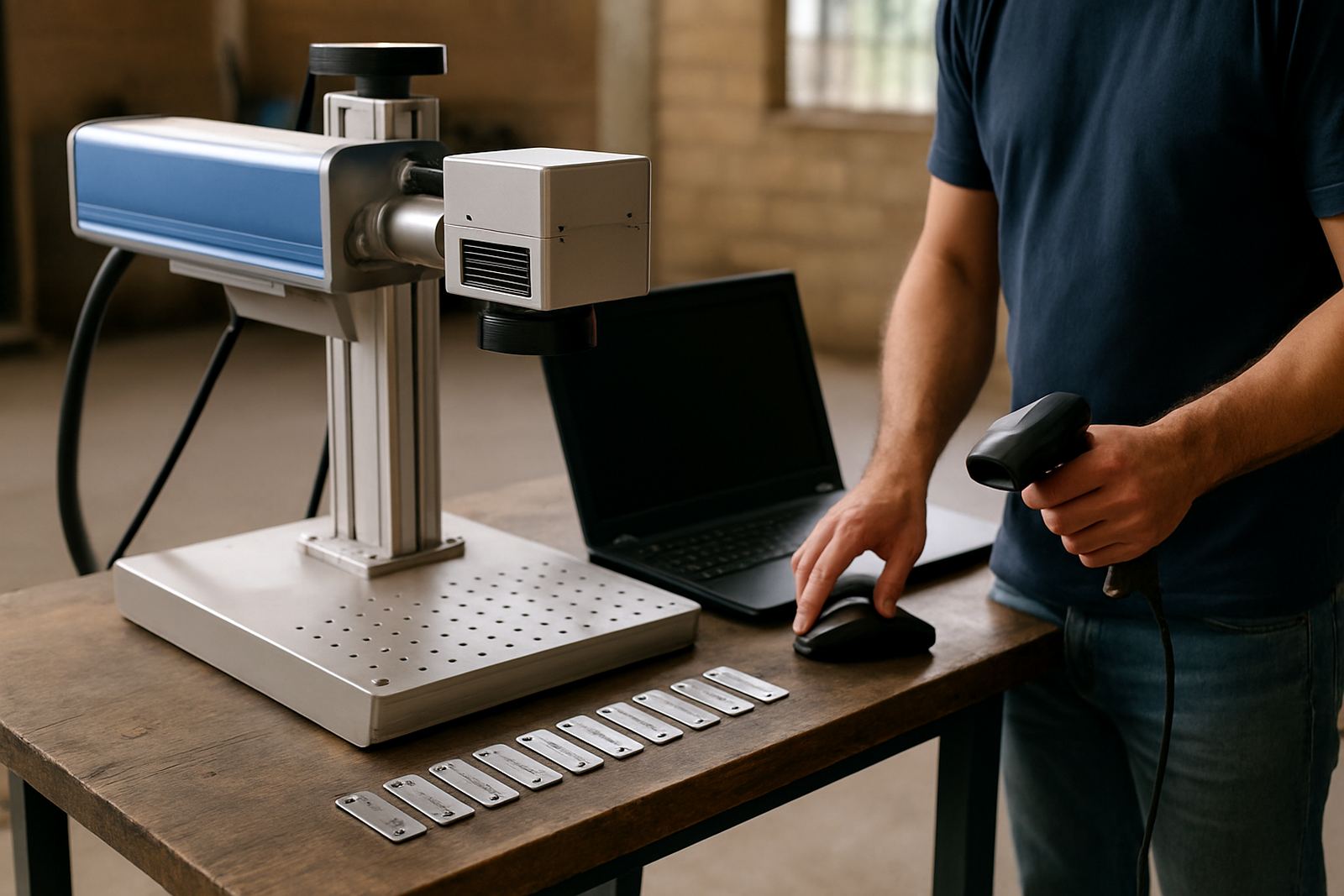
A Wadeville workshop marking stainless tags for industrial equipment had a recurring issue: the serial numbers looked fine, but the surrounding area was turning brown on the second and third batch of the morning. The cause was not one single setting. The room was warm, the tags were stacked too close together and the operator had reused a file built for thicker material.
After the fixture was changed to hold each tag flat, the marking speed was increased slightly and the fill settings were reduced, the discolouration dropped straight away. The tags still carried a clear, deep mark, but the surface stayed much cleaner. The team also started checking the first five parts of every run, which caught another small issue when a different metal grade came in later that week. That saved a rework job, and a lot of frustration.
This kind of adjustment is common across Germiston, Alberton and Boksburg where workshops handle mixed orders and need a setup that can move quickly without burning time or parts.
When training and calibration matter more than power
A stronger machine is not always the answer. If the optics are out of alignment, the focus is off, or the software profile is wrong, even a standard job can overheat. Preventive maintenance helps here, especially on sites that run long hours or deal with dust, vibration and power interruptions. Load-shedding and frequent restarts can also affect repeatability if the machine is not checked after power returns.
Training makes a real difference because the operator learns what to look for before a batch goes wrong. Knowing how to read surface colour, spot early burn marks and compare sample pieces against the target finish saves time. It also helps when the workshop has to mark different parts in the same shift, from flat plates to curved jewellery components.
For businesses that serve industrial customers, consistency matters more than speed on the first attempt. A clean part the first time means less handling, less rework and fewer complaints from the next person in the chain.
A simple checklist before you release a batch
Before a production run goes out the door, it helps to run through a short checklist. This keeps the process practical and avoids guesswork when there is pressure to finish on time.
- Is the part clean and dry
- Is the focus correct for the current fixture
- Has the setting been tested on the same material grade
- Are the first samples free from colour change around the mark
- Has the operator checked for movement, scorch or residue
- Is the file saved with the right material name and revision
If heat marks keep returning, it may be worth reviewing the whole process, not just the laser settings. Fixture design, calibration, operator habits and maintenance can all play a role. A small fix at the start of the line often saves far more than trying to sort out a damaged batch later.