Why clean optics matter for every mark
The lens and protective window in a fibre laser marking machine do more than pass the beam through. They keep the beam focused, protect the marking head from dust and help the machine place clean lines on stainless steel, brass, aluminium and plated jewellery items.
When optics are dirty, the first signs are usually small: a mark that looks slightly dull, a line that is not as sharp, or a logo that needs a second pass. Left alone, that dirt can build up and start affecting cycle time, consistency and in some cases the life of the optical parts. In a workshop environment with grinding dust, polishing compound or cardboard fibres in the air this happens quicker than people expect.
- Clean optics help maintain mark contrast and edge detail.
- They reduce the chance of heat spots caused by contamination.
- They support stable output across long production runs.
A good rule is simple: if the mark quality changes and settings have not, inspect the optics first.
Know which parts need attention
Most operators talk about the lens, but the full optical path needs care. On many marking heads there is a protective window, internal mirrors or beam delivery parts, and the final focusing lens. Each part has a different cleaning method and they are not all touched the same way.
Never assume every glass surface can be wiped the same way. The wrong cloth or too much pressure can leave scratches that are hard to see at first. That is how a small maintenance job turns into an expensive replacement.
- Protective window: checks for haze, fingerprints and dust.
- Focusing lens: checks for spots, smoke film and residue.
- External cover glass: checks for splatter from nearby processes.
In a Germiston or Jet Park factory where metal finishing happens nearby, even a clean room can carry fine particles. If the machine shares space with cutting, sanding or polishing, optical checks should be part of the daily start-up routine.
A practical cleaning routine that works
Good lens care does not need to be complicated. What matters is using the right method and doing it consistently. The best time to clean is when the machine is cool and switched off, with the work area tidy and the marking head protected from fresh dust while you work.
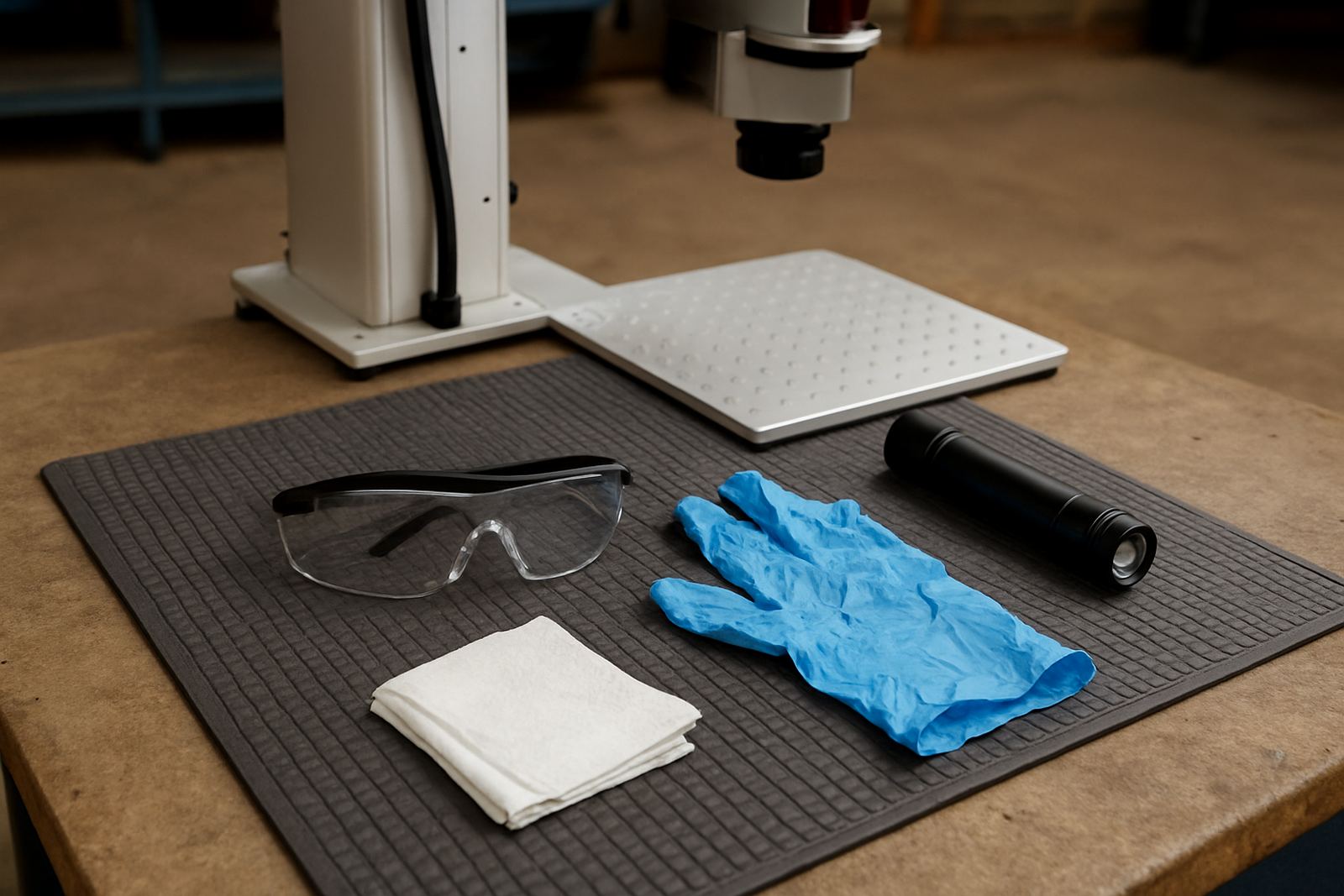
Start by removing loose particles with clean air or a suitable blower, then use lint-free wipes and approved cleaning fluid for the final pass. Work gently from the centre outward, and do not keep going back over the same spot with a dirty section of cloth. If the contamination is oily or sticky, change the wipe more often instead of pressing harder.
- Switch off and let the head cool before cleaning.
- Use lint-free wipes only, not tissue paper or paper towel.
- Apply fluid to the wipe, not straight onto the lens.
- Use light pressure and short, careful strokes.
- Inspect under good light before closing the cover.
It sounds basic, but a tidy 5 minute routine before shift change can save a lot of trouble later on.
What dirt and damage usually look like
Operators often miss the early warning signs because the machine still runs. The mark may still be visible, just less crisp than usual. On jewellery work that could mean softer edges on fine text. On industrial parts it may mean lower contrast on QR codes, serial numbers or small logos.
Common signs of optical trouble include a faint milky look on the glass, tiny brown spots from smoke residue, or uneven marking across the part. If the machine starts needing more power than normal to produce the same result, that is another warning. Sometimes the issue is not the settings at all but contamination inside the beam path.
- Blurred or soft edges on otherwise normal jobs.
- Hot spots or patchy depth on the same material.
- More rejects after the lens has not been checked for a while.
- Visible haze, spots or residue on the glass.
If cleaning does not restore the original result, stop and have the optics checked properly. A scratched lens can still look usable until it starts affecting quality across a whole batch.
Local workshop conditions that make cleaning more important
South African workshops have their own conditions. In Wadeville, Boksburg or Alberton, dust from nearby fabrication bays can settle quickly on exposed parts. In coastal areas the extra humidity can leave a film on surfaces, while on some sites load-shedding pushes teams to start and stop equipment more often, which means more handling and more chances for contamination.
That is why lens care should be matched to the site, not just to the machine. A jewellery shop in Kempton Park may need more frequent checks for polishing residue. A manufacturing plant in Isando may need stricter housekeeping around the marking cell. The same machine can behave very differently from one site to another if the environment changes.
For that reason, many businesses set a simple cleaning schedule by shift, not by guesswork. It keeps the machine ready and avoids the slow decline that people only notice when mark quality starts slipping across a full order.
When to call for support instead of carrying on
Some cleaning jobs are normal operator care. Others need a technician. If the lens keeps clouding up soon after cleaning, if you see repeated marks in the same place, or if the machine has been moved and the focus no longer matches the old setup, it is time for proper support.
At Fibre Laser Marking, support can cover preventive maintenance, focus calibration, sample marking, software setup, operator training and breakdown repairs. That matters when you want the machine back in service quickly and the cause traced properly instead of only treated on the surface.
- Ask for help if the same fault returns after cleaning.
- Use support after relocation or rough transport.
- Get a check when power, focus or mark depth changes without reason.
A small problem in the optics can look like a software issue or a material problem. A proper inspection saves time and helps prevent repeat faults.
If your team wants a cleaner routine or needs help setting up a maintenance schedule, use the enquiry form on our contact page and we can advise on the next step.