When QR codes earn their place on a metal part
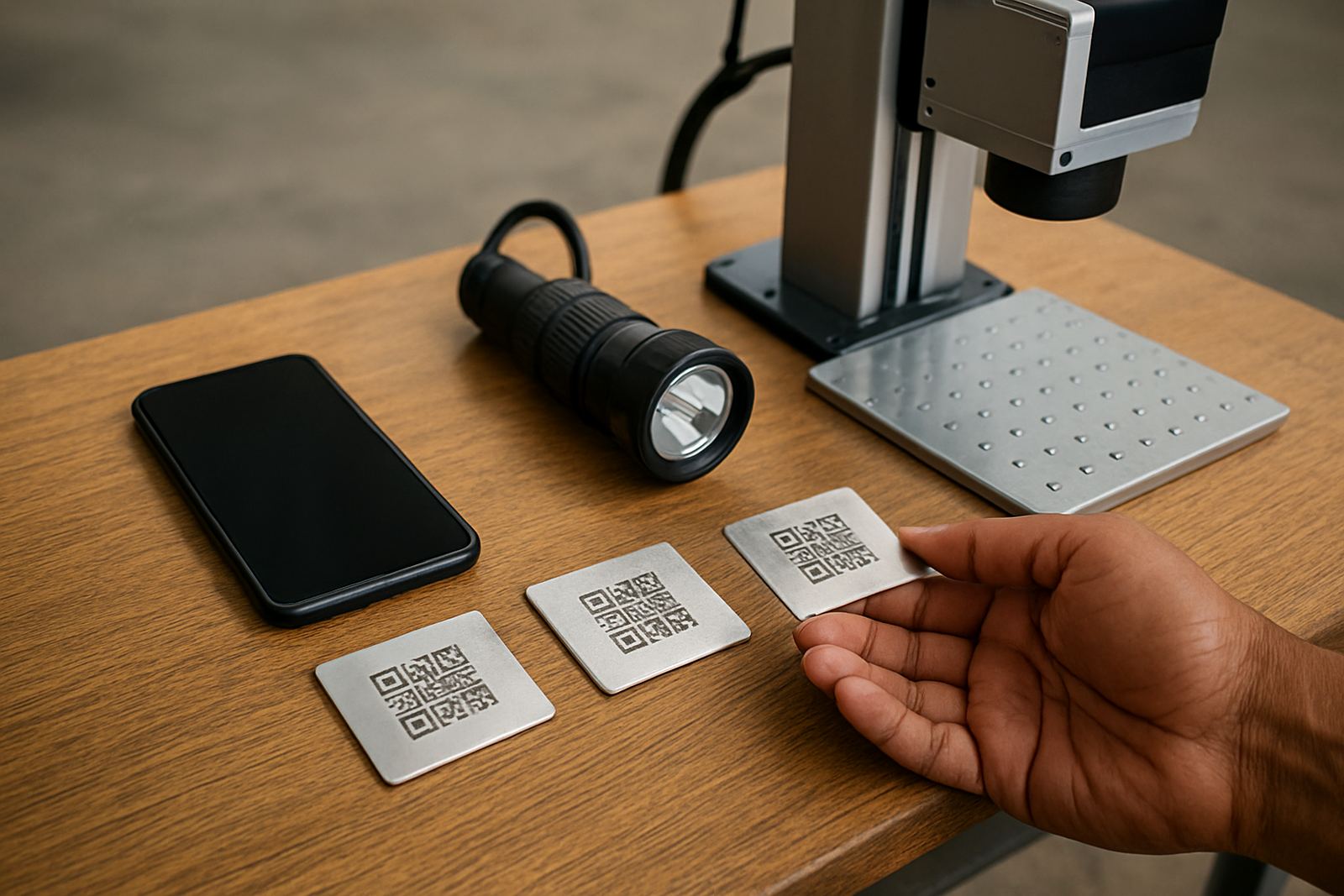
Not every part needs a QR code. They make the most sense when a component must link to a job card, batch record, service history, drawing, test result or installation log. On aluminium plates, stainless tags, brass nameplates and coated steel parts, a laser marked QR code can carry more useful information than a line of text ever will.
In workshops around Germiston, Jet Park and Isando, QR codes are often used on machine plates, tool tags, spares bins and asset labels. A scanner can pull up the right file in seconds, which cuts down on typing errors and lost paperwork. For teams that handle many small parts, that speed matters more than people expect.
- Asset tracking for tools, jigs and fixtures
- Service records on equipment labels
- Batch and lot traceability on metal parts
- Product verification for maintenance teams
- Reference links for drawings or setup notes
If the code only needs to be read once a year, one marking method may be enough. If it is scanned daily in a dusty factory, the marking has to be planned properly from the start.
Why metal QR codes fail when the marking is too light or too small
A QR code is only useful if a phone or scanner can read it quickly. On metal, the main problems are poor contrast, tiny module size, surface texture and marks that are too shallow. Polished parts can reflect light and make the code hard to pick up. Rough cast surfaces can break the clean square edges the scanner needs. Even a good code can fail if it is placed where operators scratch it with tools or wipe it down with harsh cleaners.
For fibre laser marking, the aim is a sharp, repeatable mark with enough contrast against the base material. On stainless steel, that may mean a dark annealed mark or a light etched mark depending on the finish. On anodised aluminium, the result can be very crisp. On bare mild steel, extra testing is needed because surface finish and corrosion protection matter more than most people think.
In a Wadeville workshop, we often see codes that were copied from a screen and reduced until they look neat, but become useless on the part. The simple rule is this: if the code is too small to scan from the normal working distance, it is too small.
Practical marking rules that keep the code readable
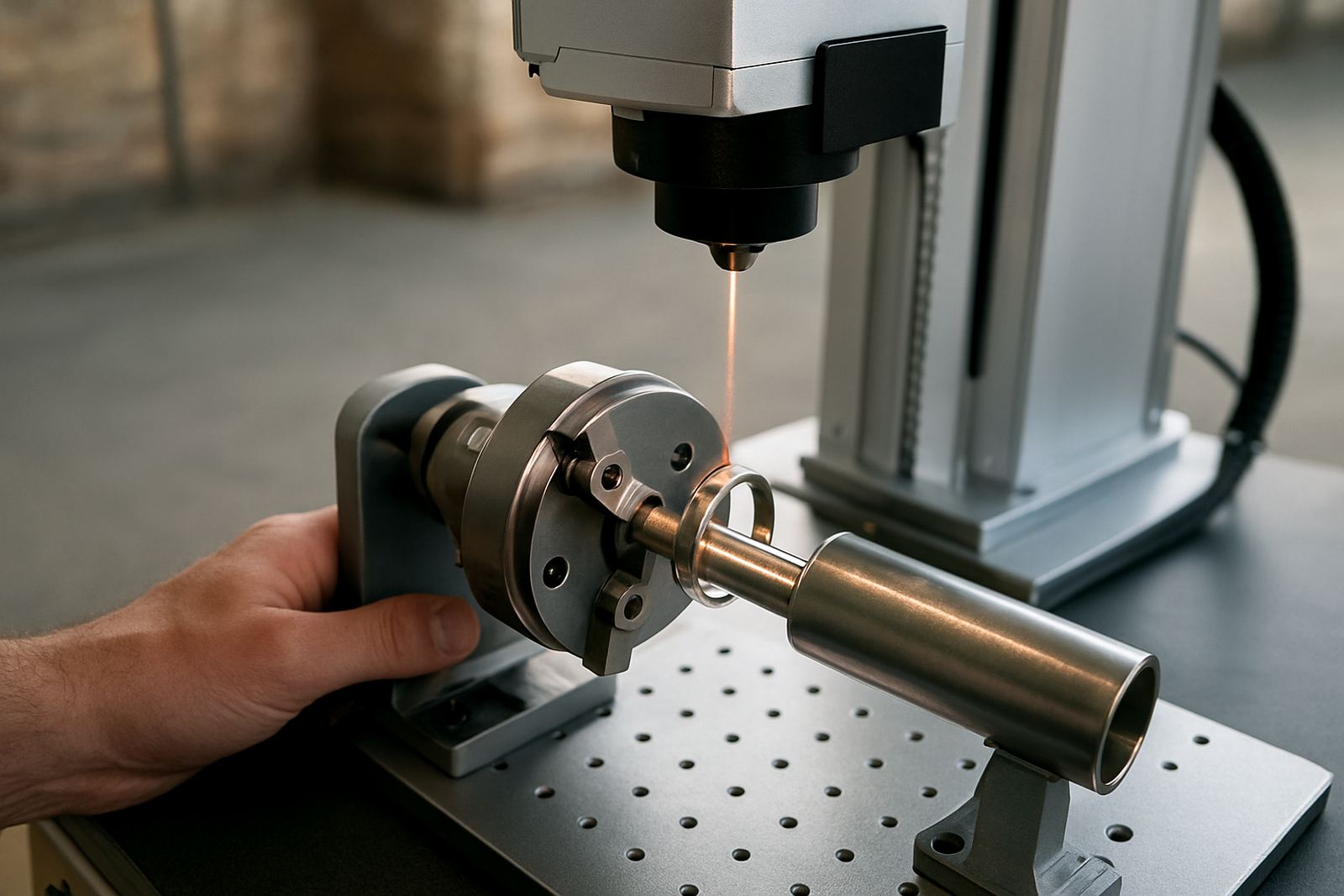
Good QR code marking starts with the layout. Keep a quiet zone around the code, avoid crowding it with logos or extra text, and place it where the part stays visible after installation. If the surface curves, test the exact area before production. A flat tag is usually safer than a curved pipe, though some curved parts work well if the code area is large enough.
The other rule is consistency. Every unit should be marked in the same position and at the same size, so staff know where to scan without hunting around. That helps during stock take, dispatch and maintenance checks. It also reduces errors when a team member is working under pressure with load-shedding interruptions or shift changes, which happen often enough across South African sites.
- Use a code size that matches the scanner and working distance
- Keep a clear border around the code
- Choose a location protected from abrasion
- Test the mark on the actual metal finish
- Confirm readability after cleaning, oil and handling
A local example is a Kempton Park repair shop marking small stainless ID plates for refurbished pumps. The plates are handled often and exposed to coolant mist, so the team tested several sizes before settling on one that still scanned after months of use. That kind of trial saves rework later.
What to consider before you mark hundreds of parts
Before a batch run, think about the code content, the part size and how the part moves through the workshop. If your QR code links to a long serial number or internal record, make sure the data structure is stable. If it must be scanned by staff outside the plant, check that the file or system opens properly on their devices too.
There is also the question of materials. Jewellery pieces, for example, often need very fine marking on small polished surfaces, while industrial tags need high readability after years in a plant. A fibre laser can handle both, but the setup is not the same. Focus, speed and marking depth all need to be matched to the job. One setting may work fine on brass, then fail on a coated part next to it.
- Confirm the code data before production starts
- Check whether the part is polished, coated or bare
- Decide who will scan it and with what device
- Allow space for serial numbers or human readable text
- Test a sample after cleaning and handling
For manufacturers in Alberton or Boksburg, the best results usually come from a short sample marking session before the main run. That way any problem is caught early, not after a box of parts has already been marked and packed.
How fibre laser marking supports traceability on real jobs
Fibre laser marking is a good fit for QR codes because it can produce fine detail without inks, labels or consumables that wear off. Once the machine is set correctly, the mark is permanent and repeatable. That matters for parts that leave the workshop, go through cleaning, or sit in a plant where heat, dust and oil are part of the day.
For some clients, the QR code is part of a larger process. A part gets marked, scanned, linked to its record, and then checked again during maintenance. For others, it is just a quick way to keep spares organised. Either way, the marking has to stay legible. A code that looks neat but wont scan is not doing its job.
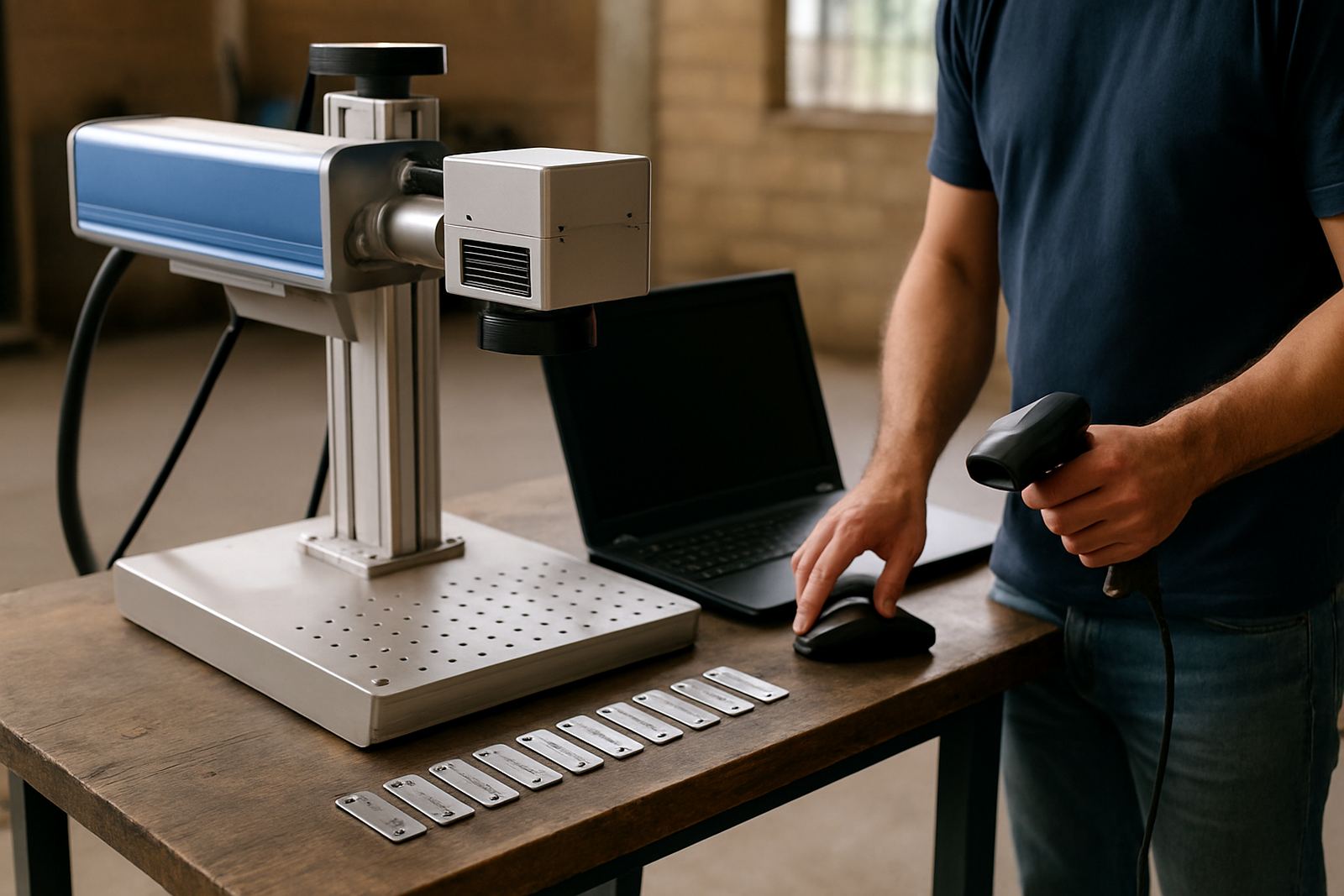
At Fibre Laser Marking, the practical side matters: installation, software setup, operator training, focus calibration and sample marking all play a part. If a team in Wadeville, Germiston or further afield needs a code that works in a real factory environment, the sample must be tested on the real material, not only on a flat drawing.
Workshop mistakes that waste time on QR code marking
The biggest mistake is treating a QR code like a printed label. Metal behaves differently. Another common error is placing the code where it gets scratched during assembly or where grime builds up after a few shifts. People also forget that scanners and phone cameras need enough contrast and enough light. In a dim corner of a plant, a code that scans at the bench may struggle on the line.
A few avoidable errors keep coming up:
- Using a code that is too dense for the available space
- Marking on a highly reflective finish without testing
- Skipping sample checks after software changes
- Putting the code too close to edges or bends
- Ignoring operator feedback from the floor
Small problems can turn into repeat work very quickly. A minor issue in the setup can lead to a whole batch being rejected, which is frustrating when production is already under pressure.
A local approach that keeps QR codes useful after delivery
South African workshops need markings that survive the real world, not just the demo table. That means planning for dust, humidity near the coast, cleaners, handling and plain old wear. In a busy plant, the best QR code is the one that still scans six months later without a second thought.
If you are setting up a new marking process, start with one part, one code and one scan method. Test it. Check it again after cleaning. Then move to volume production. That slower start usually gives better results than rushing straight into a full run. It also makes training easier for operators and lessens the chance of rework.
For teams across Gauteng and nationwide, a properly marked QR code can save time every week. It is a small square on metal, but when it is done right it keeps records tidy, parts traceable and the workshop moving. That is the whole point really.