Start with the machine layout before the first mark
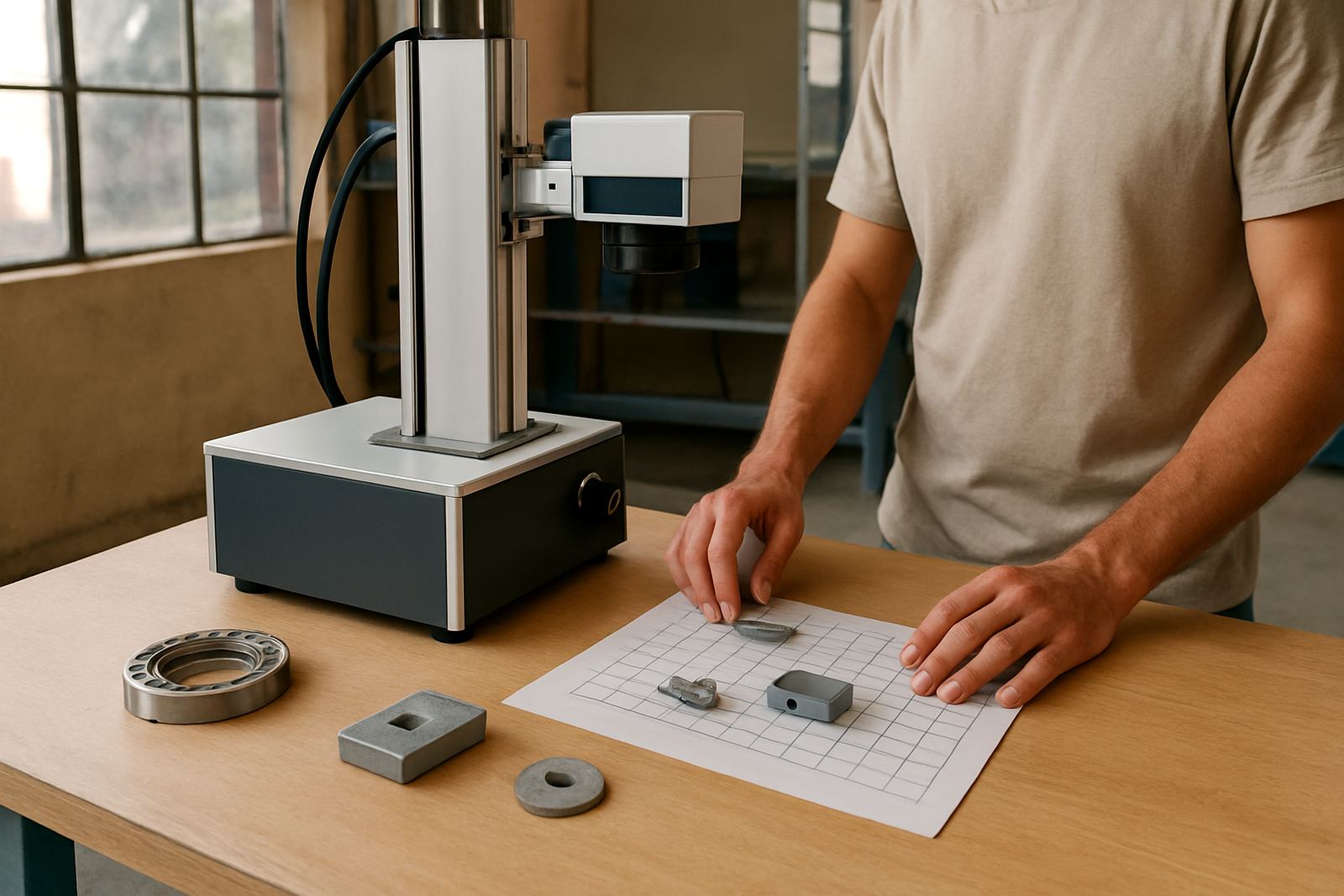
A fibre laser marker should be treated like any other industrial tool with a focused beam, moving fixtures and hot material at the workface. Before the operator loads a part, check where the beam is contained, where the viewing window sits and how the workpiece is clamped. A clean layout reduces mistakes and keeps hands away from the marking area.
It also helps to separate the marking bench from general assembly tables. Loose cutters, solvent bottles and packing foam should not sit next to a laser station. In Germiston and Jet Park workshops where floor space is tight, a simple marked zone with one clear access side often works better than trying to share one bench for every task.
- Keep the marking area free of loose tools and scrap pieces.
- Make sure the part is clamped so it cannot move during marking.
- Check that the viewing window and enclosure are clean before use.
Protect eyes and skin as standard practice
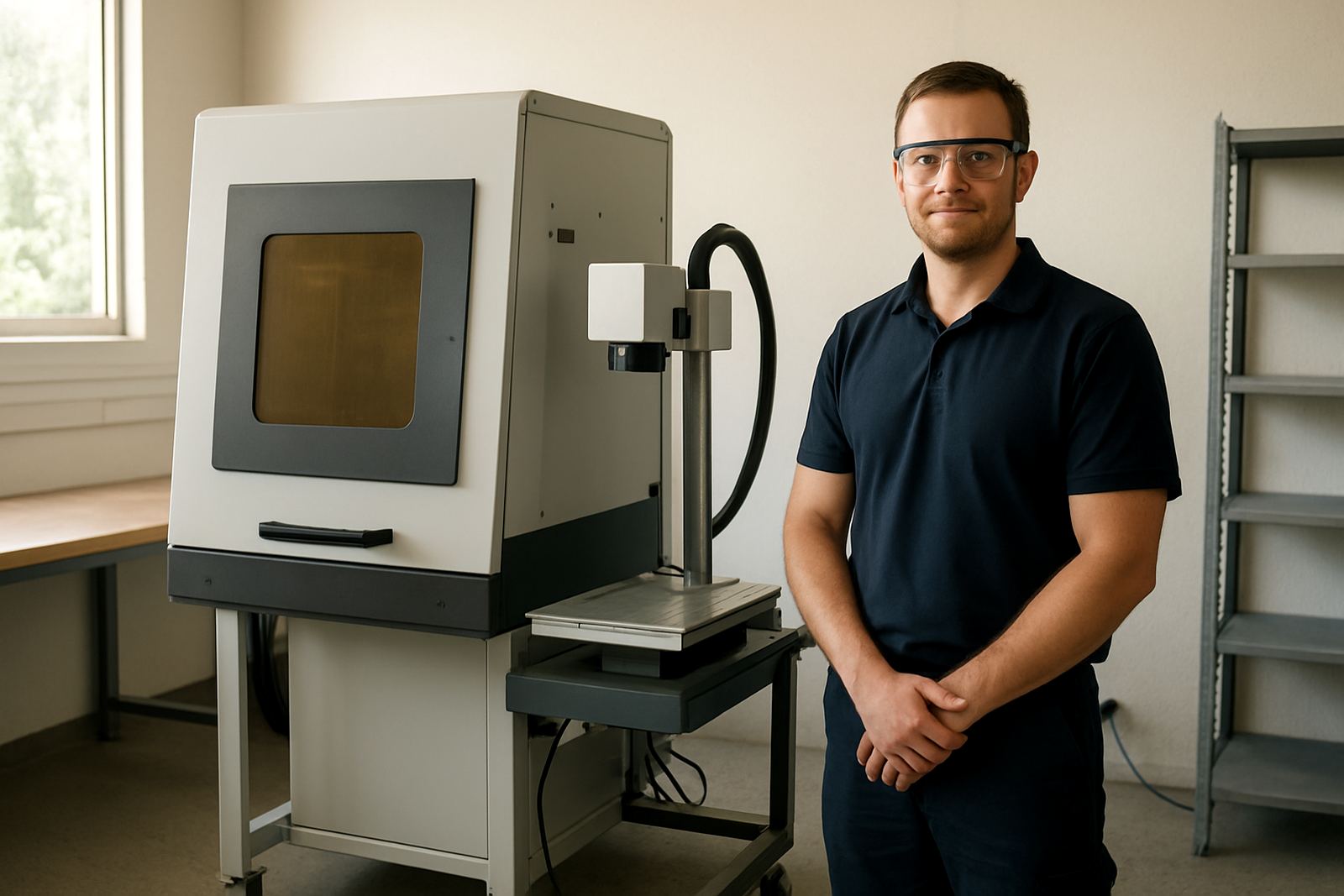
Operators should never rely on guesswork when it comes to beam protection. Fibre laser systems can reflect from polished metal and jewellery surfaces, so correct guarding matters even when the machine looks closed. If the viewing cover is damaged, stop and report it before the shift continues.
Skin exposure is less common than eye exposure, but it still deserves attention at the loading point. Small parts can heat up quickly, especially when the job runs for repeated cycles. A light pair of gloves can help during handling, but gloves should not get caught in fixtures or rotating stages. Pick the right glove for the task and avoid bulky pairs that reduce feel.
- Use the correct viewing protection for the specific machine setup.
- Do not defeat interlocks or bypass the enclosure.
- Let marked parts cool before moving them into packing or inspection.
Control fumes, dust and fine debris at the source
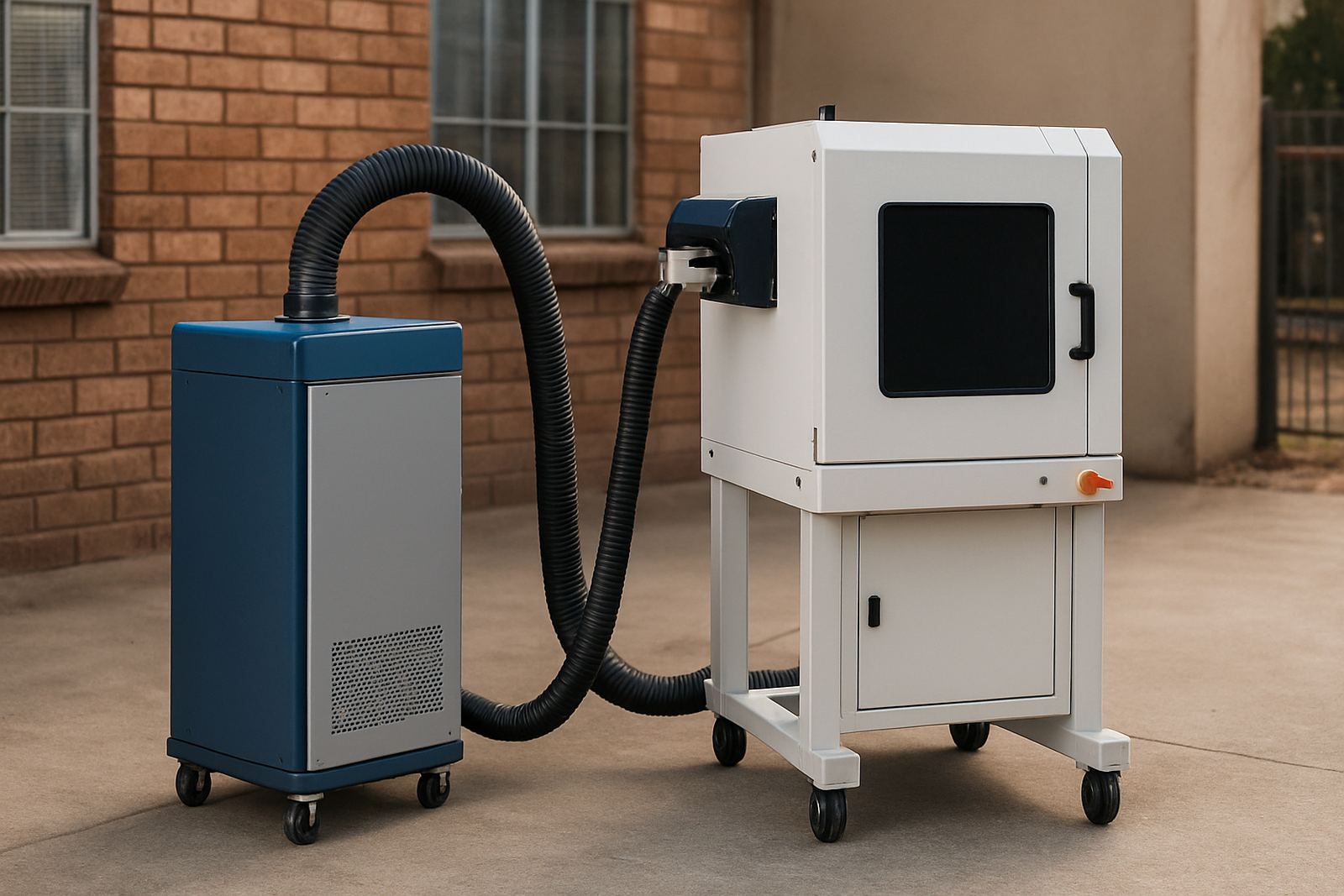
Marking metal, coated parts or jewellery alloys can release fumes and fine particles that should not hang around the operator’s breathing zone. Extraction is not an optional extra. If a job gives off a smell, visible haze or fine dust, the extraction system should be checked before production continues.
Workshops in coastal areas such as Durban or Gqeberha need even more attention because humidity can affect filters and metal surfaces. Inland sites in Wadeville or Boksburg may have the opposite problem, where dust builds up faster and settles on lenses and rails. Either way, the safest habit is to inspect extraction, clean the filters on schedule and keep the lens area free from residue.
- Run extraction before marking starts, not after.
- Replace clogged filters according to the maker’s schedule.
- Keep the lens and enclosure clean so fumes do not settle on optics.
Train operators to handle settings, not just buttons
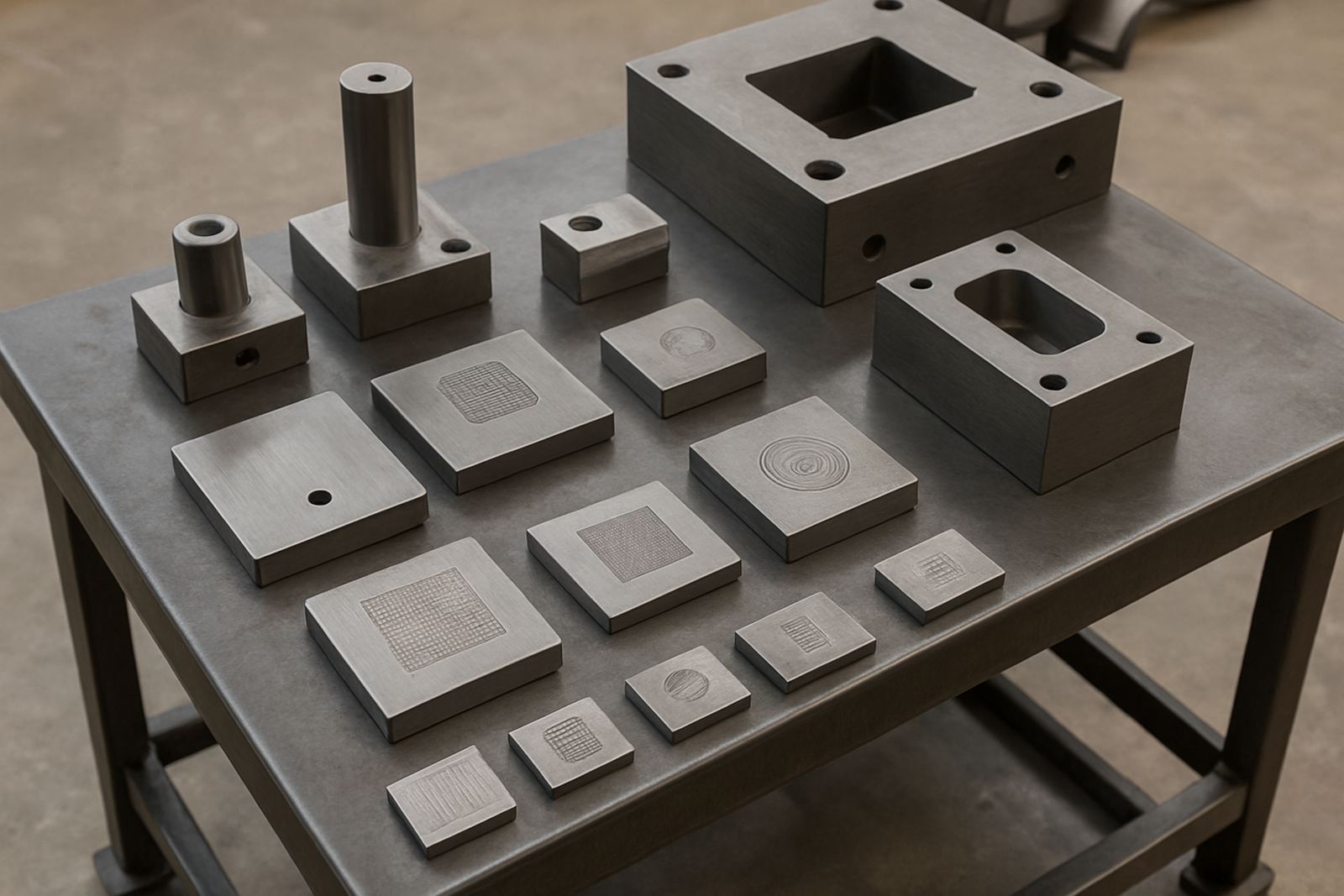
A fibre laser marker is easy to start but not always easy to run well. Good training should cover power settings, focus height, file checks and what to do when the mark looks too shallow or burns too deep. When operators understand the reason behind each setting, they are less likely to force a part through the wrong programme.
Training also needs to cover what not to do. Operators should know when a setup change requires approval, who may edit marking files and how to stop the machine if a fixture loosens or a part shifts. At a small jewellery workshop in Alberton, for example, one careless parameter change can turn a neat serial or logo into scrap, and the team loses time remaking parts.
- Train every operator on loading, focusing and job selection.
- Limit who may change marking files and power settings.
- Write down the steps for starting, stopping and isolating the machine.
Plan for power cuts, dust and maintenance interruptions
Load-shedding and unstable power can create safety issues as well as downtime. A laser system that restarts unexpectedly can leave a fixture mid-cycle or a part half marked. After any interruption, the machine should be brought back to a known safe state before work resumes. That means checking the enclosure, confirming the program status and making sure no one has reached into the work area.
Preventive maintenance should be set around the actual load on the machine, not only around calendar dates. A busy site in Isando or Kempton Park may need more frequent cleaning and focus checks than a light-use workshop. Bearings, rails, fans and extraction parts all need attention. A machine that is not maintained properly can cause poor marking and unnecessary risk.
- After a power interruption, recheck the full setup before restarting.
- Keep a maintenance log for cleaning, calibration and inspections.
- Do not ignore odd noises, poor focus or recurring marking faults.
Make safety part of the job handover every day
Safety works best when it is repeated in small, practical steps. A shift handover should include the current job number, any fixture issues, lens cleaning done during the day and whether sample marks matched the brief. If the machine was moved, or if a new operator is taking over, the team should confirm the setup from scratch instead of assuming it is still correct.
For businesses that install units across South Africa, the safest sites tend to be the ones where everyone follows the same routine. The exact machine model may change, but the habits stay the same: inspect, clamp, mark, verify and clean. That simple order keeps the work predictable and lowers the chance of rushed mistakes. It also helps when service teams from Wadeville Support or Nationwide Installs step in for a site check or fault finding.
- Confirm the job sheet before every run.
- Check the first sample mark before releasing a batch.
- Record faults straight away so they can be corrected before the next shift.