What We Set Up On Your Marking Software
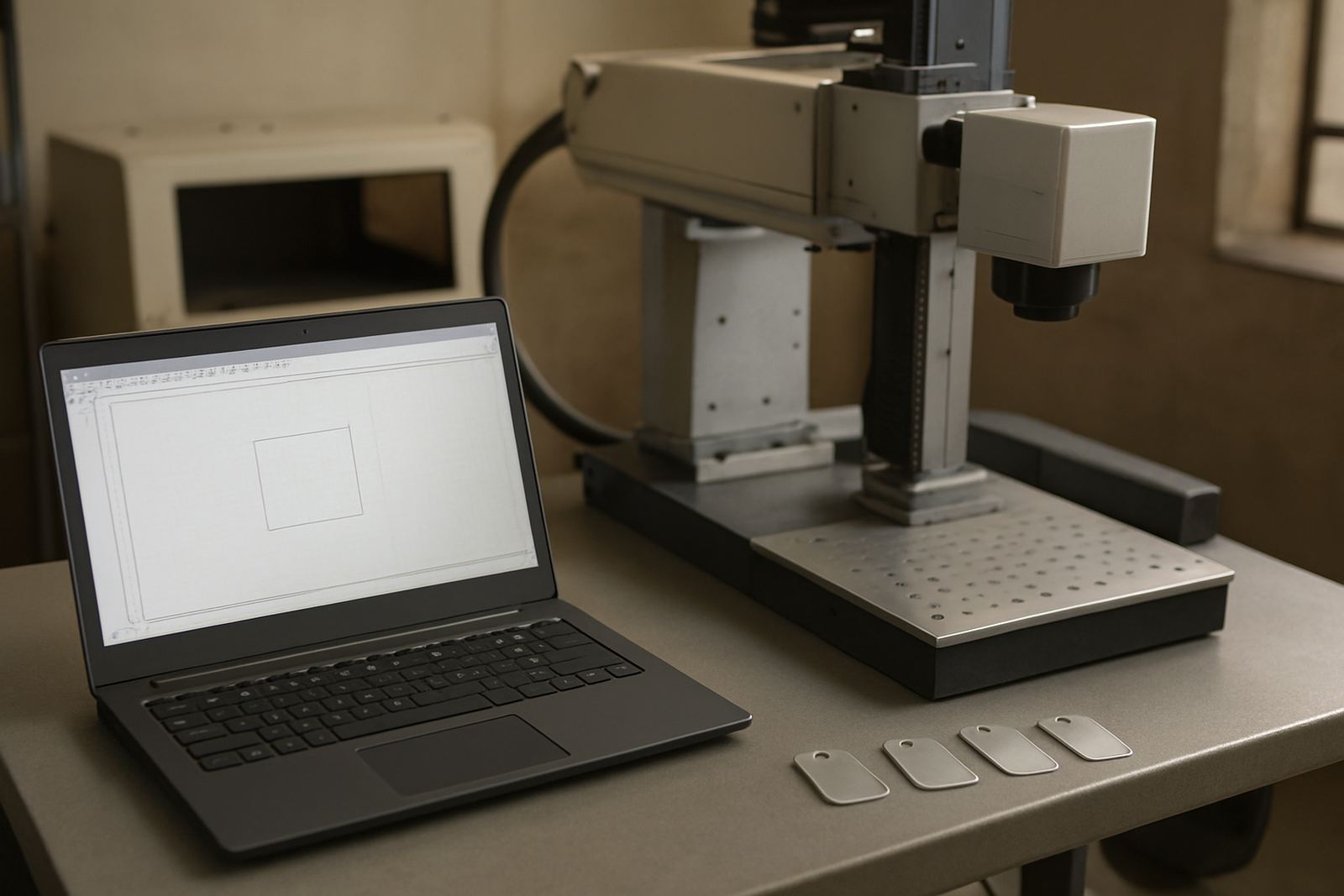
Software setup is more than loading a machine and pressing start. We configure the marking software so your operators can run repeat jobs with fewer steps, consistent mark quality and proper traceability. That includes job template creation, text layout, font sizing, serial number rules, date fields, QR or Data Matrix coding, and saving the correct power, speed and frequency settings for each material.
For many South African workshops, the biggest gain is not just speed. It is control. A good setup reduces wrong part marking, duplicate serials and time lost checking every file. We also set up language options, user levels and default folders so the system is easier to use for your team.
- Job templates for repeat parts and batch work
- Automatic serial numbering and counter rules
- Variable data fields for dates, batch codes and part numbers
- Workflow setup for multiple operators or shifts
- Marking parameters for stainless steel, aluminium, brass and coated items
How Our Setup Process Works At Your Site
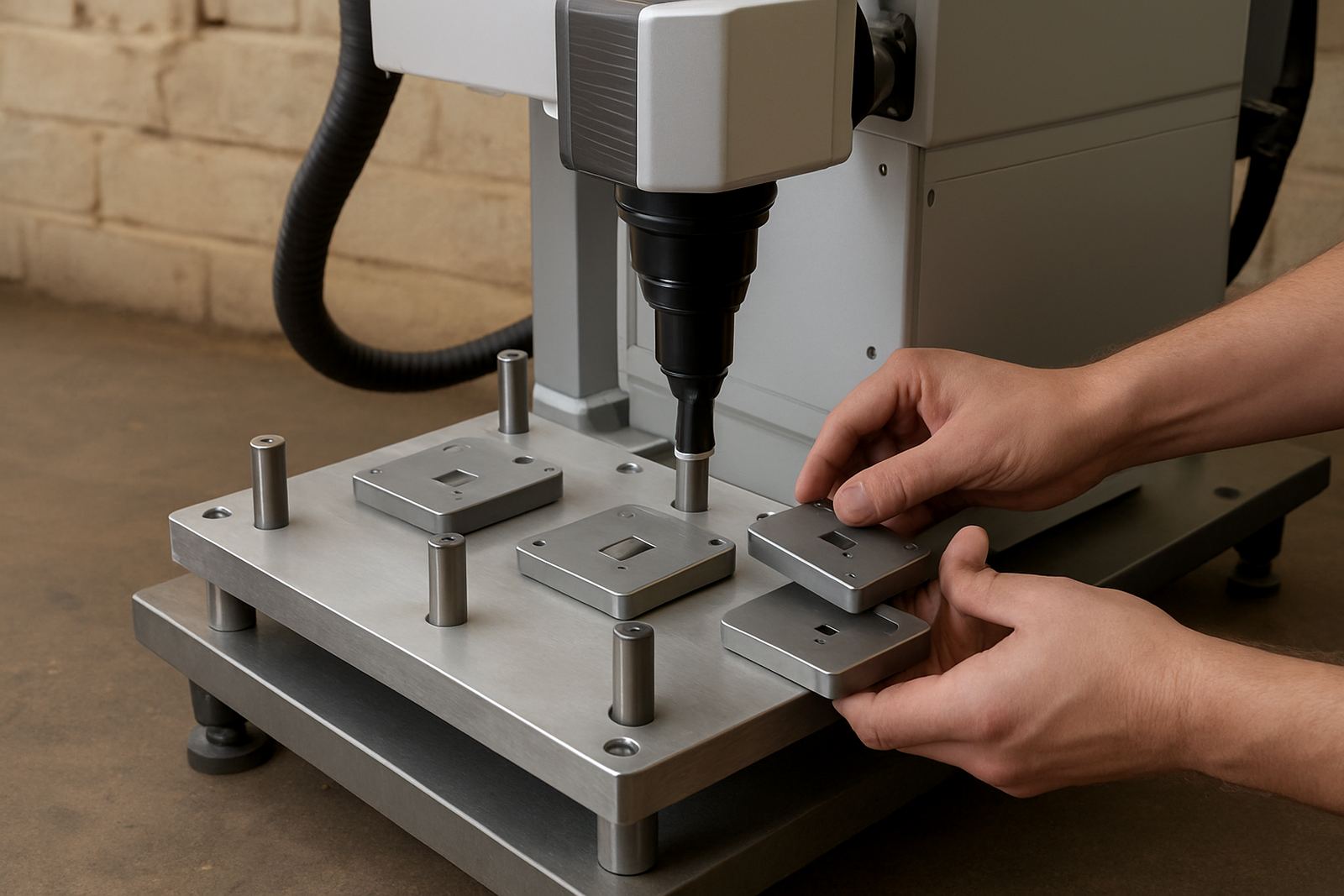
We normally begin with your sample parts, drawing files if available, and a short discussion about how the job must run on the shop floor. If you are marking jewellery items, we pay close attention to fine details, line spacing and mark depth. For industrial parts, we focus on durability, traceability and fast changeovers between jobs.
Once the requirements are clear, we build the templates and test them on sample material. If your site has load-shedding or unstable power, we also check startup behaviour, saved settings and recovery after interruptions so the machine returns to the right state without losing your job list.
- Review of parts, files and marking requirements
- Template creation and field setup
- On-site testing with sample pieces
- Operator handover and live adjustments
Serial Numbering, Traceability And Batch Control
Many clients come to us because serial numbering is being done manually and errors keep slipping through. We set up auto-incrementing serials, prefixes and suffixes, reset rules for new batches, and date formats that suit your internal records. If needed, we can also create separate templates for part families so one machine can handle different products without confusion.
This is useful for subcontractors, engineering shops and jewellery producers that must keep proper records for quality control or customer traceability. Where part marking is part of your compliance process, we make sure the template supports clear, readable and repeatable marks. Small setup choices make a big difference later, especially when different staff members use the same machine.
- Sequential numbering with reset rules
- Prefix and suffix options for customer or product codes
- Batch templates for recurring production runs
- Readable layouts for small parts and curved items
Software Training And Handover For Operators
Good setup only works if your staff can use it properly. During handover we show operators how to open templates, change variables, check focus, confirm the correct file and save completed jobs. We keep the steps practical and short so the team can work with confidence, even if there is staff turnover later.
For customers with more than one shift, we can create a simple standard operating sequence that matches the way your workshop actually runs. That helps with consistency and reduces the number of calls for minor issues. If you have several machines, we can align the naming structure so templates are easy to find and hard to mix up.
- Live operator demonstration on your own jobs
- Basic fault checks for everyday use
- Template naming and folder structure
- Simple handover notes for future reference
Turnaround Time And Pricing Approach
Turnaround depends on the number of templates, the quality of your source information and whether testing must happen on site or remotely. Simple setups can often be completed quickly, while more detailed workflow work may need a longer visit. We quote according to the actual scope, not a fixed guess, because two machines can have very different setup requirements.
Our pricing approach is practical. We look at time on site, number of templates, complexity of variable data, travel distance and whether extra calibration or sample marking is needed. If you only need a few standard jobs configured, costs stay lower. If you need a full production workflow with multiple serial sequences and operator levels, we quote that properly upfront so there are no surprises.
For many customers in Germiston, Boksburg, Isando and Alberton, software setup is done together with installation or preventive maintenance to save time and travel costs.
When To Refresh Your Software Settings
We recommend reviewing your setup whenever your product range changes, a new operator starts, or the marking result begins to drift from the original sample. If you move premises, add a second machine, or change from one batch style to another, it is a good time to clean up old files and recheck the workflow.
In busy plants, a short maintenance interval for software structure is wise. A quarterly review suits many operations, while high-volume sites may need monthly checks on templates, counters and saved parameter sets. This is especially helpful where multiple shifts use the same machine and no one wants to waste time hunting for the right file.
- Template audit every 3 to 6 months
- Serial counter check after each production changeover
- Backup of working files after updates or relocations
- Review after any operator handover or machine move
Key facts
| Service scope | Job templates, serial numbering, workflow setup, operator handover |
|---|---|
| Supported materials | Stainless steel, aluminium, brass, coated metals and selected jewellery items |
| Typical file inputs | Text fields, part numbers, batch codes, simple logos and variable data |
| Setup options | Local on-site setup, remote assistance, multi-template configuration |
| Turnaround | Depends on template count, testing needs and site access, often same week for simple jobs |
| Maintenance interval | Review every 3 to 6 months, or sooner after process changes or staff turnover |