First checks before you call for repair assistance
Before a technician travels, it helps to do a few safe checks on site. Many faults come from power supply issues, loose connections, dirty lenses, incorrect focus height or software settings that changed after a power cut. In South Africa, load-shedding and voltage dips can trip a machine or upset the marking result, so start with the basics and note what happened just before the fault appeared.
Keep the machine stopped if you hear unusual noises, smell burning, or see error messages that repeat after a restart. Do not keep cycling power on and off too many times. That can make a small fault worse. If the machine is marking off-centre, losing depth or skipping jobs, record the material type, marking file, lens size and whether the issue started after a change in settings.
- Check mains power, plugs and isolators
- Inspect the emergency stop and safety interlocks
- Confirm compressed air, where fitted, is clean and dry
- Note any error code, warning light or message
- Save a sample part and the job file for testing
How we diagnose fibre laser faults
Our breakdown repair process is focused on finding the actual cause, not only the symptom. We start with a phone or enquiry form discussion to understand the machine model, the type of work being done and the sequence of events before the stop. From there, we can often guide you through a remote check first, which saves time if the fault is a setting issue or a simple connection problem.
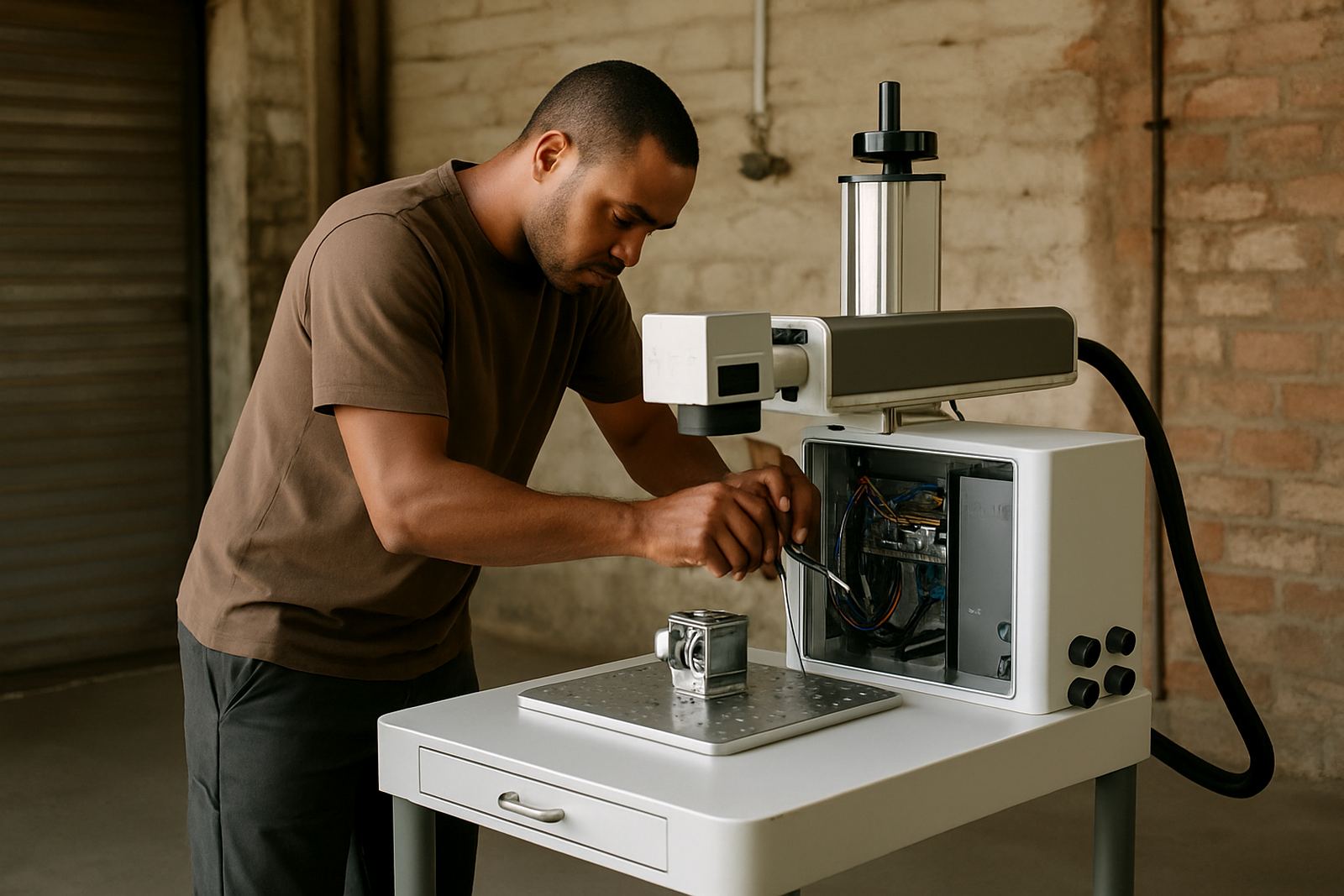
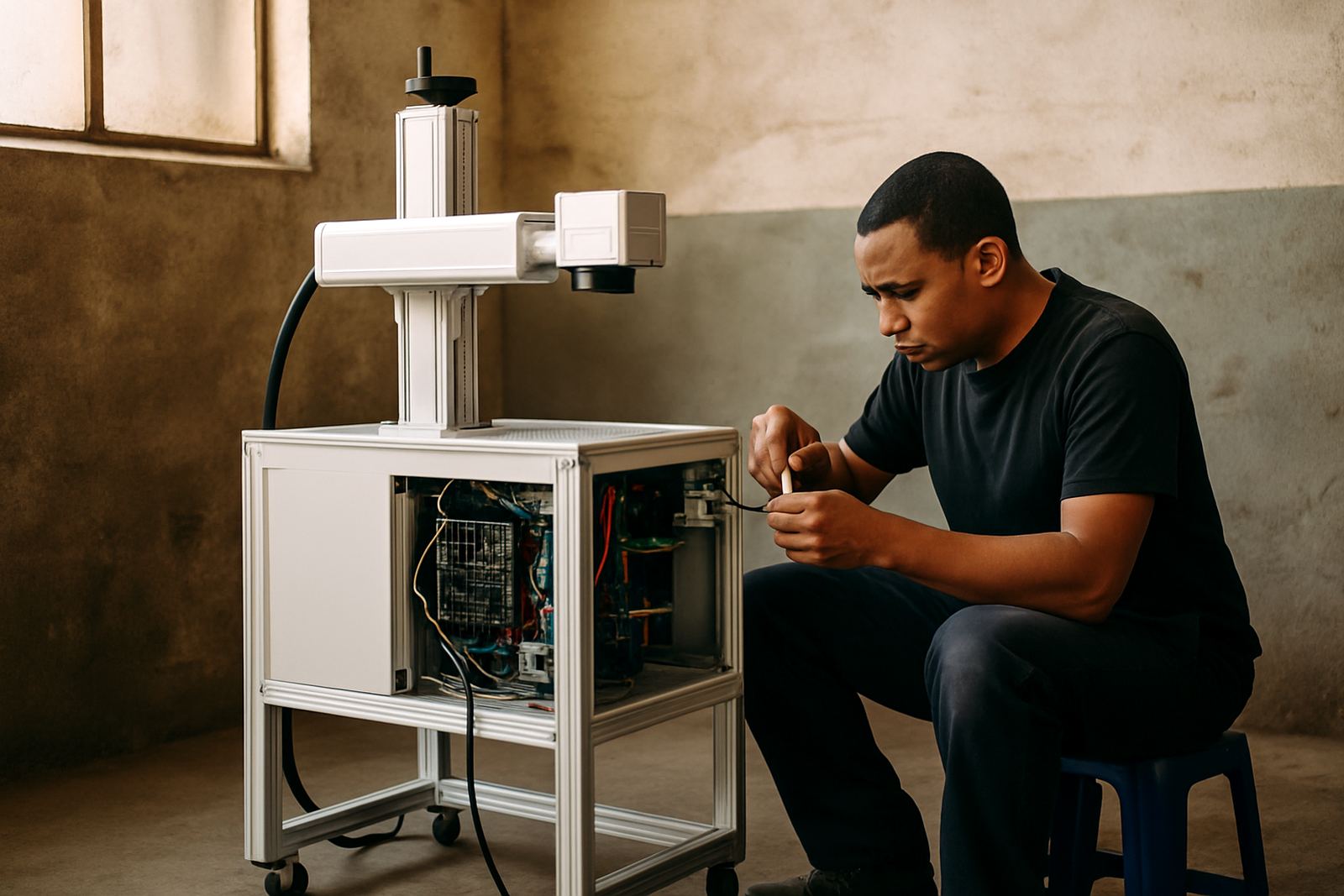
When site attendance is needed, we test the laser source, marking head, control system, software communication, cooling components and safety circuit. If the problem involves poor beam output, uneven marking or repeated alarms, we work through alignment, focus calibration and component condition step by step. On some calls the issue is electrical, on others it is mechanical wear or a failed peripheral. We keep the process practical and clear, so your team knows what has been found and what must happen next.
Common repair jobs on marking and engraving machines
Most breakdowns on fibre laser marking equipment fall into a few patterns. Some are caused by contamination, some by handling damage, and some by ordinary wear after long shifts. In workshops around Germiston, Jet Park, Isando and Boksburg we often see faults after power interruptions, rushed cleaning, or fixtures being changed without checking alignment. Coastal humidity can also affect storage and connectors if machines are not kept in a dry area.
- Replacement of damaged cables, switches or sensors
- Cleaning and re-setting of optical components
- Software communication faults and driver checks
- Cooling or ventilation problems on enclosed units
- Repair of workholding fixtures and clamping errors
- Restoring marking quality after poor focus or lens contamination
If spares are required, we will advise what failed, what can be reused and what should be replaced. That helps avoid unnecessary cost and reduces downtime. We also check whether the machine still meets the marking quality needed for traceability, batch coding or jewellery detail work.
Onsite and remote support for urgent breakdowns
Some faults can be solved remotely, especially software setup problems, parameter issues or a machine that needs to be brought back after a shutdown. Other breakdowns need a field visit, particularly when the laser head, motion system or safety circuit is involved. Our Wadeville support base handles calls across Germiston, Alberton, Kempton Park, Boksburg and nearby industrial areas, with nationwide installs and training when required.
For urgent breakdowns, please have the machine off, the part to be marked available, and one operator on site if possible. That lets us test properly when support starts. If your factory runs on shifts, tell us your production window and any access rules for the area. We can plan around municipal site restrictions, security control or loading bay times so the visit goes smoothly.
- Remote checks for software and setting faults
- Onsite repairs for electrical, optical and mechanical problems
- Clear feedback on what failed and what needs replacing
- Support for small workshops and larger production sites
What to prepare before the technician arrives
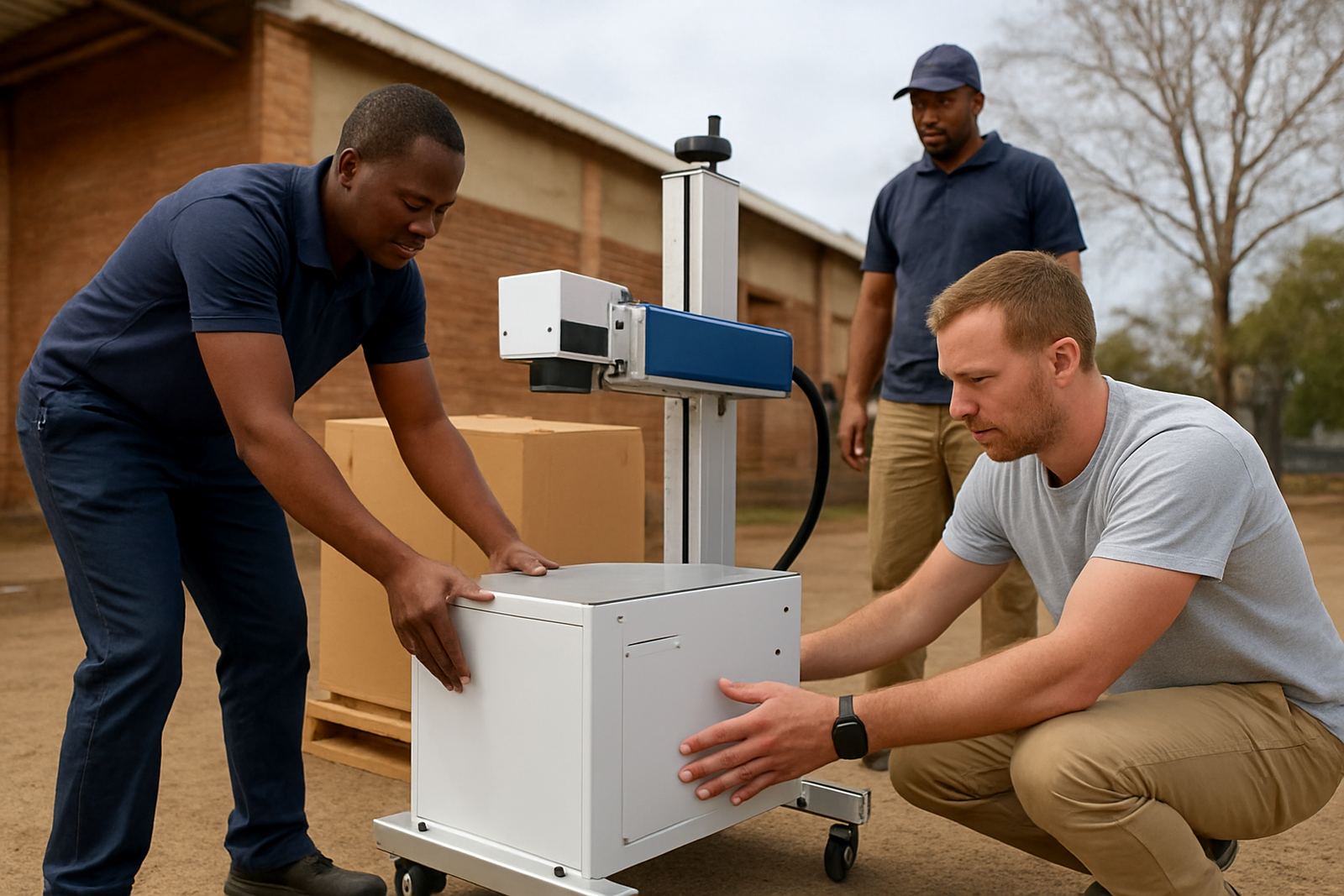
Good preparation shortens downtime. Make sure the machine is accessible, cleaned around the work area and placed where the technician can reach the control panel, cable connections and marking bed. If the machine was moved, tell us. Relocation can cause alignment shifts or loose fittings, even when the move was short.
Please keep sample parts, tooling and any recent files ready. If the issue appears only on stainless steel, aluminium, brass or jewellery pieces, that detail matters. It helps us test the exact material and marking depth. If your team changed a fixture, clamp or focus setting before the fault, mention that too. Small details often point us to the real cause faster than a long explanation.
After the repair: test marking and prevent repeat faults
Once the fault is repaired, we do a test mark and review the result with you. We check clarity, depth, placement and repeatability so you know the machine is ready to go back into production. If the original fault was linked to dust, power instability or incorrect operator handling, we will show your team what to watch for. A short refresher can prevent another stoppage next week, and save a lot of frustration.
Where needed, we can recommend preventive maintenance, software setup adjustments or fixture changes that reduce strain on the machine. For busy sites with multiple operators, a simple handover note and a few fixed checks before each shift can make a proper difference. It is better to catch a loose connection or dirty lens early than wait for a full stop later on.