Fast Remote Help for Laser Settings and Fault Finding
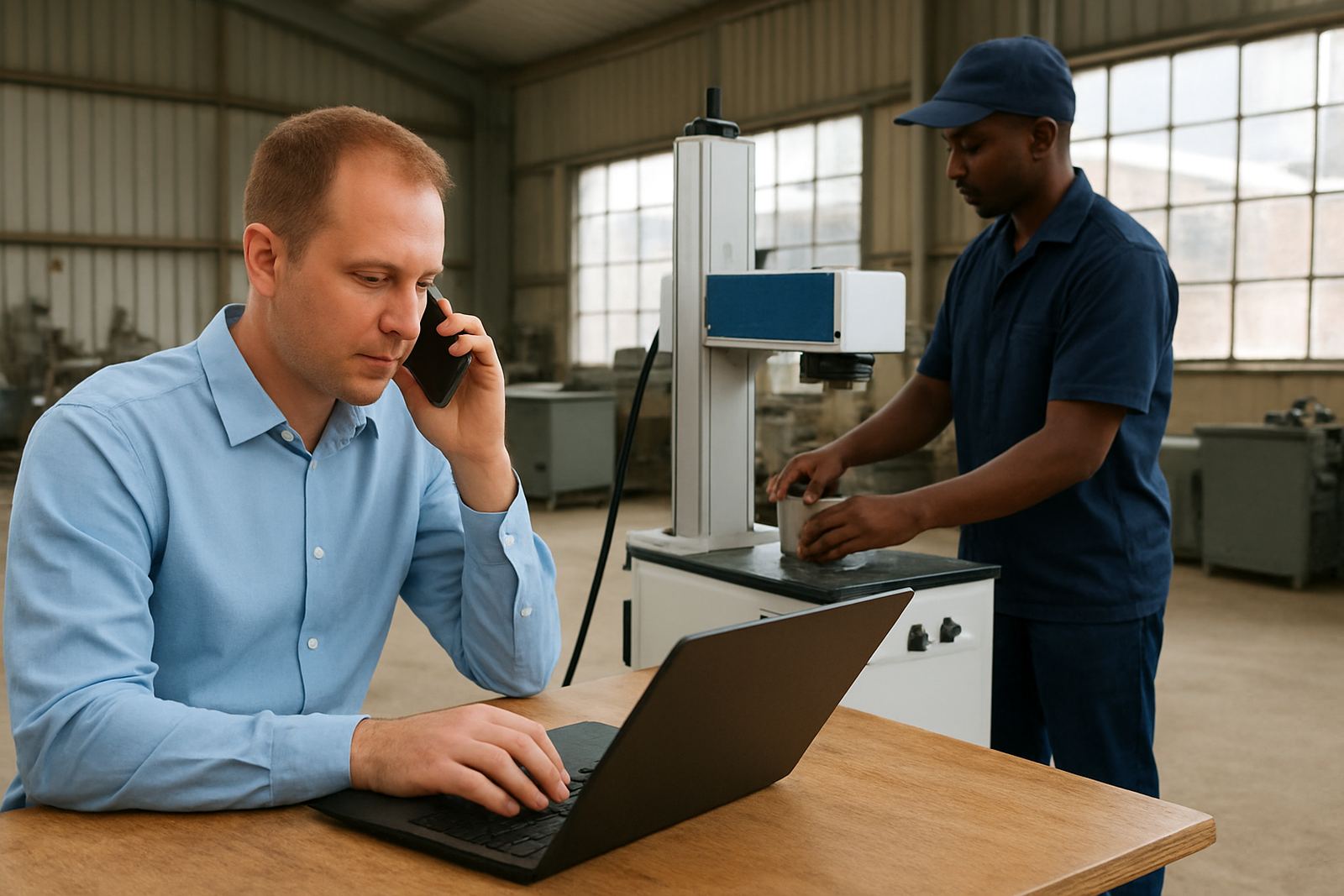
Remote assistance is for moments when you need a technician to look at the machine with you, while you stay at the controls. We help with marking depth, focus, layout, software setup, file import issues, and basic alarms that stop production. It is a practical option for businesses that cannot wait for a site visit, especially when a job is due the same day or the line is already under pressure.
Our team works with fibre laser marking and engraving machines used on stainless steel, mild steel, aluminium, brass and jewellery components. We often assist with marking clarity on small parts, serial numbers, logos, batch codes and fine text. If the machine was running well yesterday and not today, remote support is usually the quickest first step.
What We Can Solve Online or by Phone
Most support calls start with a short description of the problem and what changed before it started. From there, we guide you through checks that are safe to do on site, then narrow the fault down step by step. In many cases, the issue is a setting, a loose connection, a focus height problem, or a marking file that needs adjustment.
- Marking is too shallow, too dark or uneven
- Text or logos are out of position
- Software will not open, save or send a job
- The machine reports an alarm or stops mid job
- Barcode or serial code is not reading properly
- Lens, focus or fixture settings need correction
If the matter points to a part that must be replaced, we will say so clearly and guide the next step. That may mean a spares order, a calibration visit or a planned breakdown repair. No guesswork, just direct support.
How the Remote Assistance Process Works
The process is simple so your operator can follow it without confusion. First, send the problem details through the enquiry form on our contact page. Include the machine model, the material you are marking, a short fault description and, if possible, a photo or sample of the result. Then one of our team members will come back with the next checks and arrange a support session.
- Log the fault and what the machine was doing when it started
- Prepare the part, sample or file that shows the issue
- Follow the guided checks with our technician
- Test the corrected setting or software change
- Confirm whether the job is back to spec or needs further action
We keep the steps practical and short. If the operator is unsure, we talk through the screen settings slowly and make sure they can repeat the process again later without stress.
Training Support for Operators and New Staff
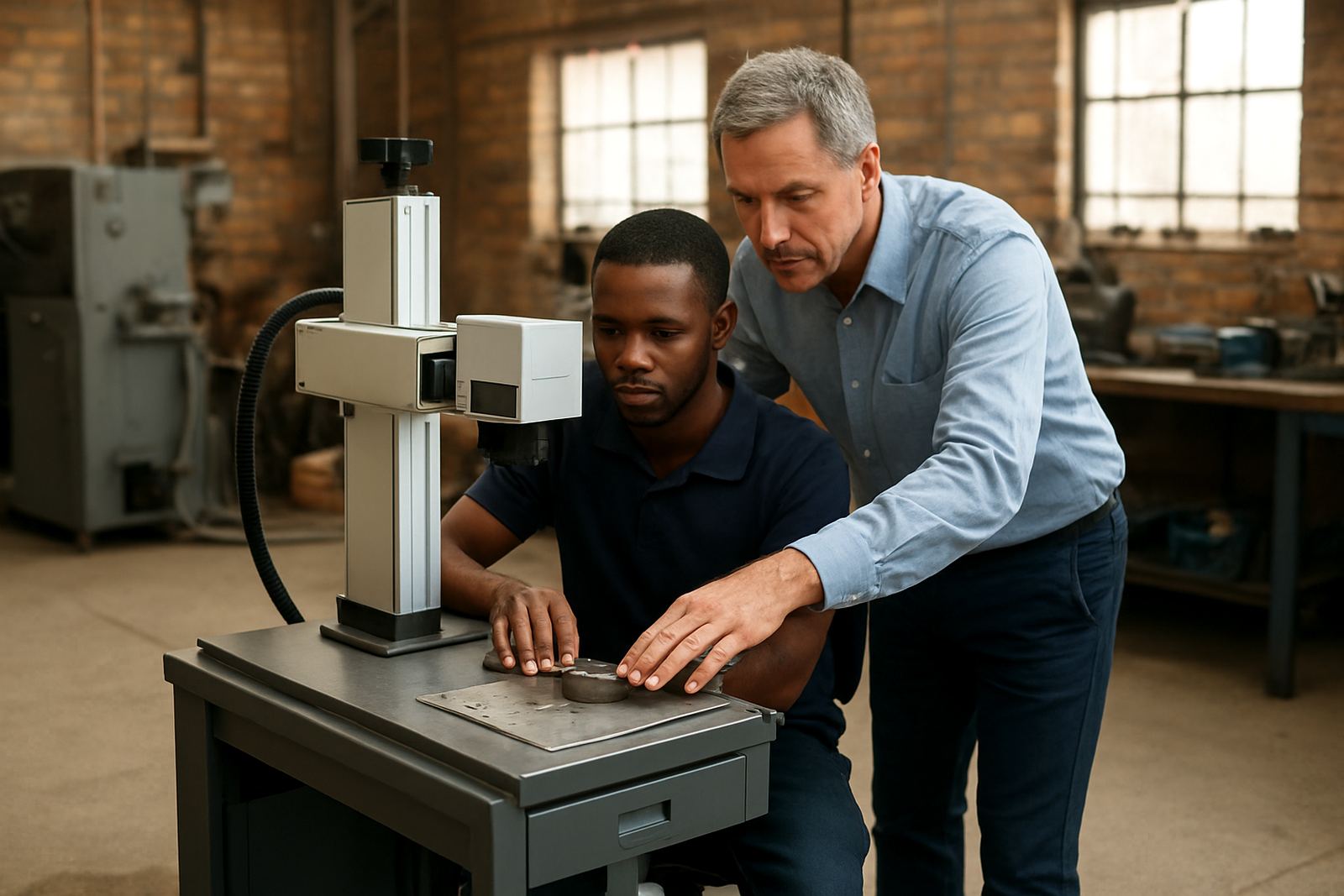
Remote assistance is not only for faults. It also helps when you have a new operator, a fresh production requirement or a marking job that is outside the usual routine. We can talk staff through basic software use, job setup, fixture placement and focus adjustment so they can work with more confidence.
- Setting up a new marking file
- Adjusting speed, power and frequency for different metals
- Checking focus height on flat or uneven parts
- Improving repeatability for batch work
- Saving common jobs for faster changeovers
This is especially useful for workshops with shift changes or mixed experience on the floor. A clear walk-through now can save a lot of downtime later, and it helps your team keep the same marking quality from one job to the next.
When Remote Assistance Suits EZCAD Setup or Fibre Laser Fault Finding
Remote support is often the best place to start when the machine is powered up, the computer is connected and the fault appears to be setting related. It also works well where travel would take longer than the fix itself. For many businesses in Gauteng, KZN, the Western Cape and smaller industrial towns, that can make the difference between finishing the order today or missing dispatch.
It is also useful in plant environments where power interruptions, dust, vibration or humidity have affected the machine. In coastal areas, small alignment shifts and condensation can cause marking issues that seem more serious than they are. We help you rule out the simple causes first, then decide whether a technician needs to come out. Sometimes its just one setting and the machine is fine again.
What to Keep Ready Before the Call
Having the right details ready makes the session quicker and more useful. Keep the machine in a safe state, have the sample part nearby, and make sure the operator knows where the issue showed up. If the problem is linked to a municipal power cut, generator changeover or load shedding, say so at the start because that can affect how we test the machine.
- Machine model and serial details
- Material type and thickness
- Photo of the bad mark or a sample part
- File name or job setup used
- Any alarms, beeps or error messages seen on screen
Once we have that information, we can move faster and avoid repeat calls. Clear detail also helps us decide whether remote assistance will solve it or whether a site visit in Wadeville, Germiston, Jet Park, Isando, Kempton Park, Boksburg or Alberton is the better option.